



Quick verdict: MVLand AI is a browser-based production workspace for turning a song into a planned, generated, and editable music video. Its strongest proposition is workflow consolidation: music analysis, visual direction, storyboarding, shot generation, editing, and export live in one system.
Editorial disclosure and method: Enkio publishes this independent desk-research review and also offers AI music-video tools. We evaluated MVLand using the current official product page checked October 13, 2026.
What is MVLand AI?
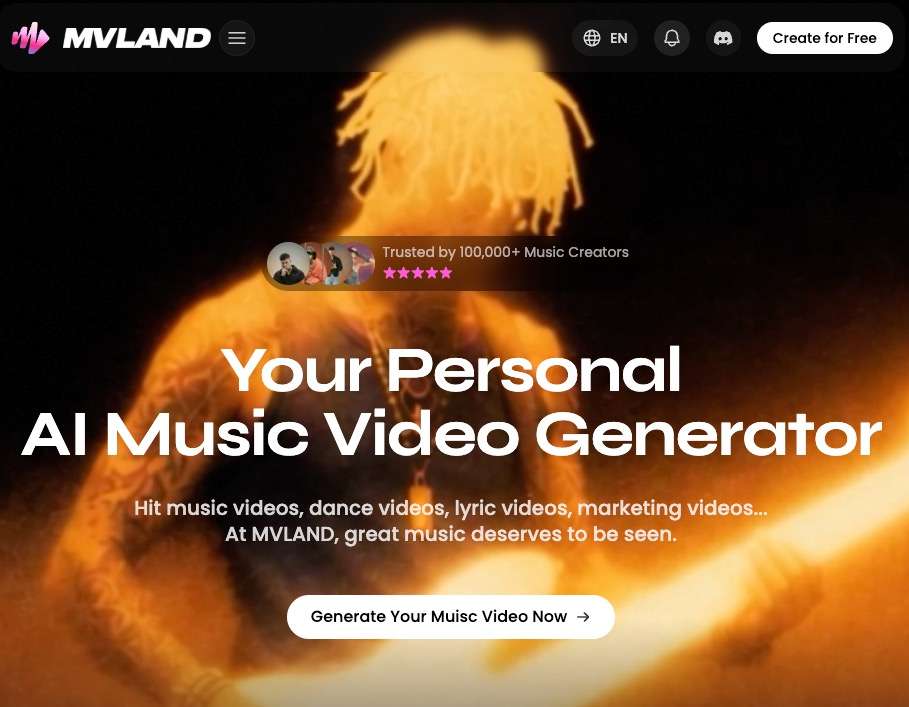
MVLand is an AI music-video creation platform. You upload music, define a visual idea, select a style or character direction, review a storyboard, generate shots, and assemble the result in the same browser workspace. The vendor says its music analysis considers rhythm, accents, mood changes, BPM, drops, and song structure when planning visuals.
This makes MVLand different from a general text-to-video generator that produces isolated silent clips. MVLand is designed around the song as the production brief.
| Decision question | What MVLand offers | What we verify |
|---|---|---|
| Does it analyze music? | Vendor-described rhythm, mood, BPM, drop, and structure analysis | Accuracy on your genre, tempo changes, and song arrangement |
| Can it keep a visual identity? | Character and style controls across shots | Face, wardrobe, object, and location consistency in a full-length render |
| Can I edit the result? | Storyboard adjustment, shot regeneration, editing, and export | Which revisions consume credits and which edits are reversible |
| Can it make performance scenes? | Vendor advertises dance, singing, lip-sync, and narrative workflows | Phoneme accuracy, hand motion, and continuity on your source material |
| Can I publish commercially? | Paid-plan cards advertise commercial rights | The public Terms default to personal, non-commercial use; get written clarification |
How MVLand turns a song into a music video
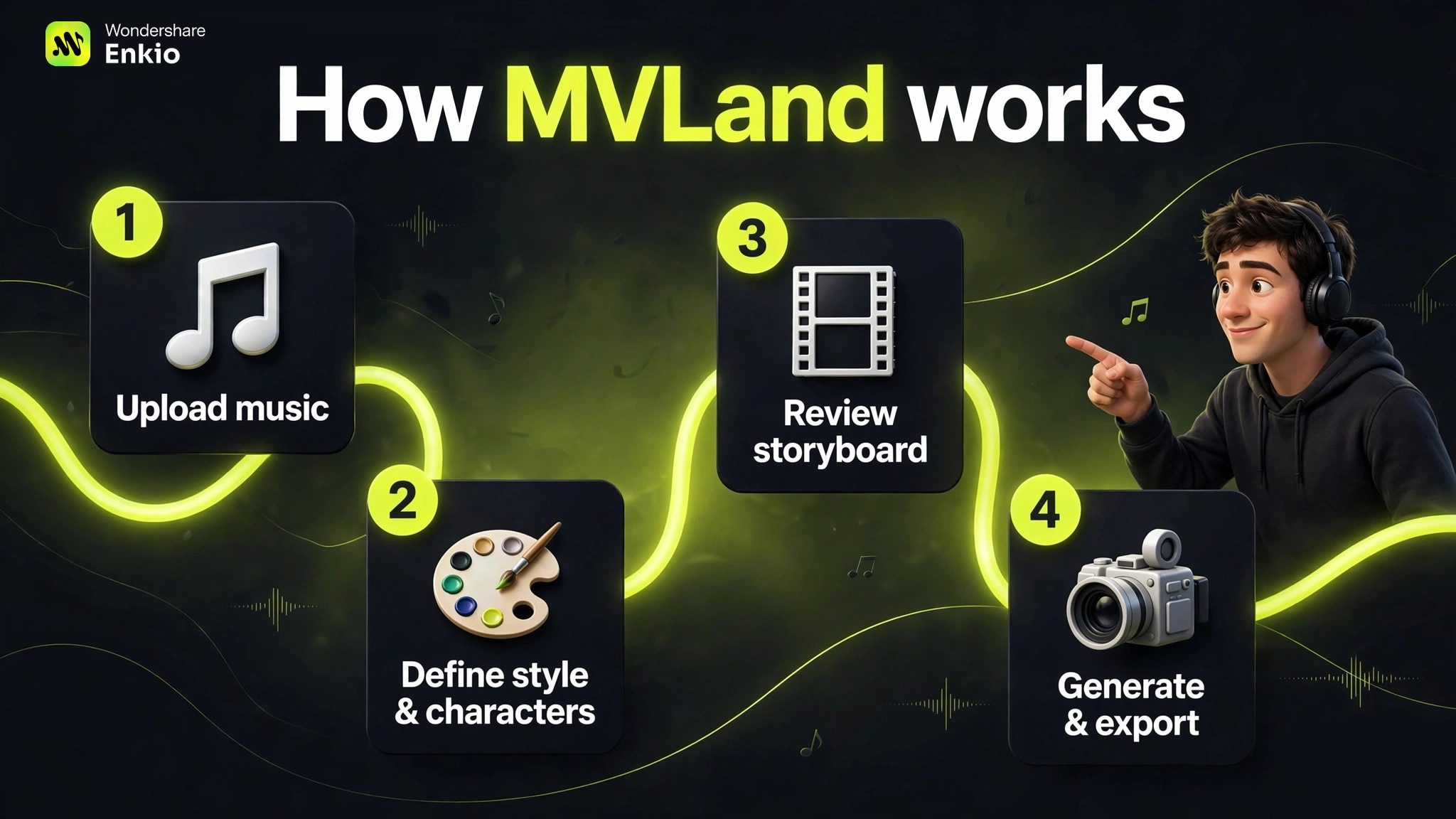
1. Upload music and let MVLand analyze it
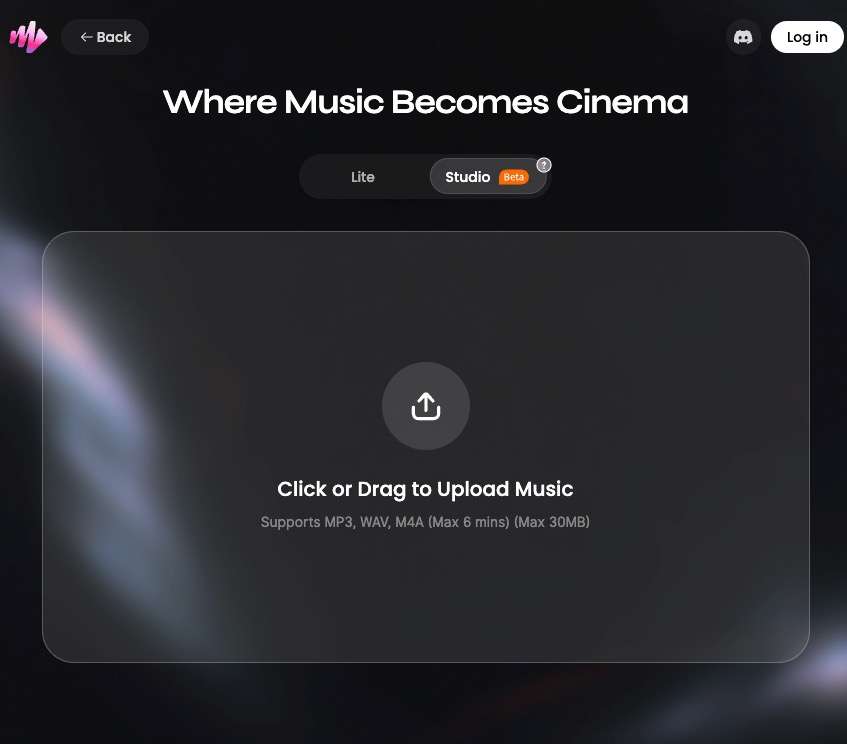
The official workflow begins with an original song or a platform music resource. MVLand says it detects rhythmic accents, energy, and emotional movement to inform later scene planning. Only upload music, vocals, images, and likenesses that you own or are authorized to use: the Terms of Service place responsibility for user content and third-party rights on the user.
2. Define style, characters, and narrative direction
Creators can choose a visual style and define protagonists before generation. This is the stage to specify wardrobe, color palette, location, camera language, aspect ratio, and story constraints. A useful brief describes what must remain consistent, not just the mood.
3. Review the storyboard before spending on final shots
MVLand's product page describes automatic shot planning and a storyboard that can be adjusted. Treat the storyboard as a cost-control checkpoint: confirm that verses, choruses, drops, and narrative beats have the right visual purpose before regenerating expensive video segments.
4. Generate, revise, edit, and export
The vendor says individual shots can be regenerated or manually adjusted and that the finished project can be exported in horizontal or vertical formats for platforms such as YouTube, TikTok, Instagram, and X. Paid-plan cards also advertise HD and 4K export. These are vendor claims rather than independent measurements; verify resolution, watermark status, duration, and credit cost inside your account before committing to a production schedule.
What MVLand gets right
The workflow begins with the music
For musicians, the most relevant feature is not simply “AI video.” It is the attempt to connect musical structure to scene structure. A song-aware storyboard can reduce the manual work of finding cuts, visual peaks, and transitions after dozens of clips have already been generated.
Planning and revision happen before final export
A storyboard-first workflow gives creators a chance to correct the concept before every scene is rendered. That is more useful than one-click generation when a video needs a recurring character, a narrative arc, or specific performance moments.
It combines several production stages
Music analysis, image creation, video generation, storyboarding, editing, and export are presented as one system. This reduces file handoffs and tool switching. The real value depends on whether MVLand's built-in controls are sufficient for your project; a professional color grade, precise typography, or frame-level edit may still require a dedicated editor.
MVLand pricing and credit value
MVLand provides a free plan with access to some templates and content. On October 13, 2026, the monthly pricing view displayed Basic at $30 for 1,000 monthly credits, Plus at $60 for 2,500, Max at $120 for 7,000, and Ultra at $199 for 20,000. Prices, promotions, taxes, and credit consumption can change, so confirm the live checkout and in-product render quote.
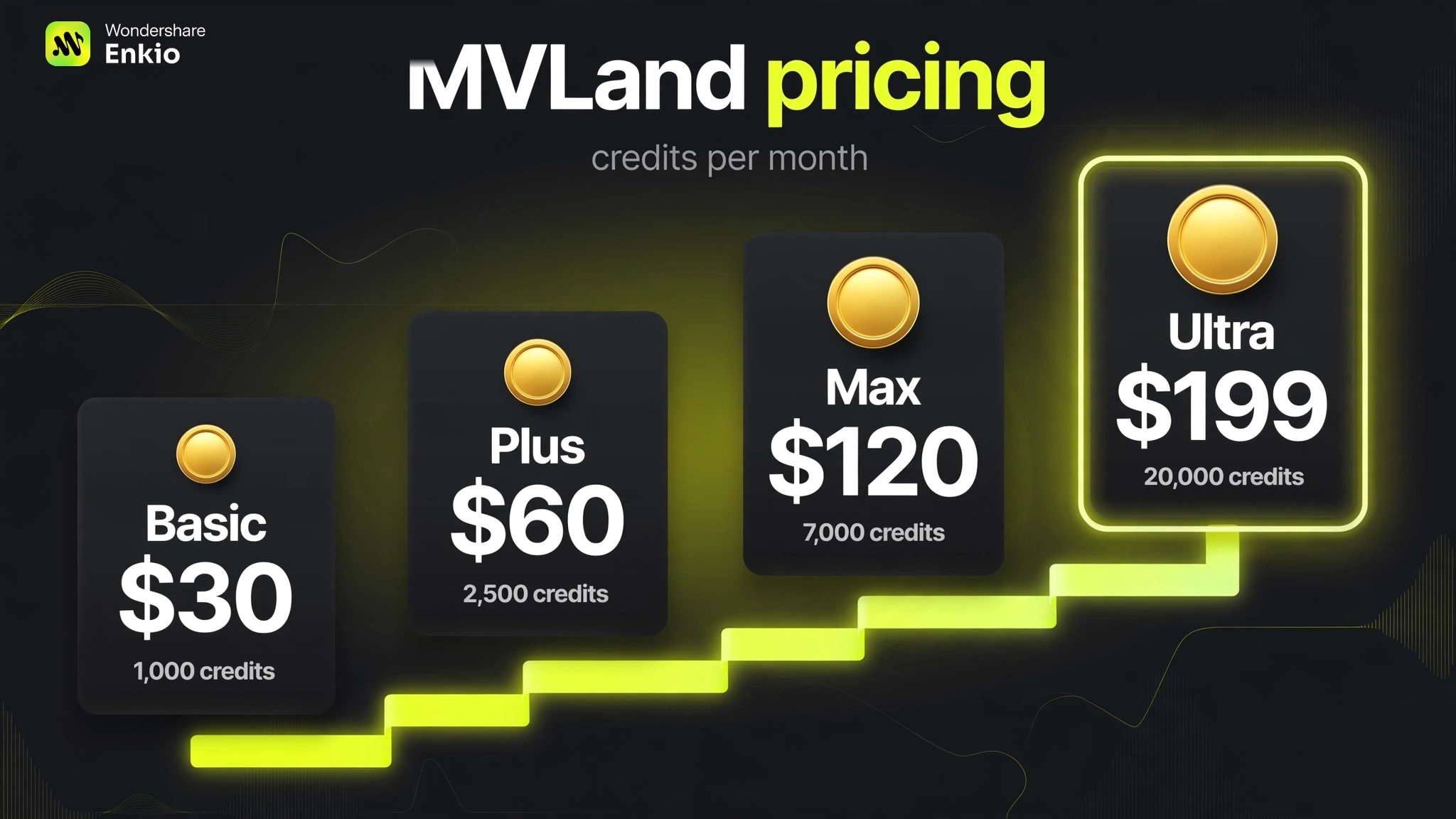
| Monthly plan observed | Monthly credits | Price shown | Calculated cost per 1,000 credits |
|---|---|---|---|
| Basic | 1,000 | $30 | $30.00 |
| Plus | 2,500 | $60 | $24.00 |
| Max | 7,000 | $120 | About $17.14 |
| Ultra | 20,000 | $199 | $9.95 |
Larger plans lower the nominal price per 1,000 credits, but that does not prove they are better value for every creator. MVLand does not present one universal “credits per finished minute” figure on the public pricing page. Model choice, number of shots, retries, resolution, and other operations can change consumption. Run one representative project on the free plan, record the credit use for each stage, then estimate a full release cycle before upgrading.
The pricing FAQ also says subscription credits do not roll over to the next billing period. Unused credits expire at the end of the cycle, which makes an oversized plan poor value even when its unit cost is lower.
The biggest limitation: commercial-rights language is inconsistent
The live pricing cards advertise “full ownership and commercial rights” for paid plans, and the pricing FAQ says paid users receive commercial-use rights. However, the public Terms of Service of MVLand say that, unless otherwise stated, MVLand and its AI features are for personal and non-commercial use. The Terms also distinguish your uploaded “User Content” from “Our Content” supplied by the service.
Those statements may be intended to work together through plan-specific permissions, but the public wording does not provide a clean, universal commercial license for every asset and output. Before releasing a monetized video, client campaign, advertisement, or resale product:
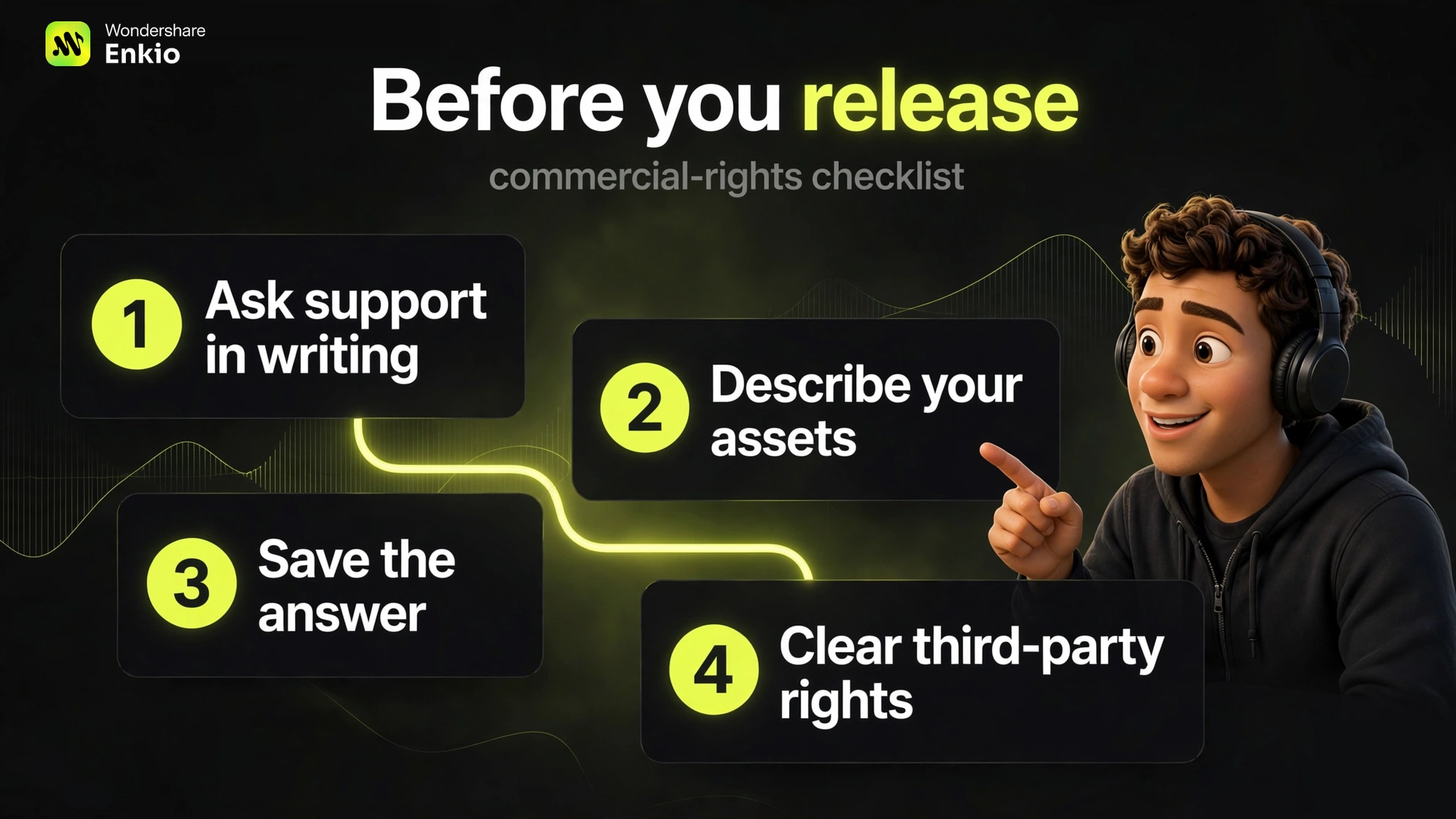
- Ask MVLand support to confirm that your exact plan permits the intended commercial use.
- Describe whether the project uses your own uploads, MVLand templates, stock assets, or other platform content.
- Save the answer, invoice, plan terms, and generation date with the project records.
- Clear any third-party music, likeness, trademark, or reference-image rights separately.
Commercial permission is also different from exclusive copyright ownership. AI-output copyright varies by jurisdiction and by the level of human authorship. This article is decision guidance, not legal advice.
Where MVLand may fall short
- No independent quality score in this review: character consistency, lip-sync, render time, and music alignment need controlled testing on the same songs and settings. Vendor examples cannot establish average performance.
- Credit cost is project-dependent: public plan totals do not tell you the cost of a finished three-minute video with revisions.
- Unused subscription credits expire: buying a larger tier can waste money if releases are irregular.
- Rights require clarification: the pricing page and legal terms do not express commercial permission in the same way.
- Cloud processing has privacy implications: music, images, video, metadata, and AI inputs or outputs may be processed to deliver the service.
- An all-in-one editor may not replace an NLE: demanding color, compositing, typography, sound, or frame-level edits may still need specialist software.
MVLand vs Enkio: which is the better fit?
Many MVLand reviews ask whether it is “better” than one named competitor. A more useful comparison starts with the workflow you actually need.
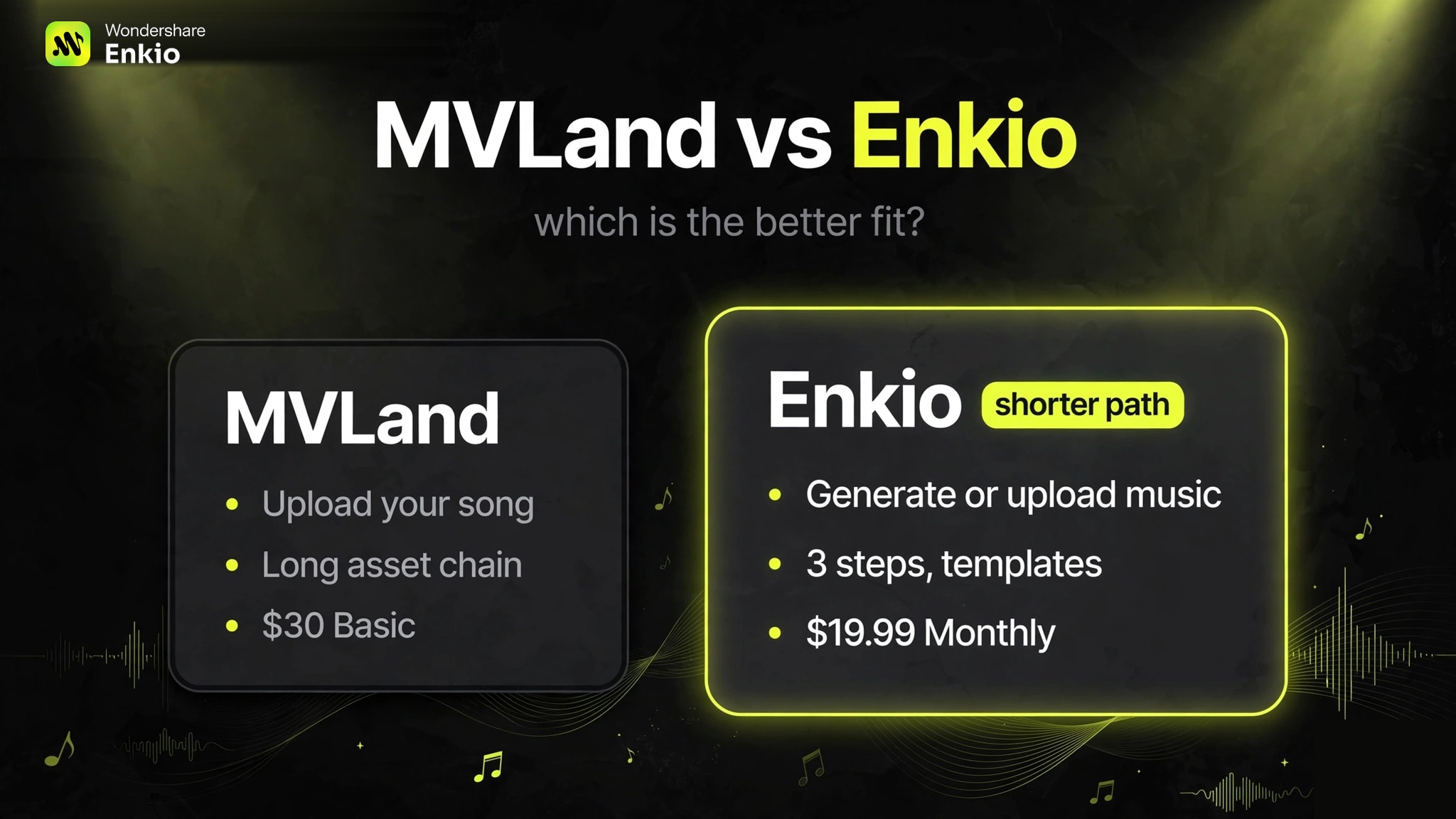
MVLand and Enkio both start from the song rather than from isolated clips, but they are built for different starting points. The most practical difference is this: MVLand assumes you already have a finished track and want granular control over a long production chain; Enkio covers the step before that too — it can generate the song itself (text-to-music with vocals, including custom lyrics) and then turn it into a cinematic MV in the same workflow.
MVLand's workflow is an asset-based long chain: upload the song, define style and characters, review a storyboard, generate assets per scene, assemble and edit. That gives fine control over each shot, at the cost of more steps and more decisions. Enkio's official flow is three steps: upload your song and image → add an optional creative prompt → generate and continue editing. You do not have to write a prompt to begin — pick a template, add the song and the image, then generate (you still need to supply the music and the image; templates remove the prompt step, not the inputs).
| Decision point | MVLand | Enkio |
|---|---|---|
| Music source | Upload your own song or use a platform music resource | Upload a song, pick official tracks, or generate the song itself (text-to-music with vocals and custom lyrics) |
| Workflow shape | Long asset-based chain: song analysis → style/characters → storyboard → per-scene asset generation → assembly and editing | Three steps: upload song + image → optional prompt → generate and continue editing; templates let you start without writing a prompt |
| Entry price observed | Basic $30/month for 1,000 credits (observed October 13, 2026) | Monthly $19.99 for 3,000 credits per month (as of September 2026; check the official pricing page for current plans) |
| MV modes | Character and style controls; dance, singing, lip-sync and narrative workflows | Solo MV Mode, Two-Person (Duet) MV Mode, and Ultra Mode MV |
Our recommendation: choose Enkio if you want the shortest path from an idea to a finished MV — especially if the song does not exist yet, since Enkio generates the music and the video in one workflow, at a lower entry price, with a template-first start. MVLand remains worth testing if you already have a finished track and want asset-level control across a storyboard chain — but run a representative project on the free plan first, record the credit cost per stage, and get commercial-use permission in writing before any monetized release.
Who should use MVLand?
Best fit: independent artists, social-content teams, and frequent music creators who want a guided, browser-based path from song analysis to storyboard, generated shots, revisions, and export.
Weaker fit: occasional creators who may lose unused credits; teams that need confidential processing or negotiated data terms; editors who require exact frame-level control; and commercial clients who cannot proceed without unambiguous written rights documentation.
Want the shorter path to a finished MV?
Upload your song and an image — or generate the song itself in Enkio — pick a template, and start generating. No prompt writing required to begin.
Frequently asked questions
Is MVLand free?
Yes. MVLand's pricing FAQ says all users can access a free plan with some templates and content. Check watermark, export, credit, model, and project limits in the account before treating the free tier as a production plan.
How much does MVLand cost?
On October 13, 2026, the monthly view showed $30 for Basic, $60 for Plus, $120 for Max, and $199 for Ultra. Annual promotions and live prices can change, so verify the current billing period, credits, taxes, and renewal price on the official pricing page.
Can I use MVLand videos commercially?
Do not assume a blanket yes. Paid-plan cards advertise commercial rights, but the current Terms and AI Terms default to personal, non-commercial use unless otherwise permitted. Ask MVLand to confirm your plan, assets, and intended use in writing before monetized or client publication.
Is MVLand AI safe and legitimate?
MVLand publishes operator information, Terms, a Privacy Policy, support contacts, and paid-plan details, which are meaningful legitimacy signals. Safety depends on your material and risk tolerance: its policies allow processing of AI inputs and outputs, image metadata, device data, and certain facial information. Avoid confidential or unauthorized uploads.
MVLand vs Enkio: which should I choose?
Choose Enkio if you want the shortest path to a finished MV: upload a song and an image — or generate the song itself with vocals and your own lyrics — pick a template, and generate. No prompt writing is required to start, and the monthly entry plan is $19.99 for 3,000 credits (as of September 2026). Choose MVLand if you already have a finished track and want asset-level control across a longer storyboard chain — but test the credit cost on the free plan first and get commercial-use permission in writing, since its pricing-page claims and Terms of Service do not read the same way.
Final verdict
MVLand has a coherent idea: let the song drive the concept, storyboard, shots, and edit instead of treating music as an afterthought. That makes it worth testing for creators who want a complete AI music-video workflow — and see the MVLand vs Enkio comparison above if you want the shorter alternative, where the song itself can be generated and the MV built in the same workflow. The buying decision should depend on a representative credit test, the level of control you need, and written confirmation of commercial rights. Until those checks are complete, MVLand is best treated as a promising production option—not a guaranteed one-click replacement for a director, editor, or rights review.