Turn Your Song Into an Unforgettable Music Video
Upload a song and a reference image. Enkio analyzes lyrics, rhythm, and emotion, generates different scenes, and assembles a complete AI music video you can edit shot by shot.
Not Just a Few AI Clips. A Complete Music Video.
Enkio is an AI music video generator that brings song analysis, creative direction, characters and settings, scene generation, shot-level revisions, and final assembly into one workflow. Create the energy of a live performance, tell a complete story, or build a surreal visual world. AI moves the production forward efficiently while you stay in control of every scene.
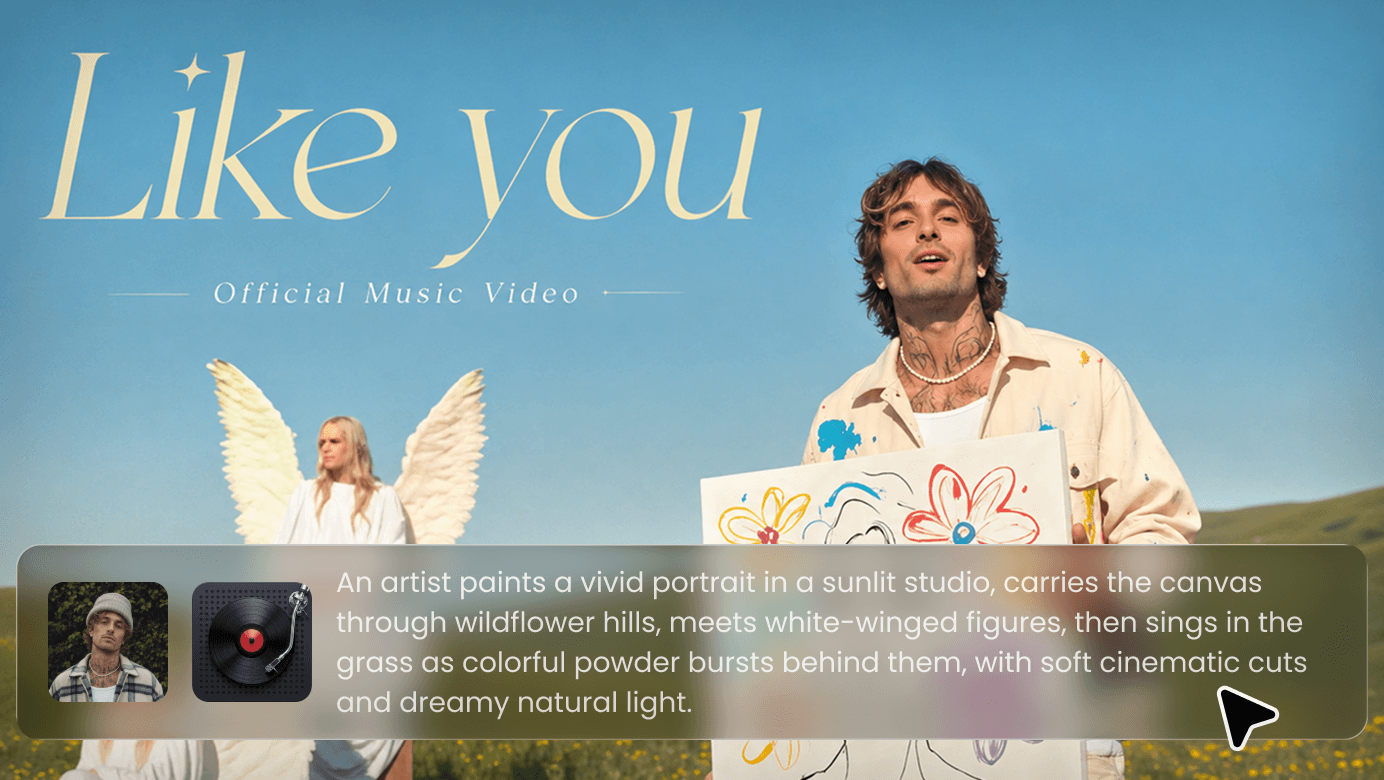
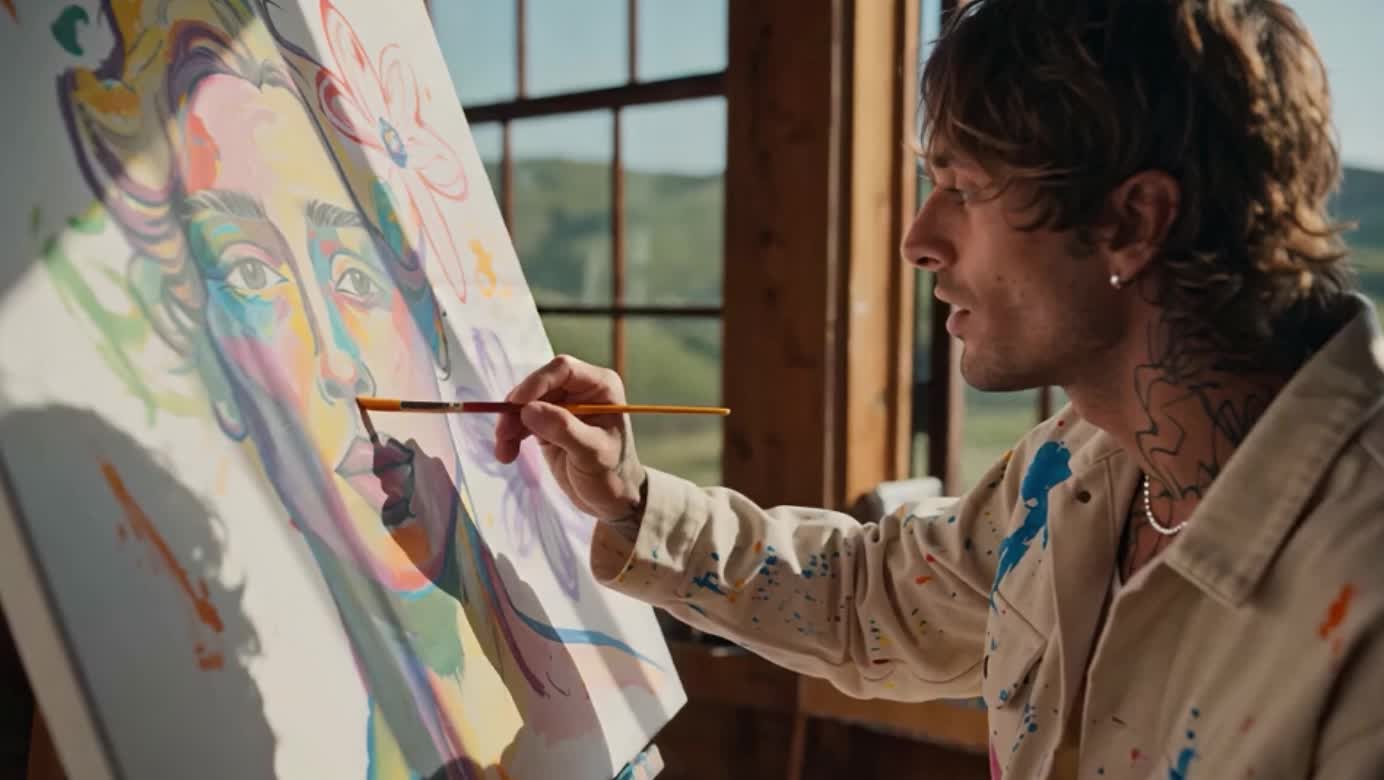
It Understands Music—and Follows Your Creative Direction
Enkio starts by understanding the track, then builds a consistent visual style and narrative pace. Refine the characters, environments, and individual clips until the entire music video is ready to release.
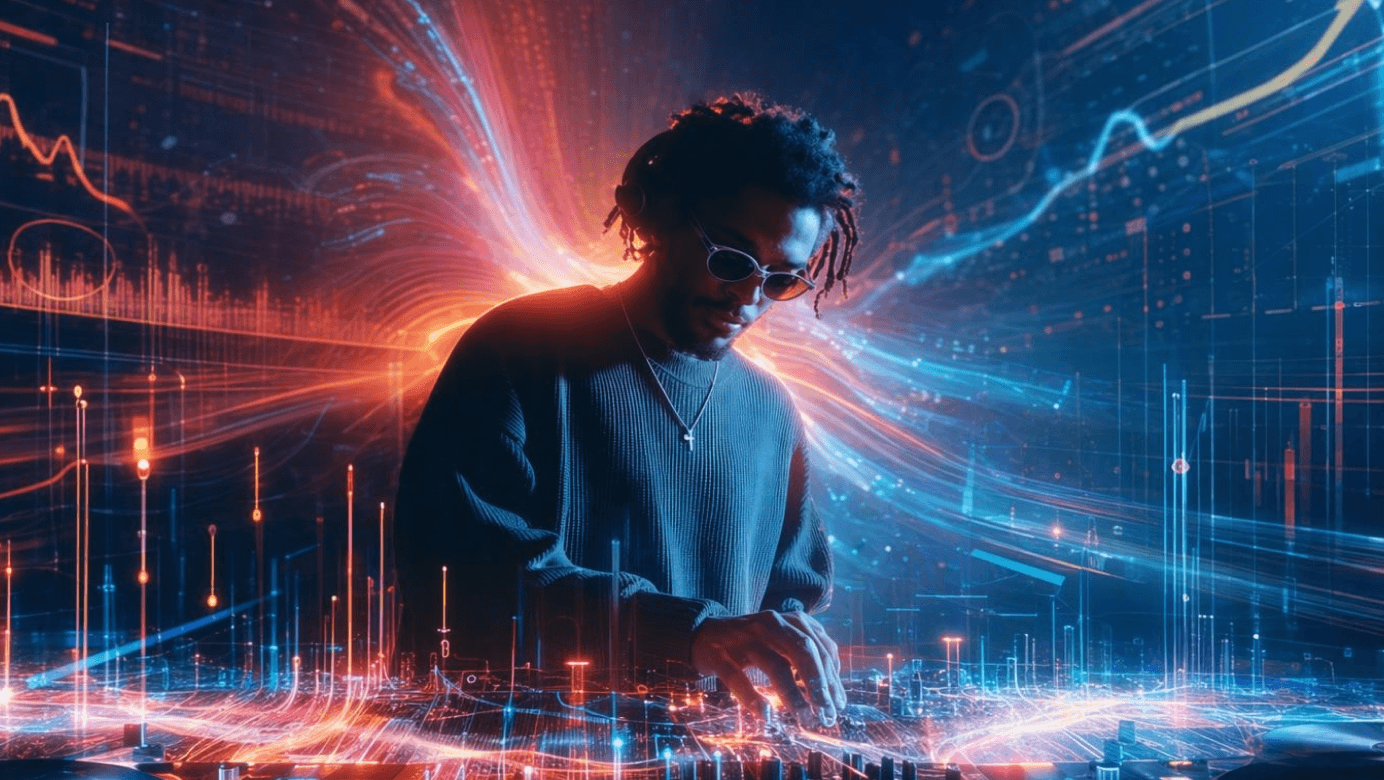
Let the Music Shape Every Scene
Enkio maps lyric timecodes, rhythmic changes, and emotional shifts across the track. It identifies the intro, verses, choruses, and key moments so the visual intensity moves with the music.
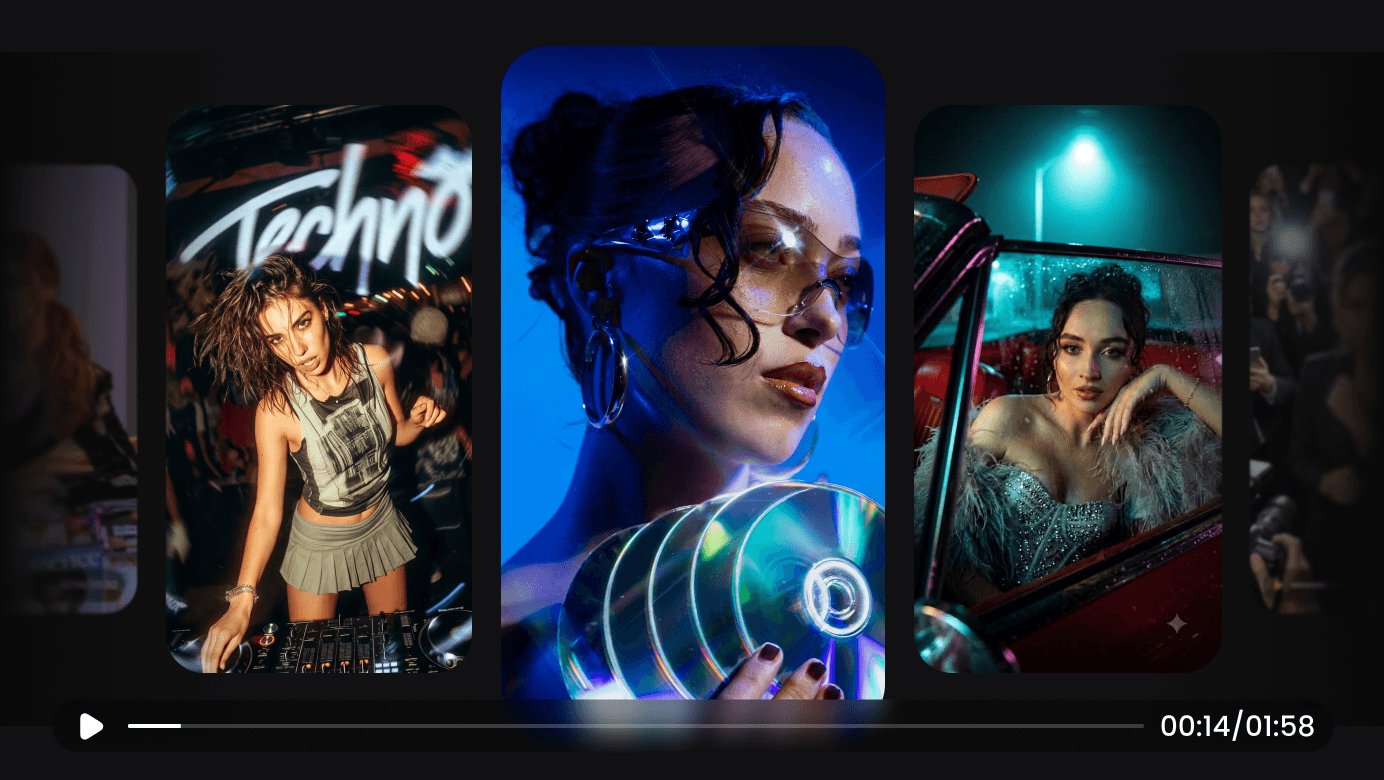
Give the Entire MV One Clear Visual Direction
Based on your song and reference image, Enkio creates an overall visual concept and a scene-by-scene creative plan. Whether it’s a live performance, a character-led story, or abstract imagery, every segment can be integrated into the same visual world.
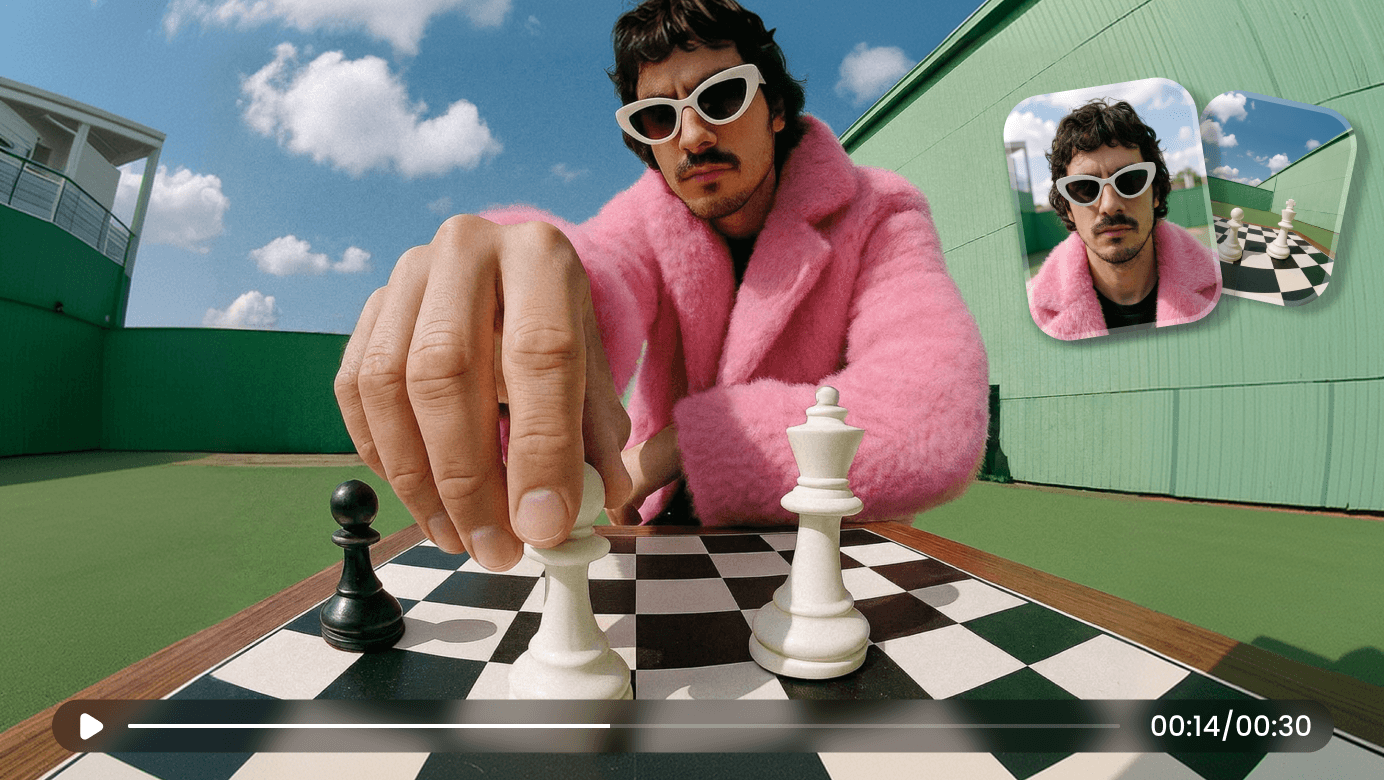
Keep Characters, Stages, and Settings Consistent
Generate the main visual assets and character references before scene production begins. Edit the descriptions or regenerate the assets until the characters, styling, and visual world feel right.
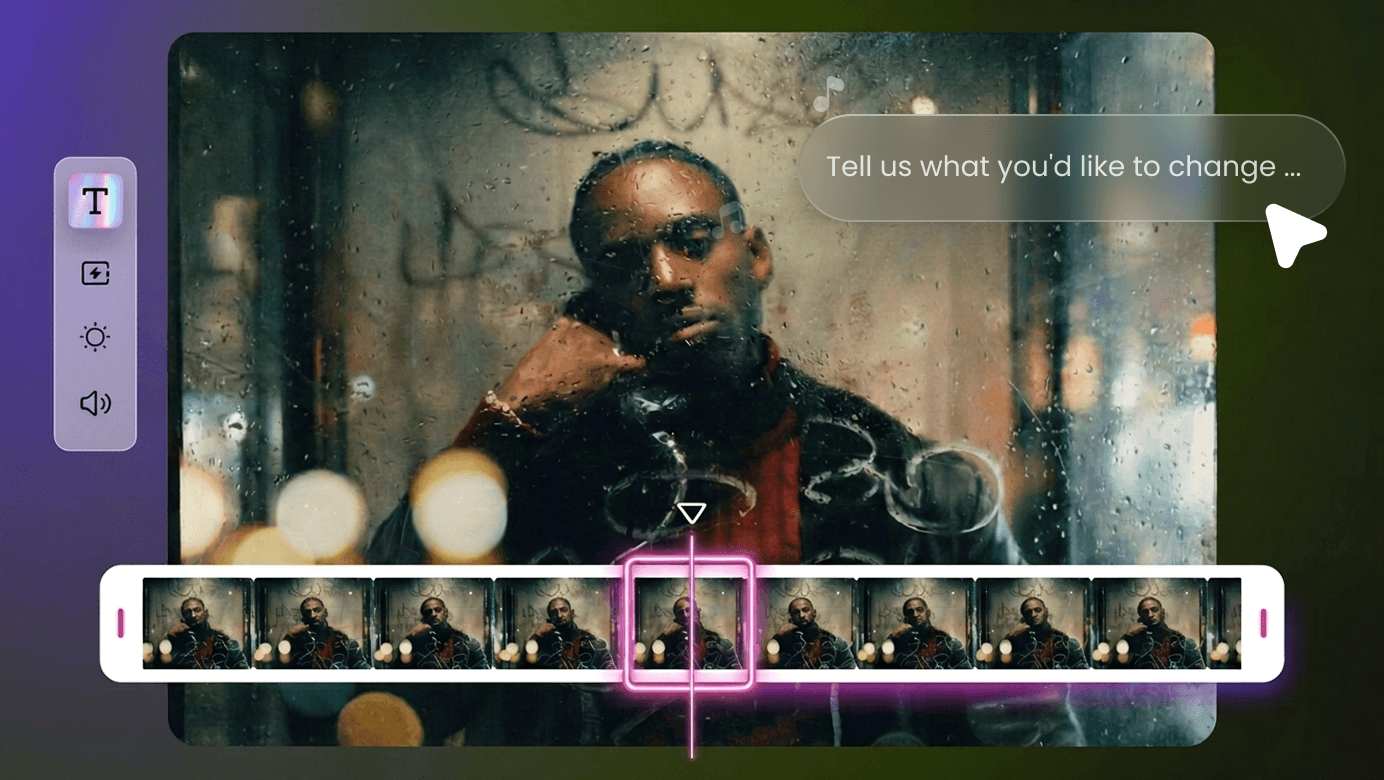
If One Shot Feels Wrong, Redo Only That Shot
Every scene has its own image and video description. Adjust the action, framing, camera movement, or atmosphere, then regenerate the selected clip without rebuilding the entire music video.
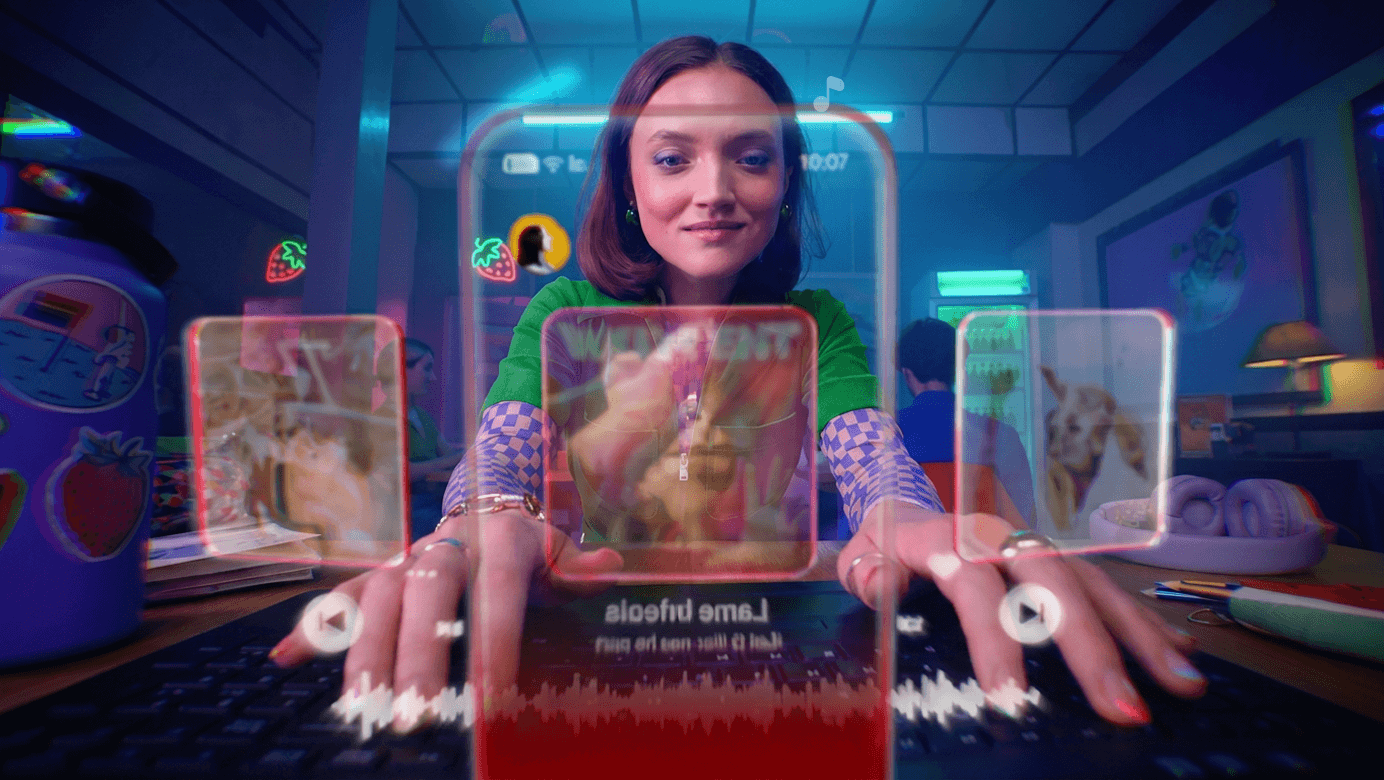
Turn Individual Clips Into a Release-Ready Music Video
Enkio assembles the completed clips into one continuous MV. Preview the full video, review scenes individually, and save the final cut once the pacing and visuals feel right.
Every Song Deserves Its Own Visual World
Starting with your song and reference image, Enkio turns different cultures, genres, and creative directions into complete music videos that feel cohesive, distinctive, and made to be remembered.
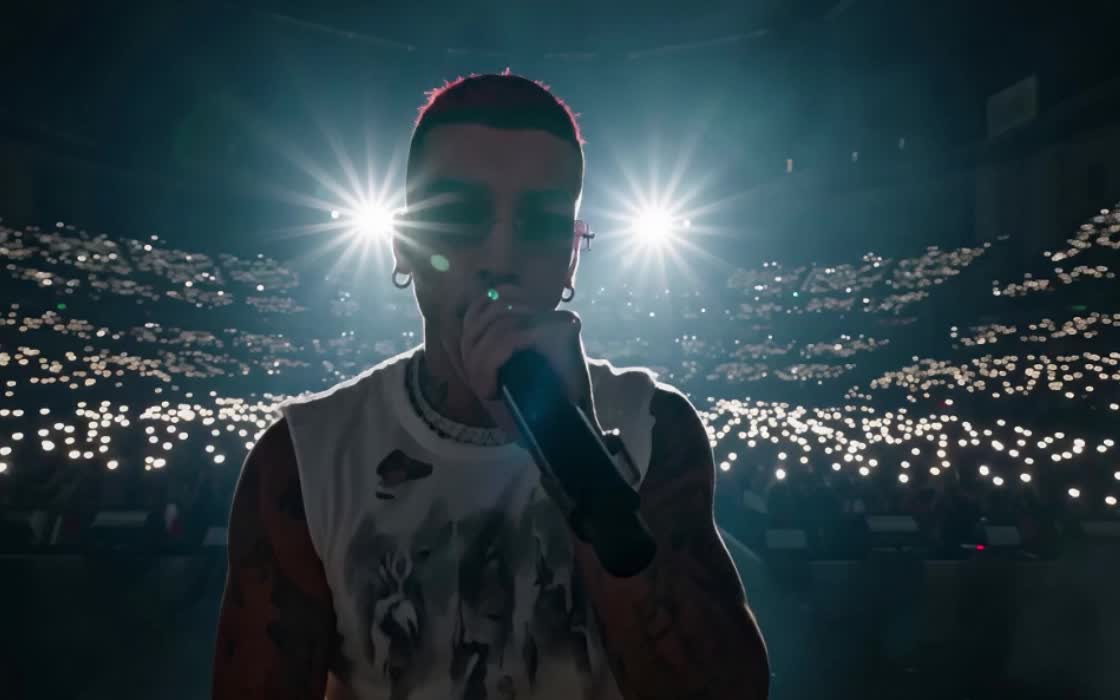
From intimate vocals to rapid-fire rap, Enkio keeps lip movement, lyrics, and musical timing naturally aligned while preserving the artist’s expression, attitude, and on-camera presence. The result feels less like a character simply moving to the music and more like a performance unfolding in front of the viewer.
Your Song Moves People. Enkio Brings It to the Screen.
- 1
Upload Your Song and Set a Visual Starting Point
Upload an MP3 or WAV audio file between 15 seconds and 5 minutes, then add one reference image. You can also enter an optional prompt and choose the resolution and aspect ratio.
- 2
Analyze the Track and Shape the Visual Direction
Enkio maps emotional changes, organizes lyric timecodes, identifies key musical sections, and creates a creative outline and scene plans.
- 3
Confirm the Characters, Stage, and Settings
Review the main visual assets and character references. Edit the descriptions or regenerate anything that does not match your intended look.
- 4
Generate Scenes and Fine-Tune Each Shot
Create images and video clips for each sequence, then adjust the action, framing, camera movement, or atmosphere of any scene that needs another pass.
- 5
Assemble the Full Music Video
Merge all the clips, preview the complete MV, review individual scenes, and save the final music video.
Enkio AI Music Video Generator FAQ
Everything you need to know before creating your AI music video.
- Upload one MP3 or WAV audio clip that is 15 seconds to 5 minutes long, along with one reference image.