
Create images and music videos directly in your AI tools
 MCP
- 1
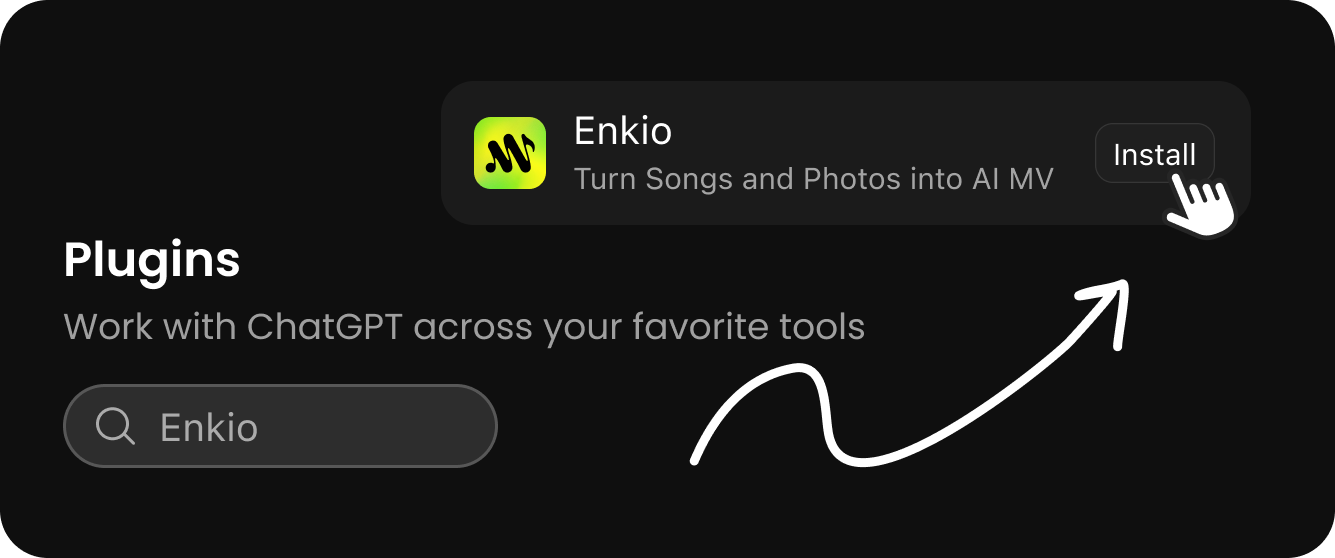
Add the Enkio plugin to ChatGPT
Find Enkio in the plugins and add it. Installed Codex? Open on desktop
- 2
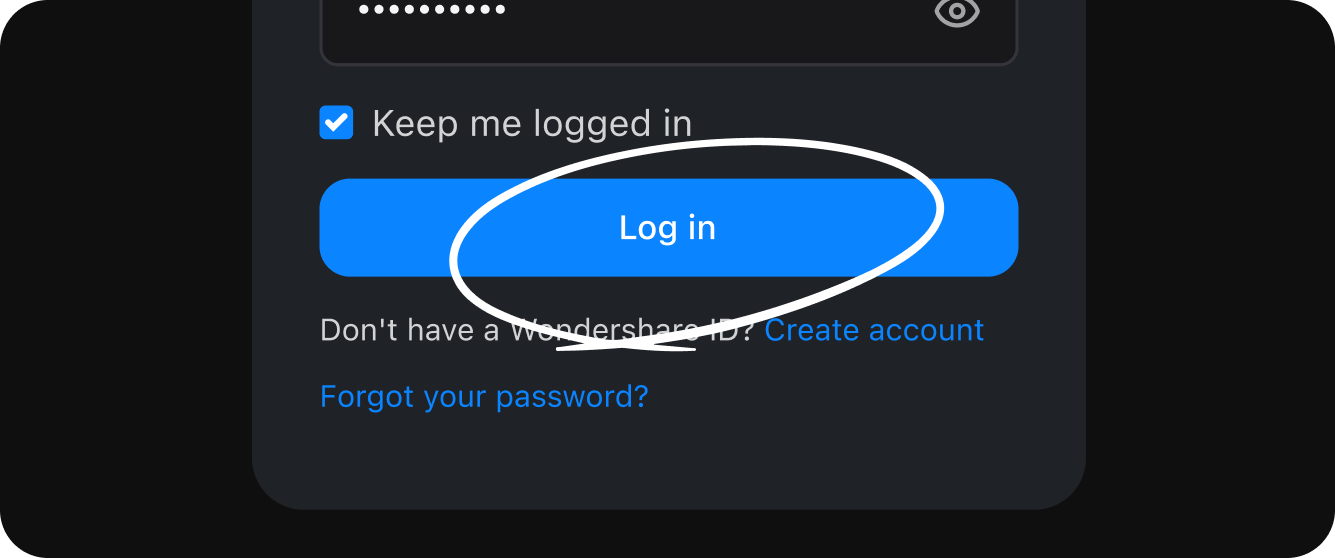
Authorize
Sign in to your Enkio account to complete the connection. It only takes a few seconds and no API keys are needed.
- 3
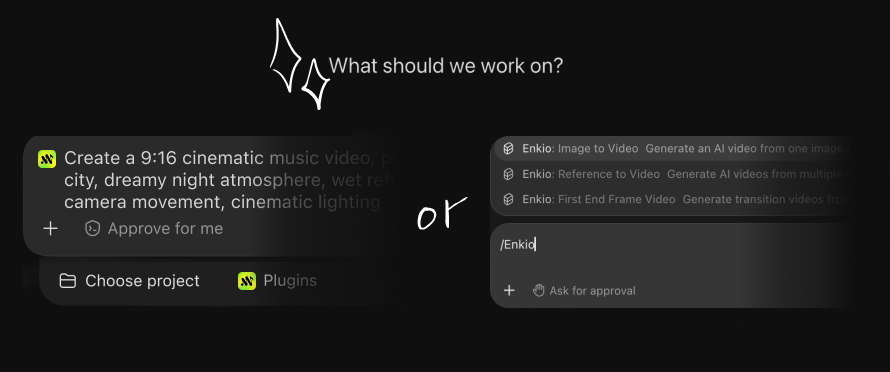
Activate and Generate
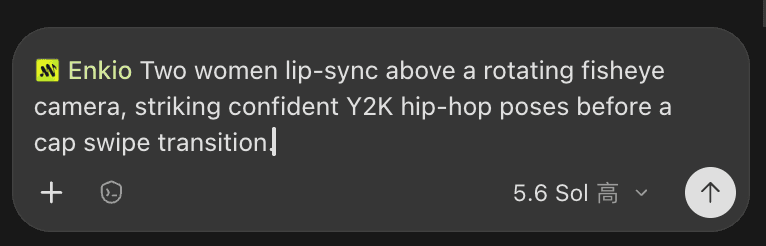
Type @Enkio or /Enkio in the message box to activate it, then ask ChatGPT directly to generate images or videos.
 Start Creating
What Are Enkio MCP & Skills?
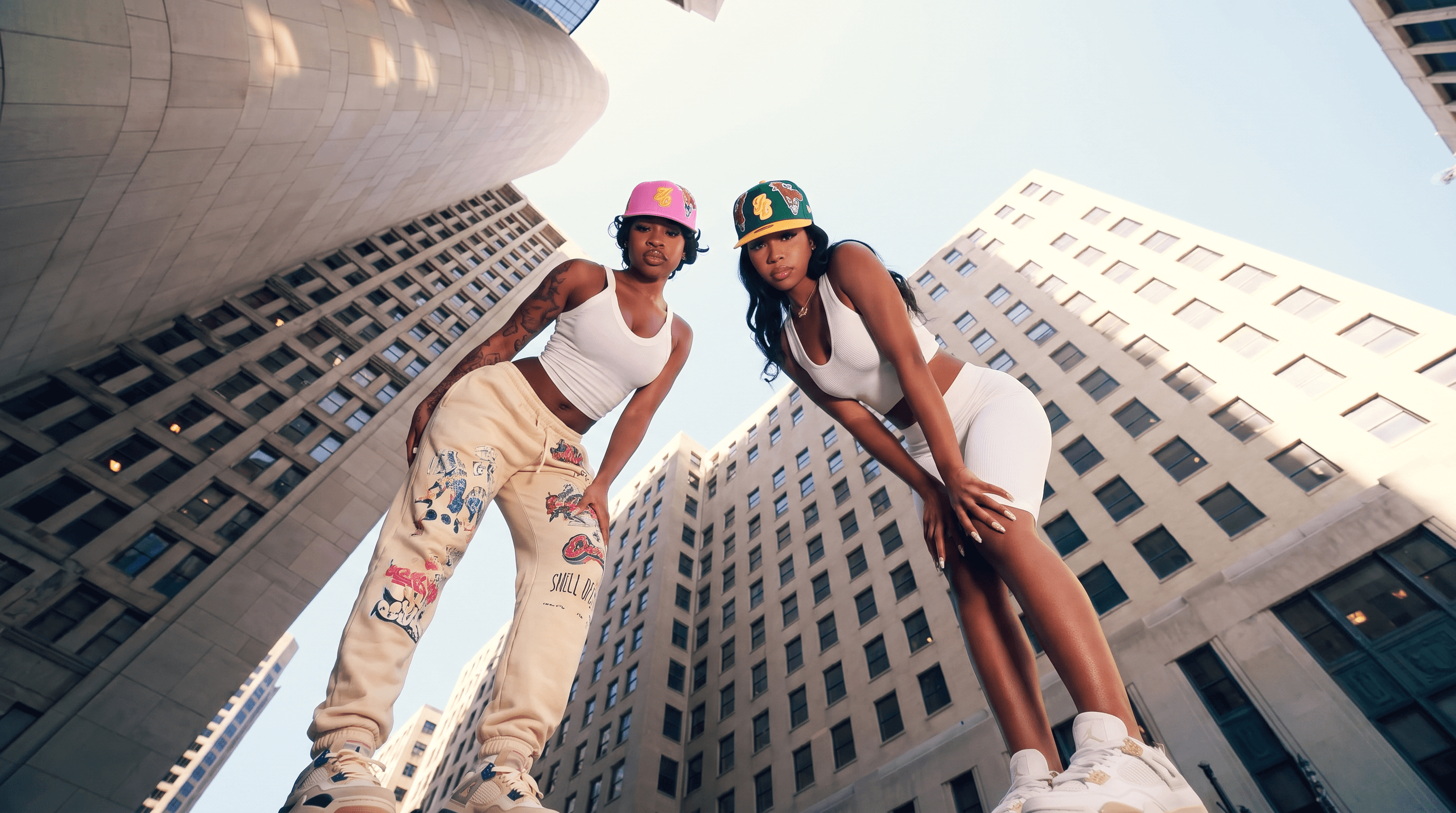
Enkio MCP connects compatible AI agents to Enkio's creation Skills for generating images, videos, and music videos. Use a compatible AI agent to generate and edit images, create videos, or turn songs into AI music videos.
Why choose Enkio MCP to create music videos?
Enkio integrates image generation, video generation, and AI music video creation into an MCP-powered creative workflow. Describe your idea and provide a prompt, image, visual reference, or song to create directly in an AI conversation.
Use Enkio MCP with compatible AI tools like Claude and ChatGPT. Describe the image, video, or music video you want to create, and keep building it in the same conversation.
How does MCP work?
Still have questions?
- Enkio MCP connects compatible AI agents with Enkio’s AI creation workflow. Using natural language, your AI assistant can access features such as image generation, image-to-image editing, text-to-video, image-to-video, reference image-to-video, and music video creation.