Enkio is a web and app product that turns a song plus a set of images into a finished music video, and it also generates the music itself when you do not have a track yet. This review is written by the Enkio team: the claims below are drawn from the product's own documentation and from pages we checked on September 2026.
The short answer: Enkio fits well when the deliverable is a vertical or widescreen music video built from a track and still images without hiring an editor. What follows is what the product does, what it charges as of September 2026, and the four limits that should decide the purchase.
What Enkio Is
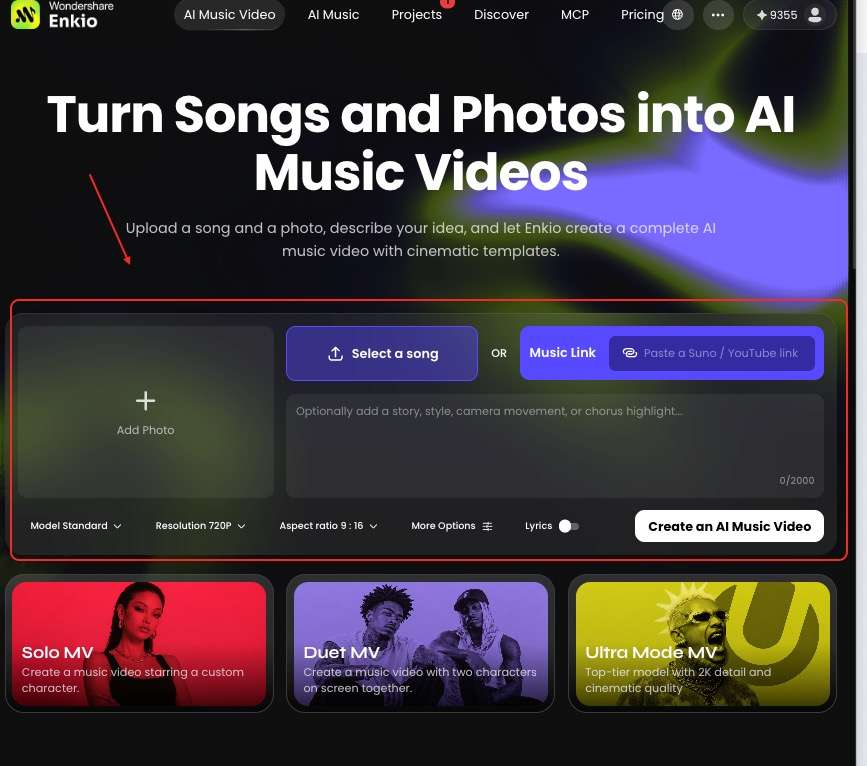
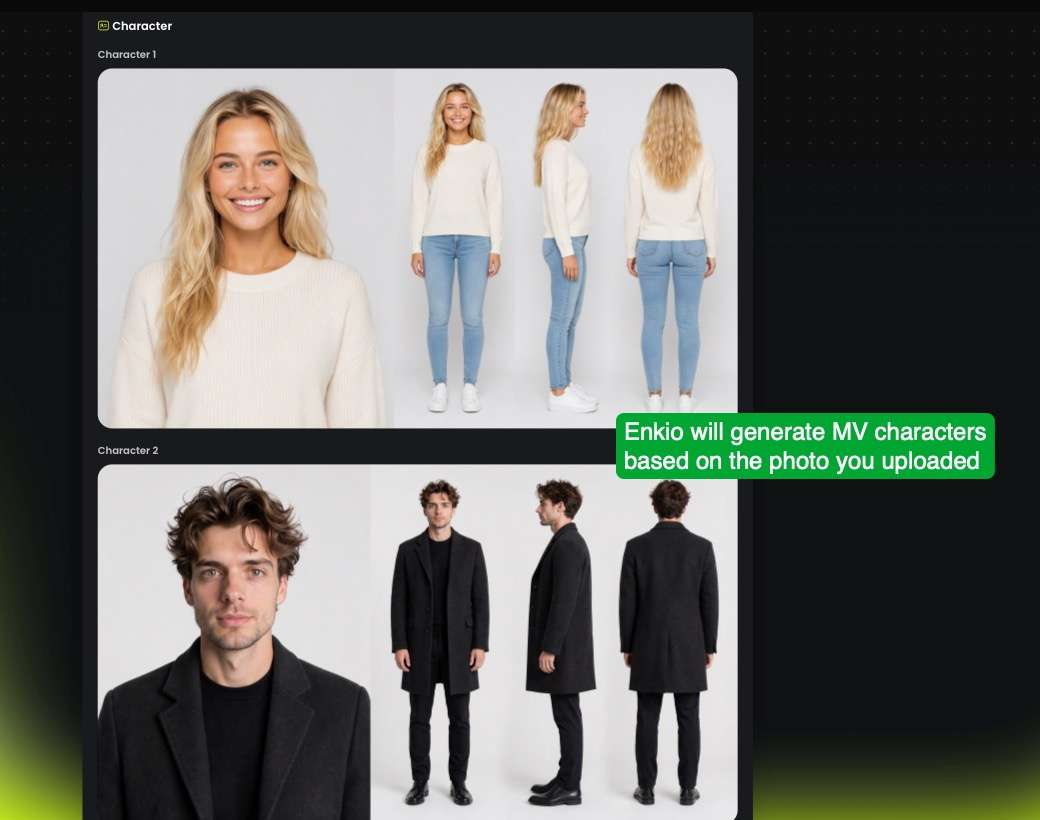
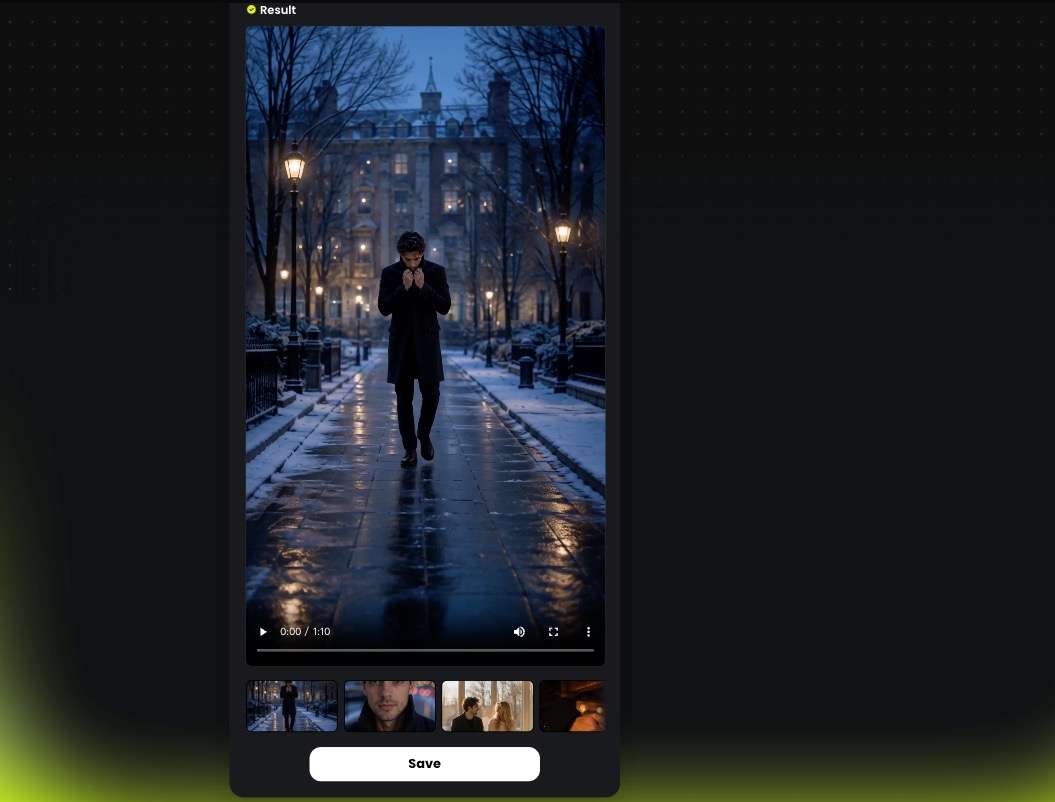
Enkio runs in the browser and as a mobile app, and it covers two jobs that are usually split across two tools. The first is music generation: you describe what you want and the product produces original music, including vocals, with support for lyrics you write yourself. The second is music video generation: you provide a song and an image, describe the idea, and the product assembles a complete music video around it.
We found the input side deliberately open. A track can come from your own audio file, from the official tracks offered inside the product, or from the AI Music Generator that ships alongside the video stage; on the visual side you can upload an image or generate the material first. The product ships in 17 languages with English as the default.

Positioning matters, because "AI music video" covers a wide field. Enkio sits downstream of the track: it assumes a song exists or is about to exist and treats the missing piece as the visual — a narrower brief than a video editor and a broader one than a song generator.
How This Review Was Put Together
Three sources feed this page: the product's own documentation, the specifications it publishes, and the terms it states. We checked every page cited here on 20 September 2026 and treat the numbers below as a snapshot of that date, because credit allowances and plan prices change.
We did not run a template-by-template quality test, and we say so rather than implying a lab result: what follows describes documented behaviour and published specification, not a ranked verdict on output quality.
How Enkio Works in Practice
The documented workflow is three steps, and the second one is where most people assume there is more work than there is.
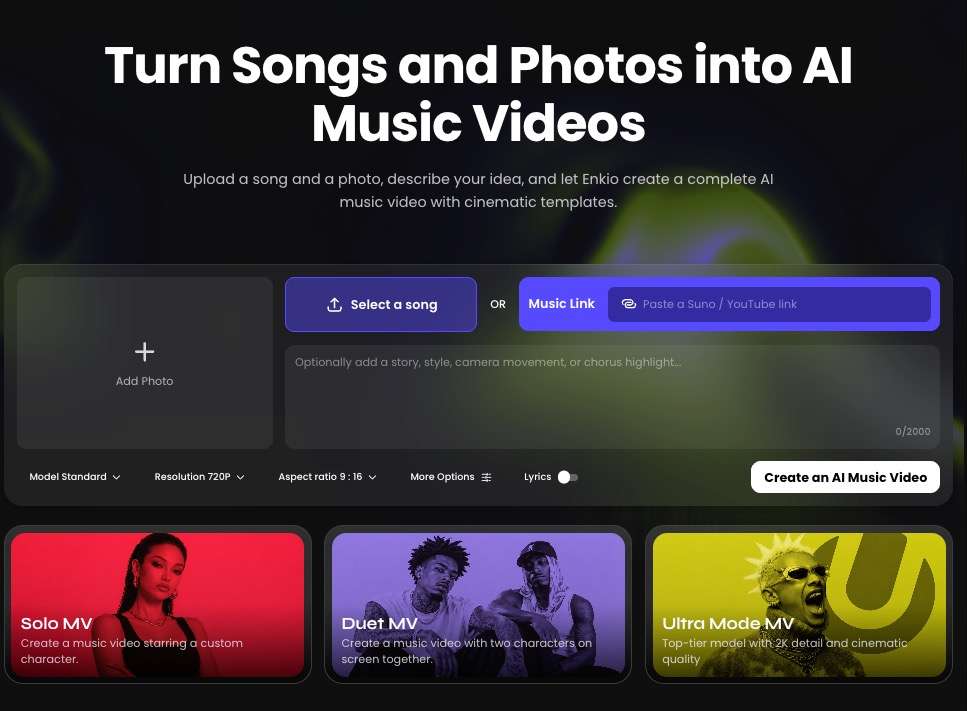
Step 1: Upload a song and an image
You bring two inputs: a music file and an image. The product's own guidance is explicit that you should use music and images you own or otherwise have the right to use, which is the constraint that matters more than any interface detail here. Audio can be trimmed and the image framing adjusted before you commit to a generation, so a song that does not begin where you want it to begin is not a blocker.
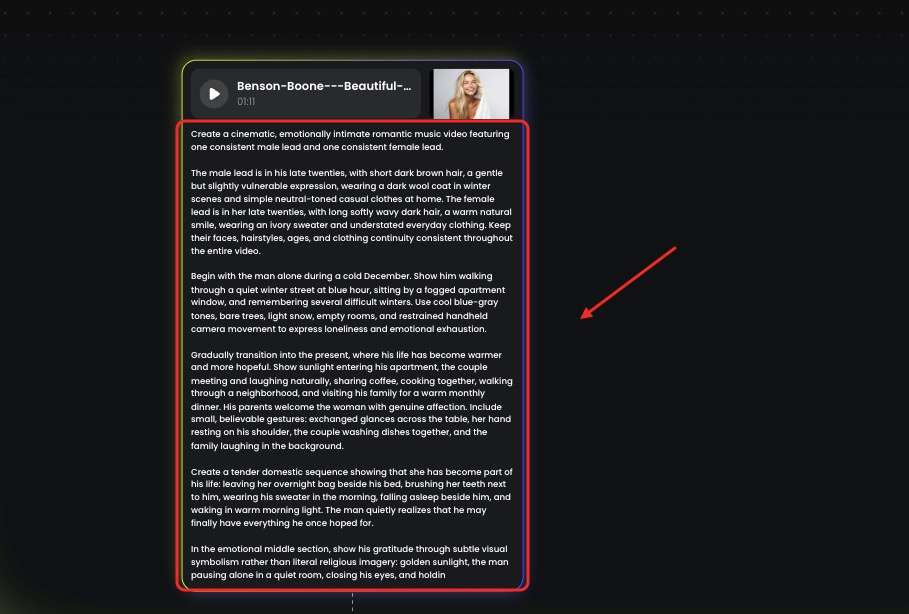
Step 2: Add a prompt, or leave it empty
The prompt field accepts up to 2,000 characters and is genuinely optional. The documentation is unambiguous about the trade-off: a prompt is not required, but specific creative intent tends to produce a more focused result.

The useful prompt describes the visual story, the mood, the art style, the camera movement, or one important moment in the song — not a paragraph of adjectives. Creators who want a starting point rather than a blank field can work from the AI Music Video Prompts collection, which breaks the same elements down by visual type.
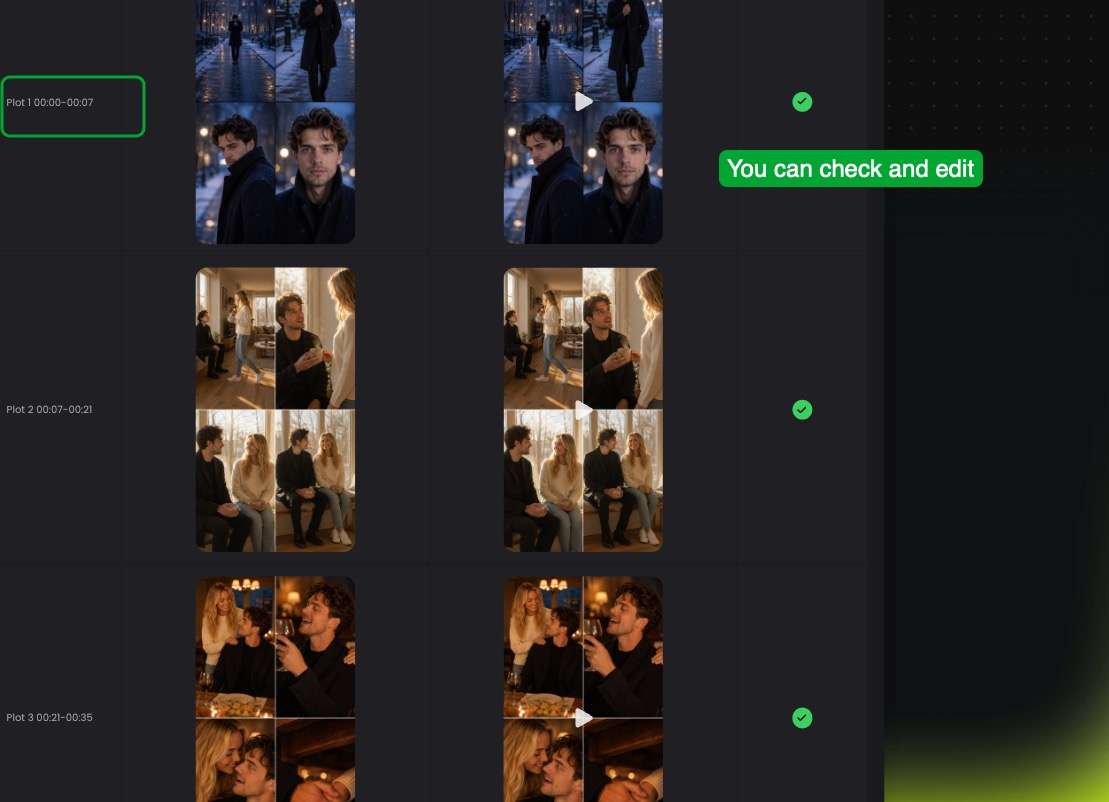
Step 3: Generate, review, and continue editing
Generating produces a project that enters the normal pipeline: you can follow progress, review the material, and keep working toward a finished video. One policy detail is worth more than it looks: when a generation fails, the product's own messaging states that credits and free uses are not deducted and that credits are refunded. A metered tool that charges for failures is a different proposition from one that does not, so we treat this as a strength rather than a footnote.
What Enkio Gets Right
Three things held up when we read the public documentation against the pricing page.
Music and video in the same place
The two halves of the job share a product. If you arrive with a track, you skip the music half; if you do not, you can generate one with vocals and your own lyrics and move straight into the video stage. Most tools in this category do one half well and hand the other to a separate paid tool. Instrumental-first platforms are the clearest contrast: our Soundraw AI Music Generator Review looks at a tool that generates beds for video but does not produce vocals at all, which is a design choice with real consequences for anyone whose deliverable is a song.
A prompt that is optional, and a failure policy that is not silent
Two documentation decisions are unusually honest for this category. The prompt is labelled optional rather than framed as the source of quality, and the failure path is documented in advance: failed generations do not consume credits or free uses. Those choices lower the onboarding risk for a first-time user who does not yet know what to type.
Output specifications that cover vertical and widescreen
The published output set is 720p or 1080p in five aspect ratios: 9:16, 1:1, 3:4, 4:3 and 16:9. For social-first work that is the range that matters — a 9:16 cut for a short-form feed and a 16:9 cut for an upload are both native rather than cropped after the fact. Creators who need a single deliverable for one platform are fine; anyone who needs a cinema master is not, and the limitations below say why.
Pricing and Credits
Enkio sells credits through two published plans rather than per-video pricing, which changes what a project costs depending on how much you iterate. As of September 2026, the monthly plan is US$19.99 per month and includes 3,000 credits per month, access to all core features, and watermark-free downloads; the yearly plan is listed at 10% off, an effective US$5.00 per month, and issues 10,000 credits at once rather than monthly, with the same access and download terms.
Credits are described as unlocking all templates and features, and they refresh on your monthly billing date. Check the official pricing page for current plans before you build a budget around these figures.
Compare what a plan includes.
Enkio plans include AI music video generation, templates, and watermark-free downloads depending on your plan.
The published benefit list separates dimensions that matter more than the headline number: concurrent tasks at 2 or 4, music asset caps at 6, 10 or 50, portrait assets up to 20, and task retention at 7 or 30 days — all depending on your plan. The tier names used across the product, from Lite through Creator to Premium, do not map one-to-one onto a public benefits table, so the honest summary is that higher plans raise throughput, library size and retention. That is the part of the pricing page we read most closely before buying.
Real Limitations
Four limits follow from the documentation, and the first is a specification rather than a matter of taste. We checked each one against the product's own published wording.

The published output ceiling is 1080p
The product supports 720p and 1080p. No higher-resolution export is published, so a project destined for a cinema master, a large-format display or a 4K client brief needs a different tool or an upscale step elsewhere in the pipeline. For short-form distribution and most web video this is not a practical constraint; for archival or broadcast work it is the first thing to check.
Iteration is metered, and the allowance shape varies
Credits are the unit of work, they are consumed by generation, and they refresh on the billing date. Two consequences follow. Exploring many visual directions has a cost, so the sensible pattern is to describe the direction well before generating rather than to regenerate on a hunch. And because plans issue credits differently — monthly, at once for the year, or weekly — the documentation describes the refresh cadence rather than promising that unused credits carry over. If your output is seasonal rather than steady, confirm that detail with the vendor before choosing a billing period.
Projects are not your archive
Task retention is documented at 7 or 30 days depending on your plan, and concurrent tasks at 2 or 4. Together those two numbers describe a production environment rather than a library: the tool moves a track to a finished video quickly, and the finished file is the artifact you keep. Export completed work promptly and treat the project list as a workspace. The concurrency cap is the real limit for anyone producing at volume — a queue of four tasks is a queue of four tasks, whatever the credit balance says.
Commercial use is a terms question, not a product claim
The upload side is unambiguous: use music and images you own or have the right to use. The output side is not something a review should settle, and the product does not reduce it to a slogan. Whether a given video clears a given platform's monetisation rules, and how the commercial terms apply to your use, depends on the account and plan you hold. Read the terms that govern your plan, and treat a plan summary as a starting point rather than the governing text: see Enkio's Terms of Use before you publish anything commercially.
How Enkio Compares With Vidnoz
The nearest comparison is a tool that produces a music video rather than only the music, and Vidnoz is the clearest example here. Both columns are a snapshot as of September 2026.
| Dimension | Enkio | Vidnoz |
|---|---|---|
| What the video stage does | Builds a music video from a track plus still images, with 720p and 1080p output in five aspect ratios | Builds a music video around a digital-singer avatar or an uploaded photo, with lip sync |
| Where the song comes from | Upload a track, use official tracks, or generate music in the same product, including vocals and your own lyrics | Generates songs in two modes, with lyrics or instrumental, and supports marking song structure |
| How output is metered | Credits on a monthly or yearly plan, refreshing on the billing date | A point pool shared across the vendor's whole ecosystem, with no separate music allowance |
| Free tier | Free credits or trial access; watermark-free download is a paid benefit | Listed at 0 credits per day on the free tier |
| Export notes | Video downloads; watermark status depends on the plan | MP3 downloadable on the free tier; FLAC requires the paid tier |
| Case for it | Music to a finished cinematic video, with music generation available in the same place | Avatar-led music video and a wider toolkit of video utilities under one balance |
The difference that decides the purchase is what the video stage is built around. Vidnoz leans on a virtual performer and lip sync, which suits a song that wants a visible singer on screen; Enkio leans on the song and the images you supply, which suits a track that wants a visual world rather than a performer.
Our Vidnoz AI Music Generator Review covers that platform's structure in detail, including a per-point range listed between roughly US$0.031 and US$0.072 as of September 2026 and a balance shared across its other video tools.
Common Misconceptions
Two assumptions we see often enough to be worth correcting.
Misconception one: you have to arrive with a finished song
The product generates music as well as video, with vocals and support for lyrics you write, so the entry point is not restricted to creators who already have a track. The reverse is worth naming too: generating the song in the tool is a convenience, not a requirement, and plenty of projects start from an audio file made elsewhere.
Misconception two: a longer prompt buys more control
The prompt is optional and capped at 2,000 characters, and the documented effect of specificity is a more focused result rather than a controllable one. Adding adjectives does not turn the workflow into a shot-by-shot editor. The productive use of the field is to name the story, the mood, the style and the camera movement for one song, then judge a first generation before spending credits on variations.
Who Enkio Is For Right Now
Our reading of the fit splits cleanly by deliverable.
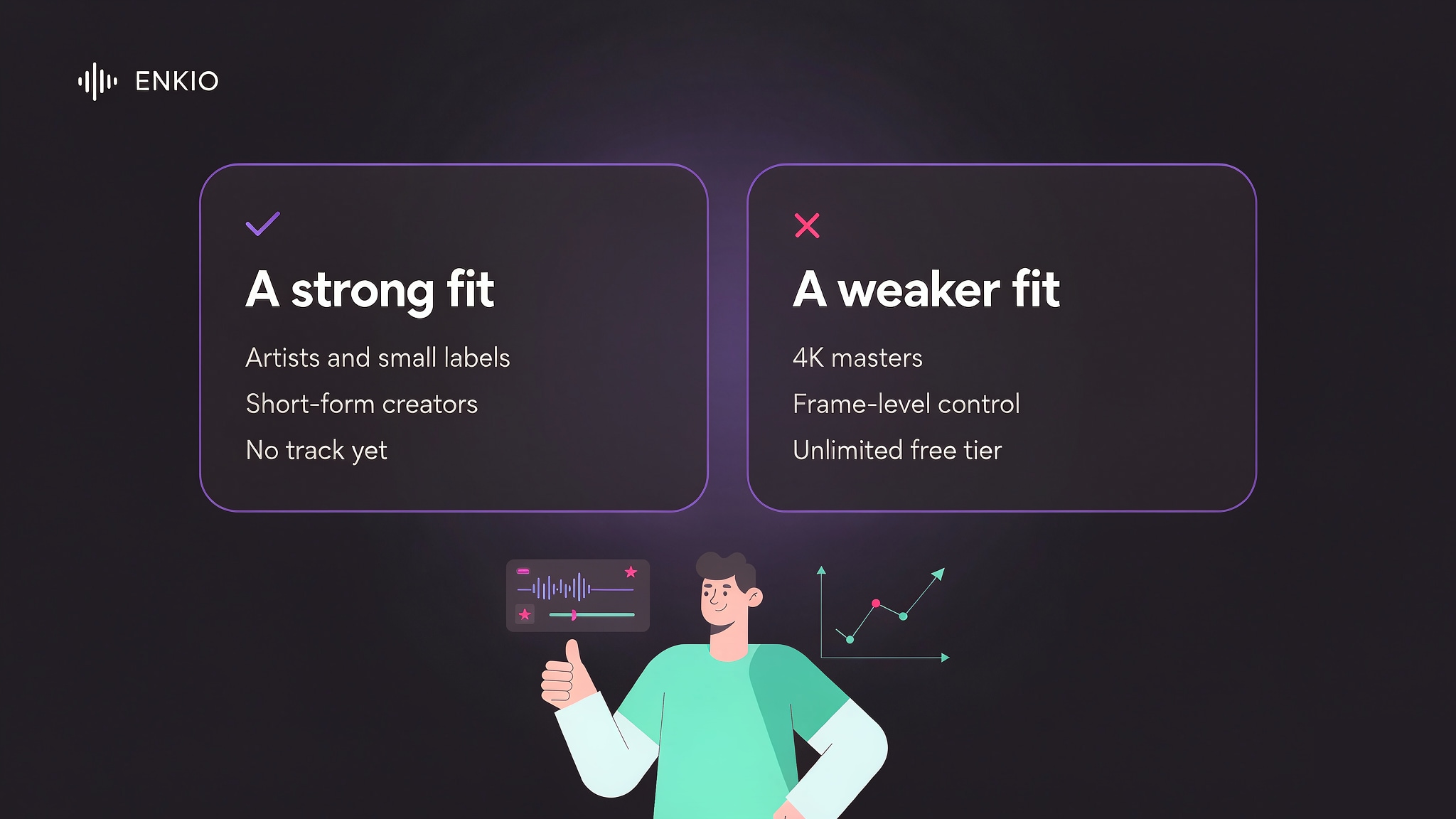
It suits artists and small labels who need a visual for a release without booking a shoot and want the 9:16 and 16:9 cuts from one project, and short-form creators whose output is measured in clips per week and who would rather describe a direction than edit one. It also suits people with no track yet who would rather generate one and give it a visual in a single place; the AI Music Video Ideas piece covers the scenarios where that pays off.
It is a weaker fit for anyone needing 4K masters, frame-accurate editing, or long-lived project storage on an entry-level plan, and for high-volume producers who expect a clean free tier: watermark-free download is a paid benefit, and the concurrency cap applies whatever the credit balance. One graded hero video a quarter is the wrong shape for a metered model; a steady stream of platform-native cuts is the right one.
From a Finished Track to Something You Can Publish
A finished song with a finished video still needs a decision about where it goes. The AI Music Video Generator takes a track plus a visual direction and returns a music video with 720p and 1080p output across five aspect ratios, so the same project can feed a vertical feed and a widescreen upload without a second edit. Credit costs are listed on the pricing page, so check the current numbers before planning a production calendar around them.
One reminder applies whichever platform you choose. Platform policies on AI-generated content differ — check the platform's current guidelines before you publish, particularly if monetisation is the goal. Several major platforms expect disclosure when music or video is machine-generated, and the requirement is set by the destination, not by the tool that made the file.
Make more from your MV.
Let Enkio create a complete AI music video from your song with cinematic templates.
Frequently asked questions
These are the questions we see most often about Enkio, answered for the product as it stands in September 2026.
Is Enkio free to use?
Free credits or trial access have been planned to be offered to new users, and paid plans begin at US$19.99 per month as of September 2026. The practical distinction is the watermark: free output carries one, and watermark-free download depends on your plan. Check the official pricing page for the current free allowance.
How much does Enkio cost, and what does a plan include?
As of September 2026 the monthly plan is US$19.99 per month with 3,000 credits per month, and the yearly plan is listed at 10% off, an effective US$5.00 per month, with 10,000 credits issued at once.
Both include access to all core features and watermark-free downloads. Limits such as concurrent tasks, asset caps and task retention vary by plan, so read the plan detail on the official pricing page before choosing a billing period.
What do I need to create an AI music video with Enkio?
Two inputs: a music file and an image. A prompt is optional and can run up to 2,000 characters. The constraint the product emphasises is rights — use music and images you own or have the right to use, since the terms covering your upload are separate from those covering your output.
Can I download Enkio videos without a watermark?
Watermark-free download is a benefit of the paid plans. Free output is watermarked, so anyone evaluating the product on free generations should expect one. Confirm the current position for the plan you are considering on the official pricing page.
Can I use an Enkio-generated video commercially?
That depends on your plan and on where the video goes, and the governing text is the product's terms rather than a summary. Commercial rights typically scale with the plan in this category, and platform monetisation rules are set separately by each destination.
Read the terms that apply to your account and check the destination platform's policy on AI-generated content before you publish commercially: see Enkio's Terms of Use.
Is Enkio worth paying for?
Yes. For a steady stream of 9:16 and 16:9 music videos built from tracks and still images, with music generation in the same place, the credit model and the output set line up with that work.
Conclusion
Enkio does two jobs in one place and documents its boundaries better than most tools in this category. Our review found the video stage turns a track and images into a finished video at 720p or 1080p across five aspect ratios, the music stage covers vocals and your own lyrics, and failed generations do not consume credits. The trade-offs are documented too: a 1080p ceiling, a metered model whose allowance shape varies by plan, 7 or 30 day task retention with a concurrency cap, and commercial terms that live in a terms document rather than a marketing line.
If your deliverable is platform-native music video work and you would rather describe a direction than edit one, this is a strong fit. If you need masters, frame-level control, or an unlimited free tier, choose accordingly — and read the plan detail and the terms before building a release around it.