



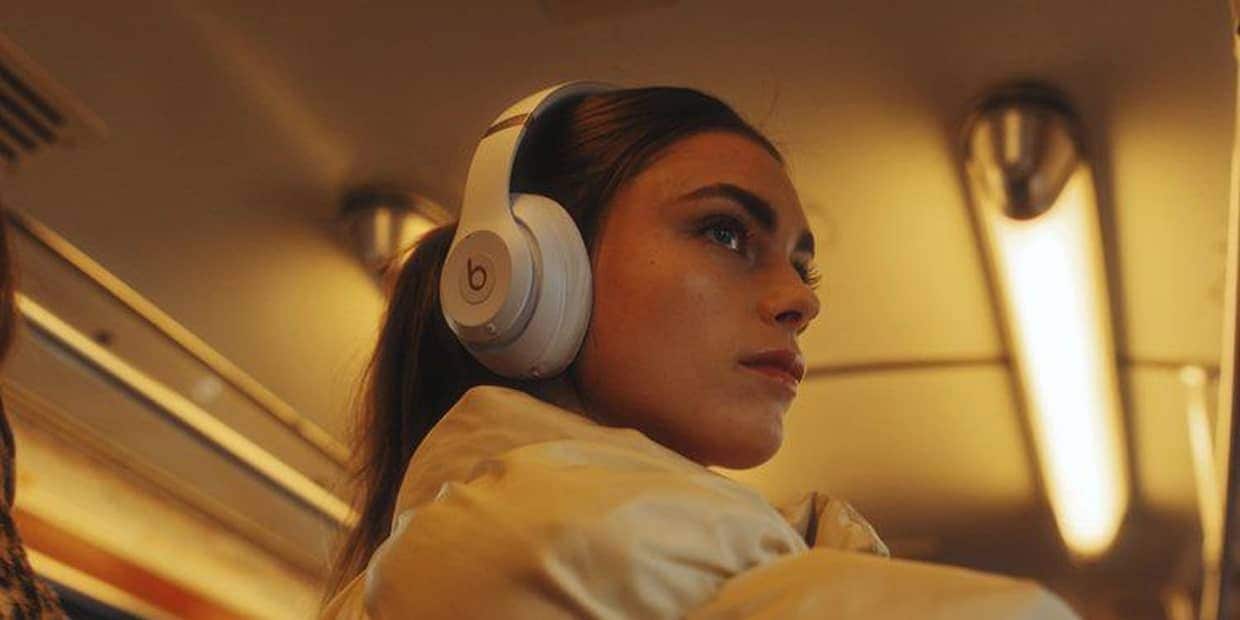
Start from the emotion of the song, build a visual direction, then use Enkio to create a complete music video.
Make more from your MV.
Let Enkio create a complete Al music video with cinematic templates.
Make more from your MV.
Let Enkio create a complete Al music video with cinematic templates.
Make more from your MV.
Let Enkio create a complete Al music video with cinematic templates.
Make more from your MV.
Let Enkio create a complete Al music video with cinematic templates.
Choose the moment that matters
Begin your MV design with an impactful chorus, a signature lyric, or a sharp musical transition that you want audiences to remember. Once you lock in this highlight moment, it will act as the key visual anchor, informing the creative direction, styling and shot design for all the remaining parts of your music video.
Define the visual language
Pick a style-cinematic, hip-hop or live stage-then keep camera movement, lighting and performance direction consistent across scenes.
Follow a complete creative loop of generation, review, and iterative refinement. Import your music file, attach suitable visual reference materials, and describe the emotional tone you want to present.
After previewing the initial generated video, optimize and enhance your key scenes, fix incoherent details, and fine-tune visual effects before final exporting.
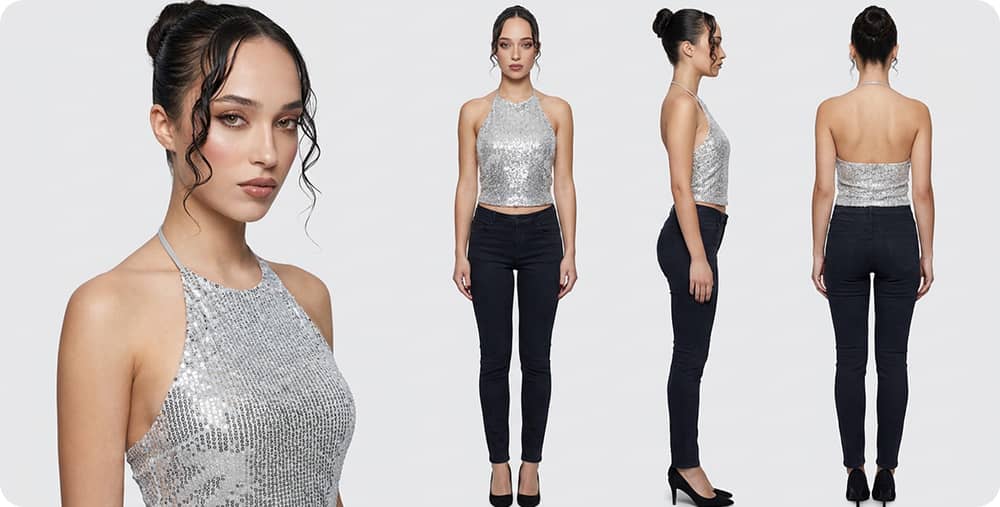
Generate, review and refine
1. Generate the initial MV draft
Upload your original music track, attach targeted visual references, and describe the overall mood, atmosphere and emotional tone of your work. The system will automatically generate a complete preliminary MV draft that matches the rhythm, melody and emotional progression of the song.
2. Review overall visual presentation
Carefully check the generated footage from multiple dimensions, including scene matching, color tone, camera movement and narrative fluency. Evaluate which scenes successfully convey the core vibe and which parts lack detail, consistency or visual impact.
3. Refine key scenes and finalize export
Focus on polishing and optimizing the most critical and memorable scenes. Adjust frame rhythm, lighting transition and visual details to strengthen emotional expression. After multiple rounds of fine-tuning and confirmation, export the final complete and high-quality MV.
Frequently asked questions
Enkio is an AI music video creation platform. You can upload a song, add an image, and turn your idea into a complete music video with AI. You may use generated videos for social media, music releases, promotional content, and other creative projects, as long as your usage follows Enkio's terms and you own or have rights to the uploaded materials.
Enkio is an AI-powered platform that lets you turn your music and photos into cinematic music videos in minutes, no editing experience required.
Yes, as long as you own or have licensed rights to the uploaded music and images, and your usage complies with Enkio's terms of service.
Just a music track and one or more photos. Enkio will handle the rest — scene generation, beat sync, and video assembly.
Watermark-free downloads are available on paid plans. Free plan exports include a watermark.