



Editorial disclosure and method: Enkio publishes this review and offers a separate AI music-video product. AIVA is a third-party service. This update is based on AIVA's public product page, pricing information, help centre and End User License Agreement, checked on October 13, 2026. It is a desk-research review, not a hands-on output-quality test.
Quick verdict
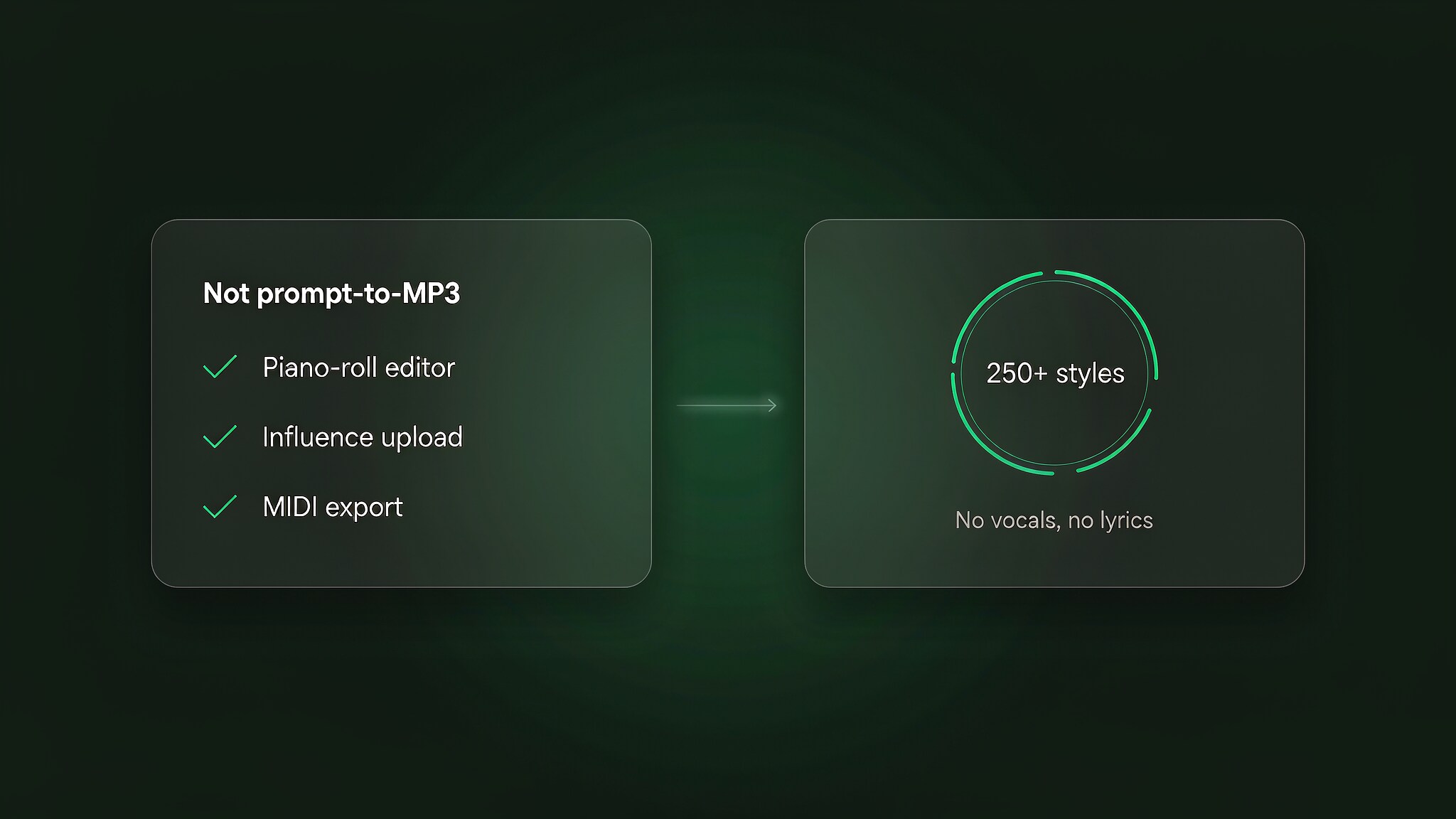
AIVA is best understood as an AI composition workspace, not a prompt-to-song generator. It creates instrumental pieces in more than 250 styles, lets you edit the musical structure and exports MIDI from every individual plan. Its strongest use case is a creator who wants to continue arranging a cue in a DAW.
- Choose AIVA for: editable instrumental compositions, MIDI workflows and note-level control.
- Do not choose it for: vocals, lyrics or a one-click finished song.
- Choose the plan by rights, not generation quality: the Free and Standard plans leave copyright with AIVA; Pro assigns copyright under AIVA's stated eligibility and licence terms.
- Read the influence-upload terms before using reference material: AIVA's EULA grants the company a broad, perpetual licence to train its systems on uploaded influences.
AIVA decision summary
| Decision area | What AIVA offers | What to check |
|---|---|---|
| Composition control | Editable tracks, style models and audio/MIDI influences | The workflow assumes some knowledge of arrangement and piano-roll editing |
| Exports | MP3 and MIDI on Free and Standard; all formats and high-quality WAV on Pro | Choose MIDI when you intend to replace instruments or continue work in a DAW |
| Vocals | Instrumental composition | Use another tool or workflow for lyrics and sung parts |
| Commercial rights | Limited by plan; Pro assigns copyright to eligible users | Enterprise and high-volume uses may require a separate agreement |
| Evidence in this review | Official product, pricing and legal documentation | We did not independently test output quality, speed or genre consistency |
What the AIVA AI music generator is
AIVA, short for Artificial Intelligence Virtual Artist, is a browser-based assistant for composing instrumental music. Its public product page says it can generate songs in more than 250 styles. Instead of relying mainly on a prose prompt, the workflow starts with musical choices such as style and mood, then lets the user edit the result.
The practical distinction is editability. AIVA supports custom style models, audio or MIDI influences and track editing. That makes it more useful as a source of musical material than as a sealed audio generator: a creator can export MIDI, replace instruments and continue arranging the composition in a DAW.
How AIVA works
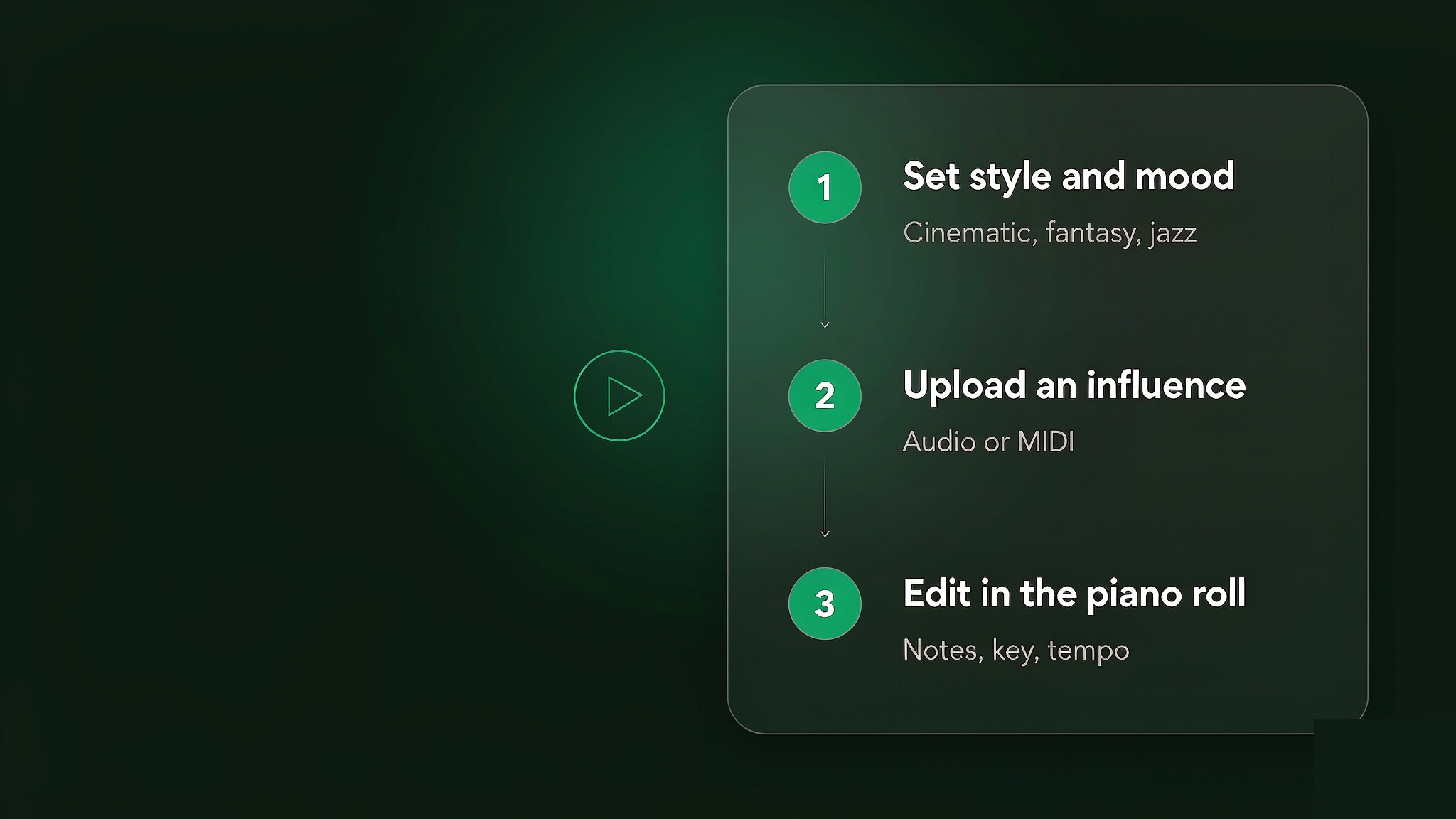
1. Choose a style and musical direction
Generation starts with structured musical choices rather than a long written brief. Select a style, mood and duration that fit the project. This approach is likely to feel more natural to someone who already thinks in genres and arrangements, but less direct to a beginner who wants to describe a complete song in plain language.
2. Add an influence only when you control the material
AIVA lets users upload an audio or MIDI influence and create custom style models. This is useful when a project needs a recurring musical identity, but it carries a rights consideration that should not be buried in a feature list.
Under the current AIVA End User License Agreement, the user grants AIVA a worldwide, non-exclusive, commercial and transferable licence to train its systems on an uploaded influence, in perpetuity. The user also warrants that the uploaded material does not infringe third-party rights. In practice, upload only material you created or are authorised to use for that purpose.
3. Edit the generated arrangement
The editor is AIVA's clearest differentiator. Rather than regenerating an entire piece because one section fails, users can work on notes, instruments and arrangement choices. The value is highest when the generated composition is treated as a draft to be shaped, not a finished master.
4. Export audio or continue with MIDI
MIDI is available on the Free, Standard and Pro individual plans according to AIVA's current pricing section. It stores musical instructions rather than a finished recording, so the final sound depends on the instruments and production environment used after export. Pro adds all listed file formats and high-quality WAV export.
AIVA pricing and licence rights
AIVA's individual plans differ in download allowance, maximum duration, export formats and rights. Prices below were checked on October 13, 2026, are shown before VAT and can change. Verify the current AIVA pricing section and EULA before subscribing.
| Plan | Current individual pricing | Allowance and formats | Rights summary |
|---|---|---|---|
| Free | €0 | 3 downloads/month; up to 3 minutes; MP3 and MIDI | AIVA owns the copyright; non-commercial use; AIVA credit required |
| Standard | €15/month monthly or €11/month billed annually, plus VAT | 15 downloads/month; up to 5 minutes; MP3 and MIDI | AIVA owns the copyright; monetisation limited to YouTube, Twitch, TikTok and Instagram; no credit required |
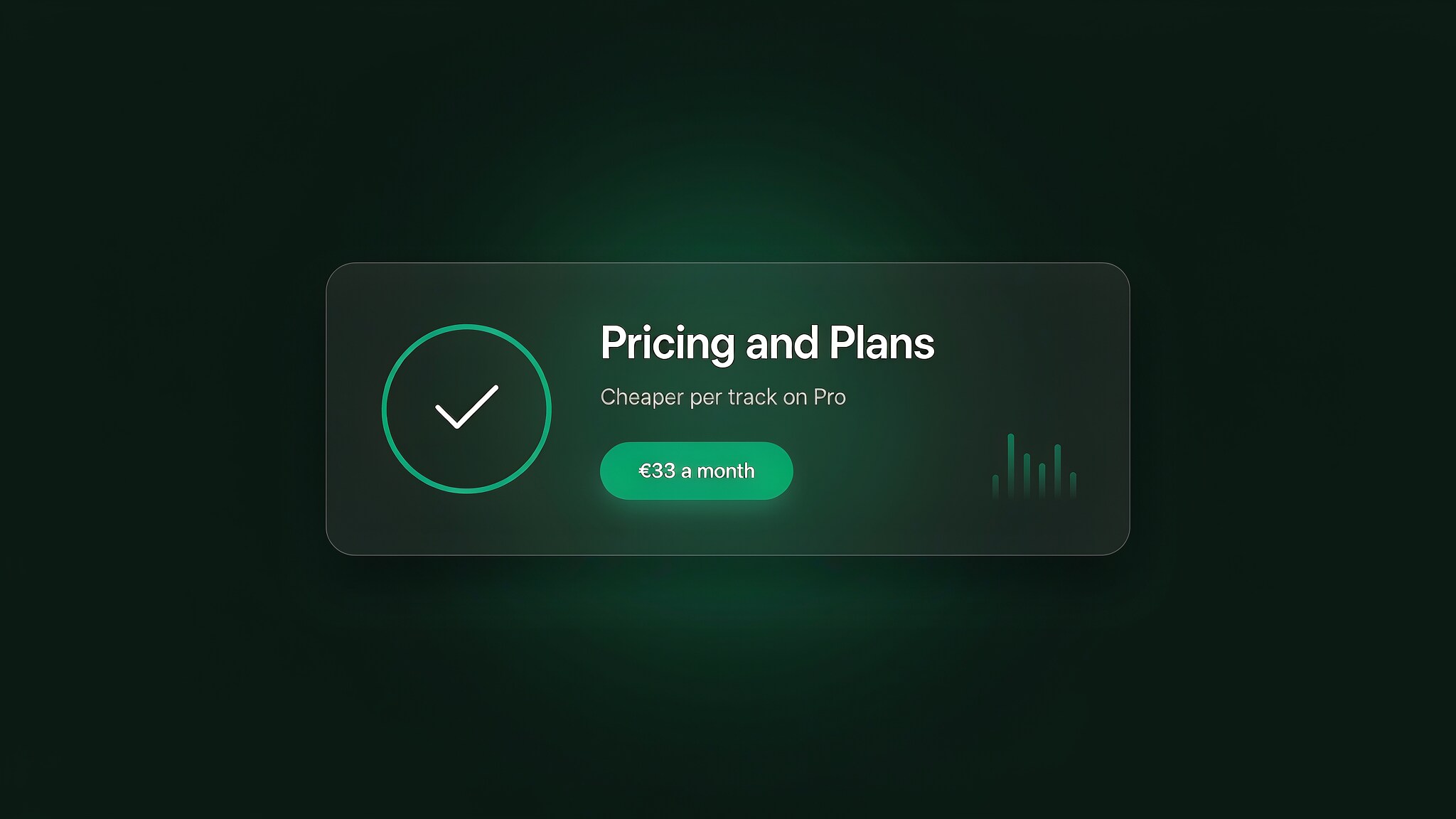
| Pro | €49/month monthly or €33/month billed annually, plus VAT | 300 downloads/month; up to 5 minutes 30 seconds; all listed formats including high-quality WAV | Copyright assigned to the eligible user; full monetisation under the EULA; no credit required |
The important Pro caveat
“Copyright owned by you” does not mean every business can use the public Pro plan without qualification. AIVA's EULA defines an eligible “Individual” as a person, a business with fewer than three employees, or a business with less than $300,000 in revenue during the previous year. It defines an Enterprise as a business with three or more employees and more than $300,000 in annual revenue; enterprises are instructed to contact AIVA for a custom plan.
The EULA also restricts several uses even where full copyright is assigned, including using compositions in machine-learning training data, building a competing service and certain large-scale upload or licensing workflows. Treat the plan card as a summary and the EULA as the governing detail. This section is informational, not legal advice.
Cost per available download
If the full monthly allowance is used, the annual Standard rate is about €0.73 per available download (€11 ÷ 15), while the annual Pro rate is about €0.11 (€33 ÷ 300), before VAT. That calculation does not measure the value of a track and should not decide the plan by itself. The decisive question is usually whether the intended distribution is allowed and whether the user is eligible for the stated licence.
Compare the current plan terms.
Check AIVA's licence for the composition, then compare it with the separate video workflow you plan to use.
What AIVA gets right
Editable composition instead of audio-only output
AIVA's most defensible advantage is not a claim about subjective music quality. It is the ability to work with the composition after generation. MIDI export separates musical decisions from the preview sound and lets a producer use different instruments, edit notes and continue arranging outside the platform.
The plan structure makes the rights difference visible
The pricing page clearly separates non-commercial, limited-commercial and copyright-assignment outcomes. That does not remove the need to read the EULA, but it is more useful than hiding commercial restrictions behind a generic “royalty-free” label.
It supports a composition-first workflow
AIVA is designed for instrumental pieces that can be revised. That makes it relevant to cues, themes, background music and other work where structure and later editing matter. This review does not independently verify how consistently different genres perform, so output-quality claims should be tested with the Free plan before purchase.
AIVA's real limitations
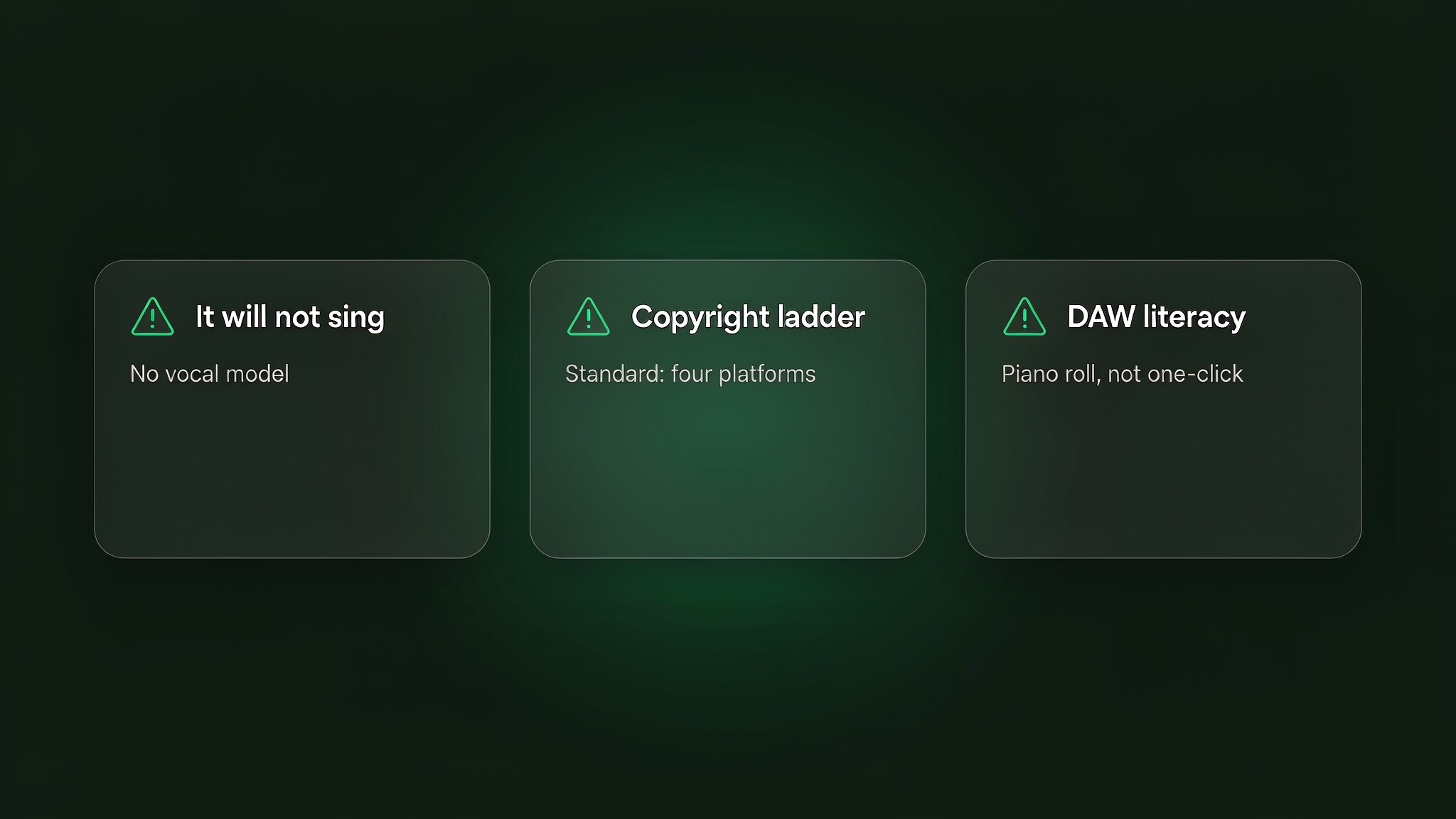
It is not a vocal song generator
AIVA's workflow centres on instrumental composition. If the required deliverable includes generated lyrics or singing, use a vocal-oriented tool or add vocals in a separate production stage.
The editor rewards musical and DAW knowledge
Note-level editing and MIDI export are strengths only when the user wants that control. Someone looking for a finished track with almost no intervention may find the same features add work. Test the workflow before choosing a paid plan.
Standard has a narrow commercial scope
Standard monetisation is limited to four named platforms: YouTube, Twitch, TikTok and Instagram. Podcasts, films, games, client work and music-distribution services should not be assumed to be covered. Check the EULA and ask AIVA when a use case falls outside the listed examples.
Influence uploads create an additional rights decision
Uploading a reference is not equivalent to privately analysing it on your own computer. Because the EULA grants AIVA a perpetual training licence over the uploaded influence, creators working with unreleased client material, third-party songs or restricted libraries should obtain permission or avoid the feature.
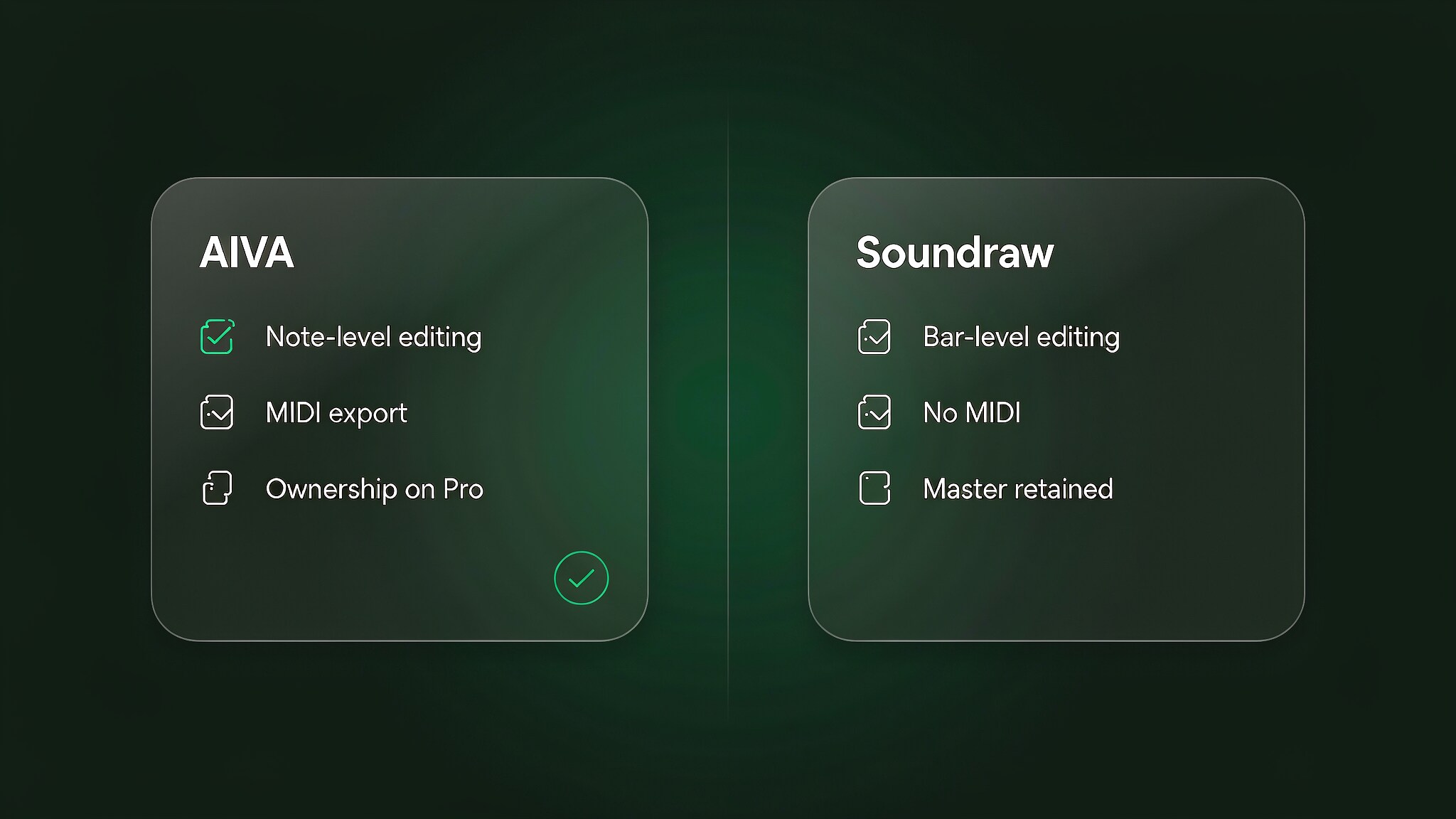
AIVA versus finished-audio generators
The useful dividing line is the deliverable. Choose AIVA when you want an editable composition and expect to continue in a DAW. Choose a finished-audio generator when speed matters more than note-level control and the output will be used largely as delivered.
This distinction is more reliable than declaring one product the universal winner. Licensing still has to be compared separately, because “royalty-free”, limited commercial use and copyright ownership are not interchangeable. For another instrumental workflow, see our separate Soundraw review; verify its current pricing and terms independently before making a purchase decision.
Who should use AIVA?
AIVA is a strong fit for:
- producers who want a MIDI starting point and plan to replace sounds or edit the arrangement;
- filmmakers, game creators and content teams that need instrumental cues, subject to the correct licence;
- creators building recurring themes or styles from material they are authorised to upload.
Look elsewhere when:
- the project needs generated vocals or lyrics;
- the goal is a one-click, release-ready song with minimal editing;
- the organisation falls outside AIVA's individual-plan eligibility or needs high-volume automated licensing.
From an AIVA composition to a publishable video
An instrumental composition is often one part of a larger production. Finish the arrangement and audio first, then select a visual workflow that matches the distribution channel. Enkio's AI music-video product is one separate option; review its current plan terms and output specifications on the product page rather than assuming that AIVA's music licence covers the video service.
Turn a finished track into a visual project.
Check the rights for the music first, then choose the video format and plan that fit the destination platform.
Frequently asked questions
Is AIVA free?
Yes. AIVA's Free plan currently includes three downloads per month, tracks up to three minutes and MP3 and MIDI exports. AIVA retains copyright, use is non-commercial and credit is required.
How much does AIVA cost?
As checked on October 13, 2026, Standard costs €15 per month or €11 per month billed annually, plus VAT. Pro costs €49 per month or €33 per month billed annually, plus VAT. Check AIVA's current pricing page before subscribing.
Does AIVA generate vocals?
AIVA is designed around instrumental composition and editing rather than generated lyrics and singing. Use a separate vocal workflow when the final track needs a sung part.
Who owns music created with AIVA?
AIVA retains copyright under the Free and Standard plans. Under Pro, AIVA's EULA assigns copyright to eligible individuals and qualifying small businesses. Enterprises are directed to contact AIVA for a custom plan, and other EULA restrictions still apply.
Can I upload any song as an AIVA influence?
No. Upload only material you created or are authorised to use. AIVA's EULA makes the user responsible for third-party rights and grants AIVA a worldwide, commercial, transferable and perpetual licence to train its systems on the uploaded influence.
Conclusion
AIVA's strongest proposition is control: it produces instrumental material that can continue as an editable composition instead of ending as a fixed audio file. That makes it especially useful to producers and media creators who already expect to arrange, re-voice and mix the result.
The purchase decision is mainly a rights decision. Free is suitable for evaluation and non-commercial use; Standard has a narrow list of monetised platforms; Pro assigns copyright only within the eligibility and restrictions set out in AIVA's EULA. Test the workflow before paying, use only authorised influence material and verify the current terms for the project you intend to publish.