



Soundraw builds instrumental tracks from a visual interface rather than a written prompt: you pick a genre, a mood and a length, listen to what comes back, and then reshape the result bar by bar. Our review covers what the Soundraw AI music generator is, how its interface actually works, what the plans cost, why it will not sing for you, and who should choose it over a prompt-driven tool.
The short answer, after working through the platform's own documentation and the independent testing published this year: Soundraw holds the clearest licensing position in this category and fits video, games and background music more tightly than anything else — and it is the wrong tool for anyone who needs a vocal.
What the Soundraw AI Music Generator Is
Soundraw runs in the browser at soundraw.io, and it occupies a different corner of the market from the prompt-driven generators. It produces instrumental music: beds, edits, loops, scored passages. There is no lyric field and no singer, and the company does not present that as a gap waiting to be closed. The product is aimed at work that needs music underneath something else — a video cut, an advertisement, a game level, a podcast intro, a livestream.
The reason licensing dominates every serious discussion of Soundraw is how the music is made. The company states that its training material is music produced by its own team of musicians rather than collected from other people's catalogues. That distinction matters less for how the output sounds and more for what happens afterwards: a platform that trains on material it controls can grant broader usage rights than one whose model learned from recordings it does not own and which is still negotiating with rightsholders. For a track that ends up inside a client's project, that difference is often the deciding factor.
Two boundaries are worth setting before the review proper. Soundraw is a generator with an editing layer, not a digital audio workstation: you steer a generated piece, you do not assemble one from recorded parts. And it is a selection-based tool rather than a prompt-based one, which is the subject of the next section and the single biggest difference you will notice in the first five minutes.
Inside the Soundraw AI Music Generator Interface
The interface is the product. Where a prompt-driven generator asks you to describe what you want in words, Soundraw asks you to narrow down what you want through a series of choices, then returns results as playable tracks rather than as descriptions.
Selecting a genre instead of writing a prompt
You begin with a genre, then a mood or theme, then a length, and the platform returns candidate tracks you listen to. The catalogue spans a broad range of genres, and the tool lets you blend two of them — pairing a rhythmic style with a textural one — which is how most people arrive at something less generic than the first result. Track lengths run from a short sting to several minutes, covering everything from a bumper to a background bed for a long-form video.
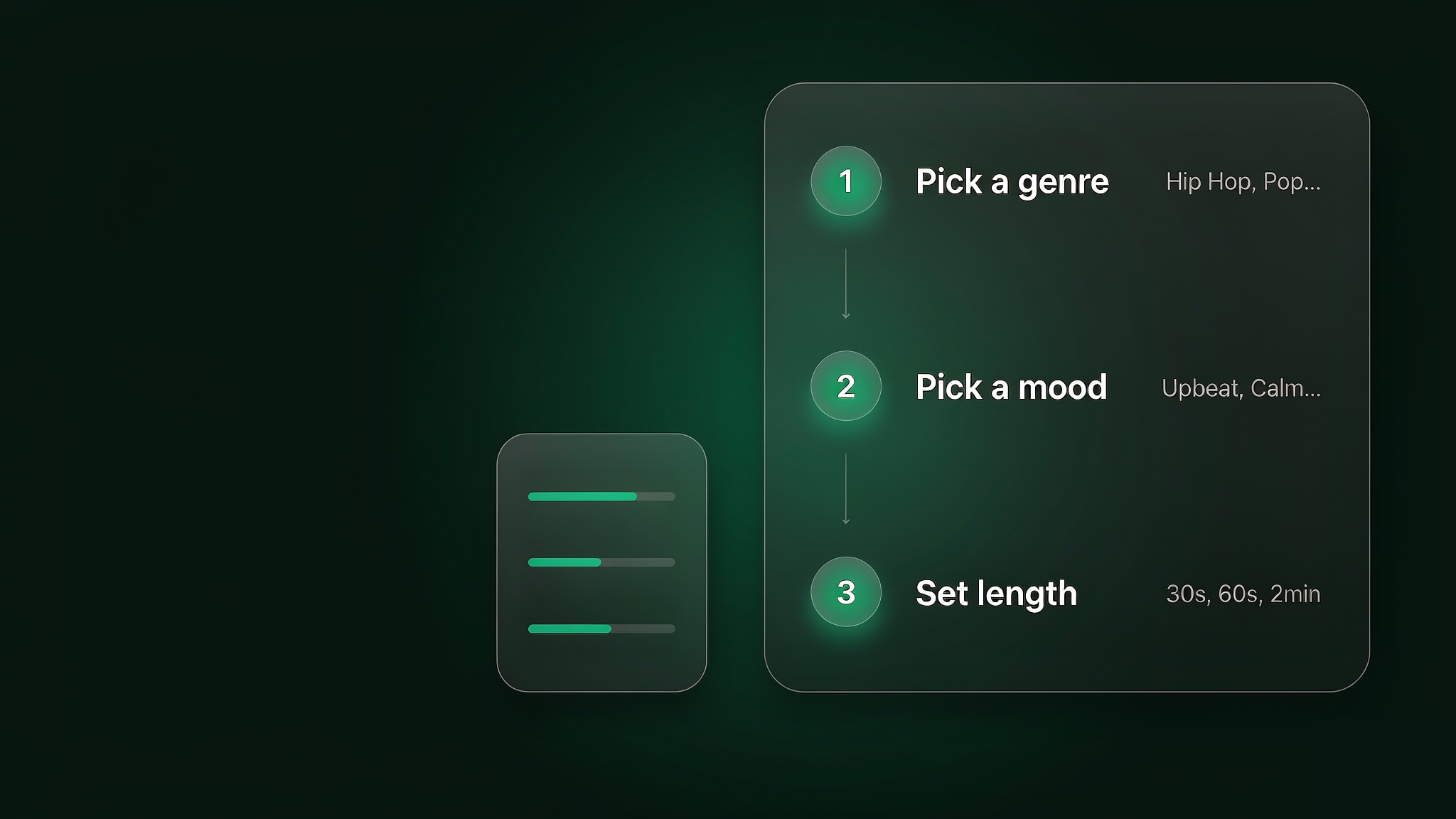
The consequence of that design is worth naming plainly, because it is the part we found hardest to judge from documentation alone. You cannot ask for a specific musical gesture, only for a genre, a mood and a duration that resolve into one. What comes back is consistently close to what the labels promised, which is the trade: less range, fewer surprises. If you want the opposite workflow for comparison, our guide to how to use the Suno AI music generator walks through the prompt-driven version step by step.
The Advanced Mixer, bar by bar
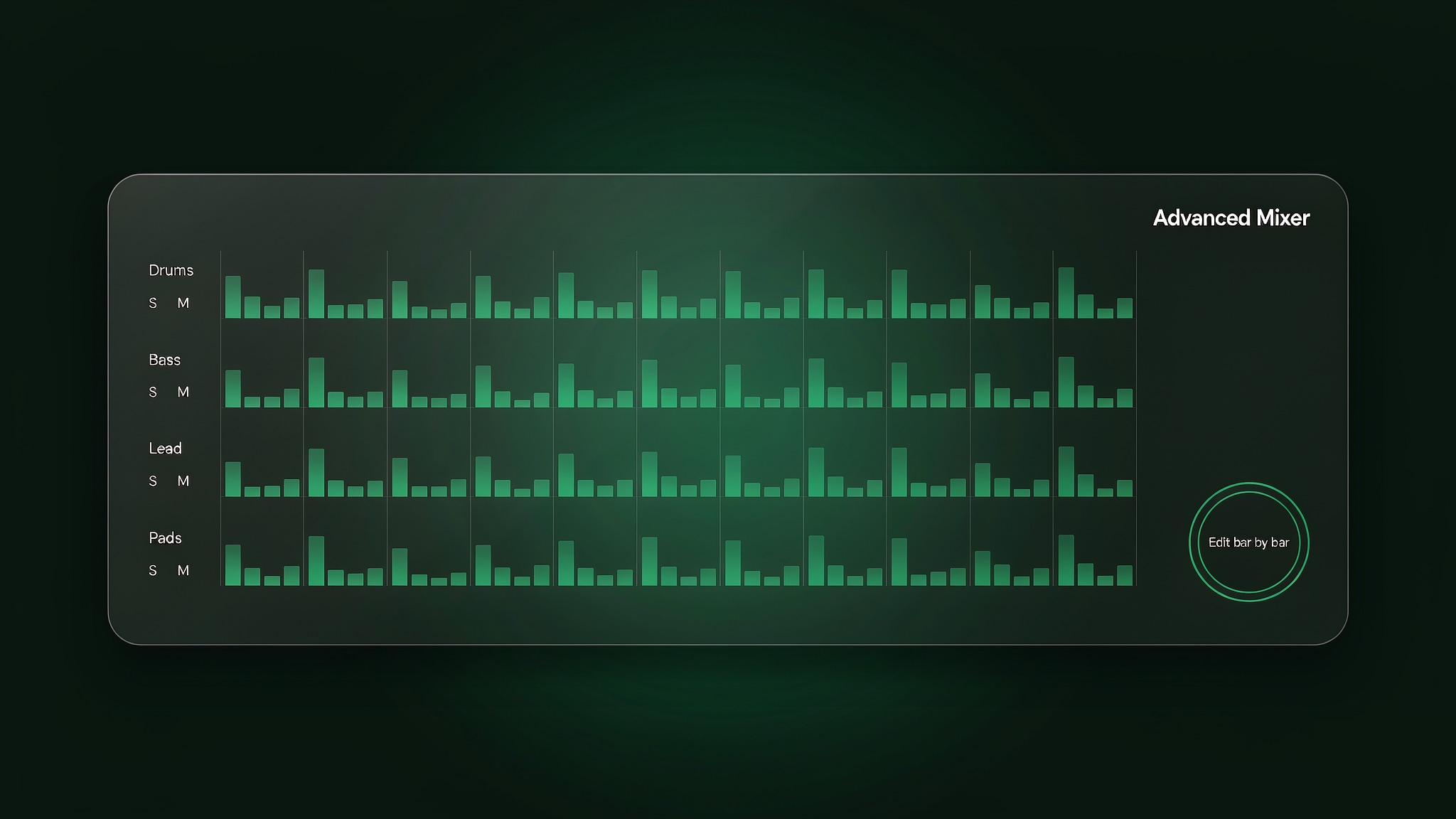
Where Soundraw diverges most sharply from its competitors is what happens after the first generation. The mixer lets you work on the arrangement directly: switch individual instruments in and out, solo or mute them, change the intensity of a part, adjust the length, and set the tempo, with the piece rebuilt as you make changes rather than regenerated from the beginning.
That is a different relationship with the machine. In a prompt tool the unit of change is the whole track, because rewriting the description and generating again is the only lever available. Here the unit of change is one bar of one instrument. Tracks longer than a minute introduce variation as they develop rather than looping the same phrase, which is what lets a piece sit under a two-minute edit without the listener noticing the seam.
What the visual approach gives up
Nothing in the interface asks you to explain an idea, which is a strength when the brief is "something warm and unobtrusive for a product demo" and a limitation when the brief is a feeling you can only describe in words. The tool's vocabulary is genres, moods, lengths and instruments — a closed list — whereas a prompt is open-ended. Soundraw also exposes fewer genre families than the largest prompt-based platforms, though blending two genres softens that in practice.
What the Soundraw AI Music Generator Gets Right
Three things held up when we read through the platform's documentation and the independent testing published in 2026.
The clearest licensing position in the category
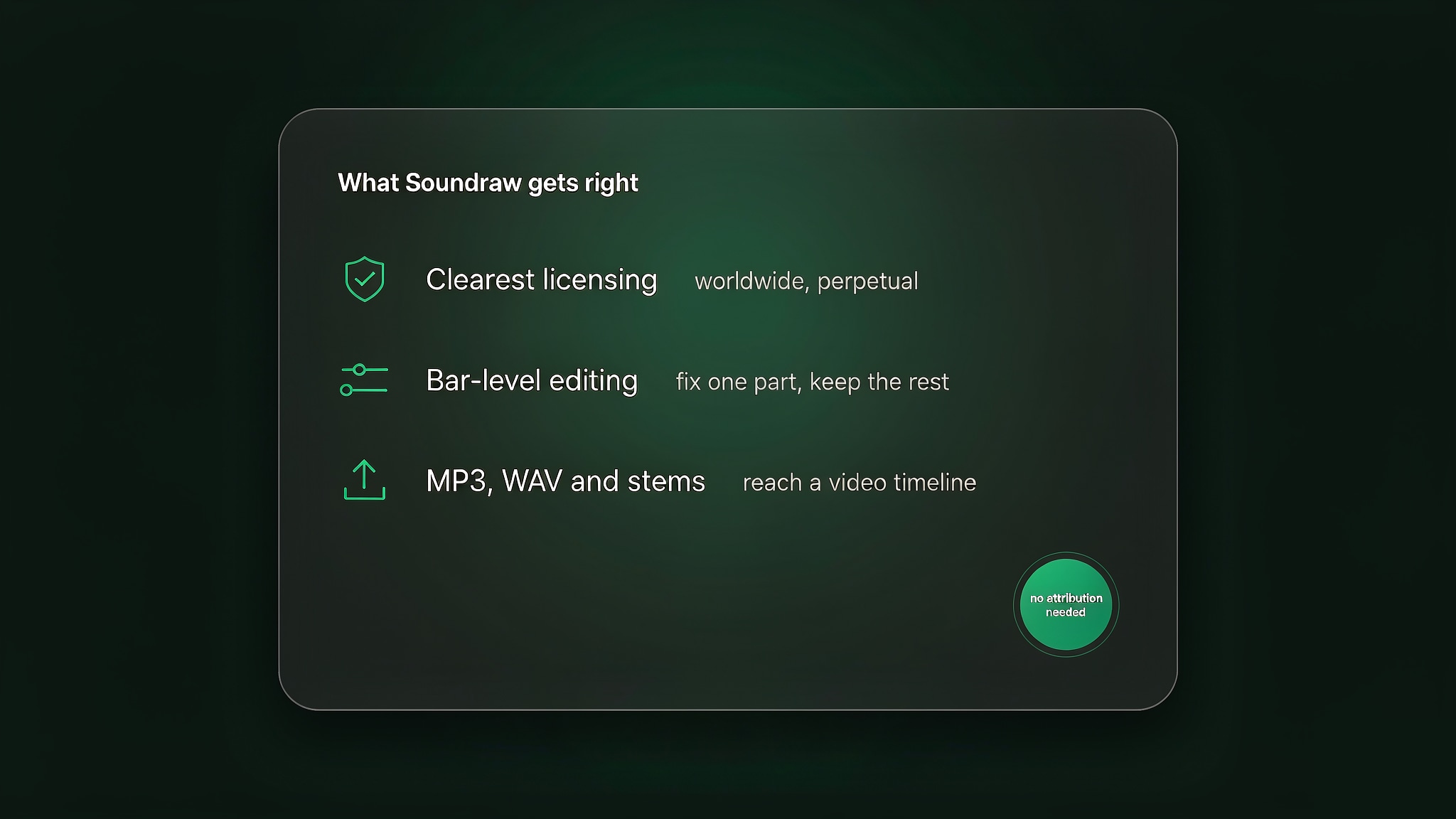
Soundraw's published terms grant a worldwide, perpetual licence to use downloaded music in your own work, and attribution is not required on the Artist tiers: the licence does not expire and does not require a credit line in a video description.
Because the training material comes from musicians the company works with directly, its rights position is simpler than that of tools built on collected catalogues. When the use case is commercial, and most are, this is the argument that carries the most weight. Read the licence terms for the tier you are considering rather than relying on any summary, including this one.
Editing that does not mean starting over
Bar-level control changes the economics of getting to a usable track. A piece that is most of the way there can be fixed in place — the drums pulled back under a voice-over, a lead line removed for the second half, the tempo dropped a few beats — instead of being discarded because one element is wrong. In a prompt tool that same correction usually means regenerating and losing everything else that worked.
Exports that reach a video timeline
Download formats are tiered. The lower tiers provide MP3, while the higher Artist tiers add WAV and separated stems. For a quick edit MP3 is enough; for a project that will be mixed, or that needs the drums muted under dialogue, stems are what make the track workable. Format is the clearest line between the plans, so decide which one you need before you compare prices.
A free tier you can audition properly
Most generators meter the free tier by generation; Soundraw meters it by the download. You can generate and preview without paying, which means that by the time you subscribe you already know what the platform sounds like. The catch is covered under limitations below, and it is a real one.
Pricing and Credits
As of September 2026, Soundraw lists four consumer tiers plus an enterprise option. The annual unit prices are $11.04 per month for Creator, $19.49 for Artist Starter, $23.39 for Artist Pro and $32.50 for Artist Unlimited, all billed yearly. Monthly billing carries a higher headline rate, and the company regularly shows promotional pricing on the monthly figure, which is why the annual unit price is the number worth comparing.
What separates the tiers is less about how much you can generate than about what you may do with what you download. Creator is intended for personal and client work but cannot be used to distribute to streaming platforms. The Artist tiers can be distributed, and the artist keeps the royalties from a release. WAV and stem downloads begin at Artist Pro. The upper tiers raise the monthly download allowance rather than unlocking a different kind of tool.
There is no separate credit currency to learn, which is a genuine simplification: you are buying a download allowance and a set of usage rights rather than a unit whose value depends on the model you choose. Prices, allowances and licence terms are set by Soundraw and have changed before, so as of September 2026 check the current plans and the licence matrix on Soundraw's own pricing page before you commit to a tier — particularly if distribution to streaming platforms is part of the plan.
Compare what a plan includes.
Enkio plans include AI music video generation, templates, and watermark-free downloads depending on your plan.
Real Limitations
The limitations below are the ones that surface repeatedly in independent testing and in the platform's own terms, and two of them settle the evaluation for most projects.
It does not sing
This is the first thing to establish, because it decides the evaluation for a large share of visitors. Soundraw generates instrumental music and does not produce vocals. If you arrived expecting a sung demo, the comparison ends here regardless of everything in the section above. The company does offer a separate application aimed at recording your own vocals over its material, but that is a distinct product with its own price — for a song with a lead vocal, a platform that generates one is the shorter road.
The free tier produces nothing you can keep
Free previewing sounds generous until you need a file. Downloads are not included on the free tier, so you can spend an afternoon auditioning and still have nothing to drop into an edit. Treat it as a way to decide whether the sound suits you before subscribing, not as a working tier. In practice the first paid tier is what turns Soundraw into a tool you can use in a project.
The interface has a specificity ceiling
Genres, moods, lengths and instruments are a bounded vocabulary. There is no way to describe a reference track, a production era, or a feeling that has no genre name — exactly the kind of direction a prompt handles easily. The results are consistently close to the brief and rarely surprising, which is right for background music and occasionally frustrating when you have a specific musical idea in mind.
The entry tier cannot distribute
The Creator tier is easy to misread. A track you may legally place in a client's website video is not automatically a track you may release to streaming platforms, because distribution is reserved for the Artist tiers. If streaming is anywhere in the plan, price the Artist Starter tier from the start rather than discovering the limit after a release has been scheduled.
How It Compares With Prompt-Based Generators
In our comparison, the useful question is not which platform is better but which workflow matches the job.
| Dimension | Soundraw | Prompt-based generators |
|---|---|---|
| Input | Genre, mood, length and instrument selections | A written description |
| Vocals | None; instrumental only | Vocals and lyrics generated |
| Editing model | Bar-level mixer, adjust parts in place | Rewrite the prompt and regenerate |
| Training material | Music produced by the company's own musicians | Varies; several platforms train on third-party catalogues |
| Distribution rights | Not on the entry tier; Artist tiers can distribute | Depends on the platform and the plan |
| Download formats | MP3 on lower tiers; WAV and stems above | Usually MP3 and WAV; stems on higher tiers |
| Best fit | Video, ads, games, podcasts, streams | Songs, releases, lyric-driven work |
| Entry price | $11.04 per month billed annually | Roughly $8 to $10 per month on entry tiers |
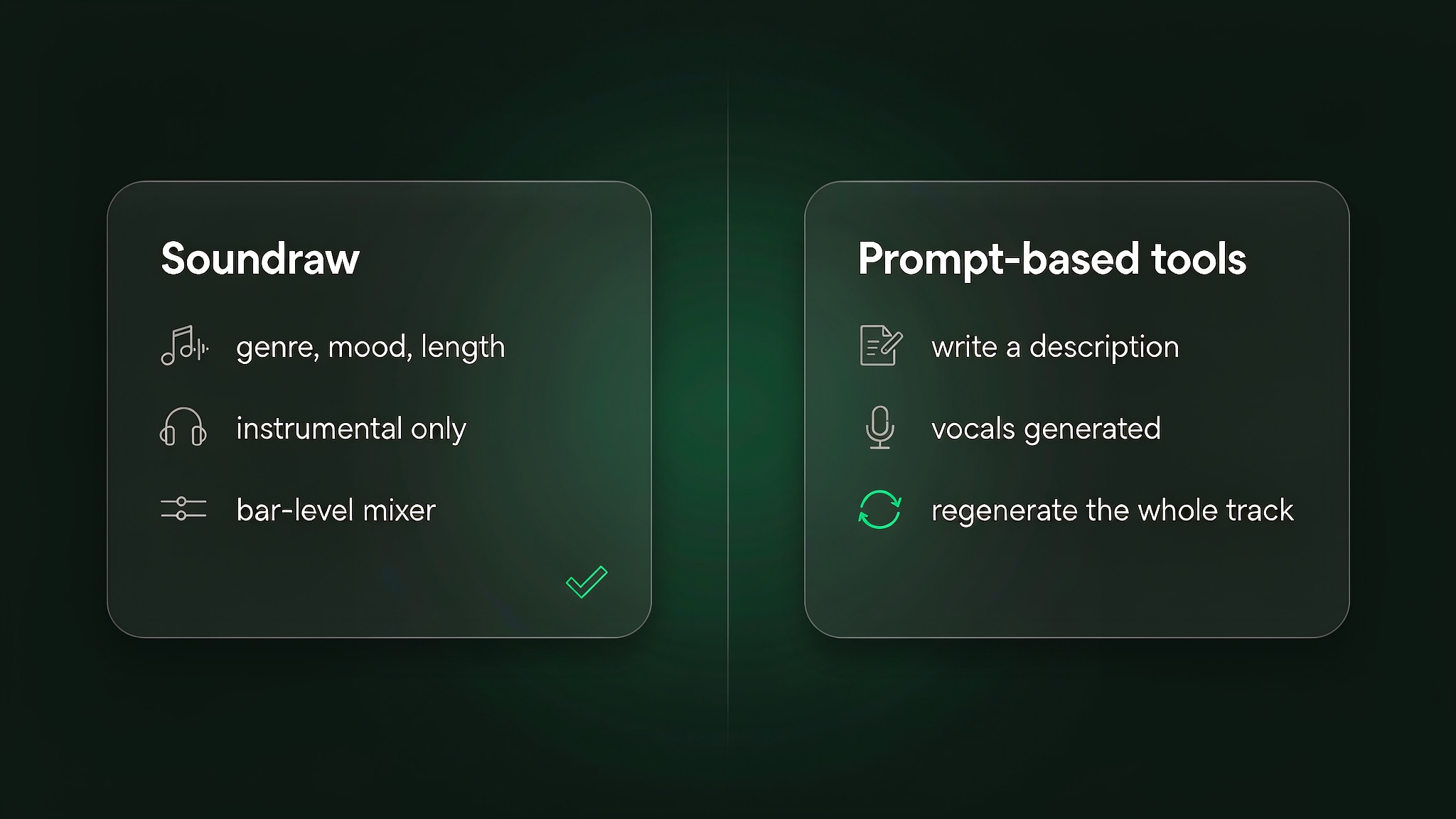
Both columns are a snapshot as of September 2026, and every platform in this table updates its models and quotas regularly, so treat the table as a starting point rather than a settled ranking. For the prompt-driven side in more depth, our Suno AI music generator review covers how that workflow behaves as a production tool, and the differences land in the same three places: fine control, the presence of vocals, and the terms attached to the output.
Common Misconceptions
Two assumptions about Soundraw circulate widely, and each one leads people to a decision they later revise.
Misconception one: a straightforward licence covers every use
A simple licence is not unlimited permission. The terms govern what you may do with the track, which tiers allow what, and what happens if you distribute it — and they say nothing about the rules the destination platform applies to machine-generated audio. If a track is going somewhere that expects disclosure, that obligation is yours rather than Soundraw's. Read the licence, then check the platform's guidelines.
Misconception two: no vocals means a weaker tool
Instrumental-only is a design decision, not a shortfall in capability. A system trained on a narrower task can be more dependable inside it, and Soundraw's consistency follows from that. The mistake is treating the absence of a singer as a missing feature rather than as a different product category — one that a great many projects need more often than they need a song.
Who the Soundraw AI Music Generator Is For Right Now
The fit splits cleanly on whether the music has to be sung.
Choose Soundraw if you need instrumental music you can use in commercial work without a lengthy rights conversation: video editors, marketing teams, game developers, podcasters and streamers are the natural users. The combination of a simple licence, bar-level editing, and WAV or stem exports on the higher tiers is hard to match in the prompt-driven category, and the free tier removes most of the risk from trying it.
Look elsewhere if the project needs a vocal performance, if you would rather describe a sound than select one, or if you want to release music to streaming platforms on the entry tier. In those cases the platforms built around text prompts are the better instruments, and the trade-off is that their licensing positions are less settled.
From a Soundraw Track to Something You Can Publish
For most people who use Soundraw, the track is only half of the finished work, because the music is going underneath video. When the destination is a music video rather than a backdrop, the video step is the part Soundraw does not cover.
Enkio's AI music video generator takes a finished track plus a visual direction and returns a music video, with 720p and 1080p output across five aspect ratios including 9:16 for vertical platforms and 16:9 for YouTube. Because Soundraw exports clean files on the higher tiers, the sequence is short: take the WAV out of Soundraw, upload it, add an image or generate visuals, then trim to the section you want. Enkio runs on credits rather than per-video purchases, so check the current plans and credit costs before you build a release around it.
One reminder applies whichever route you take: platform policies on AI-generated content differ, and several major platforms expect disclosure when a track or video is machine-generated. Check the destination platform's current guidelines before publishing, particularly if monetisation is the goal.
Make more from your MV.
Let Enkio create a complete AI music video from your song with cinematic templates.
Frequently asked questions
These are the questions we see most often about the Soundraw AI music generator, answered for the platform as it stands.
Is the Soundraw AI music generator free?
There is a free tier, and it is generous in one direction and strict in another: you can generate and preview without paying, but downloads are not included. That makes it a thorough audition rather than a working tier. Check Soundraw's official site for the current free limits.
Does Soundraw generate vocals?
No. Soundraw produces instrumental music only. The company offers a separate application aimed at recording your own vocals over its tracks, which is a different product with its own pricing. If a generated lead vocal is part of the plan, a prompt-based platform is the right starting point.
Can I download Soundraw tracks?
Yes, on the paid tiers. The lower tiers provide MP3 downloads, and WAV plus separated stems begin at Artist Pro. Download allowances differ by tier, so confirm the current formats and limits on Soundraw's official site before choosing a plan.
Can I use Soundraw music commercially?
The licence is what governs this, and Soundraw's terms are among the simpler ones to read in this category because the training material is produced by the company's own musicians. The tier matters more than anything else: placement in client work is treated differently from distribution to streaming platforms. Read the licence terms for your tier.
How much does Soundraw cost?
As of September 2026, the annual unit prices are $11.04 per month for Creator, $19.49 for Artist Starter, $23.39 for Artist Pro and $32.50 for Artist Unlimited, with monthly billing costing more and promotional rates shown from time to time. Prices sit with Soundraw and have changed, so verify them on the official pricing page.
Which Soundraw plan do I need to release music on Spotify?
Not the entry tier. Creator cannot be used to distribute to streaming platforms; the Artist tiers can, and the artist keeps the royalties from the release. If streaming is the plan, start from Artist Starter and check the current licence matrix on Soundraw's site.
Conclusion
Soundraw solves a narrower problem than its competitors and solves it more completely. Choosing by genre and mood instead of writing a prompt removes the guesswork from the first generation, and the bar-level mixer removes the guesswork from the second — you fix the part that is wrong rather than rolling the whole track again. Add a licensing position that is easier to explain to a client than most, and the case for it in video, game and advertising work is straightforward.
The ceiling is just as clear: no vocals, no way to describe a sound that has no genre name, and no distribution on the entry tier. If your work needs instrumental music you can use without a long conversation about rights, Soundraw is the most practical option in the category. Start on the free tier, listen for an afternoon, and read the licence before you build anything commercial on it.