



Beatoven.ai generates instrumental music from a description of the mood a scene needs, then lets you rebuild the result section by section. Our review of the Beatoven AI music generator covers what the platform produces, how the editor behaves in practice, what the plans cost, what the licence actually permits, and the point at which a different tool becomes the better answer.
The short answer: Beatoven is one of the more dependable options for background music under video, with rights that are easy to explain to a client, and it is a poor fit for anyone who needs a sung vocal or a track they can release under their own name.
What the Beatoven AI Music Generator Is
Beatoven.ai runs in the browser and takes the position that music usually supports something else: a YouTube edit, a podcast episode, an advert, a game build, a trailer. The entry point is emotion rather than song structure, and the output is instrumental in every case. The company describes the product as a background music generator rather than a song generator, and that distinction holds for the rest of this review.
Two models sit behind the interface: maestro writes the music, and a second model writes sound effects from written prompts, which the company presents as an AI foley artist. Downloads arrive as MP3 or WAV, each issued with a licence document.
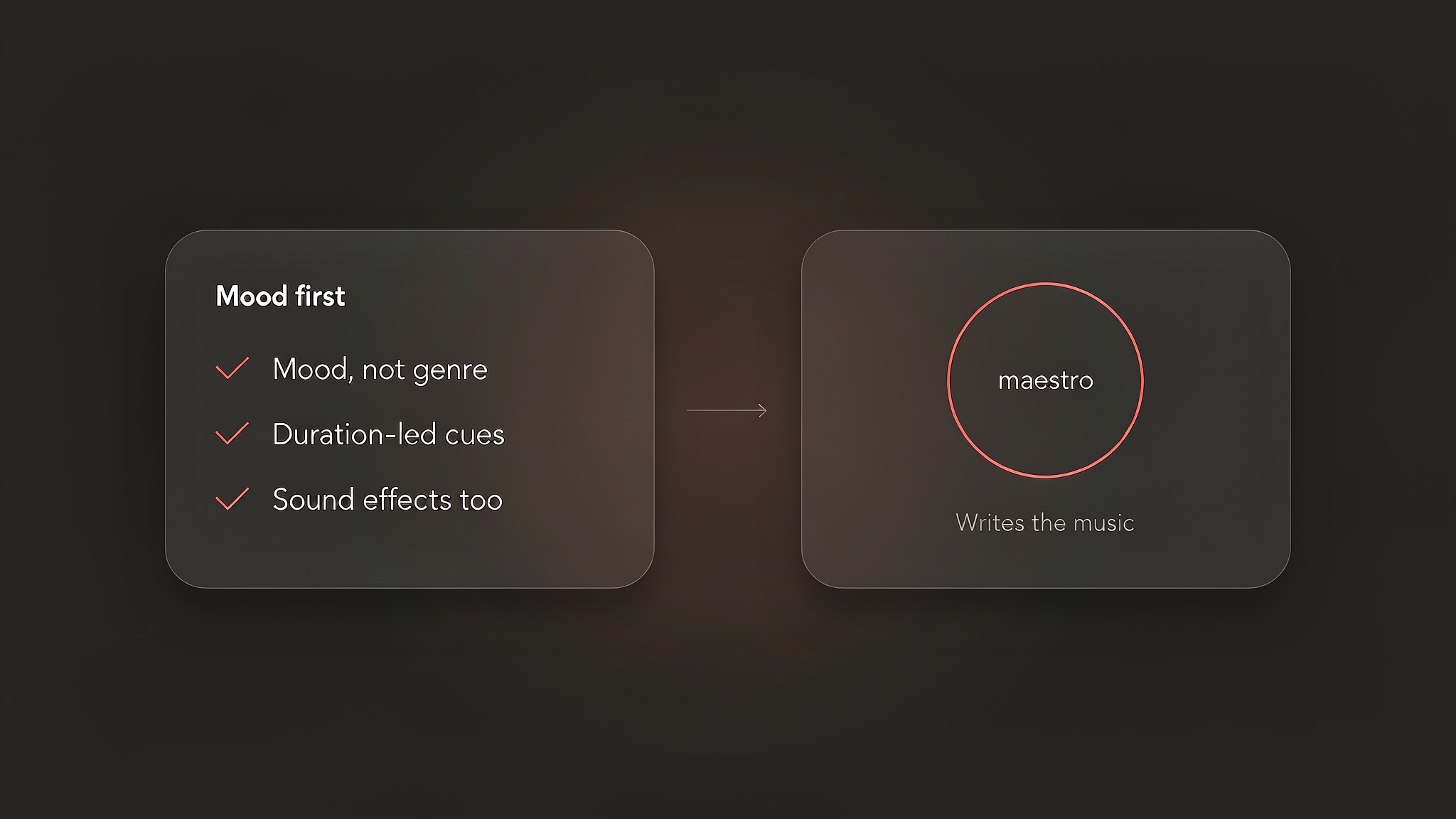
The capability set is wider than the mood-first framing suggests:
- Instrumental tracks generated from a written description of a scene - Duration control, so a cue can be cut to the length of an existing edit - Section-level editing after generation, with per-section regeneration - Sound effects generation alongside the music model - MP3 and WAV export, with stems on the higher tier
Beatoven reports that more than two million creators have generated over fifteen million tracks on the platform. It also holds Fairly Trained certification, which concerns how training data was sourced and how contributing musicians are compensated.
How Beatoven Works in Practice
Four decisions take a project from a blank screen to a finished cue, and the interface asks for them in a fixed order.
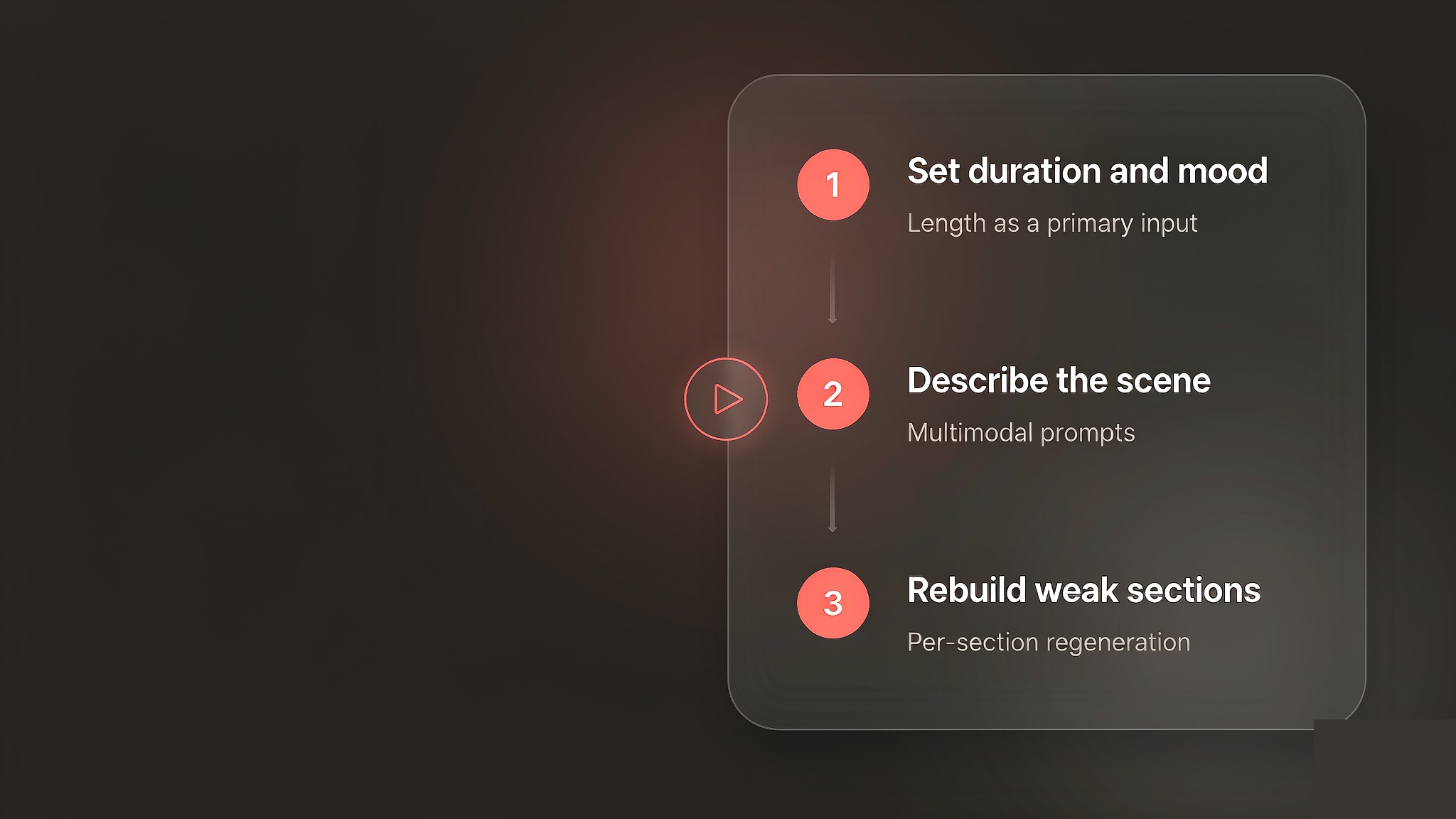
Start with the duration and the mood, not with a song idea
The first screen asks how long the music needs to be and how it should feel. Working inward from the edit length is the habit the interface rewards, because a sixty-second explainer and a fifteen-minute documentary need different amounts of musical development. Beatoven treats length as a primary input rather than a trim applied at the end, which is unusual in this category and useful when the picture is already locked. Mood is chosen from a vocabulary of emotional states instead of genres, which is why the tool suits people who score to picture and frustrates people who arrive with a reference track in mind.
Describe the scene rather than naming a genre
The written prompt holds most of the usable control. Describing what happens on screen — a slow reveal of a coastline at dawn, a tense negotiation in a small room, a product being unboxed in a bright kitchen — gives the model more to work with than a genre label, because genre is already covered by the selector. The platform accepts multimodal prompts, so a description of the footage itself can carry the request. Specificity pays here, and a vague prompt returns the same generic bed that every stock library already stocks.
Rebuild weak sections instead of re-rolling the whole track
Generation returns a track you can audition section by section, and each section can be regenerated on its own. This is the part of the workflow that saves real time. When a bridge sits wrong under a voiceover, the fix is a re-roll of that section rather than a new track and a new download. We found that the same behaviour shapes how a session is best planned: the first generation is a sketch of the emotional arc, and the useful work happens afterwards, section by section, against the actual cut.
Download, and keep the licence that arrives with it
Exports are MP3 or WAV depending on the plan, and the higher tier adds stems. The licence document arrives with the download and belongs next to the project file, because it is the artefact a client or a platform will eventually ask for. Downloading is metered in minutes rather than in tracks, which changes working habits: previewing is effectively unlimited, so the finishing decisions are what consume the monthly allowance.
What the Beatoven AI Music Generator Gets Right
Three strengths held up when we read the company's documentation alongside the independent reviews published this year.
Scoring to picture sits at the centre of the design
Most prompt-driven music tools ask for a song and leave the synchronisation problem to the editor. Beatoven starts from the opposite end: length, emotional arc and section boundaries are inputs rather than post-production work. For creators whose deliverable is a cut that already exists, that alignment removes a step that would otherwise be done by hand — ducking the music under dialogue, trimming an outro, fading a track that was never written for the picture.
Section-level regeneration protects a good take
Whole-track re-rolls are the expensive part of working with generative music, because a new track means a new download and a new licence. Being able to redo only the section that failed protects the parts that worked, and it means the monthly allowance buys finished music rather than experiments. On a long-form episode with five or six cues, that difference compounds quickly.
Training-data provenance is documented, and musicians are paid
Beatoven holds Fairly Trained certification, states that musicians whose work contributed to the model receive equitable compensation, and publishes an artist directory on its own site. We read that certification as documented intent rather than an independent audit of payouts, because the company is the source of the claim. Even so, it is a stronger position than most of the category can state, and for commercial work it answers a question a legal reviewer will raise.
Pricing and Plans
Beatoven meters music by downloaded minutes rather than by tracks. The plans are named Creator and Visionary, with minute top-ups for people who only occasionally need a download. Generation is unlimited in preview, so a plan buys usage rights and download minutes rather than attempts.
As of September 2026, the company does not publish a standing price list on a dedicated page; the numbers appear once you are signed in. We compared the published listing figures and found a consistent shape: an entry tier at roughly $6 to $10 per month for 15 to 30 download minutes, a higher tier at roughly $10 to $20 per month for 30 to 60 minutes, and minute top-ups quoted at around $3 per minute. Annual billing cuts the effective monthly rate by about half.
Because those figures come from listings rather than from a vendor page, read them as an order of magnitude and confirm the current numbers with Beatoven before you budget for a campaign.
The number that matters is not the monthly fee but the cost per finished cue. At the entry tier, 15 to 30 minutes a month covers a lot of short-form video and very little long-form documentary, and the top-up rate is what you pay once the allowance runs out, so anyone publishing long episodes should model that rate rather than the plan price.
Compare what a plan includes.
Enkio plans include AI music video generation, templates, and watermark-free downloads depending on your plan.
Real Limitations
The limits below are structural rather than cosmetic, and two of them follow directly from the design that makes the platform good at background music.
There are no vocals, and no plan to add them
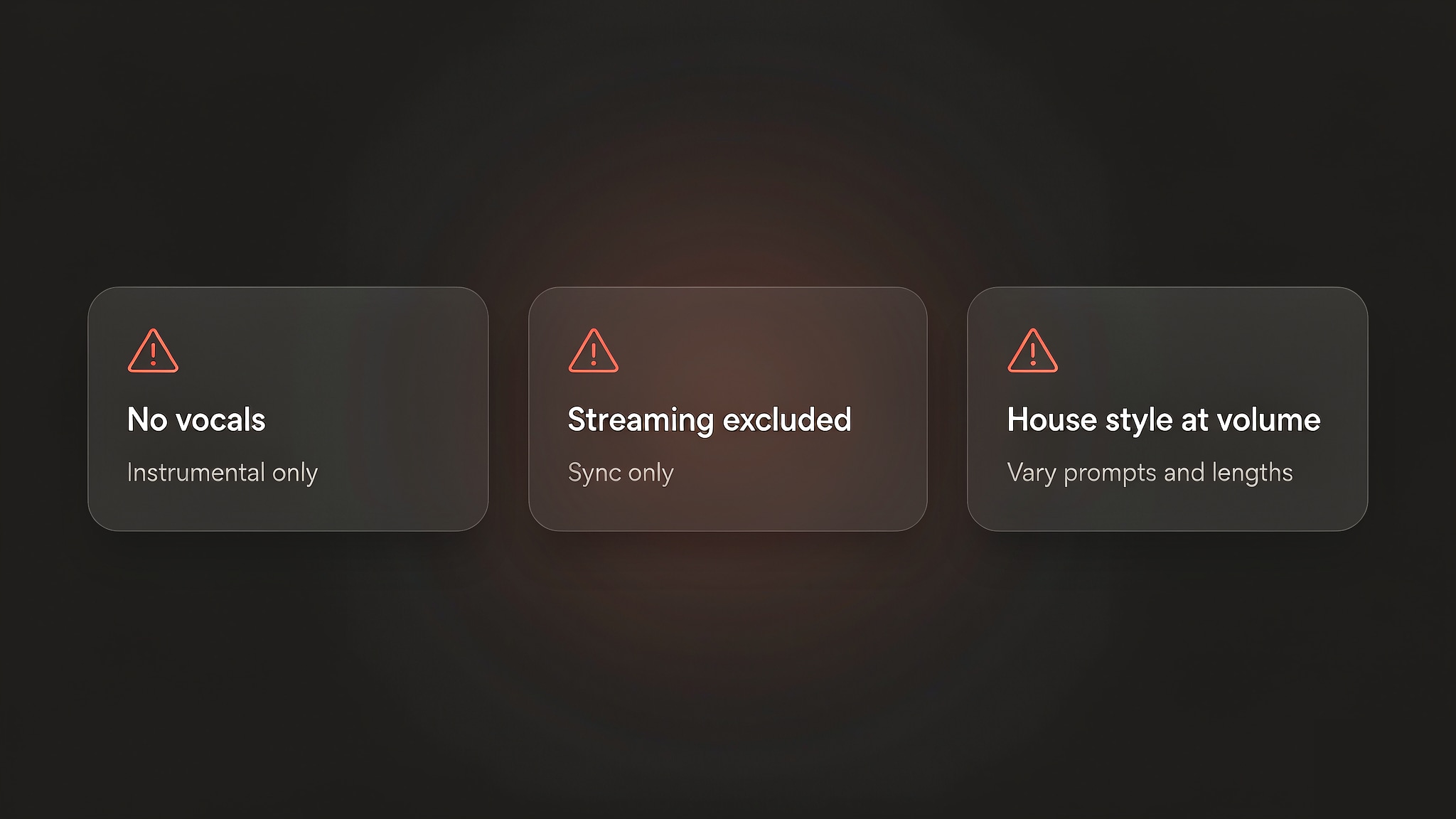
If the deliverable is a song, Beatoven is the wrong tool. There is no vocal model, no lyric input and no singing voice to select, and the platform does not position itself against songwriting tools. A project that needs both a song and a bed therefore needs two tools, which is a normal arrangement rather than a defect — but it is worth knowing before a workflow is built on one plan.
The licence excludes streaming, so the music cannot travel on its own
The terms grant a non-exclusive, royalty-free, perpetual licence for music synchronised with your own content, and they exclude distribution through digital service providers. A track cannot be released on Spotify or Apple Music under your name on any plan, and the files cannot be resold or used to train another system.
For video work this is a non-issue; for anyone treating the generator as a shortcut to a music catalogue, it is a wall. Our Soundful AI music generator review covers a platform with a similar synchronisation-first model and a comparable set of exclusions, which is the more useful comparison if the rights question decides your purchase.
Tracks converge on a house style at volume
Independent reviews keep returning to the same complaint: output from the same mood and genre settings resembles itself. For a single episode that is invisible; for a channel publishing daily, the sameness is what viewers eventually hear. Varying prompts, lengths and instruments helps, but the platform offers no way to import your own reference material as an anchor.
The free tier and the published price list both need work
The free plan exists to demonstrate quality rather than to produce usable work: a small number of generations, no commercial download minutes, and nothing that can be shipped. That is defensible, and it places the free plan firmly in the evaluation category. The related problem is documentation. The site publishes use-case and API pages but no standing pricing page, so buyers reach a sign-up screen before they can compare plans — which is precisely the moment most people leave.
How It Compares With Soundful
The closest comparison is not a songwriting tool but another platform built around short instrumental cues for video, so that is the one our comparison drew. Both columns are a snapshot as of September 2026.
| Dimension | Beatoven.ai | Soundful |
|---|---|---|
| Starting point | Duration and mood, then a scene prompt | Genre template, then tempo, key and mood |
| Written prompts | Supported, including multimodal description | Not supported |
| Vocals | Instrumental only | Instrumental only |
| Post-generation editing | Section-level regeneration | Bar-level editing with instrument toggles |
| Sound effects | Separate text-to-SFX model | Not offered |
| Stems | Higher tier | Mid tier upward |
| Download metering | Monthly minutes, plus minute top-ups | Monthly download count |
| Streaming distribution | Excluded by the licence | Excluded on the entry tier |
| Entry paid tier | Roughly $6 to $10 per month | $4.99 per month as listed in our review |
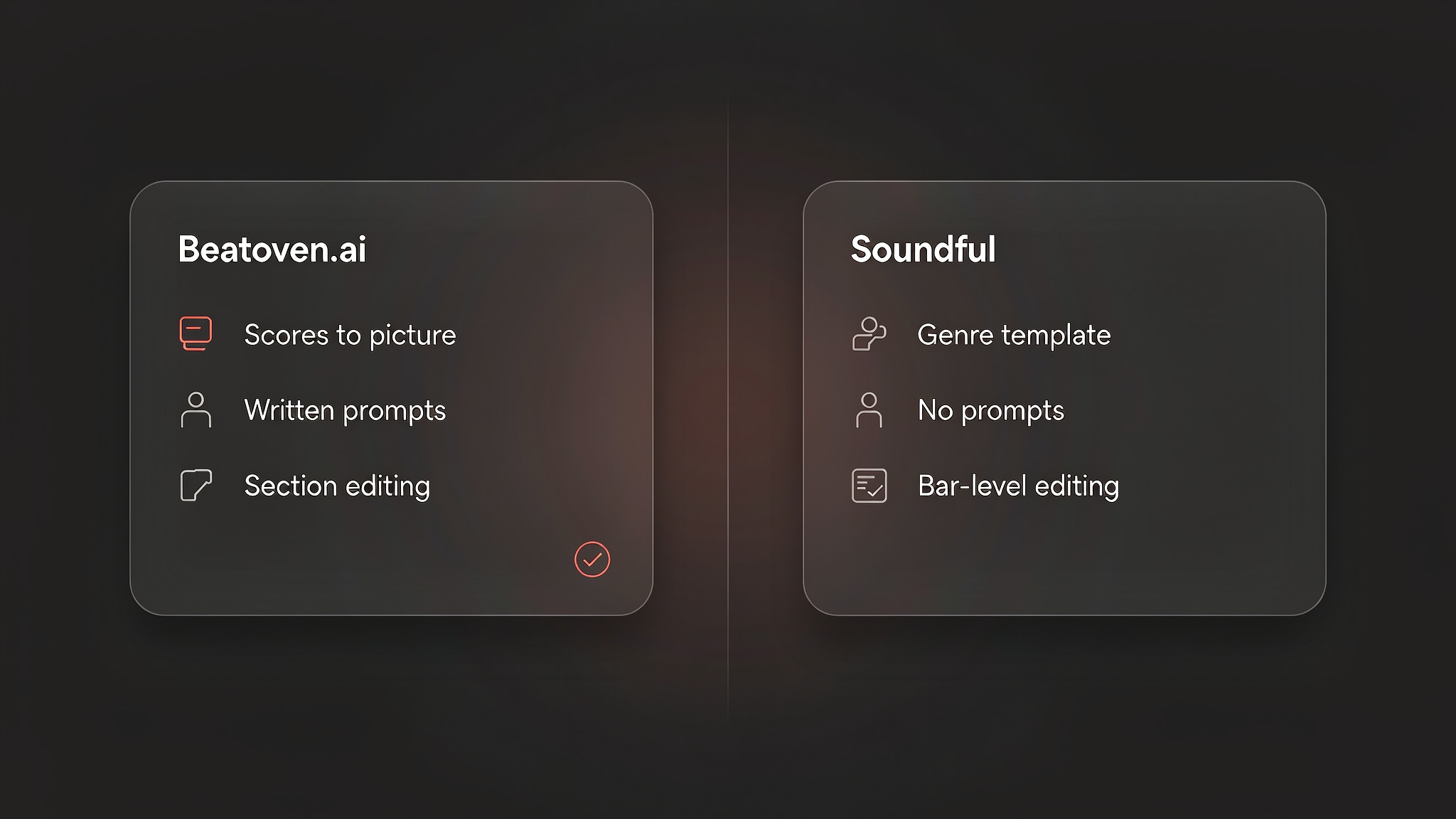
In our comparison, Soundful wins on price transparency and on how much control you have once a track exists, while Beatoven wins on matching music to an existing edit. Neither platform sings. For the rest of the series, the AI music video and music generator reviews hub collects every review in this cluster.
Who the Beatoven AI Music Generator Is For Right Now
Our verdict splits by what the music has to do after it exists.
Beatoven suits creators who score to an existing cut: YouTubers with a backlog of edits, podcasters who need intro, outro and bed music under a predictable cost, agencies producing explainer video at volume, and indie developers who need ambient loops with rights they can document. For those groups the mood-first workflow, the section editor and the licence document do most of the work.
It is a weaker fit for songwriters who need a vocal, for producers who want to shape an arrangement note by note, for anyone who needs the track to exist as a release, and for teams that need a published price list before raising a purchase order. If your requirement sits closer to a finished song than to a bed, the tools built for songwriting are the better starting point.
How Beatoven's Licence Works for Creators
The rights position is the part of this product most likely to be misread in both directions, so it is worth stating plainly. Under the current terms, Beatoven owns the copyright in the music you generate, and you receive a non-exclusive, limited, royalty-free, perpetual, worldwide licence to use it. The licence is tied to synchronisation: the music can be exploited as part of your own content — video, podcasts, games, advertising — and it cannot be distributed on its own. The terms also exclude reselling the files and using them to train other systems, and they ask for a credit line, Music by Beatoven.ai, wherever that is practicable.
The practical upshot is that you buy a licence, not authorship, which matters if the music is meant to be an asset rather than a component. Beatoven also runs a copyright claim submission route for the case where a platform flags a track despite the licence — the sort of detail worth knowing before a deadline rather than after one. Read the vendor's terms for the version that applies to your purchase, since the definitions are what govern the outcome.
Common Misconceptions
Two assumptions come up often enough in our reading of this category to be worth correcting.
Misconception one: a royalty-free licence means the track is yours
Royalty-free describes a payment structure — no per-use royalties — rather than ownership of the underlying rights. Under these terms the music stays with the company and you hold a licence, which is why the same track can be licensed to other users and why you cannot register it as your own composition. If owning the recording matters to your project, licence terms are the first thing to compare between tools, not the last.
Misconception two: subscribing turns the output into a release-ready single
A paid plan changes download allowances and editing depth. It does not turn instrumental music into a song with a voice, and it does not change the distribution restriction. A plan upgrade buys more minutes and, on the higher tier, stems — so it is worth separating "I need more music" from "I need a different kind of music" before choosing a tier.
From a Beatoven Track to Something You Can Publish
A cue is usually the start of a video rather than the end of a project, and the next step needs a different tool. Beatoven hands you a licensed bed and, on the higher tier, the stems to shape it; turning that into a music video is a separate job.
Enkio's AI music video generator takes a track plus a visual direction and returns a music video, with 720p and 1080p output across five aspect ratios including 9:16 and 16:9, on a credit model rather than a per-video purchase. Instrumental beds suit this workflow, and stems improve the fit, because a mix without vocals leaves room for the visuals to carry the piece. Credit costs are listed on the pricing page, so check the current numbers before planning a release around them.
One reminder applies whichever route you take: platform policies on AI-generated content differ, and several major platforms expect disclosure when music or video is machine-generated. Check the destination platform's current guidelines before publishing, particularly if monetisation is the goal.
Make more from your MV.
Let Enkio create a complete AI music video from your song with cinematic templates.
Frequently asked questions
These are the questions we see most often about the Beatoven AI music generator, answered for the platform as it stands.
Is the Beatoven AI music generator free?
There is a free plan, and it works as an evaluation tier rather than a production one: a limited number of generations so you can judge output quality, with no commercial download minutes attached. Everything usable sits behind a paid plan, so treat free access as a test drive. Check the official pricing page for the current free limits.
Does Beatoven generate vocals?
No. The platform is instrumental only, and there is no lyric or vocal model to enable. Projects that need a sung part need a different tool, and combining two platforms for one production is the usual arrangement.
How much does Beatoven.ai cost?
As of September 2026, Beatoven sells Creator and Visionary plans metered by monthly download minutes, plus minute top-ups, but it does not publish a standing price list you can link to. Independent listings put the entry tier at roughly $6 to $10 per month and the higher tier at roughly $10 to $20 per month, with annual billing reducing the effective rate by about half. Confirm the current figures with the vendor before you subscribe.
Can I monetise a video that uses Beatoven music?
The licence covers monetising your own content with the music synchronised inside it, and a licence document is issued with each download. It does not cover releasing the track itself on streaming platforms, and the terms exclude reselling the files. Read the current terms for your plan, because the definition of permitted use is what governs the outcome.
Can I distribute Beatoven music on Spotify or Apple Music?
No. The terms explicitly exclude performance or distribution through digital service providers, and that exclusion applies across plans. Stems can be used for sampling inside your own productions, but the generated track cannot be released as a standalone single.
Do I get stems, and is there an API?
Stems arrive on the higher tier, and they are the reason to choose it if you mix music against dialogue. A developer API also exists for teams wiring generation into a product. Neither is necessary for ordinary content work.
Which site is the official Beatoven AI music generator?
The official product is beatoven.ai, and the generator runs in the browser from there. Third-party pages reuse the name for directory listings and for unrelated generators, so confirm that a page links back to beatoven.ai and shows the company's own terms before you upload files or enter payment details.
Conclusion
Beatoven does one job with more discipline than most of the category: it produces instrumental music that fits a scene, then lets you repair the parts that do not. The mood-first interface is why it works under video and why it cannot write a song, and the licence is why it is safe to use in client work and impossible to use as a music release.
If you need a reliable supply of background music with documented rights, this is one of the stronger options at its price. If you need a vocal, a catalogue, or a price list before signing up, choose accordingly — and read the terms for your plan before you build a library on top of them.