



Udio is a text-to-music platform built by a team of former Google DeepMind researchers, and in 2026 it holds a strange position: the audio is widely rated among the best in its category, and the platform will not currently let you export a file.
The short answer, after reviewing the platform's documentation, its pricing, and the comparative testing published this year: Udio is worth adopting for producers who care how a mix sounds and will work inside the platform, and it is the wrong choice for anyone who needs an audio file this month. Here is what it does well, what it costs, the limitation that reshapes every project, and who should pick it anyway.
What the Udio AI Music Generator Gets Right
We reviewed the platform documentation alongside the comparative tests published through 2026, and the same two strengths come up in every serious evaluation.
Mix quality
Independent tests consistently find that Udio's output sounds finished. Comparative genre testing puts it ahead of the field on production polish, with the widest margins in hip-hop, electronic music, rock, and lo-fi, where bass impact and spatial detail matter most. A frequently quoted user comparison rates the gap in terms of format quality — listener phrasing rather than a measurement, but it reflects the general verdict that these tracks do not sound like drafts.
Post-generation control
The second strength is what you can do after the first generation. Extend, remix, and inpainting let you redirect a track or repair one section without losing the rest, and stem separation made Udio a favourite among producers who finish in a DAW. Stem separation is caught in the export restriction, but the editing layer inside the platform still works, and it is what separates Udio from tools that only return a finished file.
A free tier you can learn on
The free tier gives 10 credits a day plus a monthly reserve, roughly three songs a day, and includes remix and extension. That is enough to learn the prompt loop before paying. Inpainting sits behind a paid plan, so free teaches the core workflow rather than the repair toolkit. Check Udio's current plans before relying on the allowance, which has changed once already.
Pricing and Credits
As of September 2026, Udio lists three tiers. The free tier is $0. Standard is $10 per month, or roughly $8 per month billed annually, with up to 2,400 credits per month. Pro is $30 per month, about $24 annually, with up to 6,000.
Credit packs can be added and do not expire, while subscription and free credits reset at the billing date instead of rolling over, and there is no automatic overage: run out mid-month and you are blocked until the reset unless you buy a pack. Verify current pricing on Udio's own site, since these numbers have moved once already.

The cost per usable track matters more than the sticker price. A 32-second clip costs one credit, a two-minute generation about two credits per version, and every action returns two songs. Because you rarely keep a first take, published credit analyses put the true cost of a track you want at roughly 8 to 20 credits. On Standard, that is still a few hundred usable generations a month.
Compare what a plan includes.
Enkio plans cover AI music video generation, templates, and watermark-free downloads depending on your plan.
Real Limitations
An honest review needs the other side, and Udio's limitations in 2026 are structural rather than cosmetic.
Exports are disabled, and that is a product problem
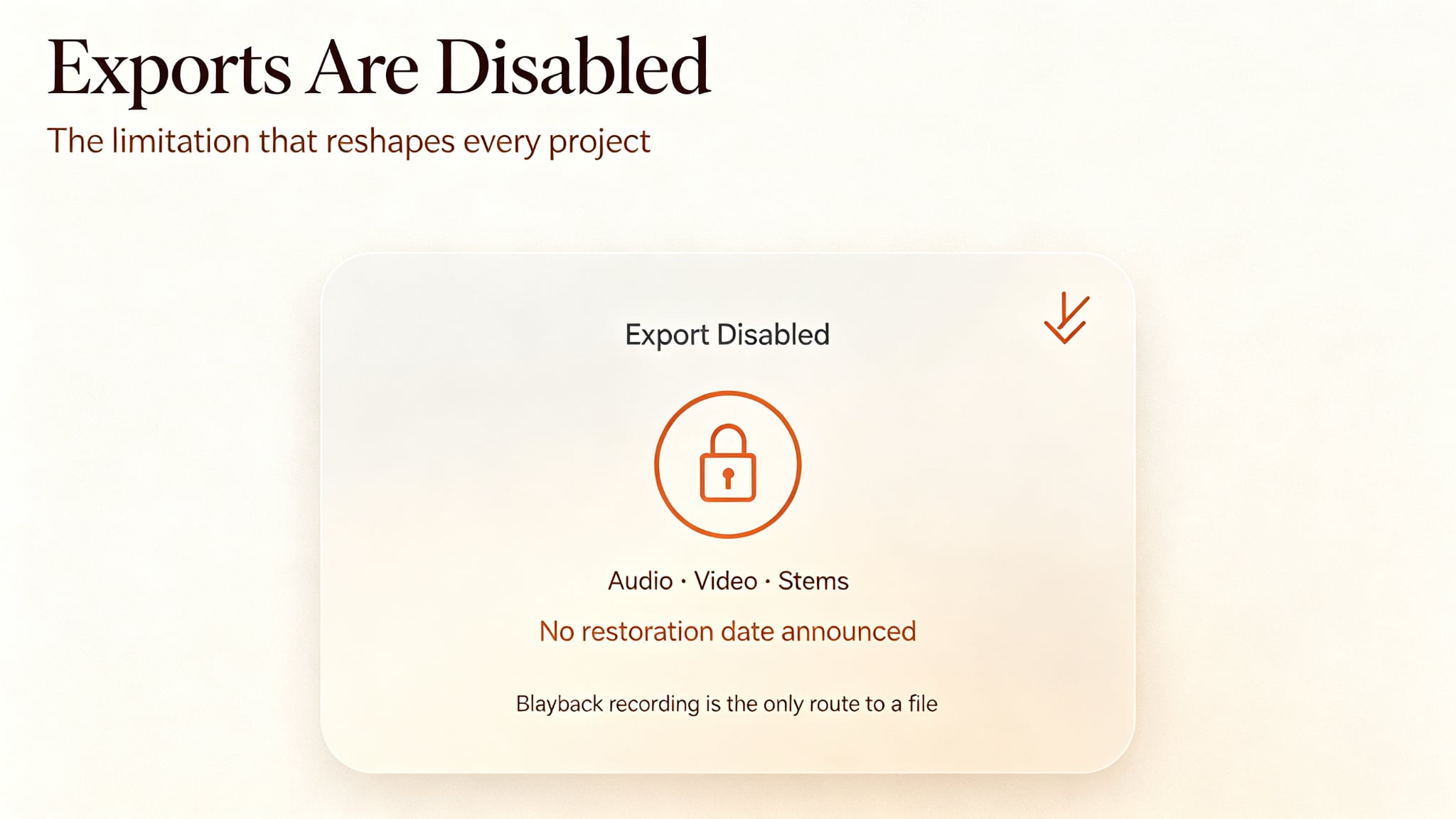
This is the limitation that matters most. Downloads of audio, video, and stems were disabled during Udio's licensing transition, following the Universal Music Group settlement in October 2025, and they remain off with no announced restoration date.
The restriction applied retroactively to tracks users had already paid for, and it sits on Udio's servers, so no extension or downloader reaches it. A playback recording is the only route to a file, and it captures a stereo mix rather than stems.
The workflow asks more of you than Suno's does
Udio returns two songs per prompt and rewards iterative prompting: generate, listen, adjust one word, run it again. We compared the documented workflows of both platforms, and the pattern is clear. Suno is built to produce something catchy with minimal effort, while Udio assumes you will spend several generations reaching the version you want. That is an advantage with a clear target and a cost if you want a result in one click.
Control is still prompt-level
The control story is relative, not absolute. You steer Udio with words and section-level tools, not note-level edits. Inpainting regenerates a chosen passage and is paid-only; you cannot mute a hi-hat, change tempo mid-song, or fix a single bass note by hand. Reviewers who work in DAWs describe the same ceiling: the platform gets you close, and finishing happens elsewhere, which is awkward while exports are locked. Our guide on how to use the Udio AI music generator walks through what each control does.
How It Compares With Suno in 2026
A short comparison helps, because these two are usually the only products in the decision.
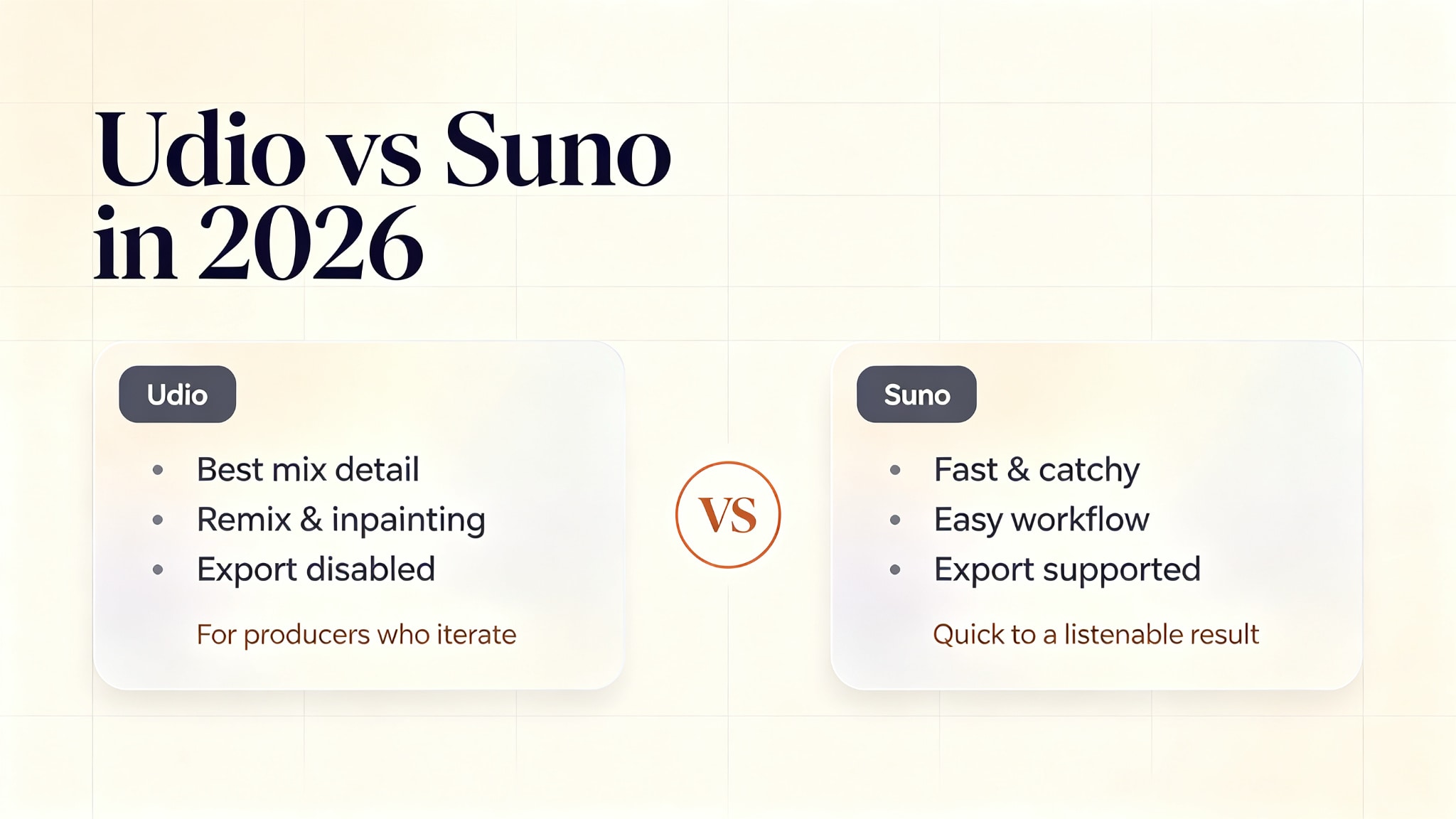
| Dimension | Udio | Suno |
|---|---|---|
| Typical strength | Mix detail and production polish | Speed, catchiness, ease of use |
| Post-generation control | Extend, remix, inpainting, stems | Extend, replace and crop sections |
| Exporting a file | Disabled as of September 2026 | Supported, with quotas |
| Free tier | 10 credits a day plus monthly reserve | Daily credit allowance |
| Paid entry price | $10 per month | $10 per month |
| Learning curve | Extra generations to reach a target | Fast to a listenable result |
Both columns are a snapshot, and Suno's terms and quotas have moved too, so treat the exporting row as decisive for now. A tool you cannot take a file out of is a different product from one you can.
The Licensing Trade-Off
The reason exports disappeared is also Udio's strongest long-term argument. After settling with Universal Music Group, Udio signed licensing agreements with Warner Music Group, Merlin, and Kobalt, giving it the broadest set of named rightsholders of any consumer AI music tool. The plan is a co-licensed platform, described in coverage as a more closed environment where creation and playback stay inside Udio.
That is a genuine improvement in legal footing, and it is worth remembering that a signed deal, a trained model, a product launch, and updated terms are four separate events. Users are living in the gap between them: the paperwork is the cleanest in the category, and the export button is off. Udio says it hopes to restore some form of downloading after the licensed service launches, without committing to a date. For commercial projects, read Udio's terms directly rather than any summary, including this one.
Who Udio Is For Right Now
The verdict splits by what you do with the output. Udio suits producers and songwriters who want the best-sounding first draft available, who are comfortable iterating, and who can live with projects staying inside the platform while the licensed service is built. It is also a reasonable choice for learning AI music generation, since the free tier is generous.
It is a poor fit for three groups: anyone who needs a file this month for a client, a game, or a release; beginners who want a catchy, complete song with minimal effort; and anyone whose workflow depends on stem separation, which is caught in the same restriction.
From a Udio Track to Something You Can Publish
The step after the song is the one Udio does not cover, and the export lock makes it harder rather than easier. A finished track on its own does not publish to TikTok, Shorts, Reels, or YouTube, since those platforms want video.
Enkio's AI music video generator takes a finished track plus a visual direction and returns a music video, with 720p and 1080p output across five aspect ratios including 9:16 and 16:9, on a credit model rather than per-video purchases. Sequencing matters given the export situation: if your audio is already outside Udio, or arrives there once exports return, the video step is minutes of work. If it is trapped inside Udio, that file problem comes first, and no video tool solves it.
One reminder applies to any route: platform policies on AI-generated content differ, and several major platforms expect disclosure when a track or video is machine-generated. Check the destination platform's guidelines before publishing, particularly if monetization is the goal.
Make more from your MV.
Let Enkio create a complete AI music video from your song with cinematic templates.
Frequently asked questions
These are the questions we see most often around the Udio AI music generator, answered for the platform as it stands.
Is Udio worth using in 2026?
For sound quality and post-generation control, yes, and the free tier is a low-risk way to find out. The caveat is decisive for some projects: downloads are disabled pending the launch of Udio's co-licensed platform, so you cannot export audio, video, or stems. If your work ends with a file, use a tool that exports. If it stays inside the platform, Udio remains one of the strongest options available.
Is Udio better than Suno for producers?
Producers tend to prefer Udio, and published comparisons support that: better mix detail, section-level repair through inpainting, more control after the first generation. Suno's counter-arguments are speed, catchier songwriting, and the fact that it still exports. If you finish in a DAW, the export question decides it today; if raw quality is what matters and you can work around the gap, Udio leads.
Can you download music from Udio?
Not as of September 2026. Downloads of audio, video, and stems were disabled during the licensing transition and remain unavailable, with no announced date for restoration. The restriction also covers tracks created before the change, and it is enforced on Udio's servers rather than in the browser, so third-party downloaders do not work. Confirm the current status on Udio's own help center before planning around it.
How much does Udio cost?
As of September 2026, the free tier costs nothing and gives 10 credits a day plus a monthly reserve. Standard is $10 per month with up to 2,400 credits, and Pro is $30 per month with up to 6,000, with annual billing reducing the effective rate. Credit packs do not expire, while subscription credits reset each cycle. Confirm current figures on Udio's own site.
Can I use Udio tracks commercially?
That depends on Udio's terms and your plan, and the position is still moving while the licensed platform is built. Read Udio's current terms of use before building anything commercial on a generated track rather than relying on a summary. If a client deliverable depends on the answer, take it from the terms, not from any article, this one included.
Conclusion
Udio earns its reputation on the two things that are hardest to fake: how a finished track sounds and how much you can reshape it afterwards. The problem in 2026 is that neither advantage can leave the platform, because exports are disabled during the licensing transition with no return date set. If you work inside Udio, or you are learning, it is one of the best tools in the category, and the free tier lets you verify that yourself. If you need the audio, or the video that follows from it, plan the file path first.