





Freebeat.ai is an AI music video generator that treats the beat as the director. It analyses tempo, drops, and song sections, then builds shots and edits that follow the rhythm. Our review of the Freebeat AI music video generator covers what the tool actually produces, how its credits and plans work, where the official pages disagree, and how it lines up against Neural Frames.
The short answer: Freebeat is a beat-driven music video agent that rents a stack of third-party music and video models. It outputs up to 1080p and asks for a $39.99 monthly plan as of September 2026 before its top resolution unlocks, so weigh the pricing and the model dependencies before you commit.
What the Freebeat AI Music Video Generator Is
Freebeat.ai is an AI music video generator built around a simple claim: the rhythm is the script. The vendor describes it as an AI director that reads a track, then plans shots and cuts that follow the beat. The product sits in the same lane as an AI Music Generator, but it turns a finished song into a video rather than a new track.
The tool ships several modes. Music Video, Dance Video, Lyric Video, Realtime Music Video, Photo Karaoke, and Onbeat Effects all appear on the product site. A newer banner calls the experience a music video agent that you can chat with to edit anything, which points to a conversational editing layer on top of the generator.
The homepage also shows a partnership note: freebeat is now part of the Yamaha Creator Pass. We read that as a fact about ownership, not as a quality signal.
We treat the vendor's positioning as a marketing claim rather than a measured ranking, and the rest of this review stays on what the official pages document and what named third-party reviewers report.
How It Works in Practice
The workflow follows the beat from start to finish, and most of the effort sits in picking a source and a look. The steps below reflect the official documentation and the modes listed on the site, written so you can see where the work actually happens.
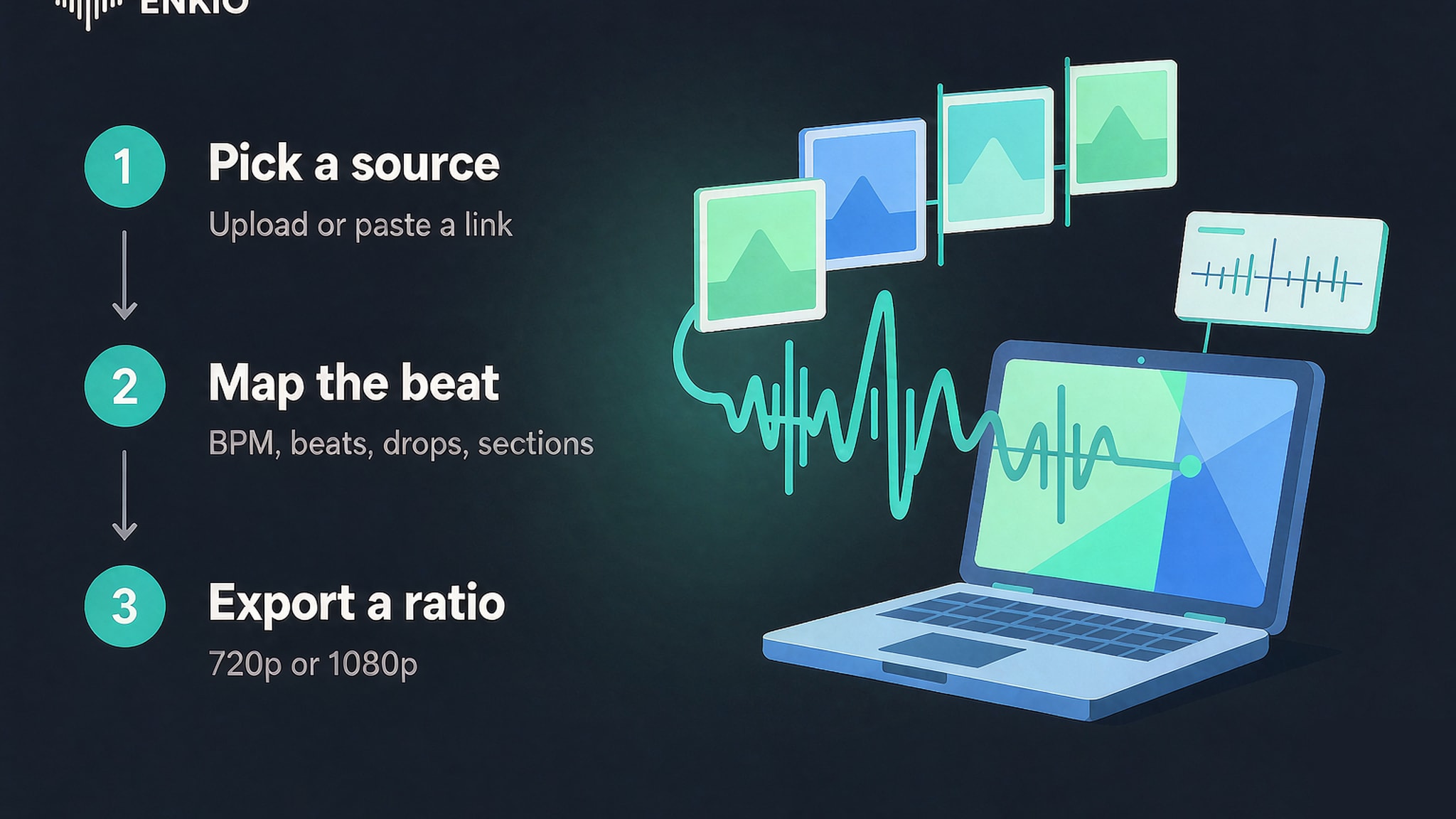
Pick a source track or link
Generation starts from audio you already have or a link you paste. The product accepts uploads, and it also pulls from Spotify, SoundCloud, YouTube, Suno, Udio, TikTok, Stable Audio, and Riffusion. That link-first design is the part that separates Freebeat from tools that only take a local file.
Choose a video mode and a beat map
Once the audio is in, the agent analyses BPM, beats, drops, and song sections. It then proposes shot changes that land on those markers, so the cut feels tied to the music. The AI Music Video Prompts guide is useful if you want to shape the brief with text rather than accept the auto map.
Let the agent build dance, lips, and scenes
The generator returns beat-matched dance, lip-sync, and story-driven scenes depending on the mode you picked. The official copy frames this as the director step, where the model decides camera moves and timing. Output length runs from about fifteen seconds to six minutes according to the FAQ.
Review the cut and export in a ratio
Finished videos render at 720p or 1080p and in 16:9, 9:16, or 1:1. The FAQ lists those specs as the current output set, and the choice of ratio matters more than the resolution for social posting.
What the Freebeat AI Music Video Generator Gets Right
Three strengths stand out against the official listings, and each one has a checkable basis rather than a slogan. The companion Revid AI Music Video Generator Review covers a different take on the same job if you want a second read before you decide.
The beat-sync concept is genuinely built in
Most music video tools trim to a fixed length and hope the cut feels musical. Freebeat analyses BPM, beats, drops, and sections first, then plans shots around them, which is a real structural difference rather than a filter preset. That makes the rhythm-led edit the product's clearest reason to exist.
Link import covers the main source platforms
The link-first input is broad. Spotify, SoundCloud, YouTube, Suno, Udio, TikTok, Stable Audio, and Riffusion are all named on the official page, so a creator rarely re-encodes before generating. For someone who lives in one of those apps, the handoff is close to a single paste.
Several output shapes ship in one product
Six modes sit under one roof: Music Video, Dance Video, Lyric Video, Realtime Music Video, Photo Karaoke, and Onbeat Effects. A single plan therefore covers a lyric clip, a dance cut, and a karaoke-style post without swapping tools. That breadth is unusual at the entry price for this category.
The chat-to-edit layer lowers the edit floor
The music video agent 2.0 banner promises a chat interface where you describe an edit in words. Even without testing it, the direction is useful: it aims to remove the timeline from the revision loop. Creators who dread a traditional editor may find the conversational path the easier way to finish a clip.
Pricing and Credits
As of September 2026, the official pricing page lists weekly and monthly plans in US dollars, and the vendor may adjust them, so check the vendor's pricing page for current rates before you subscribe. Subscriptions renew automatically, and the page shows a promotional discount next to higher list prices.
| Plan | Price (promo / list) | Credits | Resolution |
|---|---|---|---|
| Basic | $4.99 / week ($6.99 list) | 1,990 / week | up to 720p, watermark removed |
| Pro | $26.99 / month ($34.99 list) | 10,000 / month | 720p |
| Ultimate | $39.99 / month ($49.99 list) | 19,000 / month | 1080p |
| Creator | $199 / month ($249 list) | 95,000 / month | 1080p |
| Boost 2,000 credits | $7.99 | one-time | shared across tiers |
| Boost 5,000 credits | $18.99 | one-time | shared across tiers |
| Boost 8,000 credits | $26.99 | one-time | shared across tiers |
Two facts decide value here. First, 1080p only appears at the Ultimate and Creator tiers, so Basic and Pro stay at 720p. Second, the FAQ page lists a different plan set — Free, Basic $4.99 per week, Standard $9.99 per month, Pro $24.99 per month — which does not match the pricing page names or prices, so treat the vendor pages as the source and confirm on the vendor's page before paying.
At Ultimate, 19,000 credits for $39.99 works out to a little over two tenths of a cent per credit. The boost packs sit between the weekly and monthly plans for creators who hit a one-off ceiling.
The music side also uses a credit and tier mix. The pricing page names Suno V5.5, Suno V5, MiniMax Music 3.0, Mureka V9, Mureka V8, ACE STEP 1.5 V3, Sonauto V3, and image models such as GPT Image 2.0 and Nano Banana Pro, with Pro and Creator layers and weekly free quotas. If your music comes from one of those services, the Alternatives to Suno AI Music Generator guide maps nearby options you can weigh.
Compare what a plan includes.
Enkio plans cover AI music video generation on credit-based pricing; check the official pricing page for current plans.
Real Limitations of Freebeat
The limits below are structural, and the first one is the reason most buying decisions turn on this product. We state each as a neutral fact from the official pages or named third-party reviews, not as a verdict on the tool.
1080p stays behind the top paid tiers
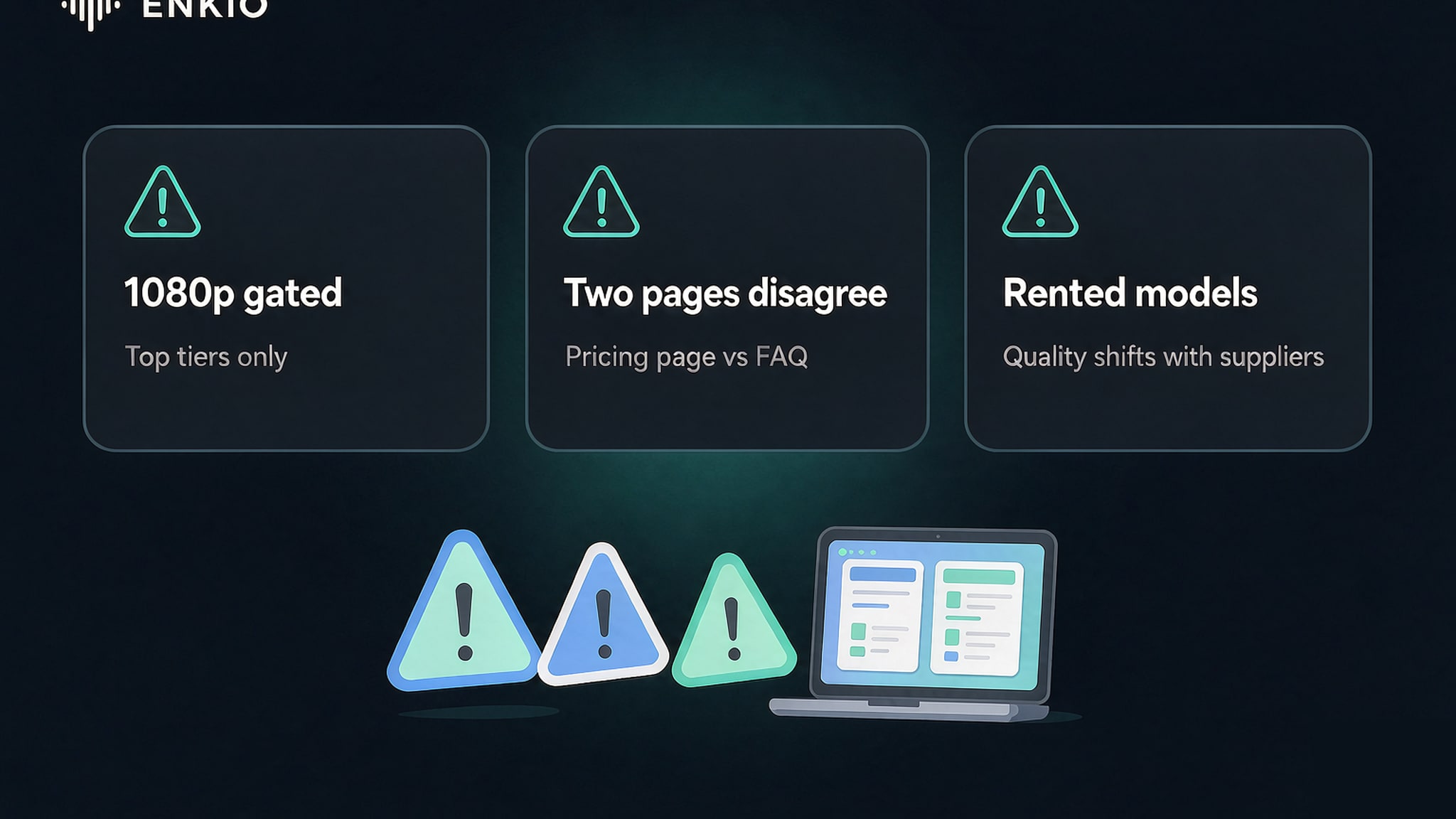
Basic and Pro both stop at 720p, and 1080p only unlocks at the Ultimate tier at $39.99 per month or the Creator tier at $199 per month. That is a clear resolution step rather than a hidden cap, and it matters most if your brief targets a large screen or a crisp social post. As of September 2026 these are the published tiers, and the vendor may adjust them, so check the pricing page for current plans.
If your plan ceiling is the part that decides the buy, Enkio's AI Music Video Generator returns 720p and 1080p across five aspect ratios on credit-based plans, with the current credit costs listed on its pricing page. The two products rent different model stacks, so compare the output set against the track you actually plan to ship.
Two official pages list different plans
The pricing page and the FAQ list different plan names and prices. The FAQ shows Free, Basic $4.99 per week, Standard $9.99 per month, and Pro $24.99 per month, while the pricing page shows Basic, Pro, Ultimate, and Creator with other numbers. Read both before you pay, and treat the vendor pages as the live source because the mismatch is real; check the vendor's pricing page for current plans.
The model layer depends on outside vendors
Freebeat rents its models rather than running its own. The pricing page names Seedance 2.5, Seedance 2.0 4K, Seedance 2.0, MiniMax H3, Suno V5.5, Mureka V9, ACE STEP, Sonauto, GPT Image, and Nano Banana across the video, music, and image sides, and the homepage also lists Suno V6, Lyria 3.5, and Music Edit. Output quality therefore moves when those suppliers change, and the music models carry Pro and Creator layers plus weekly free quotas.
Lip sync and presets draw mixed third-party notes
Third-party reviewers report that lip sync loses precision above about 150 BPM on fast rap or dense vocals, and that style presets feel templated. Those notes come from aitoolsatlas and aifounderkit, not from the vendor, so read them as field reports rather than fixed specs. The behavior may improve as the rented models update.
The free tier is not fully documented on the pricing page
The pricing page does not publish free-tier limits, and the FAQ only confirms that a free plan exists. An independent directory lists the free tier as 500 one-time credits, thirty seconds, 720p, and watermarked, but that is a third-party claim rather than a vendor statement. Confirm the free limits on the vendor page before relying on them.
How It Compares With Neural Frames
The closest reference point is Neural Frames, another beat-led music video tool with a published review on this site. We did not collect Neural Frames pricing for this review, so every row below stays with something verified on Freebeat's side and turns the second column into the question to carry into the other tool. The Neural Frames AI Music Video Generator Review carries that product's own numbers.
| Dimension | What Freebeat gives you | What to check on the other side |
|---|---|---|
| Starting point | Paste a link from eight platforms or upload a file | Whether it accepts the source you actually use |
| Output specs | 720p on lower tiers, 1080p from the $39.99 tier | Which tier unlocks your target resolution |
| Video length | 15 seconds to about six minutes | The ceiling per clip and per plan |
| Billing | Weekly or monthly credits, plus top-up packs | Whether unused credits carry over |
| Model layer | Rented third-party music and video models | Whether it runs its own models or rents them |
| Fit | Beat-matched social clips across six modes | Whether you need hands-on timeline control |
The two answer different jobs. Freebeat suits a creator who wants the first cut to arrive already locked to the beat; a timeline-first tool suits someone who expects to move shots by hand. Choose by the source you use most and the resolution you need to ship, rather than by which spec list is longer.
Who the Freebeat AI Music Video Generator Is For Right Now
Our split is by job, because the resolution step and the model dependency separate the fits from the misfits. The Music Video Marketing guide is the next read if you plan to push the result into a release campaign rather than a one-off post.
Freebeat suits creators who already live in a linked app, want beat-matched social clips fast, and can ship at 720p or accept the $39.99 tier for 1080p. The broad mode set and the link import make it a low-friction starting point for dance and lyric posts.
It is a weaker fit for anyone who needs a documented free tier, a single consistent model stack, or a release workflow that does not shift when a rented supplier updates. It also asks you to confirm source rights yourself, which adds a step before anything goes public. If your brief needs a stable ceiling, read the limits above before subscribing.
From a Freebeat Track to Something You Can Publish
A generated track or video is usually the start of a piece of work rather than the end of one, and the next stage depends on what the clip is for. A beat-matched post becomes a campaign; a draft becomes a release asset that needs a home and a clear rights path.
If you already hold a track and want the visual half, Enkio takes the finished audio plus a visual direction and returns a music video in 720p and 1080p across five aspect ratios, including 9:16 and 16:9. Enkio also generates music, so a track and its video can start from one place rather than two separate tools.
Enkio runs a monthly plan at $19.99 for 3,000 credits as of September 2026, and paid plans can download without a watermark depending on your plan; check the official pricing page for current plans. Failed generations do not deduct credits, and the prompt field accepts up to 2,000 characters if you want to steer the look. The two services rent different model stacks, so match the output set to the track you ship.
One reminder applies whichever route you take: platform policies on AI-generated content differ, and several major platforms expect disclosure when music or video is machine-generated. Check the platform's current guidelines before publishing, particularly if monetisation is the goal. For commercial usage terms, see Enkio's Terms of Use.
Make more from your track.
Enkio turns a song and a visual direction into a music video across five aspect ratios, depending on your plan.
Frequently asked questions
These are the questions we see most often about the Freebeat AI music video generator, with answers grounded in the official pages and named third-party notes.
Is the Freebeat AI music video generator free?
The FAQ confirms a free plan exists, but the pricing page does not publish its limits. An independent directory lists 500 one-time credits, thirty seconds, 720p, and a watermark, yet that is a third-party claim. Confirm the free tier on the vendor page before relying on it for a real project.
As of September 2026, the pricing page lists Basic at $4.99 per week, Pro at $26.99 per month, Ultimate at $39.99 per month, and Creator at $199 per month, with boost packs from $7.99. The FAQ shows different names and prices, so check the vendor's pricing page for the live figures before you subscribe.
What resolutions and lengths does it support?
The FAQ lists 720p and 1080p output, with 16:9, 9:16, and 1:1 ratios, and lengths from about fifteen seconds to six minutes. Basic and Pro stay at 720p, and 1080p needs the Ultimate or Creator tier. Pick the ratio for the platform, then the resolution for the screen.
Can I use a Freebeat video commercially?
The FAQ states you keep the rights to the video you generate, and visuals, avatars, images, and background music from the platform carry a commercial licence subject to the Terms of Use. You must still confirm you hold rights to any uploaded music or photos. Read the Terms of Use before any commercial step.
Is there a Freebeat alternative I should consider?
If your blocker is the 1080p tier or the rented-model dependency, compare the output set against another beat-led tool before you buy. Enkio returns 720p and 1080p across five aspect ratios on credit-based plans, which covers the same resolution range without a separate music tool. Match the plan to the track you actually ship rather than the feature list.
Does Freebeat own the models it uses?
No. The pricing page names rented models such as Seedance, MiniMax, Suno, Mureka, ACE STEP, Sonauto, GPT Image, and Nano Banana, and the homepage adds Suno V6, Lyria 3.5, and Music Edit. The product orchestrates outside models, so its ceiling moves when those suppliers update their own offerings.
Conclusion
Freebeat.ai is a beat-driven music video agent that rents a stack of third-party music and video models and outputs up to 1080p. The strengths are real: link import, six modes, and a rhythm-led edit that feels musical from the first cut. The trade-offs are equally clear: 1080p sits behind the $39.99 tier, the pricing page and FAQ disagree on plans, and the model layer shifts with its suppliers.
Freebeat fits creators who live in a linked app and want beat-matched social clips without learning a timeline. If the track is finished and the visual is the next step on your list, Enkio takes that step from the audio you already have, across 720p and 1080p and five aspect ratios, without a separate music tool to learn.