




Short answer: Enkio is the first option to test when you want music generation and a path to an MV; Udio is a closer music-only comparison; Mureka targets song creation with a different toolset; AIVA is for instrumental composition; Soundraw is oriented toward background music; and Loudly is built around fast music for content workflows.
By Enkio Editorial Team · Last updated October 22, 2026
How We Evaluated These Suno Alternatives
We separated direct observation from desk research. On October 21, 2026 at about 1:00 p.m. New York time, we used a Mac and Chrome in the US market to submit the same dream-pop brief to Suno and a local comparison. Suno used the Free Plan and the shared artifact identified the result as V6 Mini. Optional controls stayed at their defaults. The second run used its default music-generation setup.
Why Look for a Suno Alternative?
Suno still makes sense for fast, lyric-led song ideation. In our test, one submission produced two candidates from separate Style and Lyrics inputs. Our Suno Music Generator Review documents that run, its plan context, and the limits of what one sample can establish.
However, an alternative becomes useful in one of four situations:
- You need a different music workflow, such as instrumental scoring or background tracks.
- You want a second interpretation of the same brief before committing to a platform.
- Your publishing plan requires rights or export conditions that the current plan does not provide.
- The finished deliverable is a video, so stopping at an audio file creates another production step.
For the screen flow, see How to Use Suno AI Music Generator.
Choose Enkio as Suno Alternative
Use one prompt to generate your song, and then create music video for you.
Quick Comparison: Which Alternative Fits Which Job?
The useful comparison is task fit, not a universal score. The table distinguishes what we observed directly from what still depends on vendor documentation and your own trial.
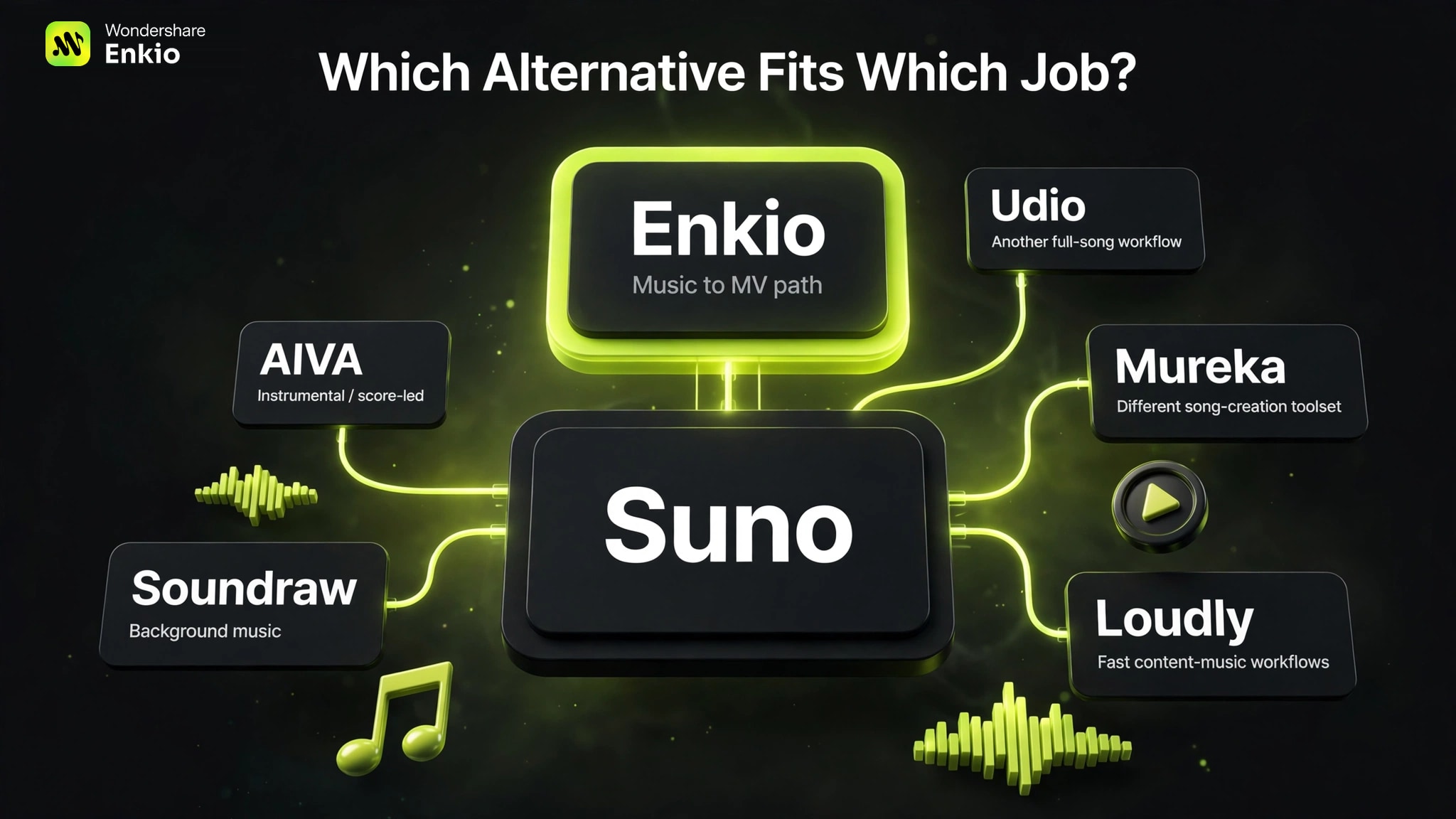
| Tool | Best reason to consider it |
|---|---|
| Enkio | Generate music, continue to an MV, or turn a Suno audio URL into an MV |
| Udio | Compare another prompt-to-song workflow |
| Mureka | Try a different song-creation toolset |
| AIVA | Create instrumental or score-led music |
| Soundraw | Build background music for content |
| Loudly | Produce music quickly for content workflows |
This table does not claim that all six were tested under identical conditions. It is a shortlist for deciding what deserves your next trial.
Top 6 Suno Alternatives by Use Case
Each candidate below answers a different reason for leaving or supplementing Suno. Prices are deliberately not frozen into the ranking because the non-tested candidates were not re-purchased for this update.
1. Enkio — For Music That Needs to Become an MV
This option is relevant when the project cannot stop at audio. Its AI Music Generator can create a song from a prompt, including vocals or user-supplied lyrics, and the result can continue into an MV workflow. It can also recognize a Suno audio URL and use it as the MV starting point. This creates two paths: native music to MV, or Suno song to MV.
As of October 2026, our sample returned one song rather than Suno's two candidates, took roughly five seconds longer in this uncontrolled observation, and cost 30 credits. The local build had no public share link. Choose it when the video step matters enough to offset those constraints, not because this run proves better music.
2. Udio — For Another Full-Song Interpretation
Udio belongs on the shortlist when you still need a full song and want to compare a second prompt-to-music system. That is a closer substitution task than moving to a background-music library or an instrumental composer.
We did not run Udio in this test, so this article does not rank its vocals, structure, speed, or consistency against Suno. Confirm current generation, download, and commercial-use rules, then use the same prompt and lyrics. Our Udio AI Music Generator Review is a separate starting point.
3. Mureka — For a Different Song-Creation Toolset
Mureka is another candidate for users who still want a song rather than a score or background bed. Testing a second creation system can reveal whether a problem comes from the brief or its interpretation.
Mureka was not part of our October hands-on run, so we do not repeat the original article's unverified claim that its vocals trail Suno or Udio. Its weakness here is evidence depth: you still need to test your language, lyric structure, export needs, and plan rights before treating it as a replacement.
4. AIVA — For Instrumental and Score-Led Work
AIVA is the task-specific option when you need instrumental composition for film, games, trailers, or other score-led work. It should not be judged by the same vocal-song criteria used for the Suno prompt in our test.
That specialization is also the trade-off. If the core job is a complete song with sung lyrics, AIVA is not a like-for-like replacement. It belongs in the shortlist only when removing vocals is part of the requirement.
5. Soundraw — For Background Music
Soundraw is relevant when the deliverable is a background track for a video, podcast, or branded asset rather than a lyric-led release. That narrower job can make a background-music workflow more useful than a general song generator.
The trade-off is category fit: choosing Soundraw changes the task instead of reproducing Suno's full-song workflow. Verify the current licensing terms for the exact plan and distribution channel before using the output commercially.
6. Loudly — For Fast Content-Music Workflows
Loudly is worth a trial when a repeatable content workflow matters more than building a specific vocal song from supplied lyrics.
It was not directly tested here, and its plan-specific arrangement controls, download rules, and licenses need current verification. If your main requirement is precise lyrical delivery, test that explicitly rather than assuming a content-music tool will behave like Suno.
How to Choose a Suno Alternative
Choose by eliminating mismatches in order: output, evidence, rights, then cost. This prevents a low monthly price or a strong demo from hiding a workflow that cannot deliver what you need.
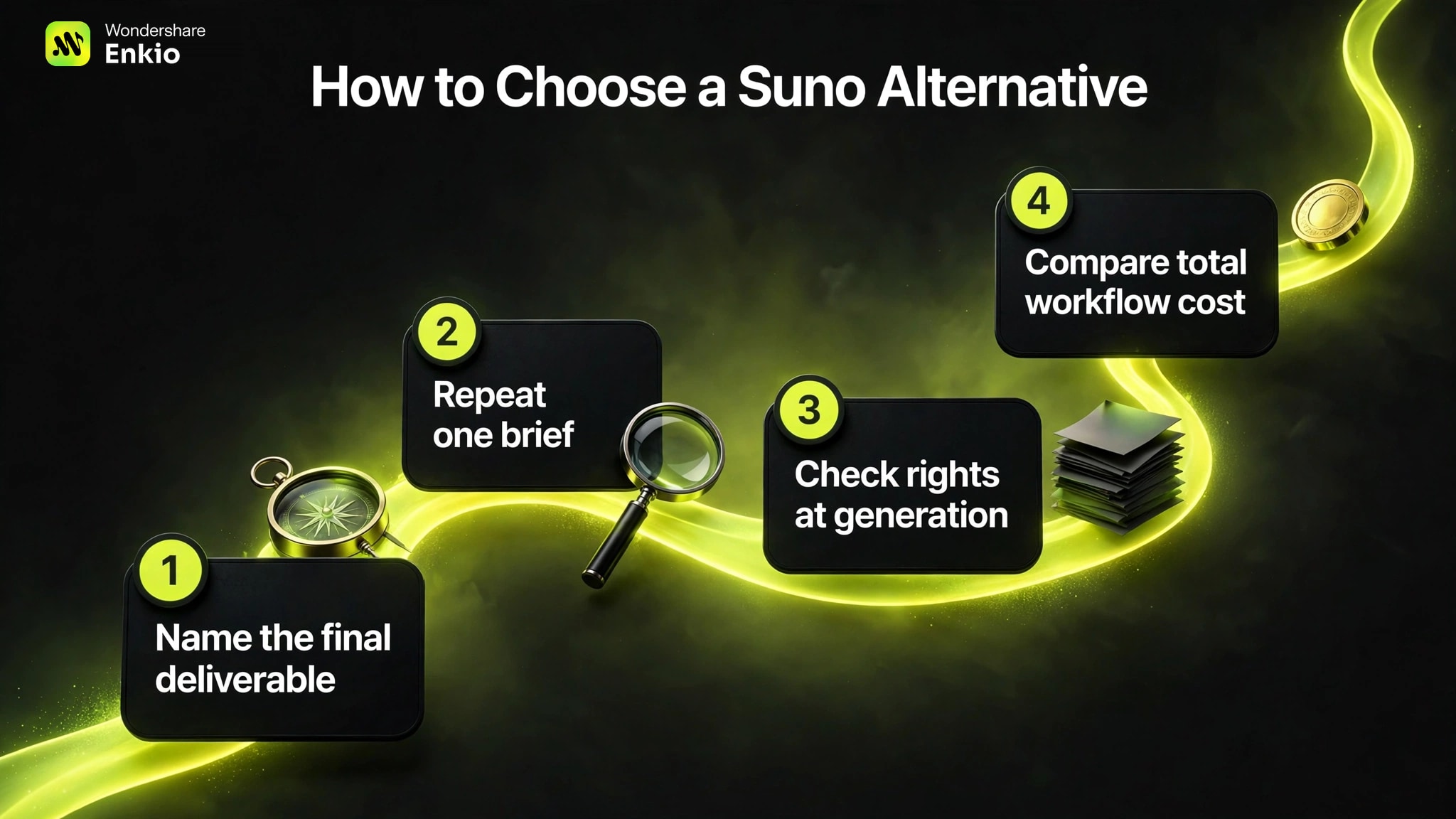
1. Name the final deliverable
Write down whether you need a vocal song, an instrumental score, a background bed, or a finished MV. The candidates solve different endpoints, so a single “best quality” ranking would be misleading.
2. Repeat one brief before expanding the test
Use one prompt, one lyric sheet, and the same default-setting rule for the first comparison. Save titles, durations, settings, credit deductions, and share evidence. One run is enough to document the workflow; it is not enough to rank output quality or reliability.
3. Check rights at the moment of generation
On Suno, the Free Plan is for personal, non-commercial use under the published October 2026 terms, and upgrading later does not automatically grant commercial rights to songs created earlier on Free. Apply the same check to every alternative: record the plan, generation date, and relevant terms before publishing.
4. Compare total workflow cost
Count more than the subscription. As of October 2026, include credits consumed by retries, download limits, time spent moving assets, and whether video requires another product. A broader Best AI Music Generators list can widen the pool, but it should not replace this calculation.
Check the current plan before you build a release around it.
Review credits, included features, and plan conditions at the moment you test, then keep a dated record.
From a Suno Song to a Music Video
If the Suno song is already the version you want, replacing the generator may be unnecessary. The missing task is turning that audio into a visual release.
Enkio can recognize a Suno audio URL and use the song in its AI Music Video Generator, provided you own or have permission to use the audio and visual assets. This is a complementary workflow, not an integration claim: the companies are not presented as partners. The same workflow also supports generating the song first and continuing to an MV. For commercial usage terms, see Enkio's Terms of Use.
This route does not solve every project. It uses credits, plan features vary, and the tested local music result had no public share link. Use it when the audio is settled and a visual is the actual next deliverable.
Keep the song and solve the visual step.
Start from your existing audio or Suno URL, add the visual direction, and review the MV workflow before generating.
Frequently asked questions
Should I cancel Suno before testing an alternative?
No. Run a small, dated comparison first and preserve any files, share links, plan records, and terms that apply to existing songs. A replacement is worth considering only after the new workflow completes your actual task without creating a larger rights, export, or production problem.
Do commercial rights transfer when I move a song between tools?
No automatic transfer should be assumed. The generation platform's terms, the plan active when the song was created, your rights in the lyrics and other inputs, and the downstream platform's rules can all matter. Keep the original generation record and review the applicable terms before monetization.
What should I save during an AI music comparison?
Save the exact prompt and lyrics, model or version label, plan, date, region, settings, credit deduction, duration, result count, share URL or file, and a short note about what was and was not reviewed. That record lets you repeat the test without turning memory into evidence.
Can I judge an alternative from one generated song?
One song can reveal the interface, input structure, result count, visible credit use, and obvious blockers. It cannot establish average sound quality, reliability, lyric accuracy, or genre range. Treat the first run as a workflow screen, then expand testing only for the tools that remain viable.
Conclusion
The best Suno alternative depends on the job that Suno is not completing. Test Enkio when music needs a direct path to an MV, Udio or Mureka when you want another full-song workflow, AIVA for instrumental scoring, Soundraw for background music, and Loudly for repeatable content-music production.
Our October test supports workflow observations for Suno and the local comparison only. It does not support a six-tool sound ranking. If your Suno track is already finished and the visual is next, the existing audio URL can enter an MV workflow; if you still need to choose the song, keep the comparison at the music layer first.