



You have a finished song and no footage. That used to mean booking a shoot. The short answer: in 2026 you have two workable paths — film the video yourself, or generate one with AI from your song and a few images. This guide walks through how to make a music video on either path, then details the AI route step by step, with costs, checkpoints, and the mistakes that waste the most time.
The Two Ways to Make a Music Video in 2026
The traditional path is filming: plan shots, gather a camera and lights, shoot, and edit. We compared the leading guides — one music-school guide breaks the process into twelve steps from concept to release, and DIY musician blogs describe stripped-back formats like one-shot takes and storyline shoots. Filming remains the right choice when the concept depends on real performance, locations, or actors on camera.
The AI path skips the shoot entirely. You upload your song and one or more images, optionally describe the look you want, and the generator produces clips you assemble into a full video. Tools differ in approach: some specialize in stylized animation, others in beat-synced edits, as covered in our Revid AI Music Video Generator Review.
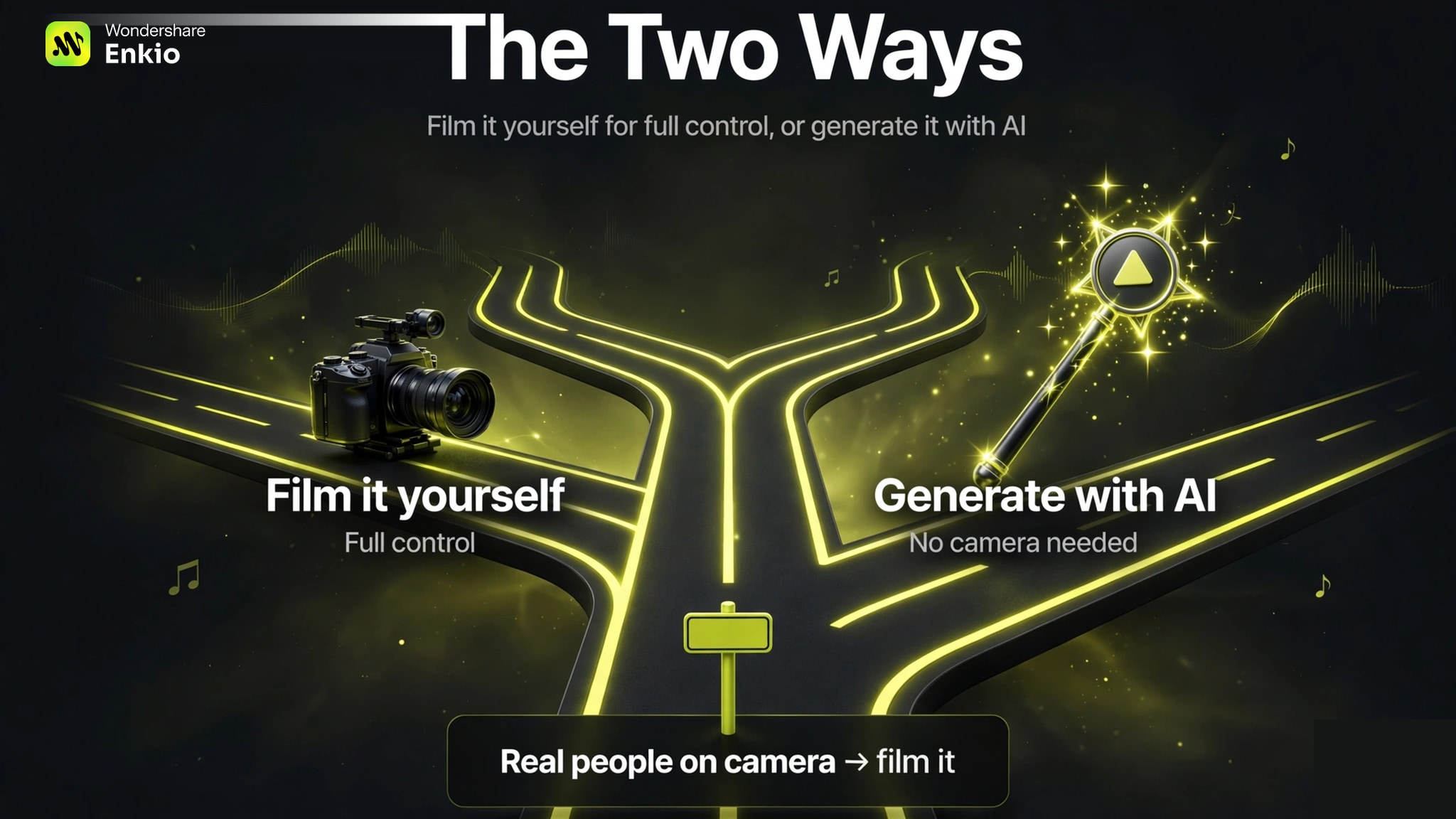
The decision rule is simple. If you have a finished song and need a watchable visual to release with — a lyric video, a mood piece, a vertical cut for TikTok — the AI path gets you there faster and cheaper. Many independent artists now do both: AI visuals for release week, a filmed video later if the song takes off. And if you don't have a song yet, an AI Music Generator can take you from an idea to a finished track first.
How to Make a Music Video with AI, Step by Step
This section is the core answer to how to make an AI music video. The workflow follows the same six steps regardless of tool; we describe them using Enkio's workflow as the reference, since it covers the full path from song and images to a finished video.
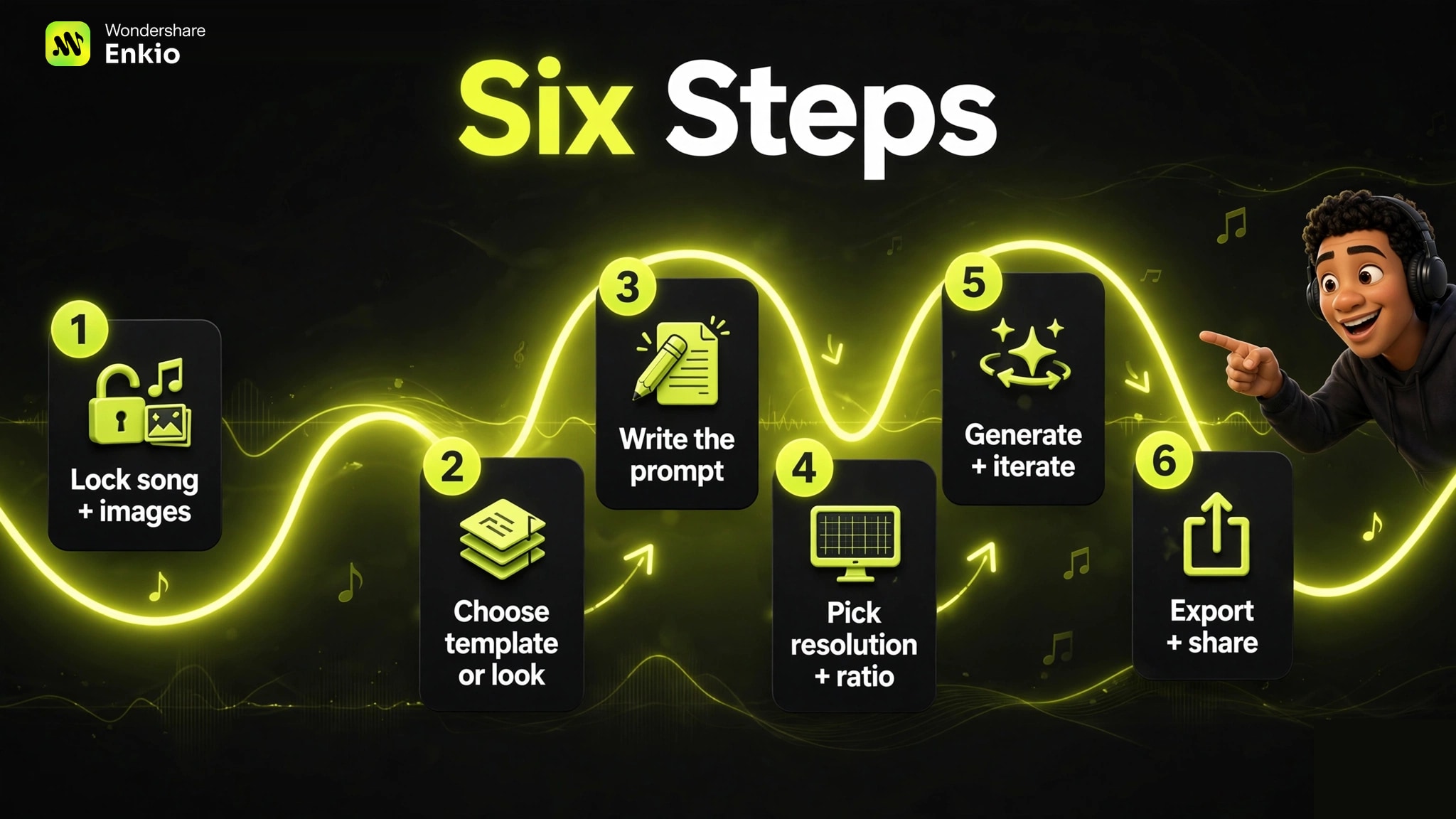
Step 1: Lock your song and gather your images
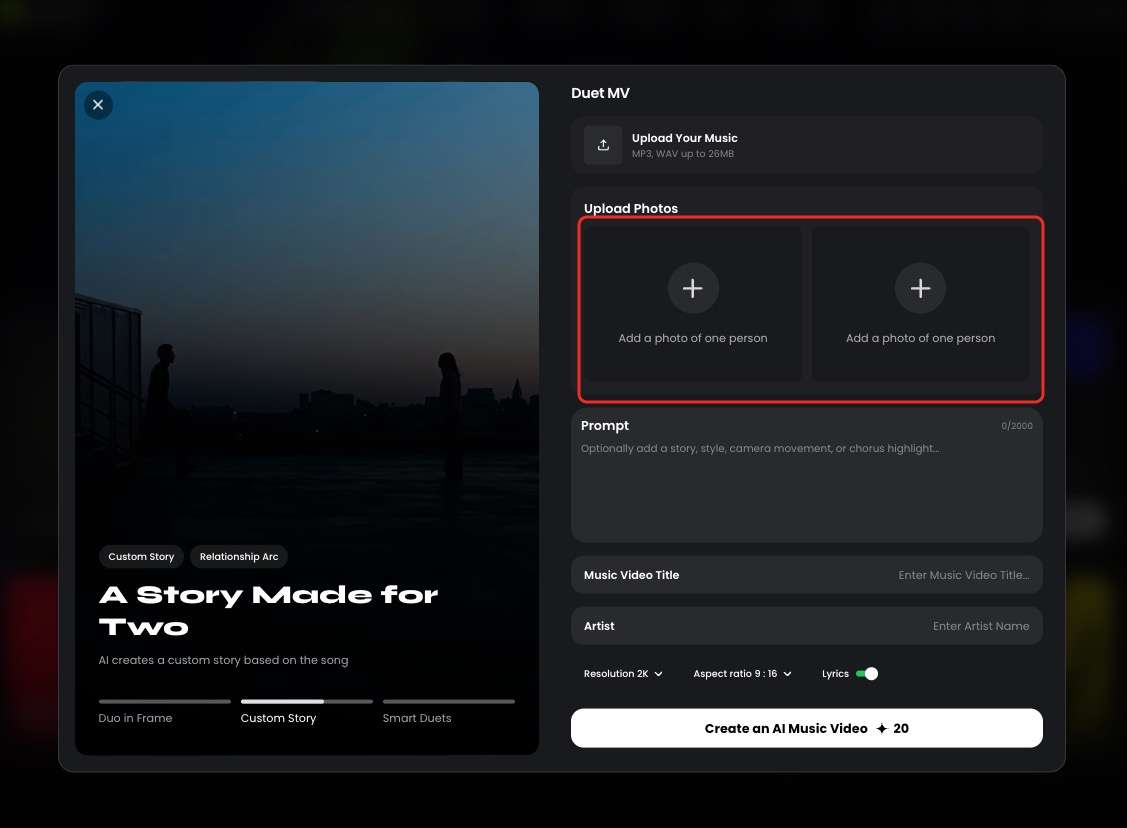
Select Enkio. Upload the final audio file — the version you would release, not a demo. Then add your images: artist photos for character-driven videos (solo and duet setups are both supported), or mood shots if you want an abstract piece.
Step 2: Choose a template or describe the look
You have two starting points. Templates give you a finished visual direction — pick one close to your song's mood and skip the blank-canvas problem. Or use AI Music Video Generator Agent to describe the look yourself: setting, lighting, camera movement, art style.
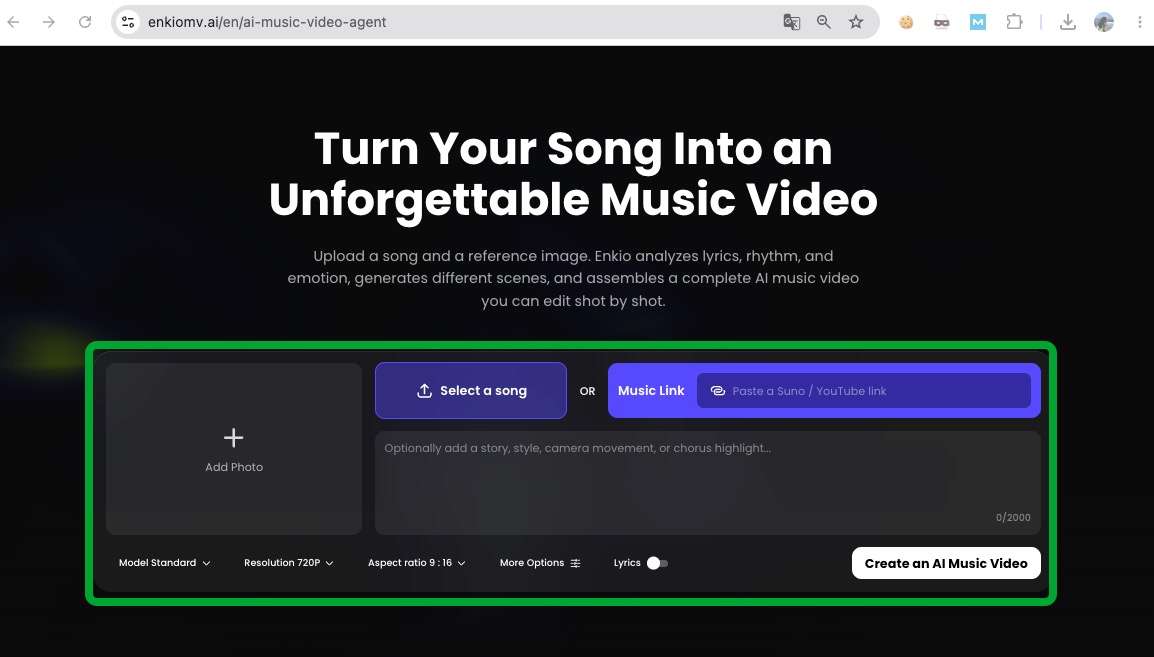
Step 3: Write the prompt (optional, but worth it)
The prompt is optional — you can generate from song and images alone — but specific creative intent helps the model aim for a more focused result. Describe the visual story, the mood, the art style, and the camera motion.
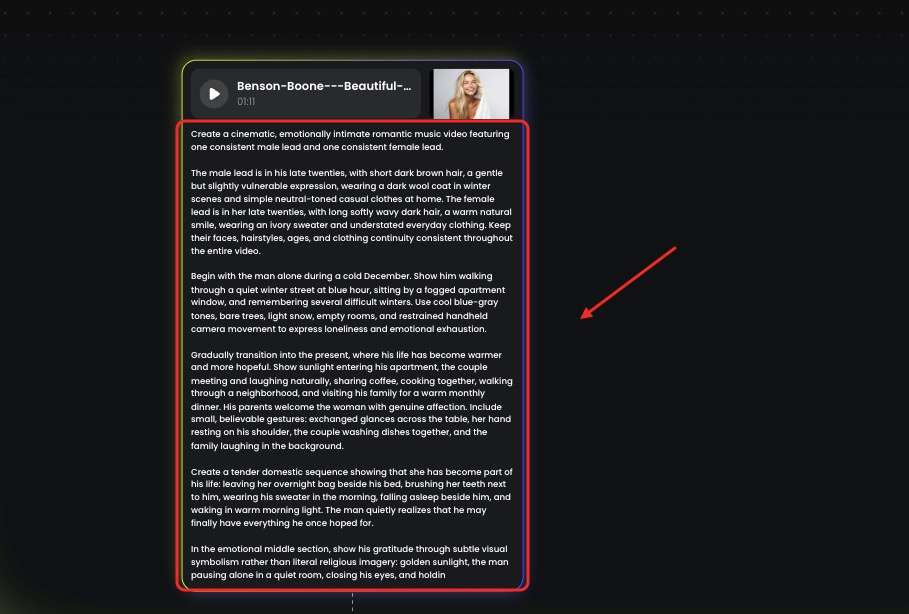
For example:
*"Slow push-in on a singer in a neon-lit alley at night, rain on the pavement, 35mm film grain."* — establishes setting, motion, and texture in one line. - *"Abstract ink clouds blooming in dark water, gold light from above, no people, ambient pacing."* — works when you have no artist photos to build on. - *"Fast cuts between a drummer in a garage and city traffic at dusk, handheld energy."* — matches a high-tempo track's cutting rhythm.
Expect to iterate: the first generation is a draft, not a verdict. Results vary by model and shot, so treat each prompt as a direction rather than a guarantee.
Step 4: Pick resolution and aspect ratio
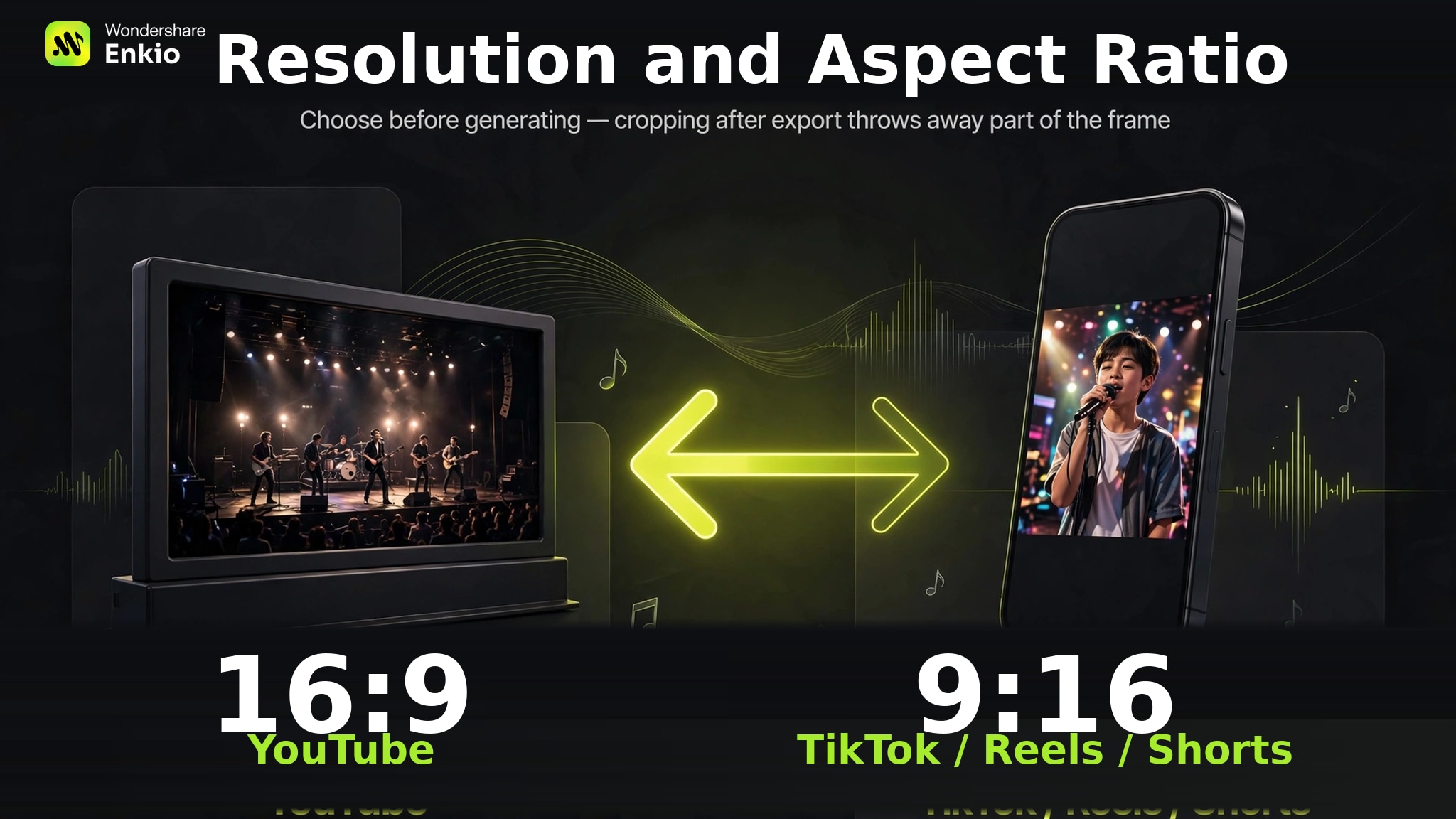
Choose output specs before you generate, not after. Enkio currently supports 720p and 1080p output across five aspect ratios — 9:16, 1:1, 3:4, 4:3, and 16:9. The rule of thumb: 9:16 for TikTok, Reels, and Shorts; 16:9 for YouTube. Picking the wrong ratio at export and cropping later is one of the most common quality killers, so decide where the video will live first.
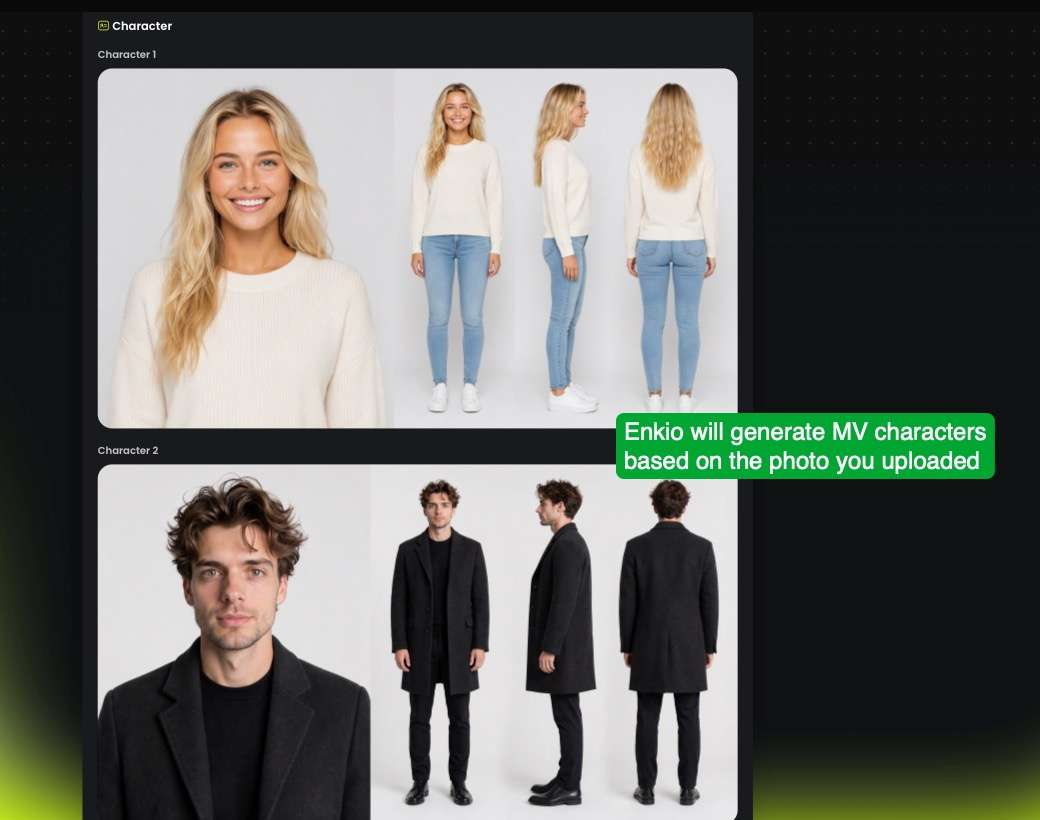
Step 5: Generate, review, iterate
Start the generation and review the result against two questions: does the motion match the song's energy, and does the look stay consistent across clips? Across the AI video tools we reviewed for this guide, the pattern is consistent — regenerate the weak sections rather than the whole video. Budget for several passes; the creators who get the best results treat generation as an editing process, not a vending machine.
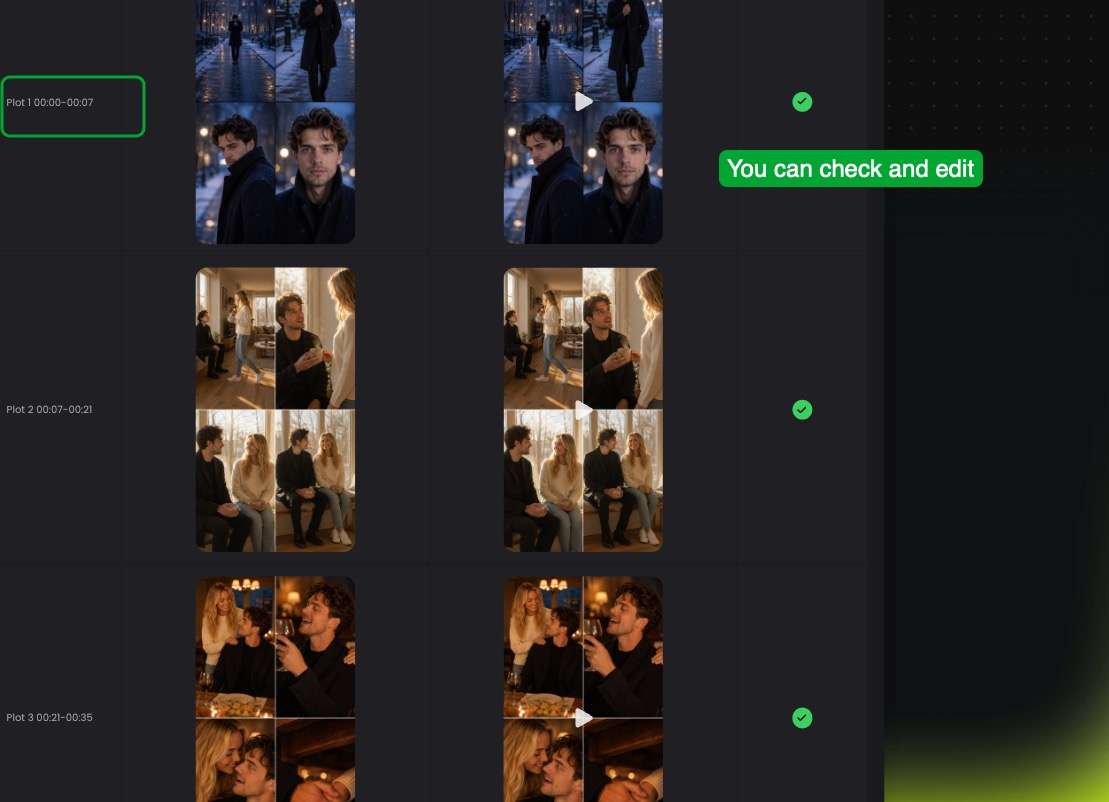
When the draft holds together, continue in the AI Music Video Generator to assemble the final cut.
Step 6: Export and share
Export at the aspect ratio you chose in Step 4, watch the full video once on the device your audience uses — usually a phone — and fix anything that reads wrong at small size: text that's too small, cuts that feel rushed. Then publish. If a platform asks you to label AI-generated content, follow its disclosure rules; policies differ, so check the current guidelines for each platform you post to.
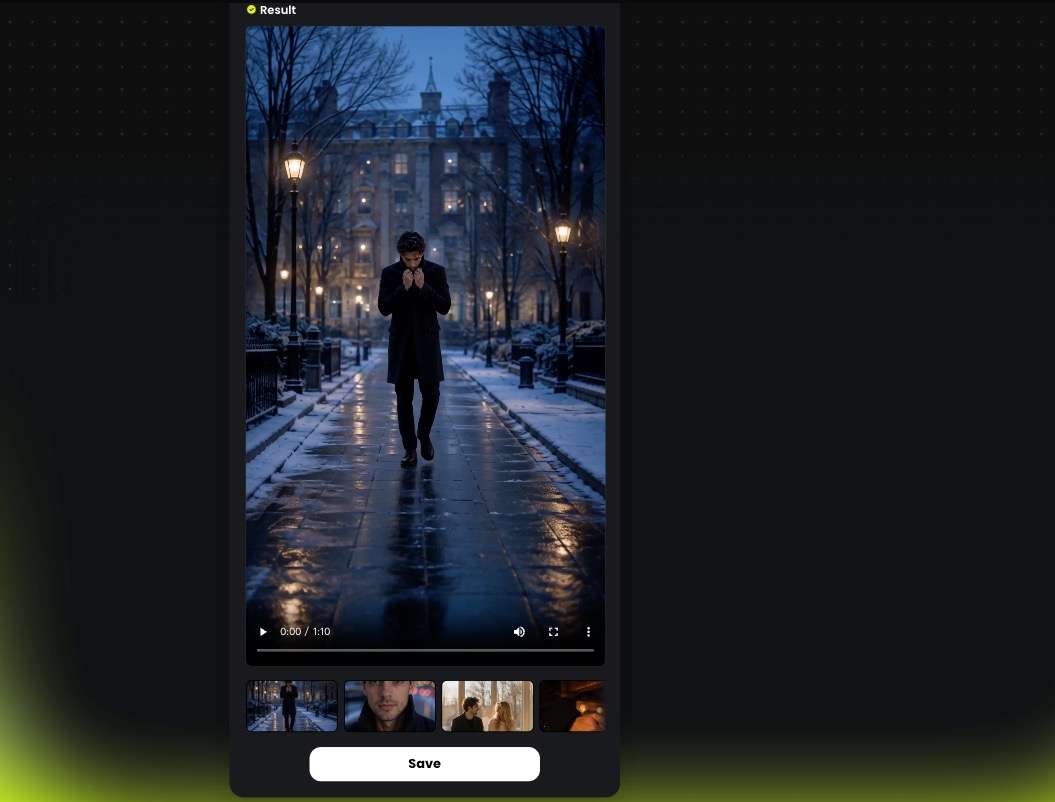
Turn your finished track into a music video.
Upload your song and images, pick a template, and generate — no editing timeline to learn.
How Much Does It Cost to Make a Music Video
Costs in this space are planning ranges, not quotes. As of October 2026, the bands below come from the named sources — treat them as planning input, not vendor quotes, and check each vendor's current page before budgeting, because single numbers without context mislead. We checked the published cost guides and found the same pattern across all of them: the spread is set by crew, not cameras.
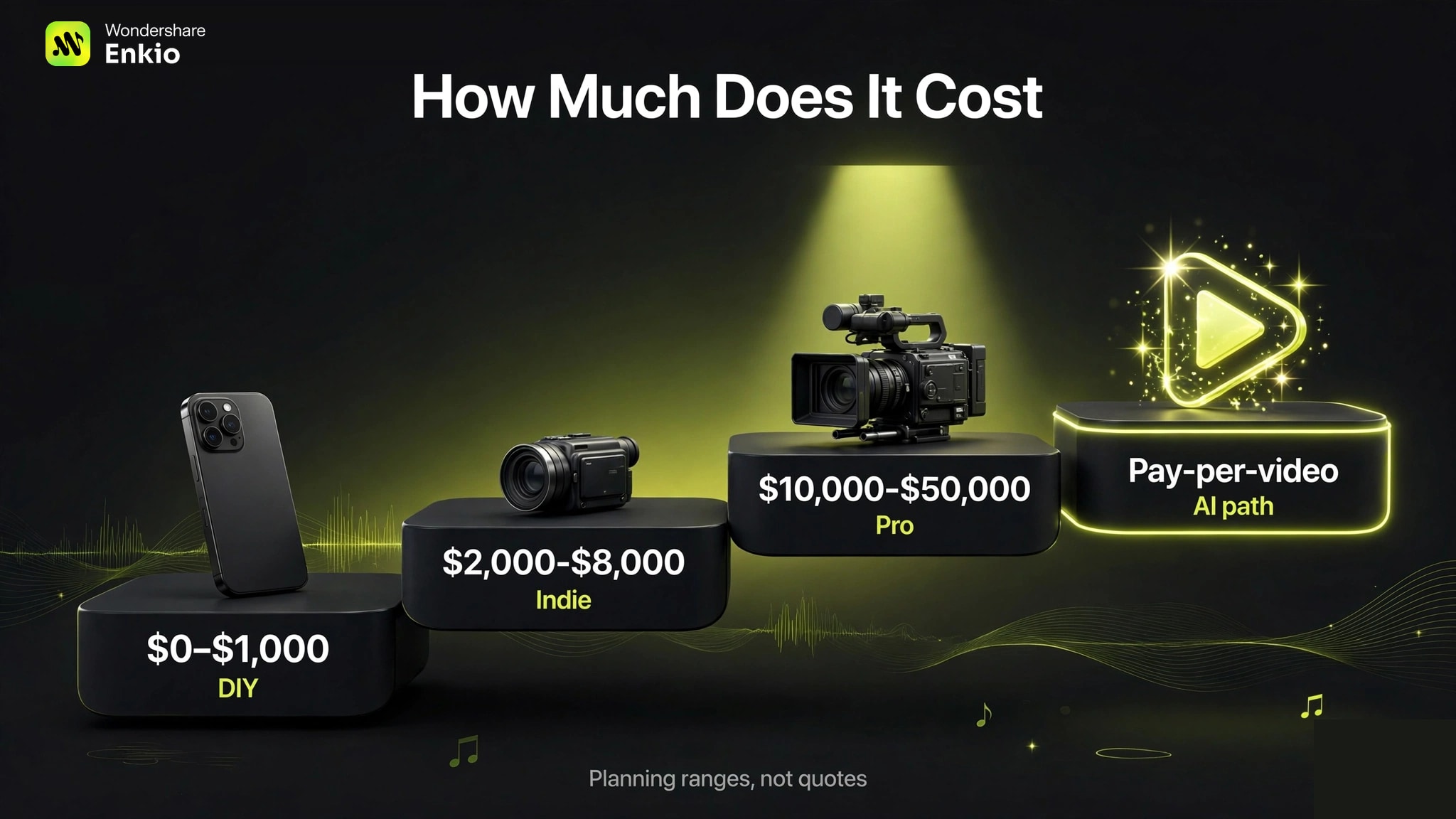
| Path | Typical range | Source |
|---|---|---|
| DIY (phone, no crew) | $0–$1,000 | A 2022 DIY guide's band |
| Independent / small crew | $2,000–$8,000 | One 2026 cost guide's planning bands |
| Production company | $10,000–$50,000 | Same 2026 guide |
| Label-level production | $100,000+ | Same 2026 guide |
| Professional ("typical") | $20,000–$60,000; large productions $100,000–$300,000+ | Wrapbook, writing for producers |
| AI path | Subscription or pay-per-video; one vendor lists pay-per-video from $8.99 | The vendor's own pricing page |
Two things the table doesn't show. First, crew is the biggest cost driver on the traditional path — that is why the DIY-to-label spread covers three orders of magnitude. Second, the AI path bills differently: subscriptions with monthly credits, or pay-per-video, and retries usually cost credits too — so budget for several generations per finished video, not one.
Enkio's paid plans work on monthly credits — as of September 2026, the monthly plan is $19.99 — and watermark-free downloads depend on your plan, so check the official pricing page for current plans before you budget. If you still need the song itself made, factor that in as well — our Best AI Music Generators roundup compares the current options.
Common Mistakes That Waste Your Time
We see the same five mistakes repeat in creator discussions and support threads. All five are avoidable, and the first two account for most of the wasted hours we hear about.
Starting visuals before the song is locked
Every mix change after visuals are cut means re-cutting. Finish the audio first — this is the single biggest time saver in the whole process.
Letting the style drift across clips
Generating ten clips with ten slightly different prompts gives you ten slightly different videos. Reuse the same style descriptors and reference images across every generation.
Exporting in the wrong aspect ratio
A 16:9 video cropped to 9:16 after the fact loses a third of the frame. Decide the destination platform in Step 4 and don't change it mid-project.
Using a song you don't have rights to
Covers, samples, and borrowed instrumentals get flagged. If you didn't make it or license it, don't build a video on it.
Treating the first generation as final
One pass rarely nails timing and look together. Plan for three to five iterations; if your track depends on tight beat-synced cuts, generate with that timing in mind from the first prompt rather than hoping to fix it later — it's the same reason tools built around beat sync, like the approach in our Freebeat AI Music Video Generator Review, exist as a separate category.
Frequently asked questions
Can I make a music video from photos and a song?
Yes. The short answer to how to make a picture video with music: upload the song and your photos, and the generator builds motion around the stills — lyric videos and photo montages are standard indie formats. Use high-resolution images; low-resolution sources stay low-resolution in the output.
How much does an AI music video cost?
Less than a shoot, but not free beyond trials. Most tools use subscriptions with monthly credits or pay-per-video, and retries bill against the same balance — so the real cost is several generations per finished video. See the cost table above for how the AI path compares with traditional tiers.
Can I use any song I want?
Only if you own it or have licensed it. That covers your own originals and properly licensed tracks; it excludes other artists' songs, unlicensed samples, and most covers. For Enkio-generated content specifically, see Enkio's Terms of Use for the commercial terms.
Do I need to sign up before I can see results?
Most AI video tools require an account before generating, though many offer free trials or free-tier generations so you can test the output before paying. Free tiers commonly include watermarks — Enkio's free plan does, with watermark-free downloads on paid plans.
Which aspect ratio should I use for TikTok vs YouTube?
9:16 for TikTok, Reels, and Shorts; 16:9 for YouTube. Choose before generating — cropping after export throws away part of the frame.
Conclusion
That is how to make a music video in 2026: lock the song, gather images, pick your path, and iterate until the visual earns the audio. If your concept needs real performers, locations, or a narrative with actors, no generator replaces a shoot — plan the production instead.
If the track is finished and the visual is the next thing on your list, Enkio takes that step from the audio you already have, without a timeline to learn.
Compare what a plan includes.
Monthly credits, watermark-free downloads, and template access depend on your plan — see the current numbers.