




The short answer: for most creators the best AI music generator in 2026 is Suno for full songs with vocals, Udio for hands-on production control, and Enkio when the finished goal is a music video rather than just a track. The rest of this list covers the field from free starter tiers to royalty-free background music.
September 2026 update: Suno replaced its entire lineup with the v6 model family — the first generation trained on licensed major-label catalogs — Mureka shipped V10, and the song-to-video lane is heating up with new agent-driven MV tools. Every entry below was re-verified against current plan pages and terms in late September 2026.
Our Enkio picks below are based on what each tool actually outputs, what it costs as of September 2026, and whether you can ship the result commercially.
Why Trust Us & How We Evaluated AI Music Generator
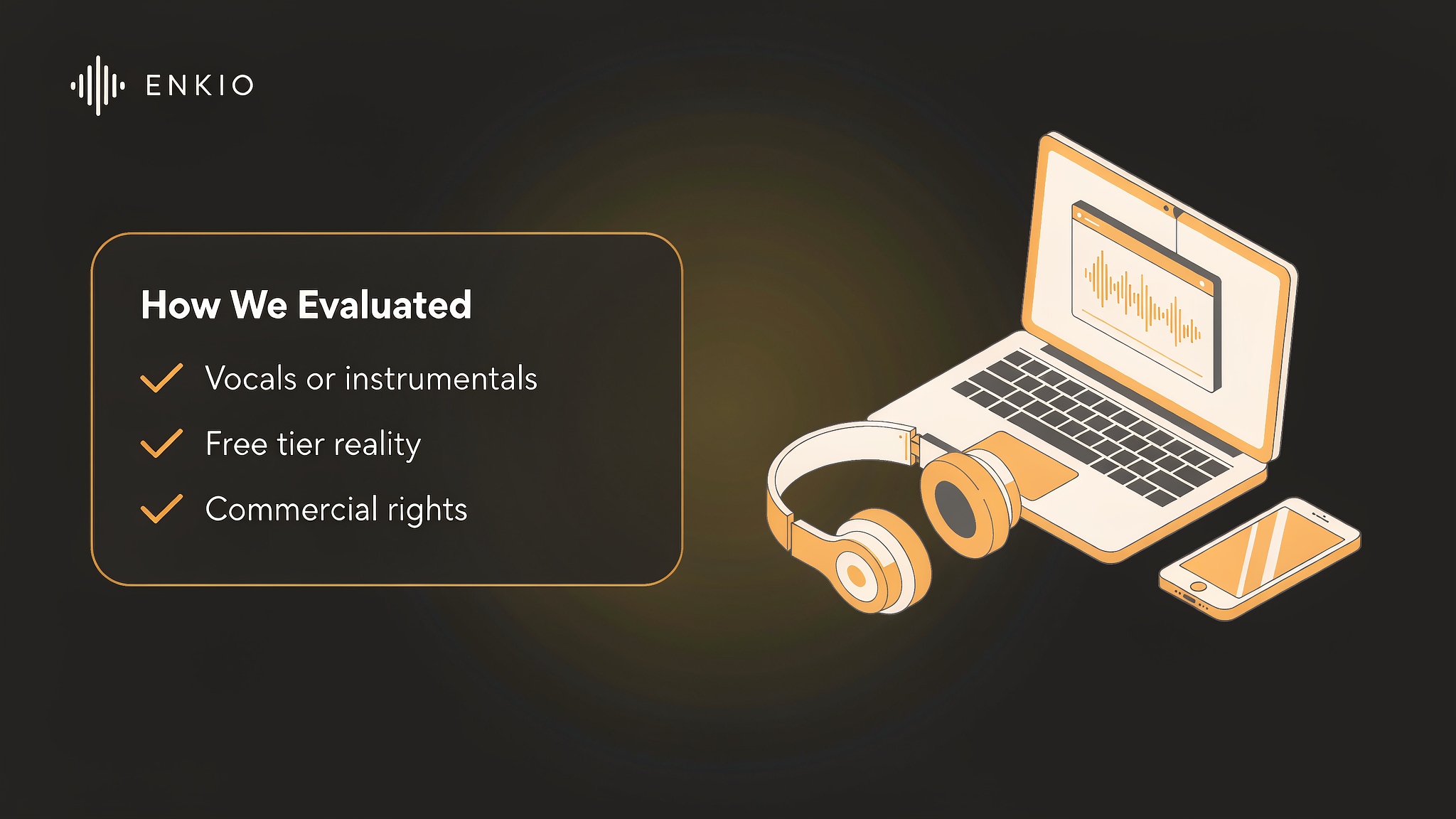
We judged every AI music generator on five points that matter to a real project: output type (vocal songs versus instrumentals), the reality of the free tier, commercial rights, pricing transparency, and editing control. In the v6 era we also weigh training-data licensing, since it directly affects commercial risk.
We read each vendor's current plan page and terms where they were published. Prices shift often, so every figure below is a late-September 2026 snapshot — check the vendor's site before you subscribe. Every tool on this list earns its place by doing one job well; none is here because of brand noise.
Quick Comparison: Specs at a Glance (September 2026)
| Tool | Sung vocals | Free tier reality | Starts at | Also makes video | Best for |
|---|---|---|---|---|---|
| Enkio | Yes | Watermarked outputs | $19.99/mo | Yes — full MV from song + image | Song + publishable video from one brief |
| Suno | Yes | ~50 credits/day, non-commercial | $10/mo | No | Finished vocal songs, fast |
| Udio | Yes | 10/day + 100/mo, non-commercial | $10/mo | No | Hands-on editing & remixing |
| Mureka | Yes | A few generations/day, non-commercial | $8/mo | — | Vocal toolkit + voice cloning |
| Soundraw | No (instrumental) | Unlimited preview, no download | ~$11/mo | No | Royalty-free background beds |
| Boomy | No (instrumental) | 25 saved songs, no download | $9.99/mo | No | Beginners, no prompting needed |
| Beatoven | No (instrumental) | A few non-downloadable generations | ~$6/mo* | No | Mood-matched scoring |
| AIVA | No (instrumental) | 3 downloads/mo, non-commercial | €15/mo | No | Orchestral / film scoring |
| MelodyCraft | Yes | 1 credit, no download | ~$9.90/mo | No | Quick vocal drafts from lyrics |
| Vidnoz | Yes | MP3 download on free tier | Pooled credits | Yes — talking-avatar clips | Avatar-led music clips |
*Beatoven publishes no official price page; figure from third-party listings. "—" means not advertised as a core feature.
TOP 10 AI Music Generator Reviewed 2026
1. Enkio — Song and music video from one brief
Enkio is an AI Music Generator that also builds the video around the music. You upload a song and an image, add an optional prompt, and it returns a cinematic music video; the same workspace can generate vocal music from a prompt or your own lyrics.
As of September 2026 the monthly plan is $19.99 with 3,000 credits, and output covers 720p and 1080p across five aspect ratios. Check the official pricing page for current plans.
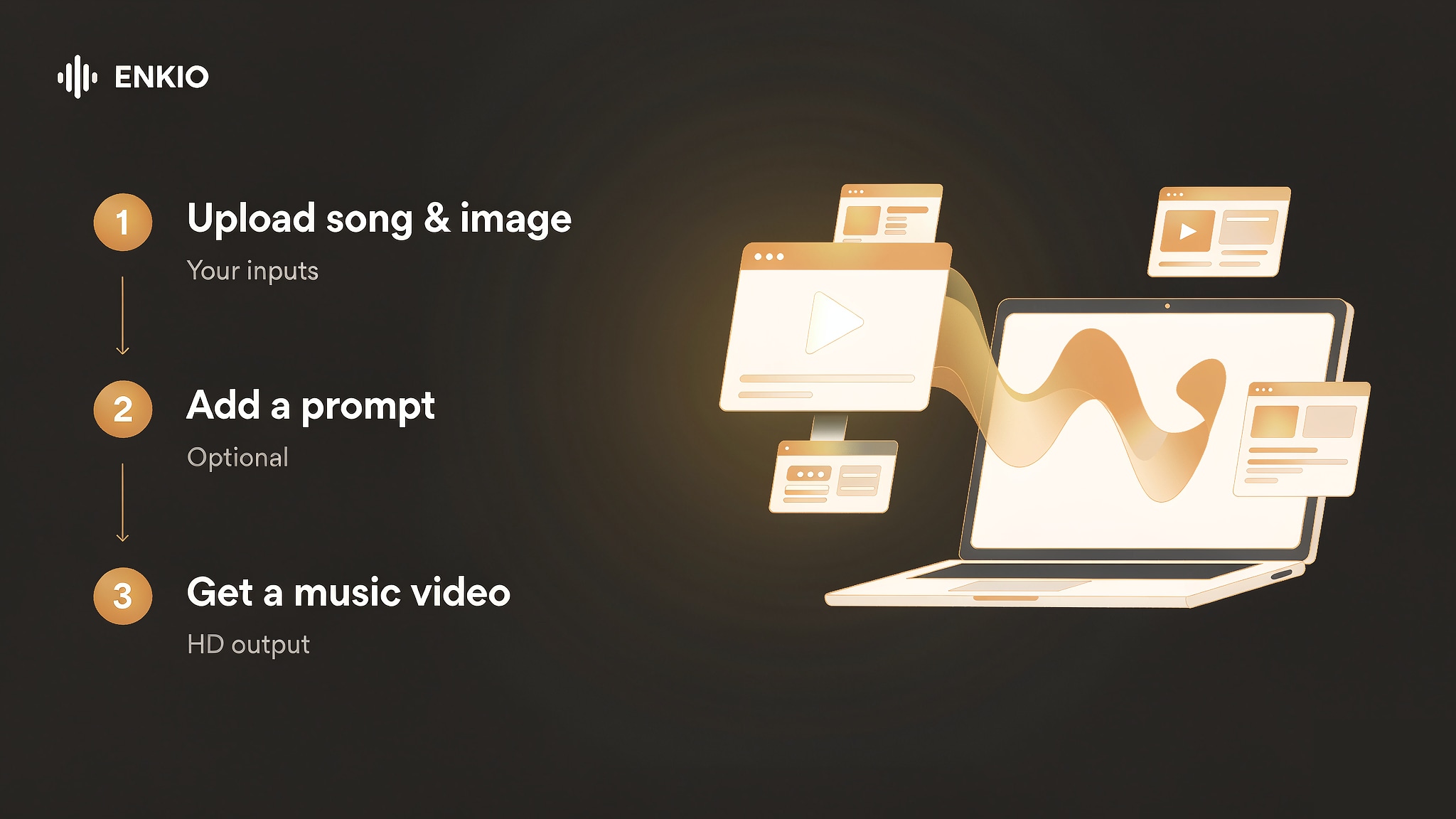
Why Enkio leads this list in September 2026: the song-to-video lane is suddenly the hottest corner of AI music. Meitu's MVLAND 2.0 added an agent-driven Studio Mode in mid-September, and new entrants are racing on lyric-video features — but every one of them starts from a finished track and stops at visuals. Enkio is still the only workflow here that covers the song and the video from a single brief, which is exactly the deliverable most creators actually ship.
For more details, read this Enkio review. It fits creators whose end goal is a publishable clip, not just an audio file.
2. Suno — Nice option for vocal songs
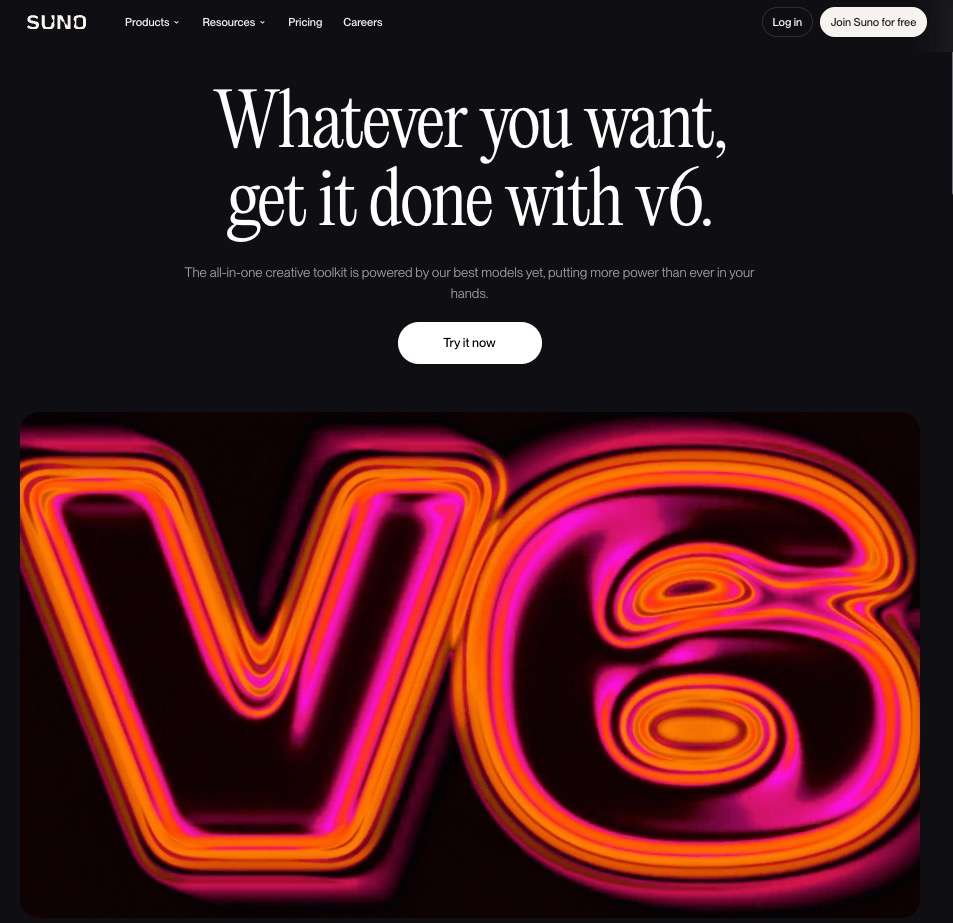
September 2026 update — the Suno V6 era: On September 9, Suno retired its older models and launched the v6 family, the first generation it says was trained from scratch on licensed catalogs from Warner Music Group, BMG and Believe (following last year's Warner settlement). Three variants: v6 (flagship, Pro/Premier), v6-wild (experimental, Pro/Premier) and v6-mini (faster, free tier). The headline feature is targeted in-place editing — swap a chorus or a single lyric line with plain language instead of regenerating the whole track — plus multimodal input (text, audio, images, video) and stem isolation.
Suno turns a text prompt into a complete song with vocals, lyrics, and structure in about 30 seconds. As of September 2026 its free tier gives about 50 credits a day (roughly 10 songs) for personal, non-commercial use. The Pro plan is $10 a month with 2,500 credits and commercial rights; Premier is $30 a month with 10,000 credits and the Suno Studio workstation.
One neutral legal note: UMG and Sony's lawsuits over Suno's older training data are still ongoing, and a licensing deal with some labels is not clearance for any particular song — confirm the commercial terms on your exact plan before you publish. (This is factual context, not legal advice.)
The weak point is control. Fine structural or stem editing is lighter than a dedicated DAW, and monthly credits do not roll over. For a deeper look, read our Suno Music Generator Review. Pick Suno when you want finished, voice-led tracks fast and do not need frame-level editing.
3. Udio — Best for hands-on production control
Udio generates full songs with vocals and lyrics, then lets you extend, remix, and inpaint sections. As of September 2026 the free tier gives 10 credits a day plus 100 a month for non-commercial use. Standard is $10 a month with 2,400 credits; Pro is $30 a month with 6,000 credits. Voice Control and style blending unlock on Standard and above.
The catch is gating and credits. Free credits do not roll over and long-form generations are capped each day; Voice Control, audio uploads, and advanced editing sit behind the paid tiers, and there is no public API for external workflows. Our Udio AI Music Generator Review covers this in detail. Choose Udio when you want to sculpt a track rather than accept the first take.
4. Mureka — All-in-one vocal toolkit
September 2026 update: Mureka shipped V10 in late September with native "music understanding," a genre director, and longer-form generations (up to around five minutes) aimed at more human-sounding arrangement — a direct answer to the consistency complaints about full-length AI songs.
Mureka builds structured songs with coherent vocals and adds voice cloning, stem separation, and audio enhancement in one place. As of September 2026 Basic is $8 a month and Pro is $24 a month, with commercial licensing on all paid tiers. The free tier allows only a small number of generations a day and no commercial use.
Its limits are scope and community. Credit pricing varies by model and does not roll over, the user base is smaller than Suno's, and some users report billing or credit bugs. See the Mureka AI Music Generator Review for the full picture. Mureka is the pick when you want generation, cloning, and separation without juggling separate apps.
5. Soundraw — Royalty-free instrumentals
Soundraw makes customizable instrumental tracks through sliders for genre, mood, and length — there is no text prompt. As of September 2026 you can generate and preview unlimited tracks on the free tier, but you cannot download; paid plans (roughly $11 to $23 a month on annual billing) add WAV export and a commercial license.
The clear weak point is vocals: Soundraw produces no sung vocals, so it is a background-music tool, not a song tool. The slider interface is also less expressive than prompt-based generators for some briefs. Our Soundraw AI Music Generator Review explains the trade-offs. If your track needs sung vocals rather than a royalty-free bed, Enkio also generates vocal music from a prompt or your own lyrics. Pick Soundraw for video-friendly instrumentals you can license.
6. Boomy — Easiest start for beginners
Boomy composes instrumental tracks from style presets, so no prompting skill is required. As of September 2026 the free tier saves up to 25 songs but allows no downloads and no commercial use. Creator is $9.99 a month with 25 downloads; Pro is $29.99 a month with 250 downloads and full commercial rights on what you download. Boomy ended its own streaming distribution in April 2025, so you now export and use a distributor of your choice.
The limits are real for songwriters. Boomy generates no AI vocals or lyrics (Custom Vocals means recording your own), the free tier cannot export anything, and tracks in one genre can sound similar. Our Boomy AI Music Generator Review walks through this. For creators who want the music and the finished visual from one brief, Enkio keeps the audio and the video in a single project. Boomy suits beginners who want royalty-free beds without learning a DAW.
7. Beatoven — Adaptive background music
Beatoven generates instrumental background music from mood and genre, then lets you trim it to match a video or podcast. It holds a Fairly Trained certification, meaning training data came from consenting artists. As of September 2026 there is no public static pricing page; third-party listings put entry plans around $6 to $20 a month, and the free tier allows only a small number of non-downloadable generations.
The weak points are vocals and transparency. Beatoven makes no sung vocals, publishes no official price page, and its free tier cannot produce a usable deliverable. Long pieces can also drift toward a similar "house style." Choose Beatoven when you need mood-matched scoring and care about ethical sourcing.
8. AIVA — Orchestral and film scoring
AIVA is an instrumental composer with 250-plus styles and a browser piano-roll editor for note-level changes. As of September 2026 the free tier allows 3 downloads a month for non-commercial use with copyright held by AIVA. Standard is €15 a month (or €11 billed annually) with 15 downloads and commercial use limited to YouTube, Twitch, TikTok, and Instagram. Pro is €49 a month (or €33 annually) with 300 downloads, WAV export, and full copyright transfer. Prices exclude VAT.
The limits are licensing and curve. Download caps do not roll over, the Standard license excludes podcasts, film, games, and ads, and the piano roll expects some music-theory comfort. Enkio is built for the case where the score and the visual ship together. AIVA is the pick for orchestral or cinematic briefs you will edit yourself.
9. MelodyCraft — Vocal songs from text
MelodyCraft turns text or lyrics into songs with vocals using a genre, mood, and instrument selector. As of September 2026 the free tier gives a single non-downloadable credit; paid plans start around $9.90 a month for Basic and $24.90 a month for Pro, though three MelodyCraft domains list conflicting prices, so confirm on the page you sign up through.
The weak points are access and exports. The free tier is effectively a trial with one credit and no download, credits do not roll over, there is no public API, and no stem export. App-store feedback also notes credit bugs after updates. Pick MelodyCraft when you want quick vocal drafts from a written lyric.
10. Vidnoz — Music plus a talking-avatar video
Vidnoz generates songs with lyrics or as instrumentals, and its music video tool turns an uploaded audio file plus a digital avatar or photo into a lip-synced clip. As of September 2026 free users can download MP3; FLAC needs a paid plan. Music credits are shared across the entire Vidnoz ecosystem rather than a standalone music quota.
The limits are quota and terms. Because music draws from one pooled credit balance with video, image, and TTS tools, heavy music use competes with everything else, and published commercial terms differ between sources. Choose Vidnoz when you specifically want a spoken-avatar video built on generated music.
How to Choose the Right One
Start from the output you need, not the headline feature. If you want a finished song with vocals, Suno or Udio is the faster path. If you need royalty-free instrumentals for a video, Soundraw or Beatoven fits. If the brief is orchestral or film scoring, AIVA gives the deepest editing.
The gap most lists miss is the video itself. Pure music generators leave you needing a separate tool to turn the track into a clip. If the end goal is a publishable music video, not just an audio file, an AI Music Video Generator handles both the song and the footage from the audio you already have. Match the tool to the deliverable; for commercial usage terms, see Enkio's Terms of Use.
Frequently asked questions
These are the questions we hear most when people compare AI music generators.
What is new with Suno v6?
On September 9, 2026, Suno replaced its older models with the v6 family: v6 (flagship, paid), v6-wild (experimental, paid) and v6-mini (free). It is the first Suno generation the company says was trained from scratch on licensed catalogs (Warner Music Group, BMG, Believe). The biggest workflow change is in-place editing — change a chorus or a single lyric line without regenerating the whole song. Lawsuits from UMG and Sony over older training data are still ongoing, so check commercial terms on your plan before publishing.
Which AI music generators are actually free?
Several offer a free tier, but "free to generate" is not the same as "free to use." As of September 2026 Suno gives about 50 credits a day for personal, non-commercial use; Udio gives 10 credits a day plus 100 a month; Boomy saves up to 25 songs but allows no downloads; AIVA allows 3 downloads a month. Soundraw previews unlimited tracks but will not export on the free tier. If you plan to publish, budget for at least one paid plan.
Do any AI music generators also make music videos?
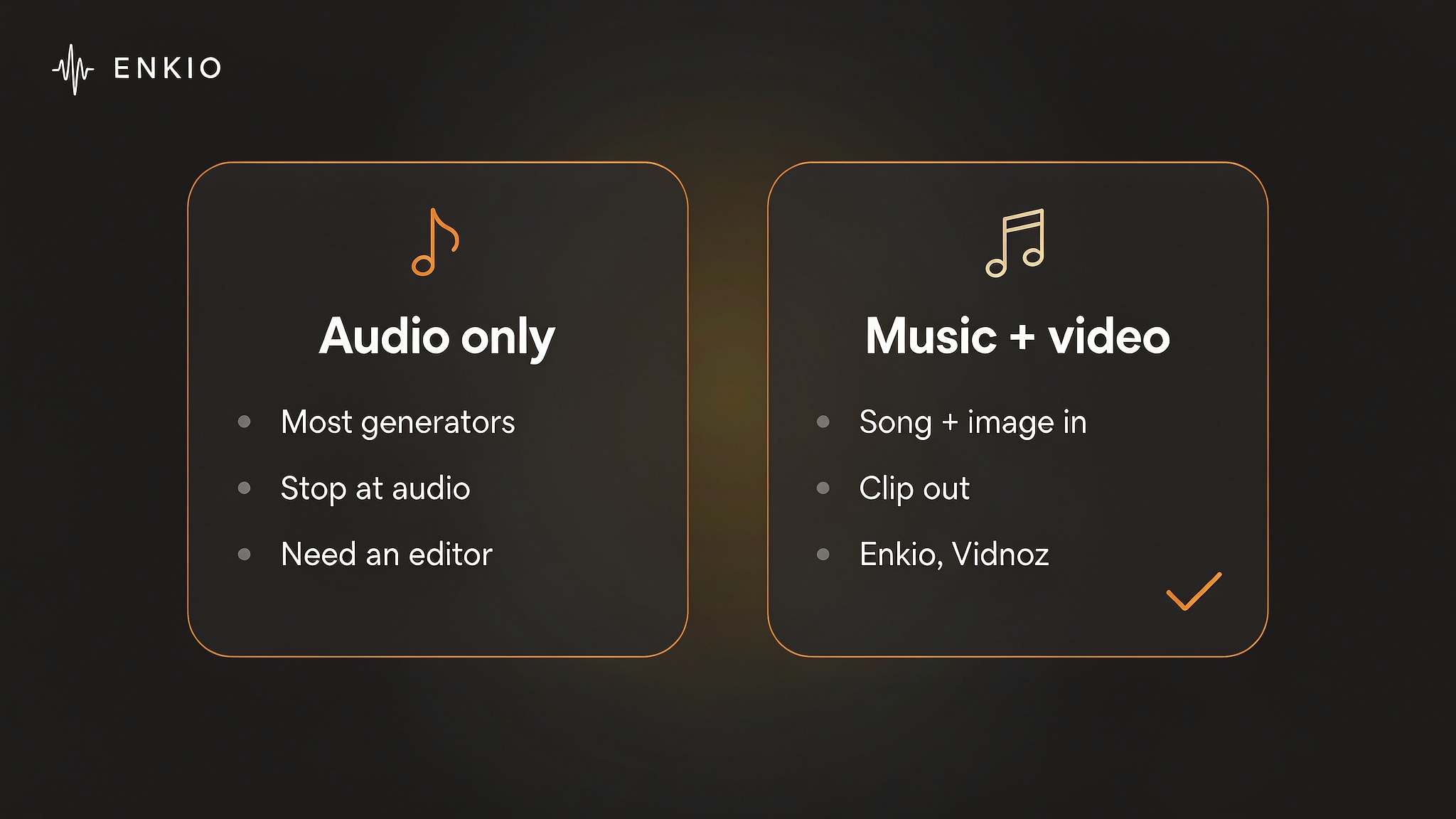
Yes. Enkio and Vidnoz both pair music generation with a video builder: you supply a song and an image or avatar, and the tool returns a finished clip. Most other generators on this list stop at audio, so if the deliverable is a video, choose a tool that handles the visual step or plan a separate editor.
What is the difference between Suno and Udio?
Both make full vocal songs from a prompt. Suno favors speed and a single text box, which suits first drafts. Udio favors control, with extend, remix, and inpaint tools plus Voice Control on paid tiers. Pricing is close — about $10 a month to start on either — so the choice comes down to whether you want the fastest result or the most editable one.
Can I use AI-generated music commercially?
It depends on the tool and plan. Suno and Udio grant commercial rights on paid tiers; Soundraw, Boomy, and Mureka license paid downloads; AIVA's Pro plan transfers copyright to you. Free tiers are almost always non-commercial. Because terms change, confirm the license on the exact plan before you publish. For Enkio, commercial usage terms follow its Terms of Use.
How do these tools compare on vocals versus instrumentals?
Suno, Udio, Mureka, MelodyCraft, and Enkio generate sung vocals. Soundraw, Boomy, Beatoven, and AIVA are instrumental only — Boomy and Beatoven let you record your own voice, but they do not synthesize one. If vocals are required, narrow your shortlist to the first group; if you only need a background bed, the instrumental group is usually cheaper and simpler to license.
Conclusion
We ranked each tool by the deliverable it actually produces. The best AI music generator for you is the one whose output matches your deliverable. Suno leads for voice-led songs in the v6 era, Udio for editable control, and the instrumental specialists — Soundraw, Beatoven, AIVA — cover background and scoring needs. Enkio sits in a different lane: it generates the music and the video together, which most audio-only tools do not — and in September 2026, that lane is where the market is moving.
If the track is finished and the visual is the next step on your list, Enkio takes that step from the audio you already have, without a separate editor to learn. Weigh the free tiers honestly, read the commercial terms on the plan you will use, and start with the tool that fits the project you have today.