



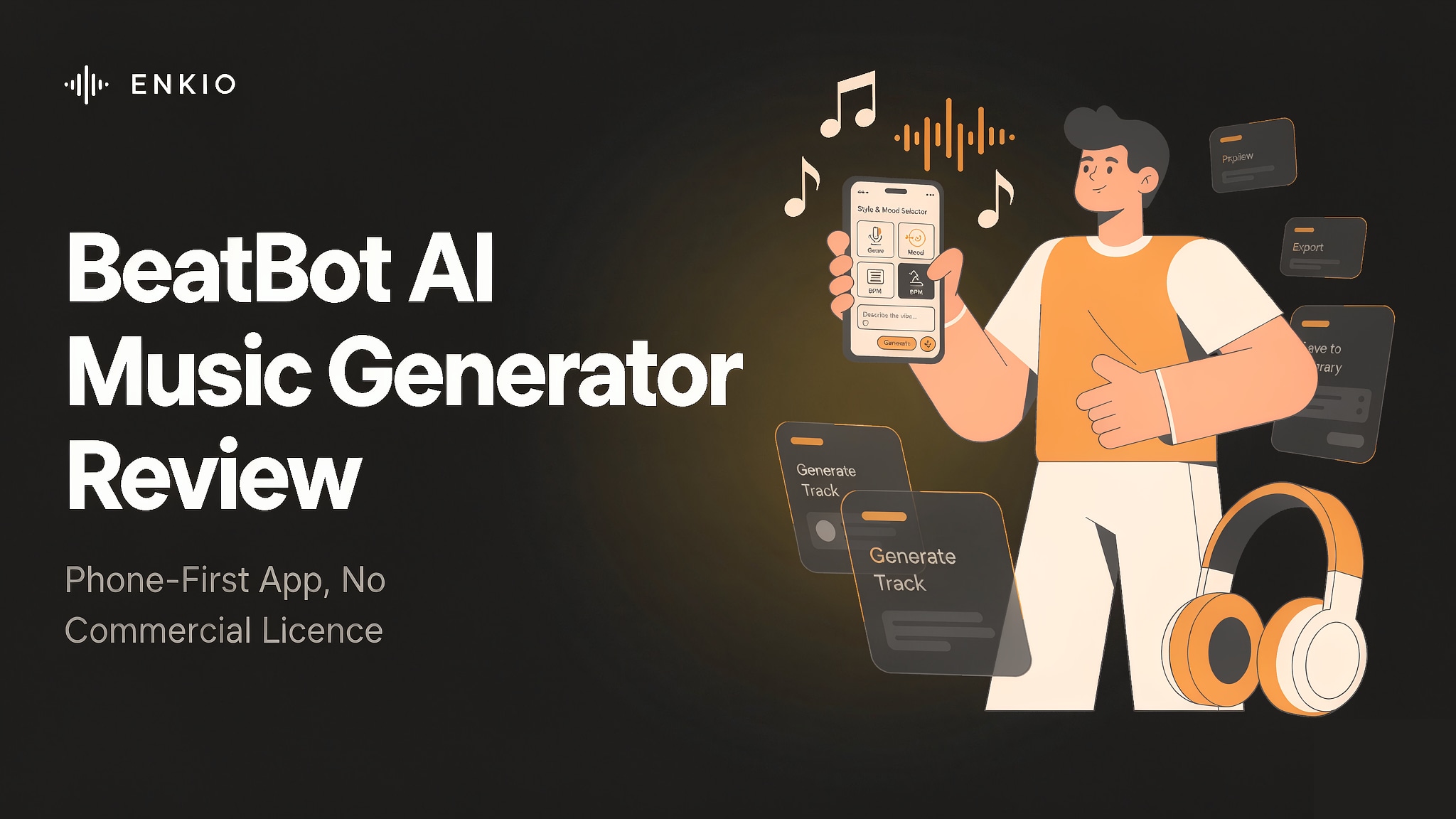
BeatBot is an AI music app built for the moment you are holding your phone and want a song, a beat, or a bed of sound without opening a studio. Our review of the BeatBot AI music generator covers what the app actually produces, how its in-app plans and terms work, and where the gaps sit for someone who intends to publish.
The short answer: the BeatBot AI music generator is a phone-first prompt-to-song tool with a broad style menu and on-device vocal rendering, but it ships no commercial licence, makes no statement about copyright ownership of its outputs, and runs only on iOS and Android with no desktop or web editor.
What the BeatBot AI Music Generator Is
BeatBot is a mobile AI music application published by Rocket Digital Limited, a Hong Kong-registered company, and served from the domain beatbotai.app. The product is positioned as built for your phone: it is an iOS and Android app with no desktop client and no web editor, and the official copy frames it as a pocket studio rather than a workstation. When readers meet the name in search, the first job is to separate this app from two older namesakes.
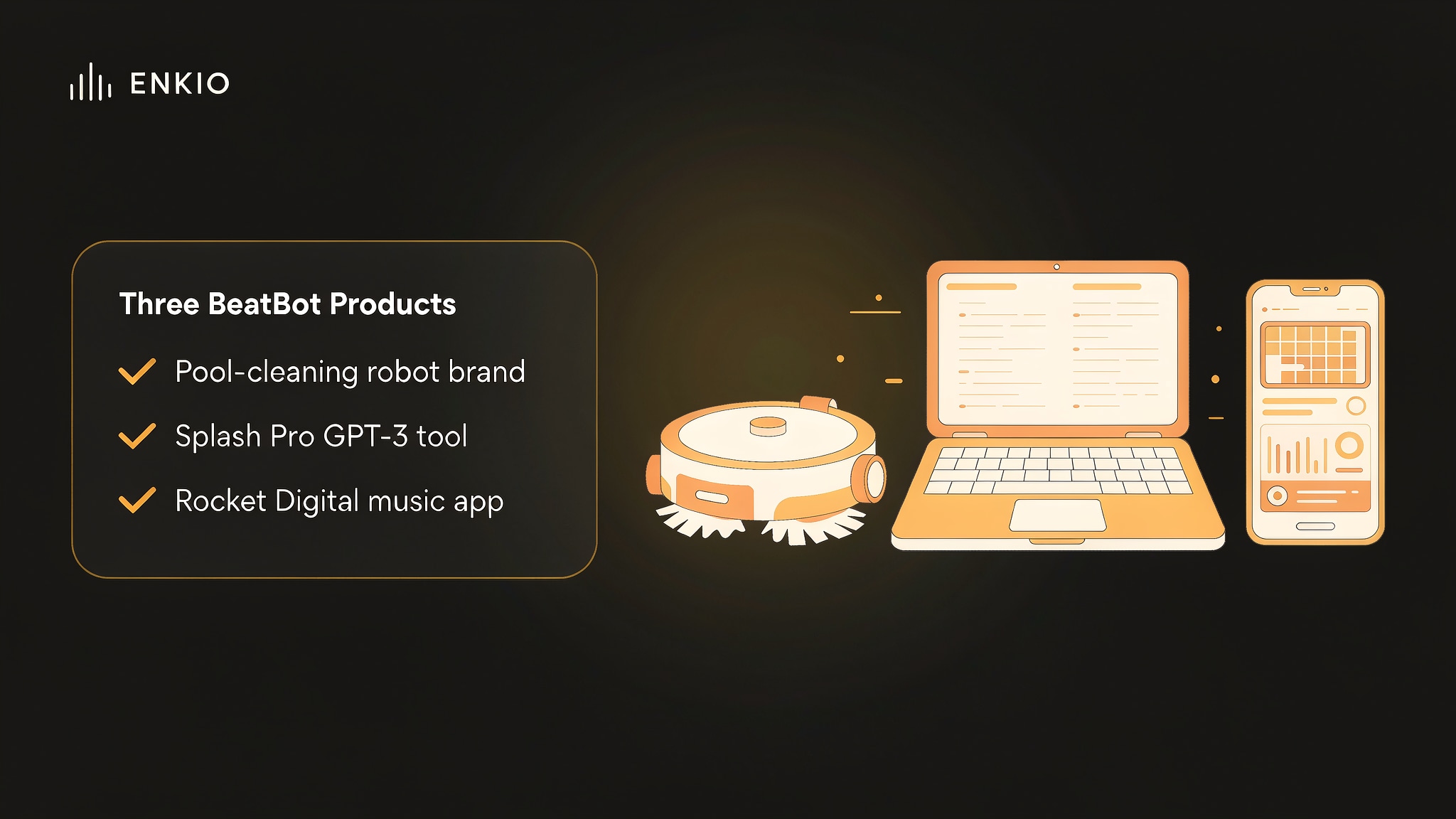
The name BeatBot points to at least three products. One is a pool-cleaning robot brand at beatbot.com. An older Beatbot appears in early directories as Splash Pro, a Gen-1 and Gen-2 tool that used GPT-3 to write lyrics. The product reviewed here is the third: the Rocket Digital music app at beatbotai.app. Some directories circulate a tiered commercial licence and a stem-export claim, but those figures do not appear in the vendor's terms and we did not include them.
The category context helps place it. The AI Music Generator space now spans web-native songwriters, background-music engines, and phone-first apps, and BeatBot sits firmly in the last group. For a grounded comparison with the best-known web-native song tool, the Suno Music Generator Review is the natural companion read, because the two target different surfaces even when the output sounds similar.
BeatBot generates songs, beats, and instrumental tracks from text prompts, with more than sixteen styles and moods to choose from, including pop, hip hop, trap, EDM, lo-fi, cinematic, ambient, R&B, rock, acoustic, dance, drill, afrobeats, jazz, country, and podcast beds. The App Store description also lists AI vocals and vocal arrangement, meaning the app can render a sung lead from written lyrics and build harmonies around it. Version 1.1.3 states that songs can run up to three minutes, the app is about 57 MB, requires iOS 17.0 or later, and ships in fourteen languages.
How It Works in Practice
The workflow is short by design, and most of the effort sits in writing the brief rather than editing the result.
Pick a style, a mood, and a prompt
Generation starts from choices a non-musician would reach for: a genre, a mood, and a text description of the track you want. The beatbot ai music generator app keeps this entry point on the phone, so the first step is choosing a lane from the style menu and typing what the scene needs.
Generate a song, a beat, or an instrumental
Once the prompt is set, the engine returns a finished piece. Our review found the range covers full songs with structure, bare beats for a hook, and pure instrumental beds, and the app lets you regenerate if the first pass misses the mood. The result plays back inside the app rather than opening in a separate editor.
Let the app sing written lyrics
The vocal path is the part that separates BeatBot from background-music tools. You supply lyrics, and the app arranges them into a sung lead with harmonies, which is what makes the beatbot ai music generator songs feel like releases rather than loops. The quality of the vocal varies by style, and the App Store copy presents this as a core feature rather than an extra.
Hit the three-minute ceiling and export
Version 1.1.3 caps a single song near three minutes, which is enough for a hook or a short scene but short for a full track. Export hands you the file for personal use; there is no stem export and no project handoff to a desktop tool, which matters for the limitations below.
What the BeatBot AI Music Generator Gets Right
Three strengths held up against the official listings and the terms we read.
It is built for the way people actually create on a phone
BeatBot assumes you are on a device, not at a desk, and the interface reflects that. Style and mood selectors sit above the prompt, generation is one tap, and playback stays in the app. For a creator who wants a draft between meetings, that phone-native shape is the product's clearest advantage over workstation-style tools. The Boomy AI Music Generator Review shows a different take on the same problem, and the contrast is useful when you weigh how much editing you expect to do after generation.
The style menu is genuinely broad
Sixteen-plus styles and moods is a wide net, and we found the menu covers both club-oriented lanes like trap, drill, and EDM and calmer ones like lo-fi, ambient, and acoustic. That breadth means a single app can serve a TikTok hook, a podcast bed, and a country demo without switching tools, which is rare at this price point in the mobile category.
Vocal rendering from written lyrics is real
Many mobile generators stop at instrumentals or thin voice-like textures. BeatBot renders a sung lead from lyrics you write and layers harmony around it, which is the feature most likely to make a draft sound finished. For a creator who has words but no voice or no mic, that path is the reason to pick this app over a beat-only tool.
Pricing and Credits
As of September 2026, the App Store listings show the in-app prices below in US dollars, and the vendor may adjust them, so check the official pricing page for current rates before you subscribe. Subscriptions are handled through RevenueCat and settled by the App Store or Google Play, and they renew automatically until cancelled.
| Plan | Price | What it covers |
|---|---|---|
| Weekly | $5.99 | Short-term access, about $0.86 per day |
| Monthly | $14.99 | Continuous access for one month |
| Annual | $49.99 | About $4.17 per month billed yearly |
| Lifetime Premium | $39.99 | One-time unlock, no renewal |
| 5 Beats | $4.99 | About $1.00 per beat |
| 10 Beats | $7.99 | About $0.80 per beat |
| 20 Beats | $12.99 | About $0.65 per beat |
The detail that decides value is the per-unit math, not the headline. The annual plan is the lowest cost per month of the subscriptions, and the beat packs get cheaper per track as the bundle grows, with twenty beats at roughly sixty-five cents each.
The free version is supported by Google AdMob ads and does not require an account, which keeps the entry cost at zero but places advertising in the workflow. The terms state purchases are final and non-refundable except where law or the platform requires it, so confirm the figures on the vendor site before committing.
Compare what a plan includes.
Enkio plans include AI music video generation, templates, and watermark-free downloads depending on your plan.
Real Limitations of BeatBot AI Music Generator
The limits below are structural, and the first one is the reason most publishing decisions turn on this app rather than its sound.
No commercial licence and no statement on copyright ownership
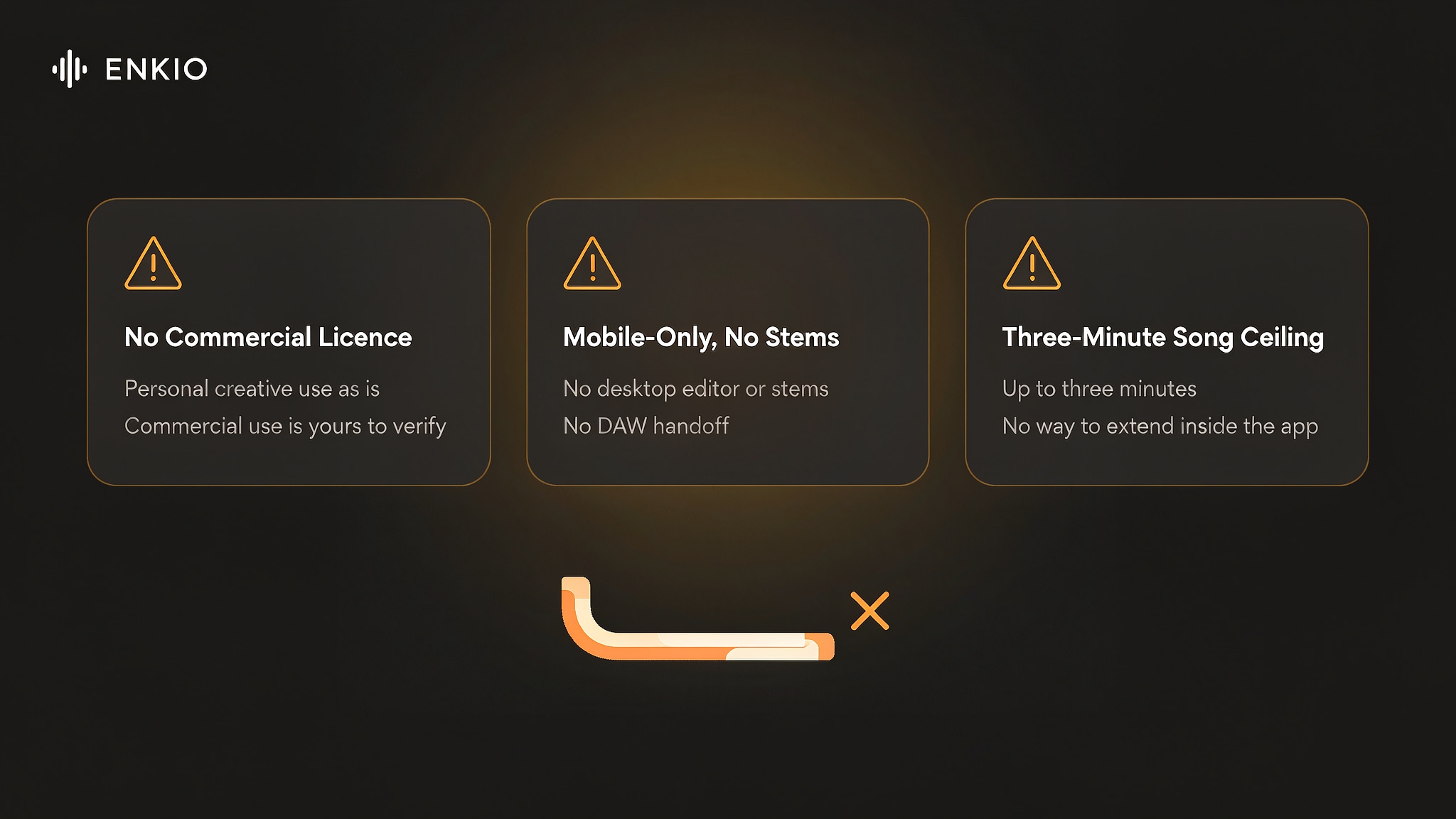
This is the most consequential restriction, and it is written into the terms rather than implied. The vendor provides AI-generated content as is for personal creative use and inspiration, and it makes no representations regarding copyright ownership of AI-generated outputs. The terms also state that commercial use, such as advertising, monetised video, public release, or selling the result, is the user's responsibility to verify. For a creator who wants to release a track or run it under monetised content, that is a wall, not a speed bump, because the app does not grant the rights a release usually needs.
That gap is about rights rather than sound quality, and it does not disappear just because a track ends up under a video: the terms still put the check on you before anything monetised goes live. If the piece you are missing is the visual half rather than the audio, Enkio's AI Music Video Generator starts from a finished track plus a visual direction and returns 720p and 1080p output across five aspect ratios, on credit-based plans with the current credit costs listed on its pricing page. For commercial usage terms, see Enkio's Terms of Use.
Mobile-only, with no desktop editor, stems, or DAW handoff
BeatBot runs only on iOS and Android, with no web editor and no desktop client. There is no stem export and no project format to open in a DAW, so the work you generate stays inside the app. For a creator who needs to mix, slice, or master elsewhere, that boundary removes the next step from the workflow entirely.
Outsourced stack to third-party services
We read the terms and found that BeatBot relies on outside AI and infrastructure providers, named as OpenAI, Microsoft Azure, Replicate, and Fal.ai. Prompts may be processed by those third parties, and the app's roadmap depends on services the vendor does not control. That is a normal arrangement for a small app, yet it limits how far the product can diverge from its providers.
A single song stops near three minutes
Version 1.1.3 sets the song length at up to three minutes. That covers a hook, a short ad bed, or a scene, but it does not cover a full-length release, and there is no documented way to extend a generated song inside the app. Creators who need longer form have to treat the output as a section rather than a complete track.
The free tier carries ads and the review history is thin
The free version is ad-supported through Google AdMob and needs no account, which is a fair entry point but places advertising in every session. The App Store listing shows a 4.8 score, yet the page also notes the rating was reset and the review history is thin, so the number reflects a young product more than a long track record. We see the mobile-only design and the thin history together as the cost of a product that is early in its life.
How It Compares With Suno
The closest reference point is Suno, the web-native song generator, because both turn prompts into sung tracks. The comparison below is a snapshot as of September 2026, and each vendor adjusts its plans, so verify specifics with the platform before you choose.
| Dimension | BeatBot | Suno |
|---|---|---|
| Where it runs | iOS and Android app only | Web app plus mobile apps |
| Starting point | Style, mood, and text prompt | Prompt with optional lyrics |
| Vocals | Sung lead and harmony from lyrics | Sung vocals from prompts |
| Song length | Up to about three minutes | Set by its plan terms |
| Export and stems | In-app playback, no stems | Download terms follow its plan |
| Licence posture | Personal use, no commercial statement | Publishes its own terms; read before commercial use |
| Best fit | Phone-first drafts between sessions | Web-native writing at a desk |
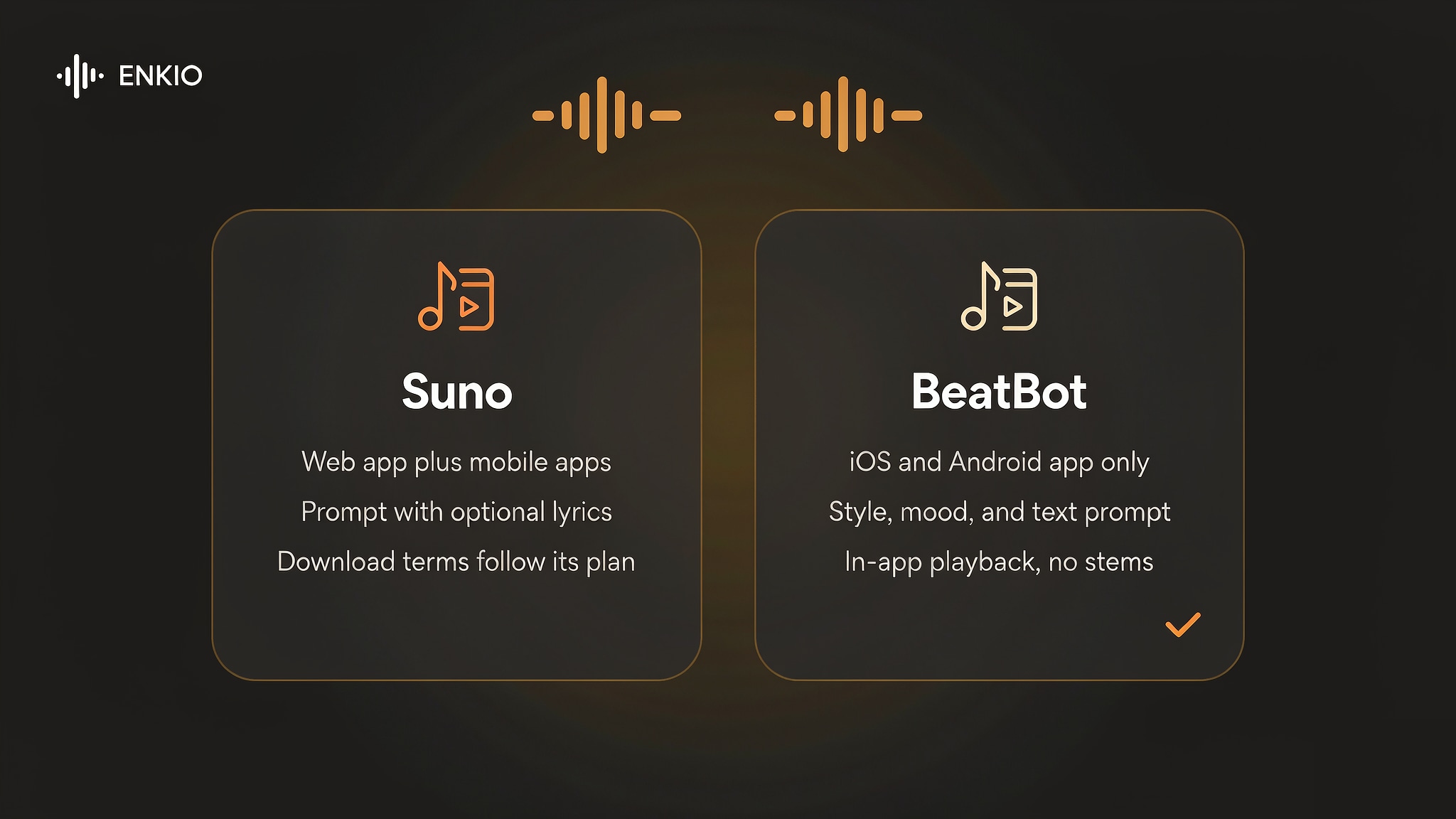
BeatBot wins where the job is a quick phone draft with a sung hook, and the How to Use Suno AI Music Generator guide shows the desk-native path for longer sessions. The AI Music Video Ideas guide is the useful next read once you have a track and need to decide what to build from it.
Who the BeatBot AI Music Generator Is For Right Now
Our comparison splits by job, because that is where the licence and the mobile-only design separate the fits from the misfits.
BeatBot suits mobile creators who want a sung draft fast, hobbyists building hooks between sessions, and anyone who needs a bed in a specific style without learning a workstation. The phone-native flow and the broad style menu make it a low-friction starting point. The Music Video Marketing guide is the companion for creators who plan to push the result into a release campaign.
It is a weaker fit for anyone who needs to release a track commercially, because the terms make no statement about copyright ownership and leave commercial use to the user to verify. It is also a poor match for producers who need stems, a DAW handoff, or songs longer than three minutes, and for teams who require a desktop or web workflow. If your priority is a quick phone draft rather than a released product, this is a reasonable option in the mobile group.
From a BeatBot Track to Something You Can Publish
A generated track is usually the start of a piece of work rather than the end of one, and the next stage depends on what the track is for. A hook written for a scene becomes a video; a bed written for a channel becomes a release asset.
If you already hold a track and want the visual half, Enkio takes the finished audio plus a visual direction and returns a music video, with 720p and 1080p output across five aspect ratios including 9:16 and 16:9. Phone drafts pair cleanly with a generated video, since the mood already matches the picture: shape the sound first, then give the finished audio a visual. For commercial usage terms, see Enkio's Terms of Use.
One reminder applies whichever route you take: platform policies on AI-generated content differ, and several major platforms expect disclosure when music or video is machine-generated. Check the platform's current guidelines before publishing, particularly if monetisation is the goal.
Make more from your MV.
Let Enkio create a complete AI music video from your song with cinematic templates.
Frequently asked questions
These are the questions we see most often about the BeatBot AI music generator.
Is the BeatBot AI music generator free?
There is a free version supported by Google AdMob ads, and it does not require an account, so you can generate and hear results at no cost. The free tier places advertising in the workflow and is built for personal creative use rather than publishing. Check the official pricing page for the current free limits before relying on it.
How much does BeatBot cost?
As of September 2026, the App Store listings show a weekly plan at $5.99, a monthly plan at $14.99, an annual plan at $49.99, and a one-time Lifetime Premium at $39.99, with beat packs of 5, 10, and 20 at $4.99, $7.99, and $12.99. The annual plan is the lowest cost per month of the subscriptions. Confirm the figures on the vendor site, because in-app prices change.
Does BeatBot generate vocals or lyrics?
It generates both. The app renders a sung lead from lyrics you write and builds harmony around it, and it also produces beats and instrumental beds without vocals. The vocal quality varies by style, and the App Store description presents vocals as a core feature rather than an add-on.
Can I use BeatBot music commercially?
The terms provide outputs as is for personal creative use and inspiration, and the vendor makes no representations regarding copyright ownership of AI-generated outputs. Commercial use such as advertising, monetised video, public release, or selling the result is your responsibility to verify. Read the terms before any commercial step.
Is BeatBot available on desktop or the web?
No. BeatBot runs only on iOS and Android, with no desktop client and no web editor. There is no stem export and no project handoff to a DAW, so generated work stays inside the app. Creators who need a desktop or web workflow should choose a different tool.
Who makes BeatBot?
BeatBot is published by Rocket Digital Limited, a Hong Kong-registered company, and served from beatbotai.app. It is not the pool-cleaning robot brand or the older Splash Pro lyric tool that share the name, and those are separate products with no relation to the music app.
Is BeatBot the same as the pool-cleaning robot?
No. The pool-cleaning robot uses the BeatBot name at beatbot.com, while the music app reviewed here is the Rocket Digital product at beatbotai.app. The shared name causes search confusion, but the two products, companies, and categories are unrelated.
Conclusion
BeatBot takes the most convenient position in the mobile group. It generates songs, beats, and vocals from a phone, ships a broad style menu, and renders a sung lead from lyrics you write. The trade-offs are equally clear: no commercial licence and no statement on copyright ownership, a mobile-only design with no stems or DAW handoff, a third-party stack the vendor does not control, and a three-minute song ceiling. If you need a quick phone draft to spark an idea, this is a reasonable pick in its category. If your goal is a finished track plus a video from the same project, Enkio takes the visual step from the audio you already have, without a timeline to learn.