



The short answer: the expensive part of a free download is rarely the file — it is the licensing uncertainty that travels with it, and the claim that can still arrive after you publish. The Halloween track with the fewest unknowns is the one you generate yourself. For every sound a Halloween night can need, start with our Halloween Music guide.
From a hands-on run: we generated copyrighted-free Halloween tracks on Enkio and carried one through the full music-video flow on October 20, 2026.
Generate the Halloween track instead of hunting for one.
Describe the track you need, pick a style or let the generator match one, and download the MP3.
How to Generate Copyright-Free Halloween Music to Use
The four steps below are the full flow we ran on Enkio for this guide's reference tracks.
Step 1: Describe the track by the job it has to do
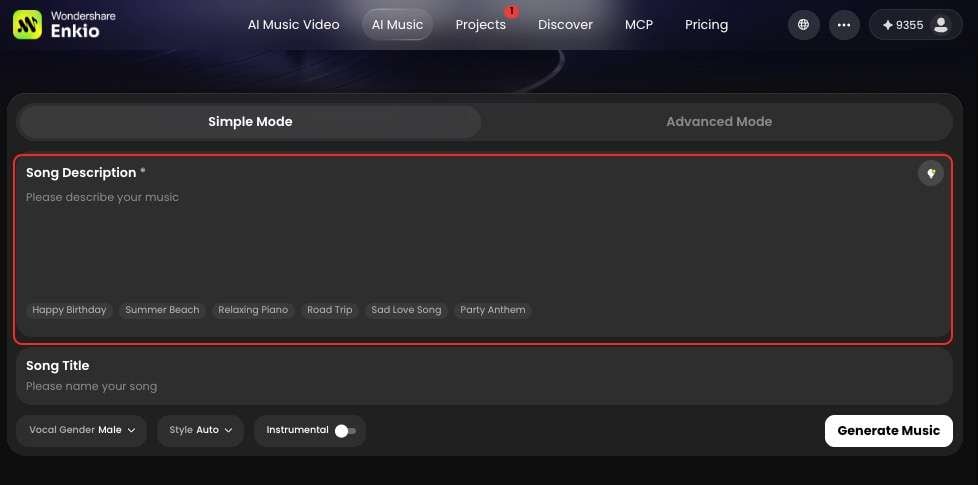
Open the AI Music Generator and describe the track with plain words of what you want to express. Of course, you can also skip the prompt, let AI to run the whole workflow automatically.
Step 2: Pick the style — vocals or instrumental
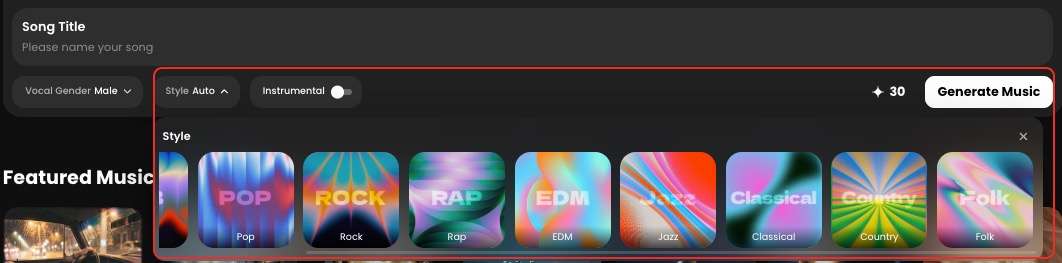
Under the description, you can choose a vocal gender and a style — about ten styles, including r&b, pop, and jazz — or choose neither and let the generator match a sound to your words. These options are free to choose, without extra credits.
Step 3: Generate, download the MP3 and keep the project
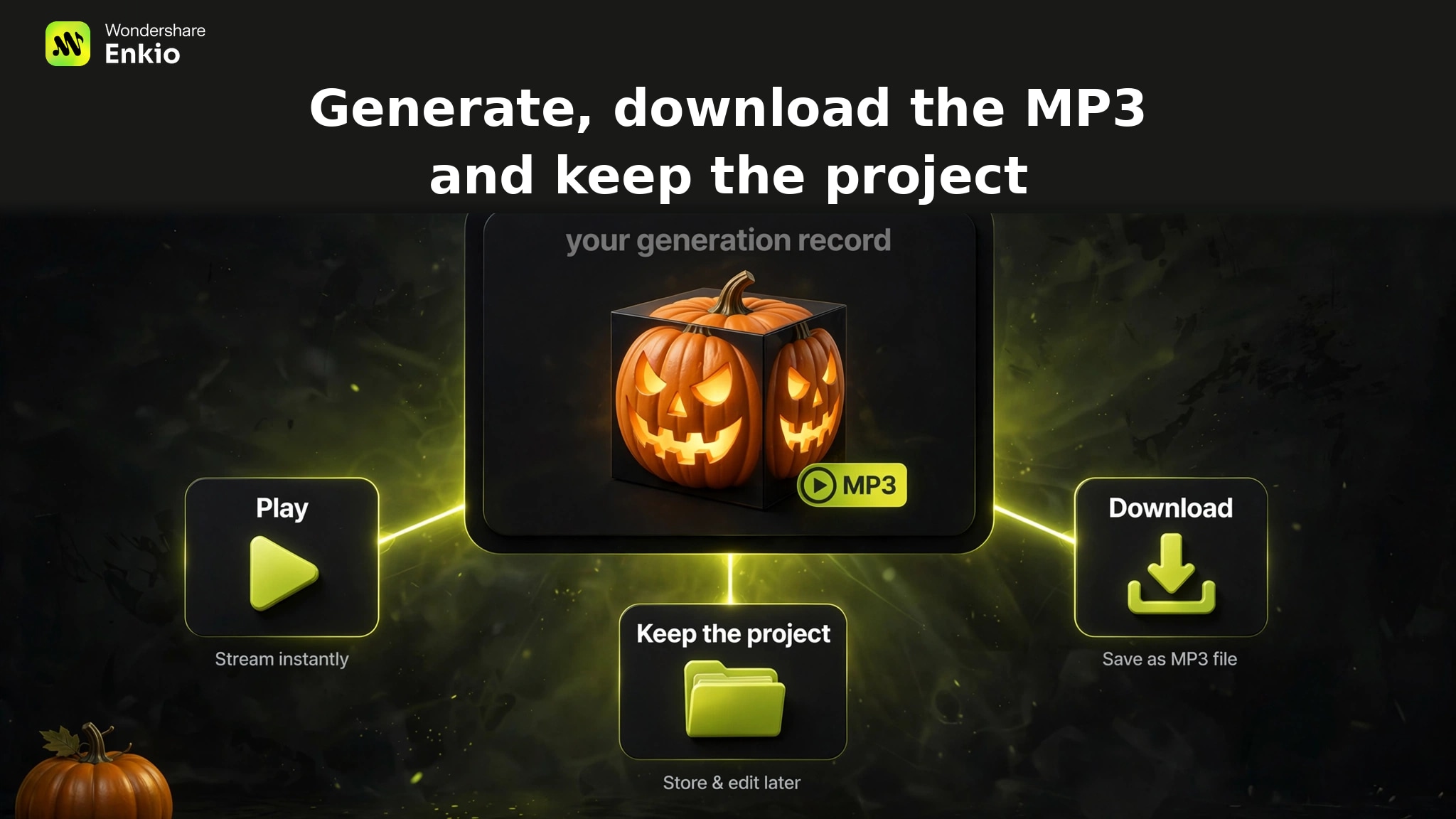
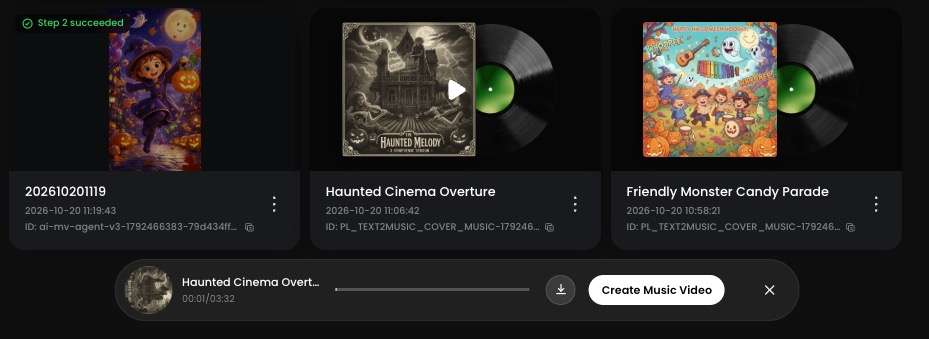
Click Generate music and follow the task in Projects. When it finishes, the track arrives with an album cover already attached; play it through once, then download the MP3. It usually costs 30 credits to generate one song, but the generated Halloween songs are free of copyright issue, which can be used by you.
Why We Recommend Generating Copyright-Free Halloween Music with Enkio?
The math is the part most creators skip. A generated track keeps its licensing question in one place — the current Terms of Use on the official site, with the conditions for your use listed where you can check them before you publish.
One place to check does not mean no conditions; it means the answer is always in the same place, found in minutes. A track someone else composed stacks the opposite problem: for commercial use you may need to pay a licensing fee, and those fees can run into amounts that dwarf a hobby budget.
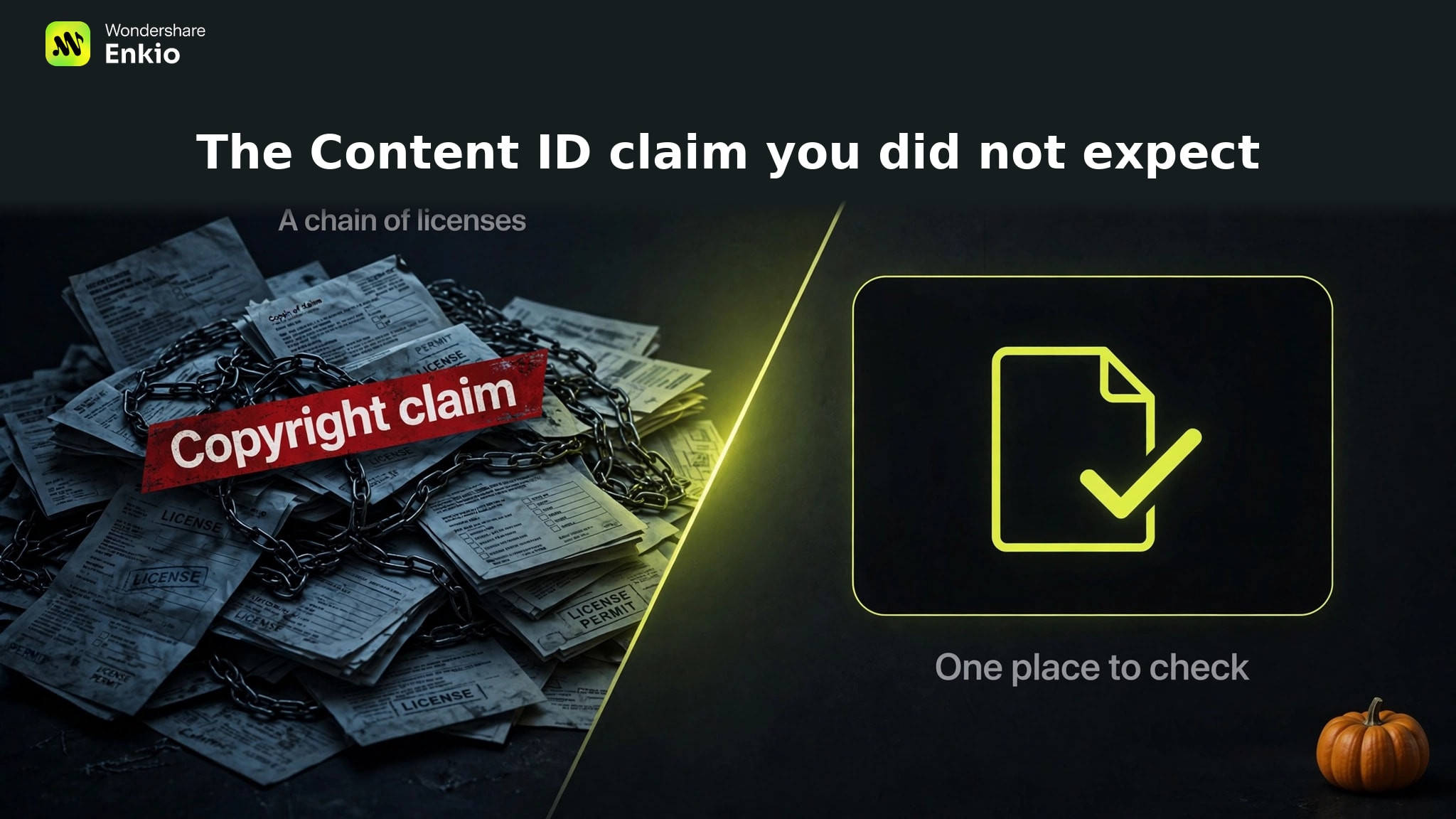
Against that, a generation costs a fraction — in a hands-on run on October 20, 2026, a single music generation cost 30 credits, pocket change next to any single commercial license. One place to check, one small cost, and a track nobody else is using.
Give the track a video of its own.
Your generated track can go straight into the MV workflow — upload it with a reference image and preview the full video before saving.
The hand-off is short. Take the MP3 from Step 3 into the AI Music Video Generator: upload the track with a reference image — the album cover your song arrived with works — confirm the lead character's three-view when the workflow page presents it, preview the full video, and click Save. Sound and picture finish inside one project; our Halloween Music Videos guide walks the full MV flow step by step.
Check the current plans before you publish.
Plan details change; the pricing page carries the current version.
Frequently asked questions
Can I use a public-domain Halloween song's modern recording for free?
Usually not on the strength of the song's age alone. Public domain status attaches to the composition; a modern recording of it is a separate work, typically held by its performers or label, with its own license. Before using one, find the recording's own terms rather than relying on the composition's date. If those terms are not stated anywhere you can verify, treat it as not cleared and generate your own version.
What should I do if a "free" track gets a Content ID claim?
Do not delete the video first. Open the claim and gather whatever the download gave you — license page, receipt, attribution link. Dispute through the platform's process with that documentation attached; claims over library tracks may be released once the license checks out. If you kept no documentation, the practical options are accepting the claim's terms or replacing the track — which is why the paperwork mattered more than the price tag. Platform rules for claims and for AI-generated content differ, so check the platform's current guidelines as well.
Does royalty-free mean I never pay anything?
No. Royalty-free describes what happens after licensing: you owe no additional royalty each time the track plays. It does not promise the license itself is free: libraries sell royalty-free tracks at many price points, and one library's free tier can carry narrower terms than another's paid tier. Read the license attached to the specific track, not the label on the category page.
Can I use a track I generated in a paid ad or a client video?
That depends on the current Terms of Use and on your plan — it is the same check Step 4 describes. Before delivering client work or launching a paid placement, read the terms in force on the official site, confirm your plan covers the downloads you need, and keep the project in Projects as your record. If the terms do not clearly cover the use, get the answer from the source — not from an article, including this one.
Is music I generate mine to sell, or only to use?
The current terms draw a careful line: you retain whatever rights you may have in content you generate, and Enkio does not warrant exclusive ownership or copyright protection for generated output. Using a track inside your own video and selling the track itself — as stock, or to another creator — are different uses; the second needs its own check against the terms in force when you sell. Re-check whenever your use changes.
Conclusion
Free was never really about the price of the file; it is about how much uncertainty you are willing to publish with. A generated track moves the question to one place you can read before the video goes live. If the video is a family one, the same route makes the soundtrack itself — see our Halloween Music for Kids guide for the kid-safe version. Read the current terms, generate the track your project needs, and keep the record.