





Shoom AI is a mobile app that turns a vibe, a genre, and optional lyrics into a short song for people with no music background. This Shoom AI music generator review covers what the app actually produces. It explains how the in-app pricing and mobile-only design shape the experience, and where the gaps sit for someone who wants to publish.
The short answer: the Shoom AI music generator is a beginner-friendly phone app that makes complete songs from a few taps. It keeps Premium pricing inside the app, runs only on iOS and Android, and points to its own terms on AI music copyright rather than confirming it.
What the Shoom AI Music Generator Is
Shoom AI is a mobile music application built for people who have never written a song. The developer is AIBY Inc., named on the official site and Google Play, while the App Store listing shows the publisher as TECH ALPHA DMCC. The product lives on phones, with iOS and Android apps and a marketing site rather than a web editor.
Shoom sits in the phone-first group of the AI Music Generator category, which spans web-native songwriters, background-music engines, and phone-first apps. The pitch is deliberately simple. The app tells new users to tap a vibe, make a song, which frames the tool as a creative starting point rather than a workstation. It generates full songs with vocals or as instrumentals, and it also builds personalized AI music videos from a photo. For a grounded read on a similar phone-first competitor, the Boomy AI Music Generator Review shows how another easy-mode app handles the same job.
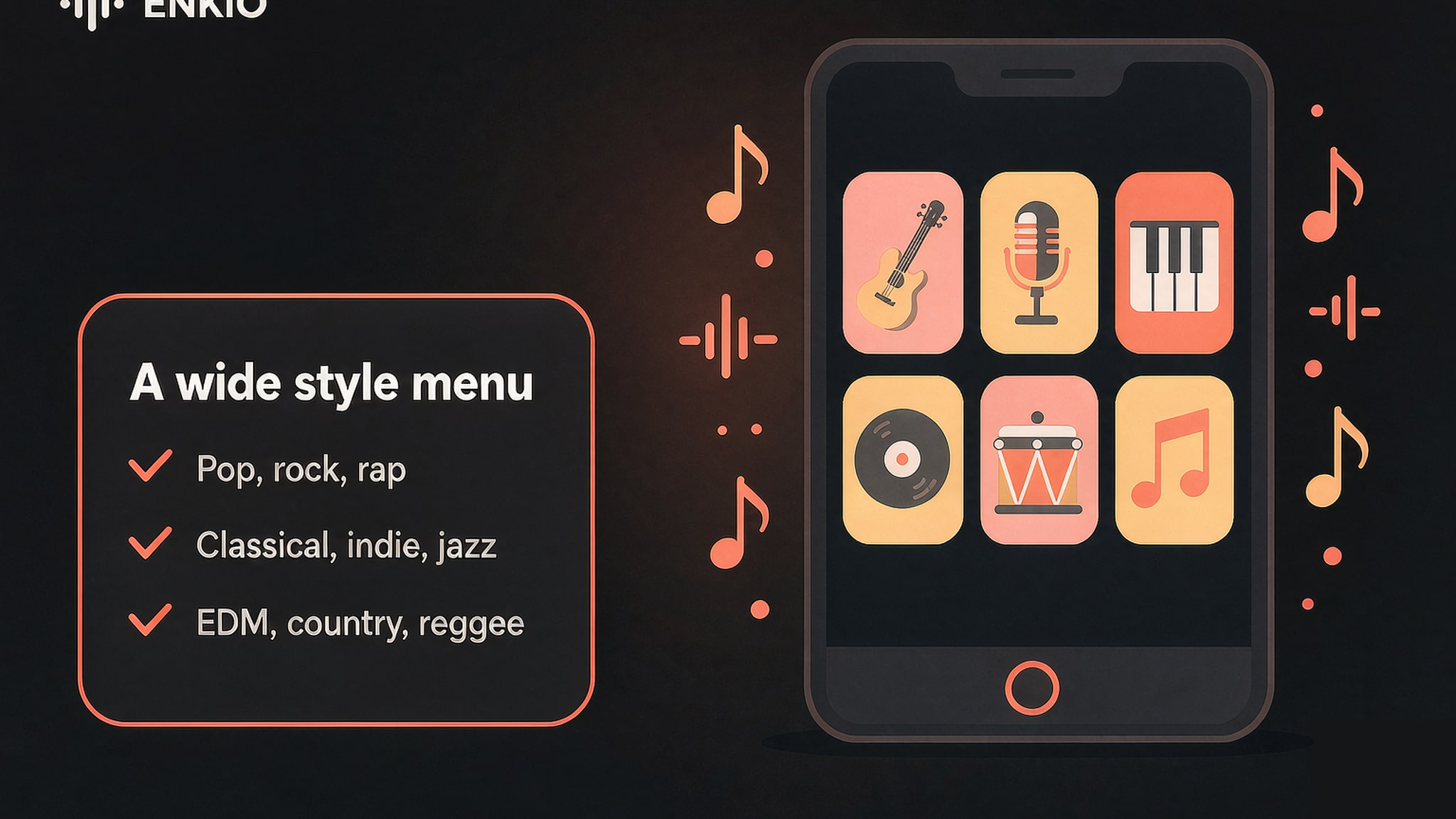
Shoom lists a wide style menu. The official App Store and site pages name pop, rock, rap, R&B, classical, indie, jazz, EDM, country, and reggae, with K-pop among the extras. The App Store version is about 149.6 MB, is marked Only for iPhone, and carries a 13+ age rating. Google Play shows 4.3 from 478 reviews with 10K+ downloads, while AppFollow records an App Store score near 4.2 from about 10,106 reviews as of its August 2026 update. The two scores come from different stores and dates, so they should be read separately.
How It Works in Practice
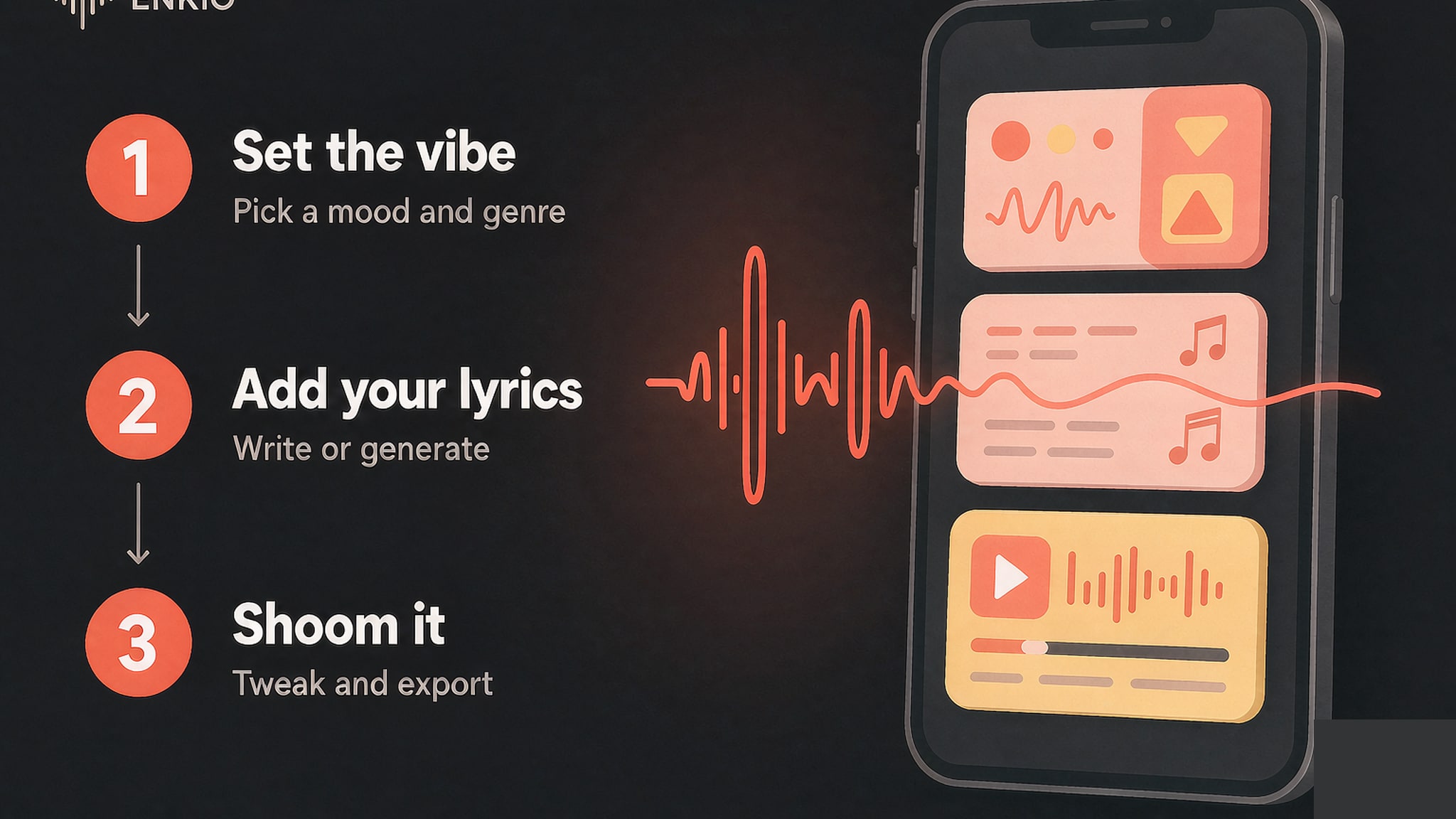
The workflow is short on purpose, and most of the effort sits in choosing a vibe rather than editing the result.
Set the vibe
Generation starts from a mood and a genre, the two choices a non-musician reaches for first. The app presents style tiles and a feeling selector, then asks for the scene the song should carry. This entry point keeps the whole job on the phone, with no separate desktop step to learn.
Add your lyrics
You can write your own lines or use the built-in lyric generator to fill the verse. The official flow calls this step Add lyrics, and it sits between the vibe and the render. A clear lyric brief tends to return a clearer vocal, while a vague one leaves the engine guessing at intent.
Shoom it and review the result
The third step is labeled Shoom it, and it returns a finished song with structure. The app plays the track back inside the player rather than opening a separate editor. Our read of the official flow found the first pass covers verse, hook, and arrangement in one go.
Tweak, export, and make the video
After generation you can adjust melody, lyrics, and style, then regenerate. The Library saves and organizes tracks, and sharing hands the file to other apps. A newer path builds an AI music video from your photo or your pet's photo plus a background, paired with a Shoom song. The App Store listing describes this as the current way to turn a track into a visual.
What the Shoom AI Music Generator Gets Right
Three strengths held up against the official listings and store pages we read.
It removes the music-theory barrier
Shoom assumes you have no instrument and no DAW, and the interface reflects that choice. You pick a feeling, type or generate lyrics, and receive a sung track, which is the reason a beginner reaches a finished song faster here than in a workstation. The Soundful AI Music Generator Review covers a background-music take on the same goal, and the contrast helps if you weigh editing control against speed.
The style menu is broad for a phone app
Ten named genres plus K-pop is a wide net for a mobile tool. The list spans club lanes like EDM and rap and calmer ones like classical and indie, so one app can serve a hook, a bed, and a demo. That breadth is rare at this entry point in the phone-first category.
Voice Mode and AI Cover extend the input
Voice Mode lets you speak, sing, or hum, recording or uploading audio so the app arranges music around your voice. AI Cover re-sings an existing track in a new vocal style. Both features widen what a phone-only user can attempt without leaving the app, and they are listed as core rather than add-on paths.
Pricing and Credits
As of September 2026, the official site states there is a free layer that lets you create, save, and share songs. Shoom Premium is an auto-renewing subscription, and the site says its exact pricing is shown in-app. The price is not published on the site, so check the official pricing page for current rates before you subscribe. The terms note the plan renews automatically unless you turn it off at least twenty-four hours before the period ends, and you manage it in your app store settings.
A Play Store reviewer in 2024 cited about six dollars per week. That is one user's report from a dated comment, not an official figure, so treat it as a signal rather than a price. The real effect of in-app-only pricing is that you cannot compare plans side by side before installing, and the auto-renew terms put the cancellation clock in your hands. Confirm the live numbers in the app, because the vendor does not publish them on the web.
See what a plan includes before you commit.
Enkio lists current credit costs and plan limits on its pricing page, with watermark-free downloads depending on your plan.
Real Limitations of Shoom AI Music Generator
The limits below are structural, and the first one is the reason most buying decisions turn on this app rather than its sound.
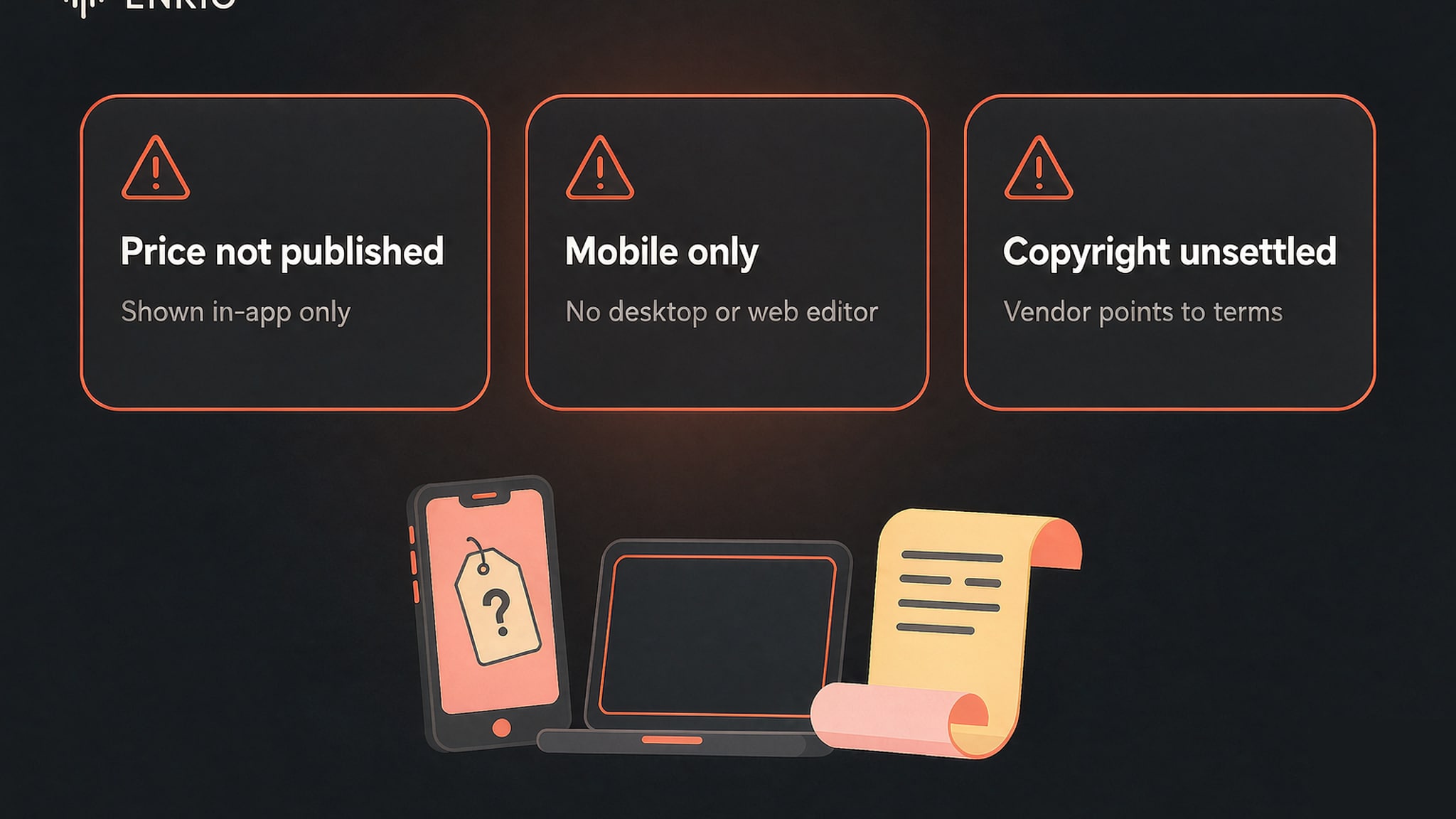
Pricing is not published on the site
The vendor says Premium pricing appears only in-app and is not listed on the website. That means a shopper cannot compare Shoom against other tools before downloading, and the auto-renew model asks you to watch the cancellation window. For a creator who prices tools before installing, that opacity is a real cost, not a footnote.
It is mobile-only, with no desktop or web editor
Shoom runs on iOS and Android, and the site is a marketing page rather than a workspace. There is no desktop client and no web editor, so the song you make stays inside the phone app. For a creator who wants to move a track into a different tool, that boundary removes the next step from the workflow entirely.
That phone-only loop is where a separate need shows up. If you finish a Shoom track and want the visual half handled on a different surface, Enkio's AI Music Video Generator can help. It takes a finished song plus a photo and returns 720p and 1080p output across five aspect ratios. Current credit costs are listed on its pricing page.
The tool describes itself as easy mode, not a studio
The official copy frames Shoom as a beginner path rather than a professional one. There is no DAW, no collaboration, and no deep parameter control, which is a fair trade for speed but a wall for anyone who needs to mix, slice, or master. The vendor's own positioning sets the ceiling, so read it as a starting point.
AI music copyright is left to the terms
The official FAQ states that the copyright status of AI-generated music is not settled at the industry level. The US Copyright Office has said works without significant human authorship may not be protected. The vendor advises reading Shoom's current terms and local rules before any commercial plan. That statement is a fact about the category, not a flaw in the app, but it matters before you publish.
User reviews note rough edges
Google Play feedback, read as user comments rather than official claims, points to some rough edges. Reviewers mention lyrics handled inaccurately and songs sometimes split into two. They note a roughly two-minute single-song ceiling and no choice of male or female voice.
Weekly generation limits after subscribing and a church-like reverb that can blur words also appear in the comments. Google Play also shows only 10K+ downloads, a smaller footprint than some rivals. These are reported experiences, not verified specs, so weigh them as signals.
How It Compares With Enkio
The closest reference point is Enkio, the web-native song generator, because both turn prompts into sung tracks. The table below is a snapshot as of September 2026, and each vendor adjusts its plans, so verify specifics with the platform before you choose.
| Dimension | Shoom AI | Enkio |
|---|---|---|
| Where it runs | iOS and Android app only | Web app plus mobile apps |
| Starting point | Vibe, genre, optional lyrics | Prompt with optional lyrics |
| Vocals | Sung lead, Voice Mode, AI Cover | Support male, females,child, auto, etc |
| Output control | Tweak melody, lyrics, style | Set by its plan terms |
| Pricing transparency | In-app only, not on site | Pricing varies; check the vendor's site |
| Copyright posture | Vendor points to its terms | Publishes its own terms; read before use |
| Best fit | Phone-first beginner drafts | Web-native writing at a desk and |
Shoom wins where the job is a quick phone draft with a sung hook. The Enkio review guide shows the desk-native path for longer sessions. The two tools share a goal but different surfaces, so the better pick follows from where you sit when you start.
Who the Shoom AI Music Generator Is For Right Now
Our split follows the job, because that is where the mobile-only design and the in-app pricing separate the fits from the misfits.
Shoom suits beginners who want a sung draft fast, hobbyists building hooks between sessions, and anyone who needs a bed in a specific style without learning a workstation. The phone-native flow and the broad style menu make it a low-friction starting point. The Music Video Marketing guide is the companion for creators who plan to push the result into a release campaign.
It is a weaker fit for anyone who needs to compare plans before installing, because prices live only in the app. It is also a poor match for producers who need a desktop editor, stems, or deep control, and for teams who require a web workflow. If your priority is a quick phone draft rather than a released product, this is a reasonable pick in the mobile group.
From a Shoom Track to Something You Can Publish
A generated track is usually the start of a piece of work rather than the end of one, and the next stage depends on what the track is for. A hook written for a scene becomes a video, and a bed written for a channel becomes a release asset.
If you already hold a track and want the visual half, Enkio can help. It takes the finished audio plus a photo or a chosen official track and adds an optional prompt of up to two thousand characters. The result is a music video you can keep editing. As of September 2026, the monthly plan is $19.99 for 3,000 credits, with current costs and limits on the pricing page. Generation failures do not deduct credits, and paid plans support watermark-free downloads depending on your plan. For commercial usage terms, see Enkio's Terms of Use.
One reminder applies whichever route you take. Platform policies on AI-generated content differ, and several major platforms expect disclosure when music or video is machine-generated. Check the platform's current guidelines before publishing, particularly if monetisation is the goal.
Frequently asked questions
These are the questions we see most often about the Shoom AI music generator.
Is the Shoom AI music generator free?
There is a free layer that lets you create, save, and share songs, according to the official site. Premium is a separate auto-renewing subscription with pricing shown only in-app, so the free tier is the entry point and the paid tier unlocks more. As of September 2026, check the app for current pricing before relying on either.
As of September 2026, the official site states Premium pricing is shown in-app and is not published on the web. A Play Store reviewer in 2024 cited about six dollars per week, but that is a single dated user comment, not a vendor figure. Confirm the current number inside the app, because the site does not list it.
Does Shoom generate vocals and music videos?
It generates both. The app renders a sung lead from lyrics you write, and Voice Mode arranges music around your recorded or uploaded voice. The App Store listing also describes an AI music video builder that pairs your photo with a Shoom song to make a personalized clip.
Can I use Shoom music commercially?
The official FAQ states the copyright status of AI-generated music is not settled. The US Copyright Office has said works without significant human authorship may lack protection. The vendor advises reading Shoom's current terms and local rules before any commercial plan. Read the terms before any commercial step.
Is Shoom available on desktop or the web?
No. Shoom runs only on iOS and Android, and the site is a marketing page rather than an editor. There is no desktop client and no web workspace, so generated work stays inside the phone app. Creators who need a desktop or web flow should choose a different tool.
Is there a Shoom alternative, and which should I pick?
If your goal is a phone-made song that you then want as a publishable video, Enkio can help. It takes a finished track plus a photo and returns 720p and 1080p output across five aspect ratios. Current credit costs are on its pricing page. For a wider field of song tools, the Alternatives to Suno AI Music Generator guide maps other options. Pick by where you create and where you publish.
Conclusion
Shoom takes the most convenient position in the beginner phone group. It turns a vibe and a genre into a complete song, ships a broad style menu, and adds Voice Mode, AI Cover, and an in-app music video builder. The trade-offs are equally clear. Premium pricing stays inside the app, and the tool runs only on phones with no desktop editor. The vendor points to its terms on copyright rather than confirming it.
If you need a quick phone draft to spark an idea, this is a reasonable pick in its category. If your goal is a finished track plus a video from the same project, Enkio takes the visual step from the audio you already have, without a timeline to learn.
Take your track to a video.
Let Enkio build a complete AI music video from your song and a photo, with 720p and 1080p across five aspect ratios.