



Adobe Firefly is Adobe's generative AI studio, and as of 2026 it includes a music generator that turns a video clip or a text prompt into an original instrumental track. Our review of the Adobe Firefly AI music generator covers what the tools actually do now, how the plans and music-minute limits work, and where the feature falls short for creators who need more than a background bed.
The short answer: Firefly is a genuinely useful music generator for video-first creators who already live in the Adobe ecosystem, and its commercially safe licensing is a real advantage, but it does not write songs with vocals, it meters music two ways at once, and it is not a stand-alone music production tool.
What the Adobe Firefly AI Music Generator Is
Adobe Firefly is a browser- and app-based creative studio from Adobe that generates images, video, and audio from prompts. The audio side sits in a dedicated Audio module and covers several jobs: a music generator, a voice generator (Generate Speech), a sound-effect generator, and audio or video translation in more than twenty languages. The music generator is the part this review focuses on, and it appears under two names that point at the same capability.
The long-standing entry point is called Generate Soundtrack, and it is built around scoring a video you upload. A newer update in 2026 added Generate Music, which lets you start from a guided prompt without any footage. Both share the same model and the same licensing story. We read Adobe's official documentation and help pages, and the consistent description is that the music generator composes original instrumental tracks you can clear for commercial use, with no singing voice and no lyrics.
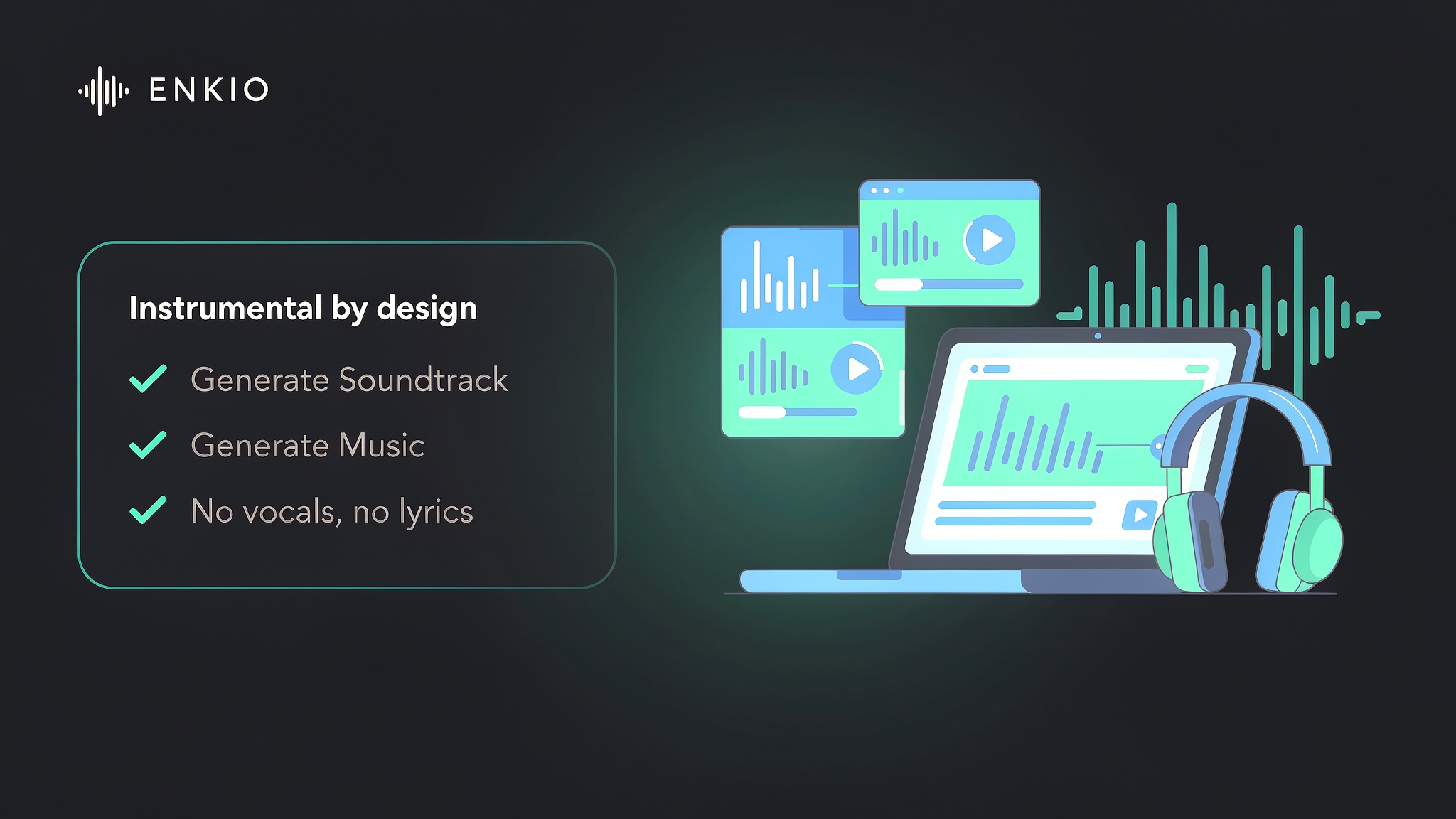
Two boundaries matter before the rest of this review. First, this is an audio feature inside a much larger creative suite, not a dedicated music application. Second, the music it produces is instrumental by design, which is the single most important fact for anyone comparing it with songwriting tools.
How the Music Tools Work in Practice
The workflow is short, which is the point. From what we could verify in Adobe's own guides, the music generator is deliberately simple at every step.
Generate from a video you upload
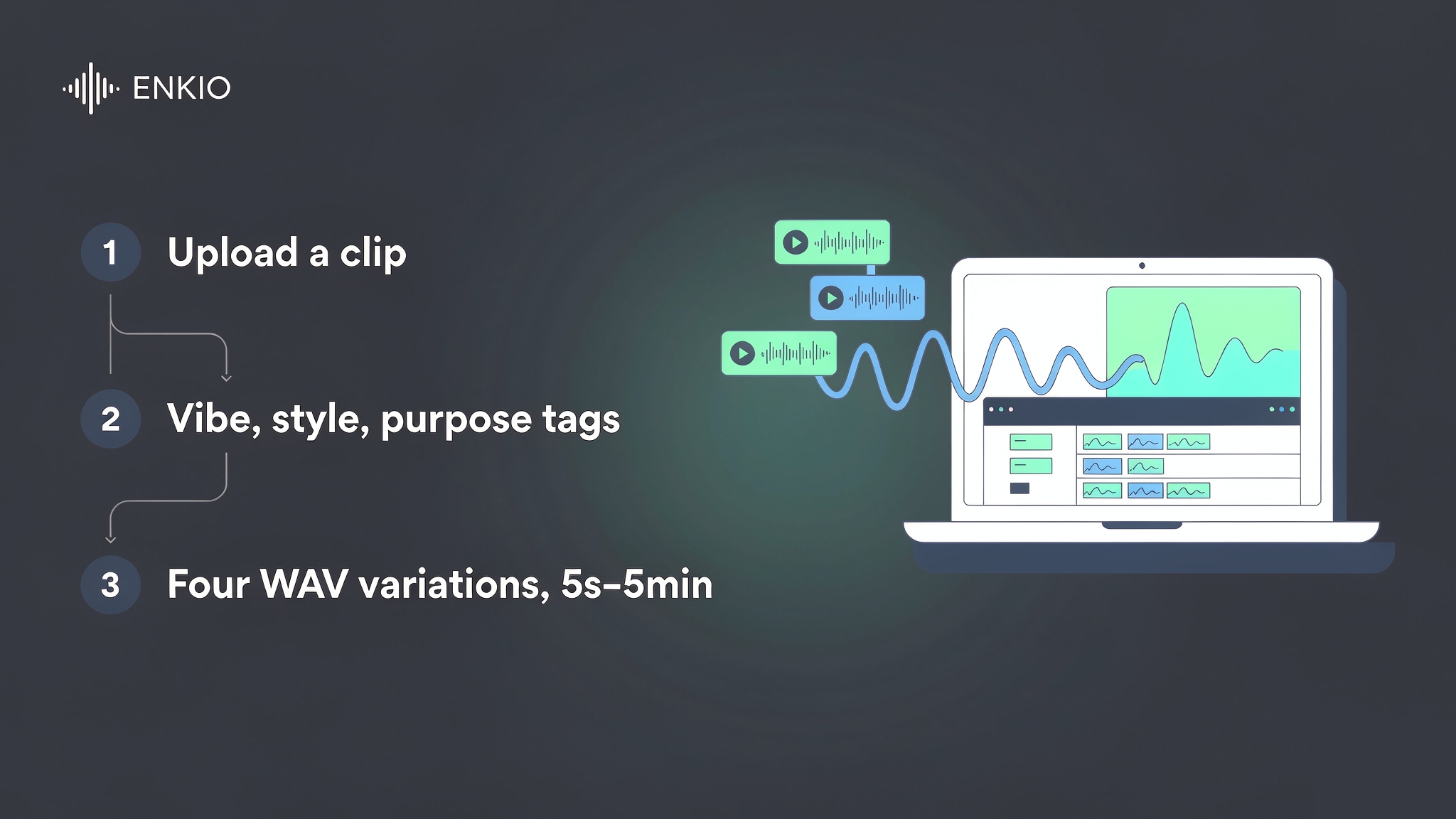
You open the Audio module, choose Generate Music or Generate Soundtrack, and upload a clip. Firefly analyses the footage and suggests a music prompt that matches its tone and pacing. You can accept the suggestion or write your own. This video-first path is the most distinctive thing about the tool, because it removes the part most creators struggle with: describing music in words.
Build a track from a guided prompt
If you start without footage, the prompt builder uses coloured tags for four attributes: vibe, style, purpose, and then energy and tempo. Vibe sets the emotional tone, style sets the genre or instrumentation, and purpose sets the use case such as a podcast intro or a game bed. As of September 2026, Adobe states that the text prompt for music supports English only, so non-English briefs have to be written in English first.
What you get back: length, format, variations
Firefly returns four variations of the track, and you preview each one before downloading. The export format is WAV, which is convenient for further editing in a digital audio workstation. The documented duration control runs from five seconds up to five minutes, so the tool covers both a short social sting and a full segment. In our read of the workflow, the loop is closed: you receive a finished audio file, not separate stems you can rearrange.
What the Adobe Firefly AI Music Generator Gets Right
Three strengths stood out when we compared the audio module against dedicated music generators, and each one is a real reason a creator might choose it.
Commercially safe licensing is the headline
Adobe trains its models on licensed content and states that the generated tracks are cleared for commercial use, with ownership of the output left to you rather than claimed by Adobe. For client work and paid campaigns, that provenance is a meaningful difference from music generators whose training data is less transparent. Licensing terms can change, so review Adobe's current terms before any commercial release.
A music tool that lives inside a full creative suite
Because Firefly also generates video, images, and voice, the music generator sits one step away from the rest of a project. If you are already scoring and finishing a video in the same place, not switching apps is a real convenience. For creators who want a dedicated track-first tool instead, Enkio's AI Music Generator keeps the focus on the song rather than the whole suite.
Video scoring that does the prompting for you
The footage analysis that suggests a prompt is the feature most competitors do not offer in the same form. For a creator who has the video but no idea how to brief music, handing the clip to the model removes a genuine blocker. It keeps the creative input simple while still giving the generator enough direction to shape a coherent bed.
Pricing and Plans
As of September 2026, Adobe lists Firefly in several tiers. The free tier gives limited free daily generations rather than a large monthly allowance. Firefly Standard is quoted at $9.99 per month with 2,000 generative credits, Firefly Pro at $19.99 per month with 4,000 credits, Firefly Pro Plus at $49.99 per month with 10,000 credits, and Firefly Premium at $199.99 per month with 50,000 credits. Third-party plan listings place the free tier around 25 credits per month, but Adobe's own page describes it as limited daily generations, so check Adobe's official Firefly plans page for the current numbers.
The detail that decides value is that music is metered in two ways at once. On top of the shared generative credits, each paid tier lists a monthly music allowance measured in minutes: around 100 minutes on Standard, 200 on Pro, 500 on Pro Plus, and 2,500 on Premium, with the free tier limited rather than unlimited. Generative credits reset on the billing date and do not roll over, which means an unused balance expires at the end of the cycle. The audio features share one credit pool with image and video generation, so a video-heavy month leaves fewer credits for music, and the reverse is also true.
See what a Firefly plan includes.
Enkio plans include AI music video generation, templates, and watermark-free downloads depending on your plan.
Real Limitations
The limitations we found are more than surface friction, because several cut to what the tool is for.
No vocals, no lyrics, no songwriting
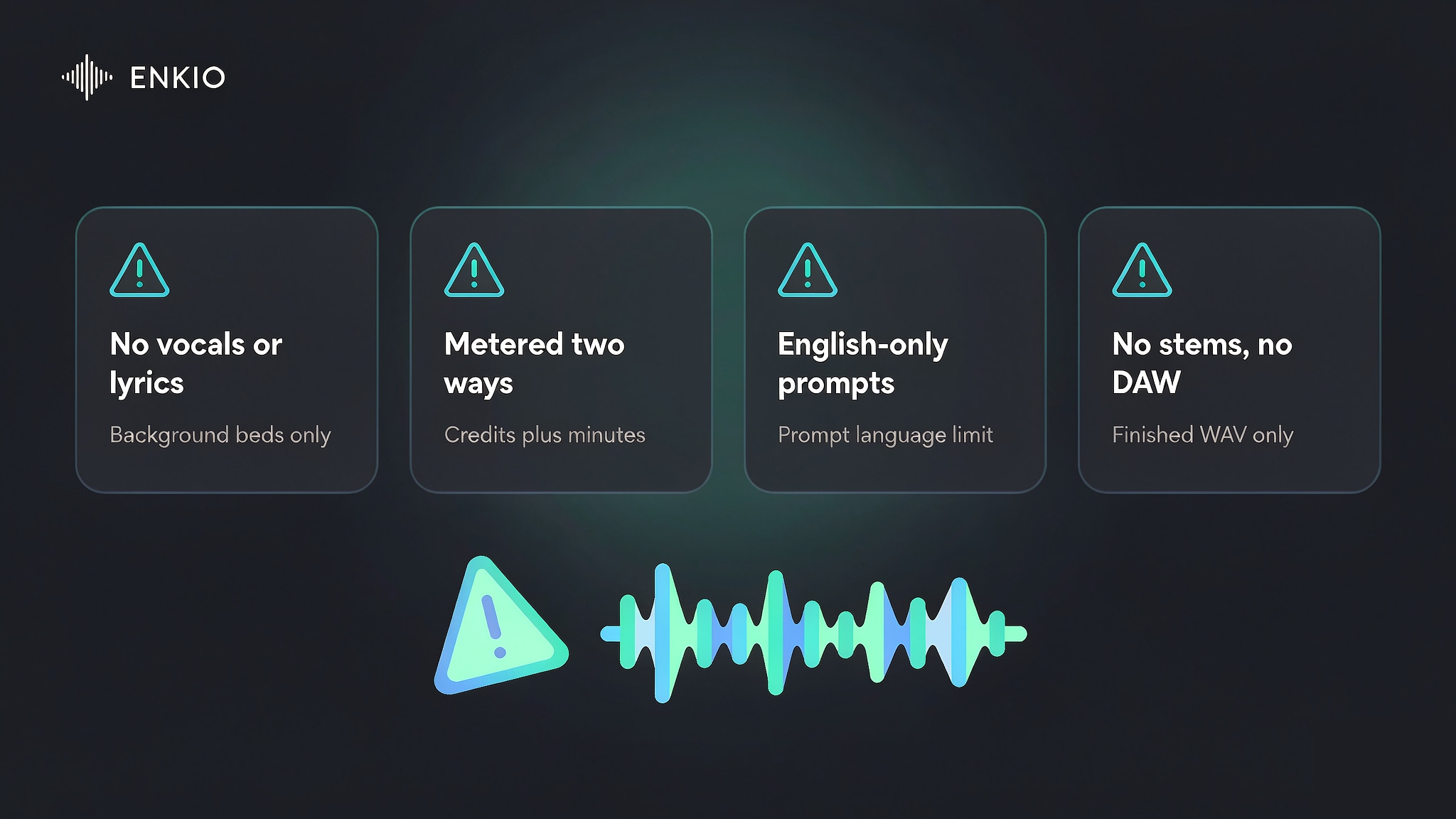
The music generator is built for instrumental background music, and Adobe is explicit that it is not a tool for sung vocals or songwriting. If your project needs a lead singer, a topline, or words, this feature will not produce them. That is the clearest boundary of the whole product, and it is the reason most songwriters look at a different class of tool.
Music is metered in two ways at once
Paying for one Firefly plan buys both a credit balance and a separate music-minutes cap, and the two do not always line up. A creator who needs long-form music can hit the minutes ceiling well before the credits run out, while someone who mostly generates images pays for audio capacity they do not touch.
The shared pool also means the price you pay is partly for features you may never open. If you want to see how a prompt-driven songwriting tool handles the same job, our How to Use Suno AI Music Generator walks through that workflow. If you would rather price the video step on its own, Enkio's AI Music Video Generator works in credits with the current costs listed on its pricing page, and watermark-free downloads depend on the plan.
English-only prompts and a closed editing loop
As of September 2026, the music text prompt supports English only, which is a small but real wall for non-English creators. Beyond language, the output is a finished WAV bed with no stems and no arrangement view, so you cannot move a note or mute a section the way you would in a digital audio workstation. For casual use that is invisible; for anyone finishing a track to a standard, it is the limit.
Pricing lives inside a larger plan structure
Firefly is sold as part of Adobe's plan lineup, and the music capability is one line in a plan that also covers image and video generation. If all you want is music, the entry price includes a lot you may not use, and the true cost of music is spread across credits, minutes, and the plan tier. The free tier is also too limited to publish with, which we unpack below.
How It Compares With Suno and AIVA
Firefly is compared constantly with songwriting tools, even though they aim at different users, so we keep a short table for that decision.
| Dimension | Adobe Firefly | Suno | AIVA |
|---|---|---|---|
| Creative input | Video clip or guided vibe and style tags | Written prompts, lyrics, style tags | Style preset, mood, and duration |
| Vocals and lyrics | Not supported | Generated with lyrics | Instrumental only, no vocals |
| Editing depth | Finished WAV, no stems | Editing tools on higher tiers | In-browser piano roll and editable score |
| Output length | 5 seconds to 5 minutes | Song-length | Up to several minutes by tier |
| Licensing | Commercially safe, cleared for use | Tier-dependent | Copyright transfer on top tier |
| Best fit | Video scoring inside Adobe | Songwriting with vocals | Editable instrumental scores |
The comparison makes the positioning clear: Firefly wins when the music has to match a video and live inside Adobe's tools, while Suno wins for sung songs and AIVA wins for producers who need to edit the result. For the songwriting side, our Suno AI Music Generator Review covers that tool in detail, and our AIVA AI Music Generator Review covers the editable-score alternative.
Common Misconceptions
Two assumptions we see most often are worth correcting explicitly.
Misconception: it is a full songwriting tool
Coverage of generative music often blurs the line between a soundtrack and a song, and Firefly is firmly on the soundtrack side. The generator composes instrumental beds, not vocals or lyric-driven songs, so treating it as a songwriter will leave you at a wall the moment you need a voice.
Misconception: the free tier is enough to publish with
The free tier gives limited daily generations and is positioned for trying the tool, not for shipping work. Because the useful allowances sit behind the paid tiers, a creator who wants a track they can publish needs at least the Standard plan, and even then the music-minutes cap decides how much they can actually produce.
Who the Adobe Firefly AI Music Generator Is For Right Now
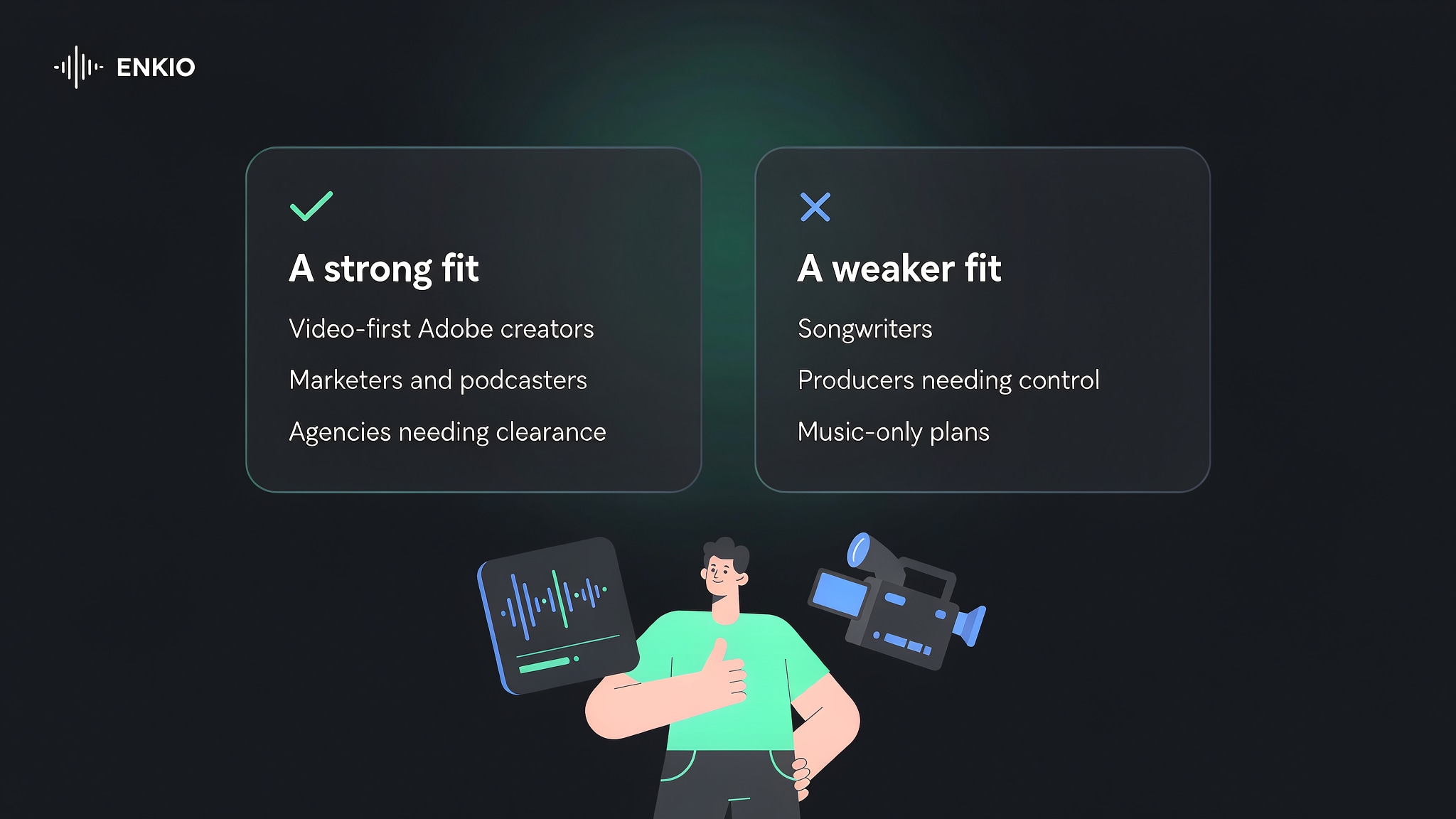
Firefly suits video-first creators who already use Adobe apps and who need a cleared instrumental bed that matches their footage: editors scoring social clips, marketers building promos, and podcasters making intros and outros. Its commercially safe licensing also makes it a reasonable choice for agencies that need defensible provenance on client deliverables.
It is a weaker fit for songwriters who need vocals, for producers who need arrangement-level control, and for anyone who wants a music-only plan without the rest of the suite. If your priority is the track itself, our Alternatives to Suno AI Music Generator maps the wider field, and our AI Music Video Ideas shows what you can build once the music exists.
From a Firefly Track to Something You Can Publish
Since Firefly stops at the audio, everything after generation is yours to arrange, and the first step is almost always visual, because the platforms where music reaches an audience are video platforms. A generated track still needs a video before it can be published anywhere that matters.
If you want the visual step to sit outside the same suite, Enkio takes a finished track plus a visual direction and returns a music video, with 720p and 1080p output across five aspect ratios including 9:16 and 16:9. A Firefly bed fits that pipeline naturally, since a generated instrumental sits comfortably inside the length of a short-form video. Plans and credit costs are listed on the pricing page, so check the current numbers before you build a release around it.
One reminder applies whichever route you take: platform policies on AI-generated content differ, and several major platforms expect disclosure when a track or video is machine-generated. That matters more here than on most tools, given how much Adobe leans on Content Credentials for transparency. Check the destination platform's current guidelines before publishing, particularly if monetisation is the goal.
Make more from your MV.
Let Enkio create a complete AI music video from your song with cinematic templates.
Frequently asked questions
These are the questions we see most often about the Adobe Firefly AI music generator, answered as the product stands in 2026.
Does Adobe Firefly generate music?
Yes. Firefly includes a music generator, available as Generate Music and Generate Soundtrack, that composes original instrumental tracks from a video clip or a guided prompt. It is part of the Audio module alongside voice, sound-effect, and translation tools.
Is Adobe Firefly's music free to use?
There is a free tier, and it is limited in a way that matters: a small number of daily generations and no meaningful publishing allowance. The paid tiers unlock the music-minute quotas and the commercial-use terms. Verify the current free limits on Adobe's official Firefly plans page.
How much does Adobe Firefly cost in 2026?
As of September 2026, Adobe lists Standard at $9.99 per month, Pro at $19.99, Pro Plus at $49.99, and Premium at $199.99, with the free tier at $0 and limited daily generations. Each paid tier also carries a monthly music-minutes allowance on top of its generative credits. Confirm current plans on the official Firefly pricing page.
Can Adobe Firefly's music generator create vocals or lyrics?
No. Adobe states that the music generator is designed for instrumental background music and is not built for sung vocals or songwriting. Creators who need a lead voice should use a songwriting tool instead, because this is the clearest functional boundary of the feature. If you need a sung lead, Enkio covers music generation with vocals and user-written lyrics, and its plans and credit costs are listed on its pricing page.
Do I own the music I generate in Firefly?
Adobe states that it does not claim ownership of the generated music and that the output is cleared for commercial use, while Content Credentials are applied for transparency. The exact licensing scope can change, so read Adobe's current terms before a commercial release.
Can I use Firefly music in YouTube or TikTok videos?
Yes, the music is positioned as commercially safe and cleared for use across platforms, from a personal clip to a paid campaign. Platform policies on AI-generated content still differ, and several major services expect disclosure when media is machine-generated, so check each destination's current guidelines before publishing.
Conclusion
Adobe Firefly's AI music generator is the most useful music tool in this category for creators who already work in Adobe's world and need a cleared, video-matched instrumental bed without leaving the suite. Its commercially safe licensing and footage-driven prompting are real advantages, and the all-in-one audio module is convenient.
What it is not is a songwriting tool, a music production environment, or a music-only plan, and its two-way metering of credits and minutes is the part to plan around. Use it for what it does well, keep the vocal and editing limits in mind, and decide how you will turn the track into a publishable video before you generate rather than after.