




CapCut can turn audio, video, text, templates, and AI-assisted edits into a music video, but the category matters. In our browser test, it accepted an MP4 and MP3, placed both on a timeline, and generated seven Auto Lyrics segments. The result was editable and partly accurate, although two phrases became duplicate caption lines. Export required sign-in and a birth date. This review is published by Enkio and applies the same criteria and visible limits to our product.
Choose editing control or generated scenes.
Enkio starts with a song and images when the goal is a guided generated MV rather than manual timeline assembly.
What CapCut Is in a Music Video Workflow
CapCut is a timeline editor with AI helper tools, templates, captions, effects, and media-generation features. It can be an effective music video maker because the user can combine footage, generated clips, audio, titles, and transitions in one project. That does not make every CapCut workflow an automatic song-to-video generator.
The distinction is simple. A timeline editor organizes assets the user already has or creates elsewhere. A dedicated music-video generator interprets a song and produces a planned visual sequence around it. CapCut can participate in both routes, but our test validated the first route: upload media, assemble it, and generate lyrics.
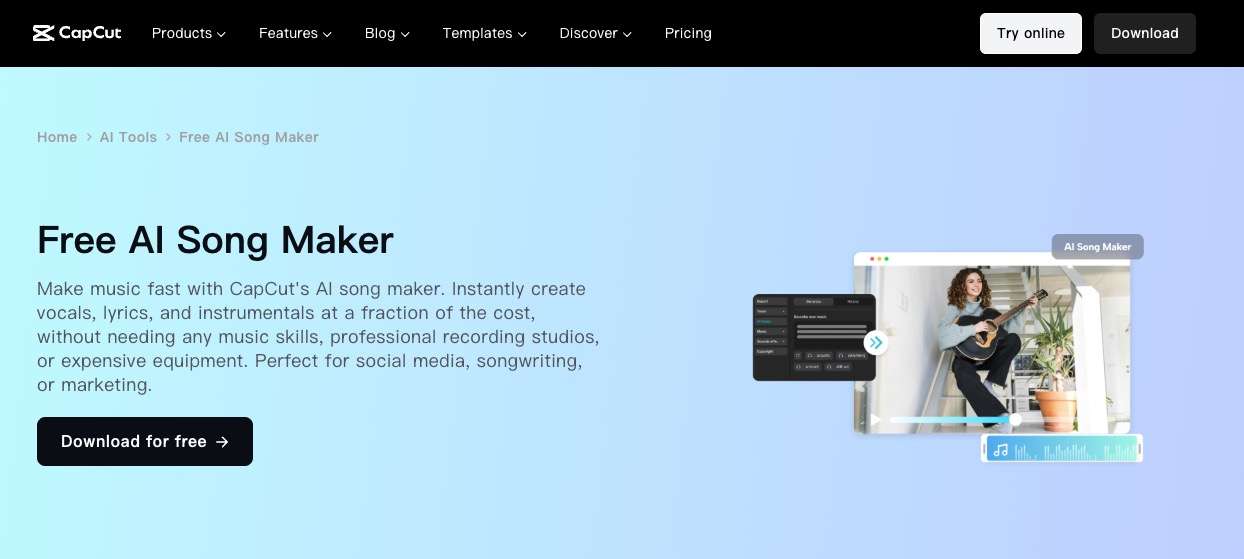
That makes CapCut more flexible than a single-purpose Spotify Music Visualizer, while also asking the creator to make more editorial decisions. The user controls the timeline rather than delegating the entire visual arc.
Enkio publishes this review. Its guided MV workflow is compared as a different production model, not used to deny CapCut's strength as an editor.
How We Tested This Tool
How to Use CapCut for an AI-Assisted Music Video
CapCut works best when the creator treats AI captions as a first draft and the timeline as the place where the actual video is built. Prepare a clean song file and visual assets before opening the editor, then leave time to correct text and timing.
-
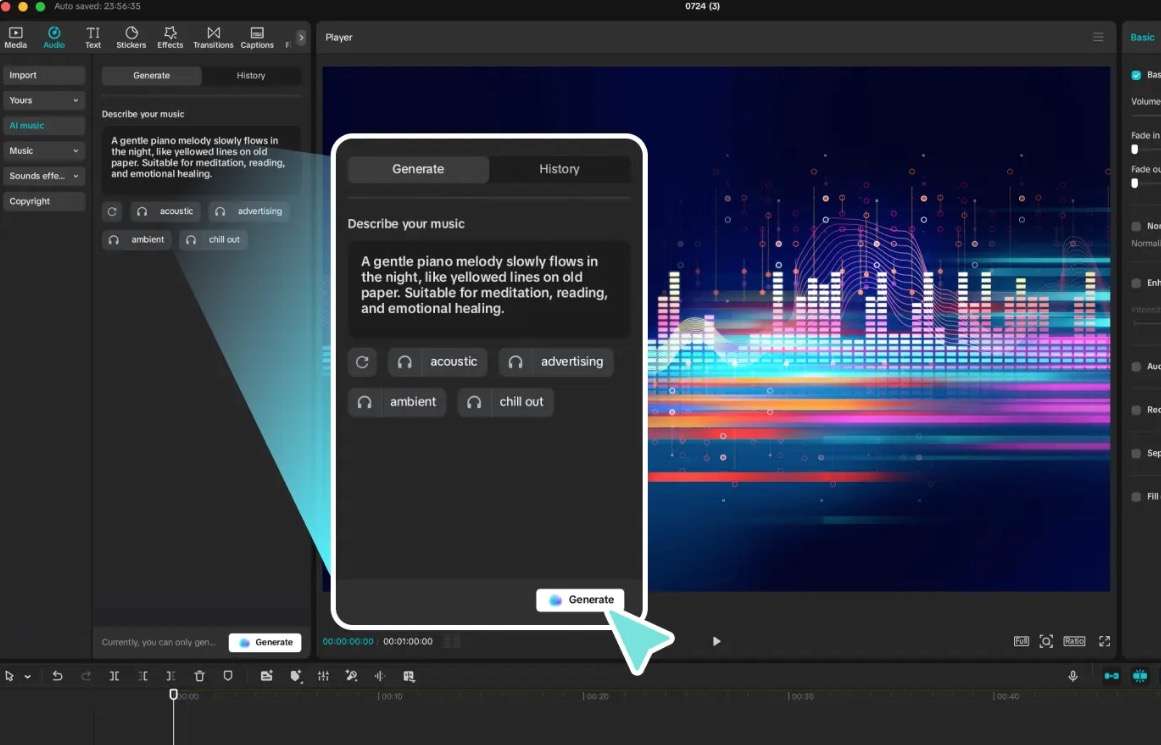
Open the online editor and add the song plus the footage, stills, or generated clips you are allowed to use. Confirm that each file finishes uploading before editing.
Done whenThe media library contains the correct audio and visuals.
-
Place the visual track and music on the timeline, trim their start points, and decide whether visuals will loop, cut on beats, or cover specific song sections.
Done whenThe project duration and section coverage are visible.
-
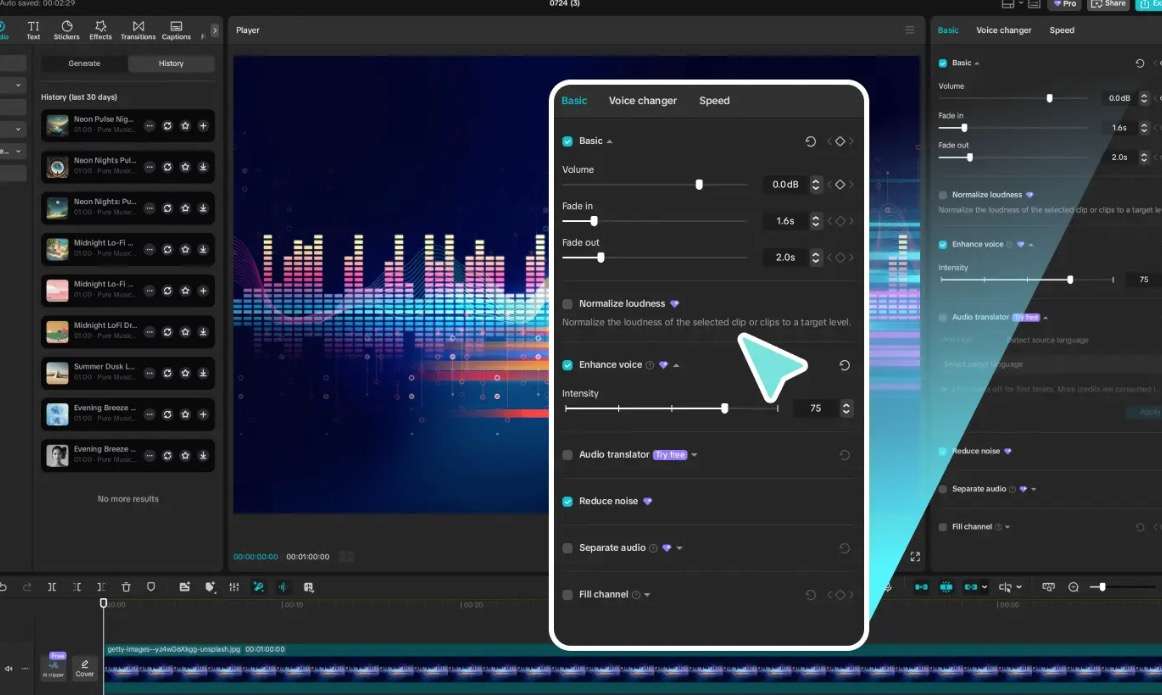
Open Captions, choose Auto Lyrics, select the song language, and run generation. Treat every returned segment as editable transcription rather than final copy.
Done whenEach lyric line has been checked against the audio.
-
Remove duplicate fragments, merge awkward line breaks, adjust timing, and choose a readable caption style that does not cover the subject.
Done whenThe lyrics read naturally and remain synchronized during playback.
-
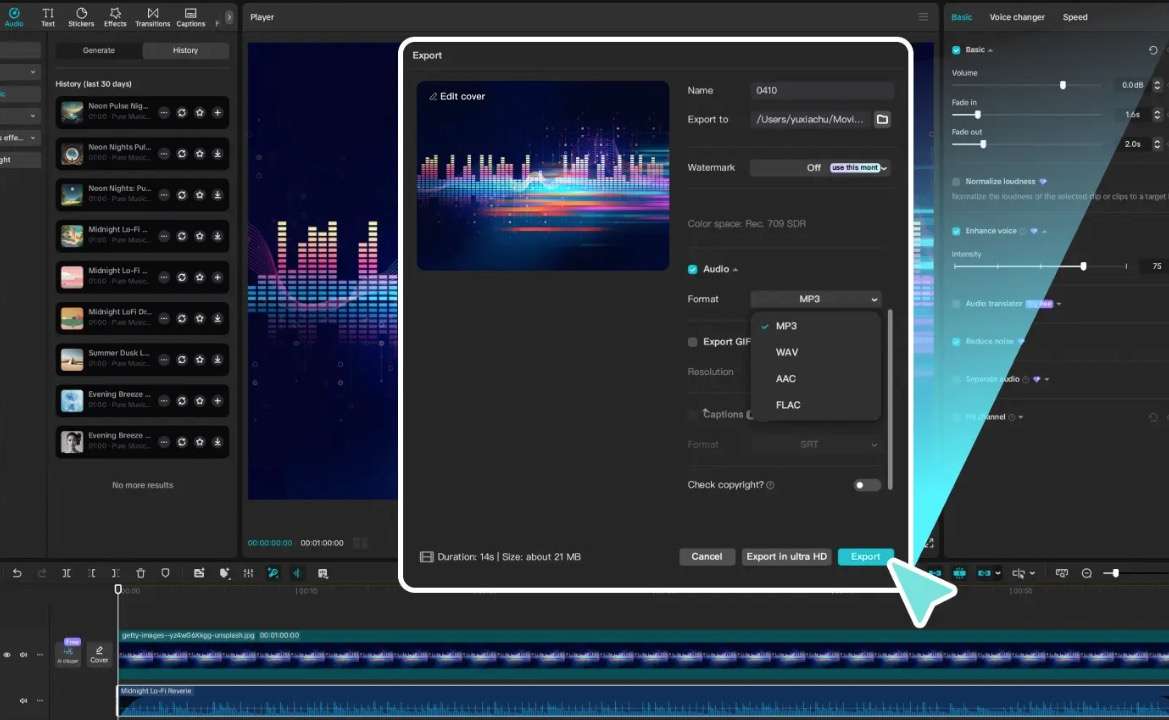
Before final export, verify sign-in, age requirements, resolution, watermark, format, and current plan restrictions. Do not enter inaccurate identity information to get around an account gate.
Done whenThe account is eligible and the selected export matches the intended channel.
The song itself can come from an AI Music Generator or a conventional recording process. Our Freebeat AI Music Video Generator Review shows how a song-first visual workflow changes the amount of manual assembly required.
What CapCut Auto Lyrics Produced
CapCut generated seven lyric segments from the uploaded AI song. Several captured the audible line well, including “the city lights are ghosts in the glass,” “counting the miles as the shadows pass,” and “finding the place where the new things start.” That makes Auto Lyrics a meaningful starting point rather than a decorative button.
The segmentation was not publication-ready. “Ghost in the glass” appeared again as a separate short line after the fuller sentence. “New things start” was also repeated after its complete line. Another segment joined “shadows pass” directly to “a midnight train and a heavy heart,” producing a break that sounded less natural on screen than in the song.
These errors are small in a transcript and visible in a lyric video. A duplicate line can linger after the vocal has moved on, while an overlong caption may force smaller text or cover the subject. The user needs to compare the generated captions with playback, not just scan the text list.
The experiment also showed why music-video captions differ from ordinary speech captions. Lyrics repeat deliberately, stretch syllables, and place line breaks for rhythm. Automatic recognition can identify the words while still choosing the wrong visual phrasing.
Editing Control Versus Automatic Story Generation
CapCut's strongest advantage is control after the assets reach the timeline. A creator can trim clips, change their order, style captions, replace a section, and decide exactly when a visual appears. That is valuable when the artistic idea already exists.
The same control becomes workload when the user begins with only a song. CapCut did not automatically turn our 56.8-second track into a sequence of characters, locations, and narrative beats during the tested Auto Lyrics workflow. We supplied the MP4, and the editor supplied the captions.
This is not a flaw in a timeline editor. It is a category boundary. A creator who wants to direct every cut may prefer CapCut. A creator who wants the system to analyze the song and propose a complete visual plan needs a different first stage, and may still return to CapCut for finishing.
Our Kaiber AI Music Video Generator Review covers a more generation-led visual route. The comparison helps separate “make footage from music” from “edit footage to music.”
Export, Login, and Account Requirements
Guest mode let us upload both files, place them on the timeline, and generate Auto Lyrics. That is enough access to evaluate the main editing interaction before creating an account.
The boundary appeared at Export. CapCut asked us to complete sign-in and then requested a birth date. We did not enter a false date, so the test ended before a final file was rendered or downloaded.
This means the review does not claim a particular free resolution, watermark state, codec, bitrate, or file size. Those facts belong to a completed export under a valid account. The in-editor preview proves the caption workflow ran; it does not prove every final-export condition.
Age and account requirements can also vary by region and platform. A team should confirm eligibility before using guest mode for a deadline-sensitive project, especially when another person will own the final account.
Check export conditions before the deadline.
Compare account eligibility, credits, watermark, resolution, and download rights before building the final cut.
Real Limitations
The limitations we observed affect accuracy, automation, and delivery. CapCut remains useful; the creator simply needs to know which work the AI completed and which work stayed on the timeline.
Auto Lyrics needs line-by-line correction
Two phrases were duplicated into separate segments, and some line breaks combined words awkwardly. A final lyric video needs manual text and timing review even when recognition is broadly accurate.
The tested route did not generate a visual story
We supplied the visuals. Auto Lyrics analyzed the song for text, not for characters, locations, or scene development. A user starting with audio alone still needs footage, images, templates, or a separate generation step.
Export evidence is incomplete
The account-age checkpoint prevented a valid final export. We can evaluate the in-editor result but not claim a finished file, free watermark state, or encoding specification.
A complete MV can require a different first stage
If the desired output is a generated MV rather than a manually assembled lyric edit, an AI Music Video Generator can start from the song and reference images, then organize a blueprint, visual materials, and reviewable segments. The recommended workflow does not replace CapCut's full manual timeline; it also uses metered credits, has plan-dependent benefits, and currently lists 720p or 1080p output.
Our rubric weights workflow fit 35%, control 25%, output usefulness 20%, and pricing/transparency 20%. Verified product facts yield an 8.5/10 fit score for generated song-to-MV production. The score is not a claim that the recommended workflow offers CapCut's depth of manual editing.
Our verdict
A better fit when the song needs generated scenes before editing.
Enkio provides a guided song-to-MV workflow, while CapCut remains stronger for detailed manual assembly and caption correction.
Pros
- Guided MV blueprint
- Five aspect ratios
- Segment adjustments
Turn your song and reference images into a generated music video.
Create an AI MVHow CapCut Compares With Freebeat and Enkio
The correct comparison begins with the starting asset and the final deliverable. CapCut is strongest after media reaches a timeline. Freebeat and the publisher's workflow are more explicitly song-first, and the corresponding column states both its workflow and its limits.
| Decision point | CapCut | Freebeat | Enkio |
|---|---|---|---|
| Starting point | Existing audio and visual assets | Finished song for generated visuals | Song plus reference images |
| Main workflow | Timeline assembly with AI helpers | Song-first music-video generation | Guided blueprint, assets, and MV segments |
| Lyric handling | Auto Lyrics produced editable segments | See dedicated review | Lyrics may inform MV workflow; caption rendering not claimed here |
| Manual edit depth | Strong timeline control | Generation-led workflow | Segment-level adjustments, not a full timeline editor |
| Evidence here | Upload, timeline, seven lyric segments | Separate published review | Verified workflow and specifications |
| Main caveat | Export gate and manual visual work | Current plan limits require checking | Metered credits and 1080p ceiling |
The Neural Frames AI Music Video Generator Review provides another control-heavy comparison. The Revid AI Music Video Generator Review covers a faster social-video route.
The publisher's column is not a replacement for every CapCut function. Its guided workflow reduces the blank-timeline problem, but detailed title design, layered effects, and manual finishing can still belong in an editor. Output remains bounded by current plan settings.
Who CapCut Is For
CapCut fits creators who already have footage or generated clips and want to control the final sequence. It is especially practical for lyric videos, short social edits, caption-heavy releases, and projects where a person needs to correct timing visually.
It is a weaker first choice for someone who has only a song and expects one click to create a coherent performance or narrative MV. The user must supply or generate the visuals, then make timeline decisions.
The browser's guest editing mode is useful for evaluation, but deadline work should resolve account and age eligibility before the final session. A project is not finished until the export is tested under the account that will own it.
When a Dedicated Music Video Workflow Makes More Sense
Use a dedicated generation workflow when the creative bottleneck is not editing but inventing the scenes. Start with the song's sections, a reference character or image, and the required aspect ratio. Review the proposed visual materials before rendering the full result.
CapCut can remain the finishing environment after that stage. Generated clips may need caption correction, title cards, branding, or platform-specific trims. The two categories are complementary when the handoff is planned rather than confused.
Frequently asked questions
Can CapCut Auto Lyrics work with an instrumental track?
Auto Lyrics requires audible words to transcribe. An instrumental can still drive a music video, but the appropriate tools are beat markers, manual text, or visual effects rather than lyric recognition.
Can you edit CapCut's generated lyrics manually?
Yes. The value of the feature is that its segments remain editable. Correct the words, merge repeated fragments, split long lines, and adjust timing against playback before styling the captions.
What happens to captions if the music is trimmed later?
Timeline changes can shift the relationship between audio and caption segments. After trimming or moving the song, replay the entire captioned section and re-time or regenerate lyrics where alignment has changed.
Does CapCut generate AI music?
CapCut offers different AI and audio features across products, regions, and account states. Our test uploaded an existing MP3 and did not evaluate music generation, so check the current editor rather than assuming Auto Lyrics creates the song.
Why did CapCut ask for a birth date at export?
The export flow required account completion and a birth date in our session. We did not test the policy reason or regional rules behind that request. Use accurate account information and consult CapCut's current eligibility terms if the prompt blocks delivery.
Conclusion
This CapCut AI music video generator review finds a capable AI-assisted editing workflow. Guest mode accepted our media, the timeline behaved normally, and Auto Lyrics produced seven useful starting segments. Duplicate phrases and awkward line breaks still needed correction, and the account-age gate prevented a verified export.
Choose CapCut when detailed assembly and caption cleanup are part of the creative process. Do not confuse editable AI assistance with automatic song-to-story generation. If the finished audio needs generated scenes before it reaches a timeline, Enkio can handle that earlier visual-production stage while CapCut remains available for manual finishing.