



OpenArt is an all-in-one AI creative platform: you upload a song, and its Director workflow assembles a beat-synced, multi-scene video around a consistent AI character. The automation is a strong option for creators who want a finished video without touching a timeline, but video burns credits fast, monthly credits don't roll over, and commercial rights start at the mid-tier Plus plan — so the real cost depends on how much you generate.
This review covers how the workflow runs, what it gets right, the full pricing math, the limitations that matter, and how it compares with Enkio.
How OpenArts Works in Our Review
You upload a finished track, describe the look you want, and refine the result by chatting — there is no timeline to learn.
1. Upload the track and describe the vision
You start with a finished song of your own, since the Director flow is built around music you bring. A prompt box takes the visual direction: mood, story, art style, camera movement. Optionally you attach an artist reference image or a saved character, so the same face survives across scenes instead of drifting between cuts.
2. Set the direction with Ori
OpenArt's built-in assistant, Ori, walks you through the choices that shape the output: visual style, aspect ratio, and genre — or an abstract audio-driven visualizer instead of a story video. Other music-video tools structure the same job differently; our Freebeat AI Music Video Generator Review walks through one alternative approach.
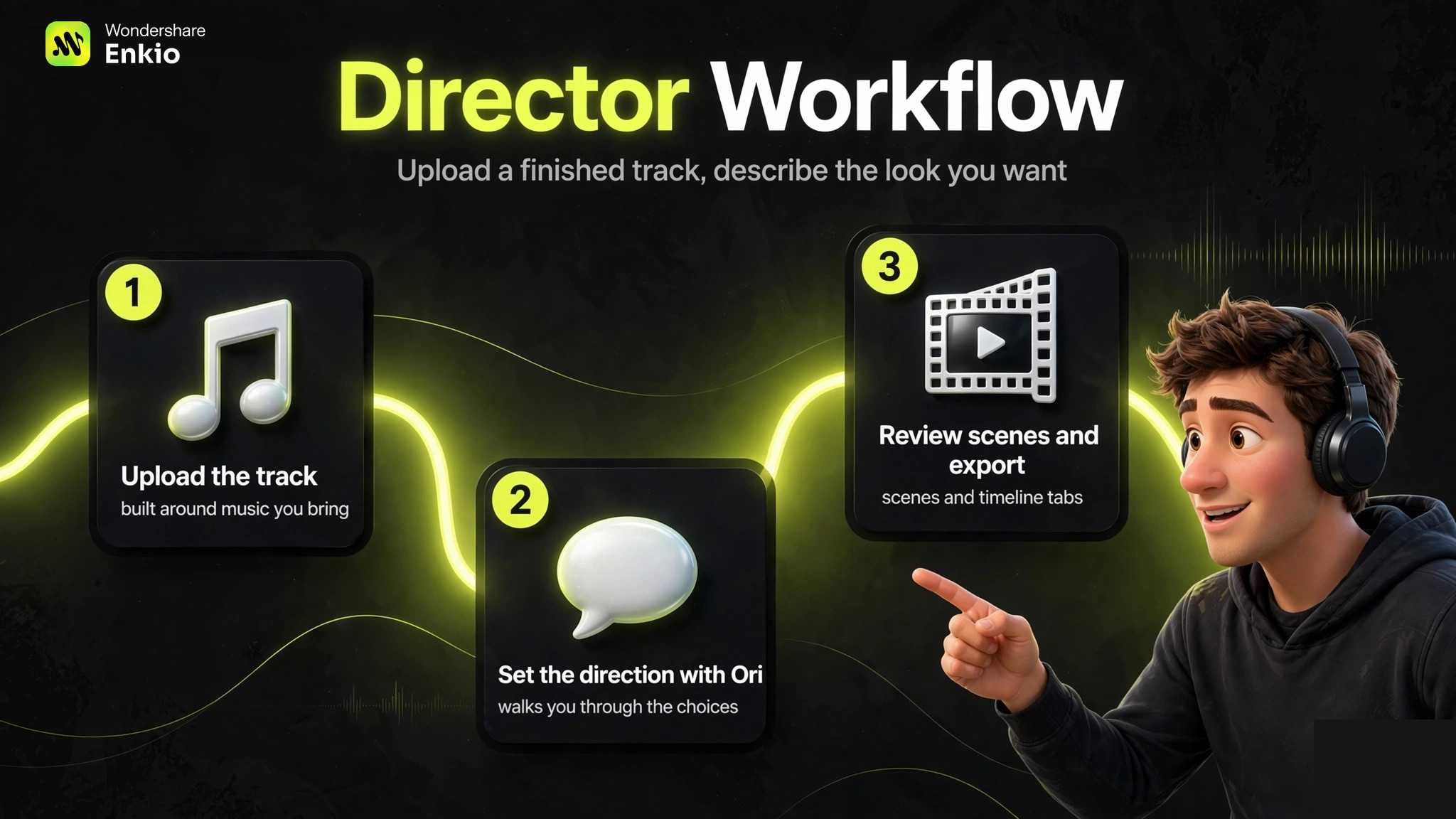
3. Review scenes and export
The draft lands in Scenes and Timeline tabs, where you review each segment and send conversational notes to adjust it — closer to art direction than editing. When it looks right, you export in the aspect ratio you set earlier.
What It Gets Right
Three things survive scrutiny across independent reviews of the video pipeline.
Character consistency across scenes
The most cited strength: the same AI artist holds up across every scene. Reviewers repeatedly single this out as OpenArt's clearest edge over single-clip generators, where faces drift between cuts. Our Kaiber AI Music Video Generator Review takes the opposite bet — stylized audio-reactive looks over literal consistency — which makes the two easy to tell apart.
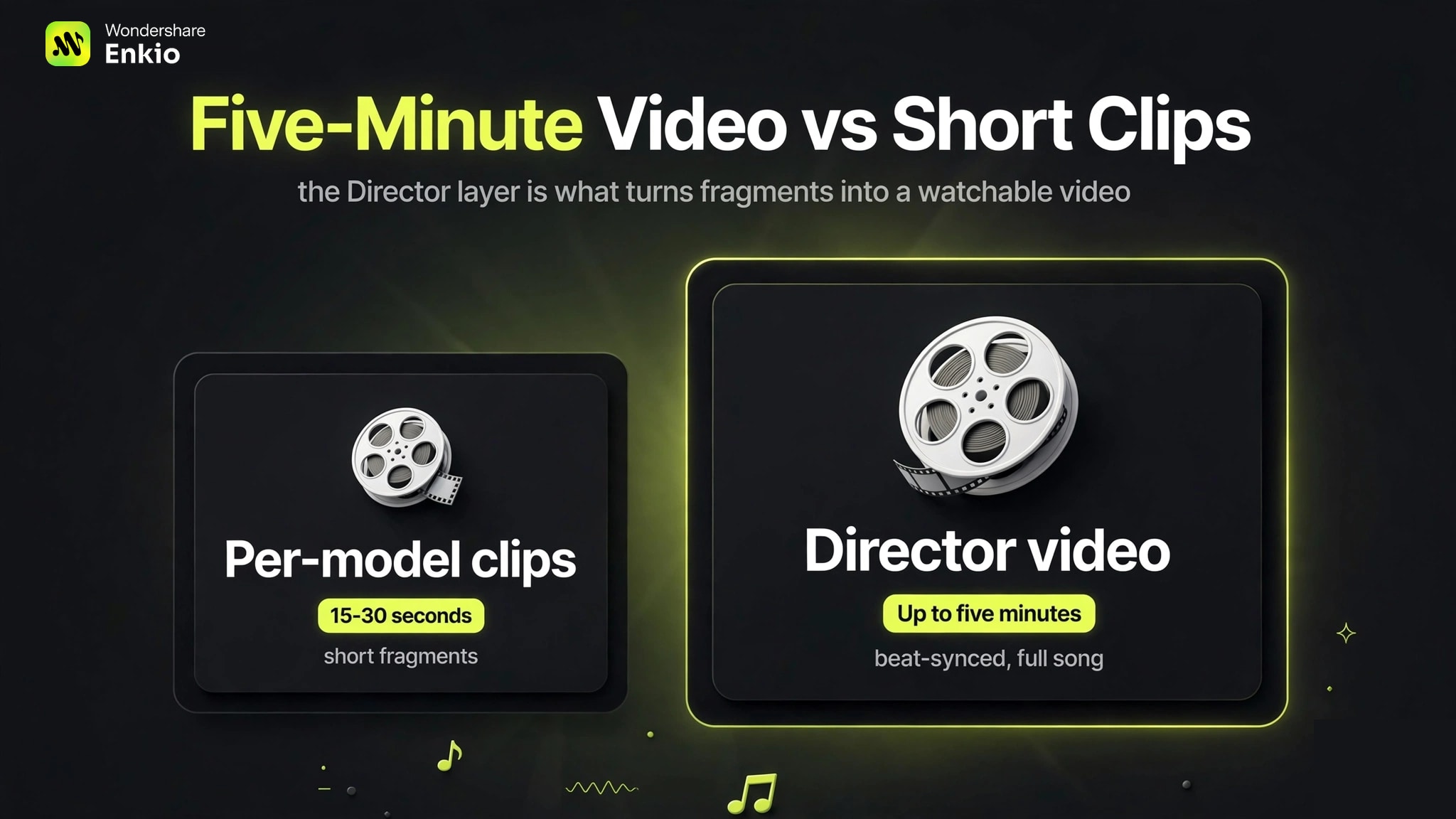
Beat-synced assembly up to five minutes
Cuts and motion lock to the beat automatically, and Director projects run up to five minutes per its launch coverage — long enough for a full song. That matters because most per-model clips top out around 15–30 seconds; the Director layer is what turns fragments into a watchable video. Lip sync is matched to vocals rather than approximated.
One workspace, 100+ models
Image, video, and audio models share one workspace and one credit account, so there is no tool-hopping between the thumbnail, the video, and the teaser cut. Built-in inpainting, upscaling, and extension keep fixes in the same tab.
Pricing and Credits
OpenArt sells credits, not videos — so the honest price question is what a finished video costs in credits.
| Plan | Monthly price | Credits / month | Vendor's video estimate |
|---|---|---|---|
| Trial | $0 | 40 credits, one-time (7 days) | Testing only |
| Starter | $14 ($13 billed annually) | 4,000 | ~50 standard videos |
| Plus | $34 ($27 billed annually) | 12,000 | ~150 |
| Pro | $56 ($44 billed annually) | 24,000 | ~300 |
| Wonder | $240 ($175 billed annually) | 106,000 | ~1,300 |
Those video counts are OpenArt's own approximations — actual burn varies by model and settings, and reviewers warn against treating them as guarantees. Two mechanics matter more than the headline counts: monthly base credits do not roll over, while $15 add-on packs (5,000 credits) do carry over. Commercial-use rights start at Plus; Starter has none. Trial outputs carry no watermark, and paid tiers are watermark-free.
If you don't have a finished track yet, the cost picture starts one step earlier — see Alternatives to Suno AI Music Generator for music-side options. All figures as of October 2026 — check OpenArt's official pricing page for current plans, since the lineup changed between 2025 and 2026.
Choose Cheaper Plan: Enkio
Enkio offers a more competitive price plan compared with Openart, with support to AI music generation and AI MV generation.
Real Limitations of OpenArts
The constraints below are drawn from OpenArt's own pages and independent reviews. They are the ones that actually affect buying decisions.
Video burns credits fast, and monthly credits don't roll over
A five-minute Director project consumes far more than a 15-second clip, which makes the "~150 videos" style estimates misleading for music-video use: your real yield depends on length and model choice. Unused monthly credits expire — only paid add-on packs carry over. Budget for the video you actually want, not the headline count.
If per-video credit burn makes budgeting unpredictable, I suggest you choosing Enkio AI Music Video Generator bundles a fixed 3,000-credit monthly pool (as of September 2026) around a template-led flow with no per-model guessing.
No commercial-use rights on Starter
OpenArt's music-video FAQ says finished videos are yours to use commercially provided you hold the song rights and run IP checks on reference media — but plan summaries gate explicit commercial rights to Plus and above. On Starter or the trial, the commercial position is ambiguous: confirm in writing before publishing client or monetized work.
Quality varies by model, and 100+ models are hard to govern
Output quality depends heavily on which model you pick, and the catalog changes fast — settings that worked last month may behave differently today. Reviewers also note occasional generic or unnatural results and prompt misinterpretation. Breadth is the selling point; repeatability is the tax. A narrower catalog with fixed templates — the approach Enkio takes — trades choice for repeatability.
How OpenArt Compares With Enkio
Same job — song in, video out — different philosophies. The table states differences; which trade-off matters depends on whether you value catalog breadth or a fixed, repeatable pipeline.
| OpenArt | Enkio | |
|---|---|---|
| Starting point | Your own uploaded track; vision via prompt | Song + image upload; prompt optional |
| Direction style | Conversational, assistant-led (Ori) | Template-led or 3-step agent flow |
| Output resolution | 1080p referenced for social exports | 720p or 1080p (official FAQ) |
| Entry price | $14/mo (as of October 2026) | $19.99/mo (as of September 2026) |
| Commercial rights | Explicit from Plus ($34/mo) up | See Enkio's Terms of Use |
| Character handling | Consistent AI artist across scenes | Solo / Two-Person (Duet) MV modes |
| Built-in music generation | Yes (text/image to music) | Yes (text to music with vocals + your own lyrics) |
Enkio's own ceiling, stated plainly: output tops out at 1080p — a higher tier remains unconfirmed — and credits refresh on each billing date rather than rolling over.
Who OpenArt Is For Right Now
OpenArt fits creators who want a complete, beat-synced video without learning editing — especially those already working across image and video under one account. It is a weaker fit if you need confirmed commercial rights on the cheapest tier, frame-level control, or a fully predictable per-video cost. For how a more music-first tool structures the same job, see our Tunee AI Music Generator Review.
Frequently asked questions
Does OpenArt generate the music too, or do I need my own track?
Both. The workspace includes a text/image-to-music generator (a ~30-second Quick Clip or a ~3-minute Full Song, per its feature page), so you can score a video without leaving the tab. But the Director music-video flow is designed around a finished track you bring — that is where the beat-sync and lip-sync do their best work. If music comes first in your process, AI Music Generator turns text and your own lyrics into vocal tracks, and our Suno Music Generator Review covers the best-known alternative.
What aspect ratios can I export for TikTok, Reels, and YouTube?
OpenArt lists presets for YouTube, Reels, TikTok, and Shorts, with 1080p referenced for vertical social cuts. Pick the destination before you generate, since reframing after export costs quality.
Do I need video editing experience to use OpenArt Director?
No. Direction happens in chat with the built-in assistant, and refinements are conversational notes on scenes — closer to art direction than editing. The trade-off is less frame-level control than a traditional editor.
Can I use famous characters or real people's likeness in my video?
Be careful here. Independent coverage notes that character templates can reproduce famous IP, and OpenArt's CEO has acknowledged that blocks sometimes slip through. You remain responsible for IP checks on any reference media — don't assume the platform cleared it.
Does OpenArt offer an API or automation for batch work?
Older reviews say no — that is outdated. OpenArt now offers MCP-based connections for assistant-driven workflows, per 2026 sources. Check its current developer docs before planning automation around it, since this area is changing fast.
Conclusion
OpenArt's music-video generator is a strong option for creators who want automation to do the heavy lifting: upload a song, get back a beat-synced, character-consistent video without editing. Its honest costs are credit burn on long videos, no rollover on monthly plans, and commercial rights starting at Plus. If predictable monthly budgeting matters more to you than catalog breadth, Enkio's fixed-credit monthly plan is worth a ten-minute comparison — check the pricing page for current plans. Either way, trial the 40-credit free tier with a real song before paying — five minutes of your own music reveals more than any review.
Make more from your track.
Let Enkio create a complete AI music video from your song and photos, with 720p and 1080p output.