



From a hands-on run: we generated spooky tracks on Enkio and carried one through the full cover-to-MV flow, checking each step as it landed — October 20, 2026. Generate the ambience yourself, and three things become yours to set:
- The scene. A graveyard in fog, a corridor with one working light, a nursery with a music box — your haunt, not a generic one.
- The scare level. Background dread, a creepy melody, or one timed jump — you choose the intensity before anyone hears it.
- The surprises. You audition every second. Nothing jumps, whispers, or slams that you did not approve.
Enkio is the tool this guide builds on, because the same workflow makes the track and — later in this guide — the video for it.
This page goes deep on the scary end of the night. Our Halloween Music guide covers the full range: party songs, quiet beds, kid-safe tracks, and orchestral pieces.
Generate the ambience your haunt actually needs.
Describe the scene and the scare level, and Enkio builds the track around both.
How to Generate Spooky Halloween Music with Enkio
Scary halloween music is mostly written before it is generated: the description decides whether you get dread or a cartoon. Spooky music for halloween works when the words name a place, a sound source, and an intensity. The four steps below are the full flow we ran on Enkio — the same for a haunt corridor or a party playlist. Halloween spooky music is a writing exercise with a Generate button.
Step 1: Describe the scene, not just "spooky"
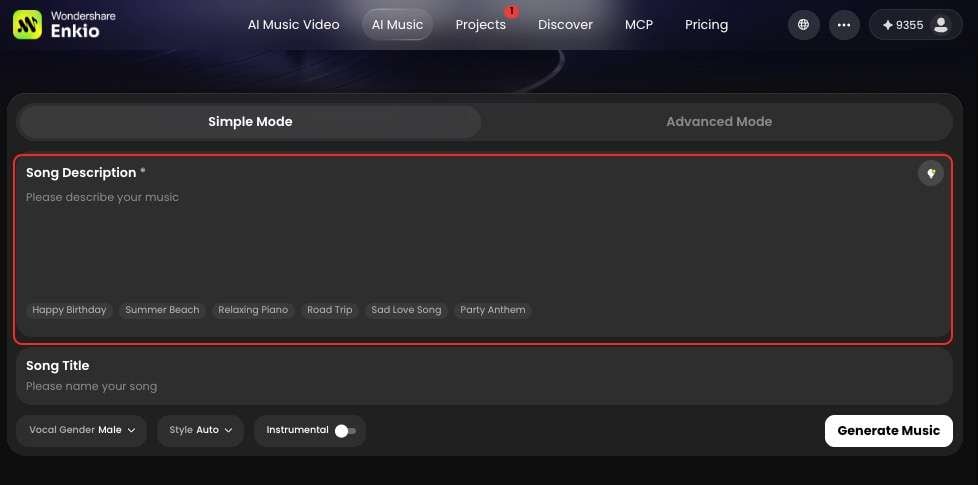
Open the AI Music Generator and describe the scene the track has to haunt. "Spooky" alone returns a mood; a scene returns a soundtrack. Name the place and what is making sound in it: "night fog over a graveyard, a distant bell, wind worrying at a broken gate." Or: "a haunted-house corridor, floorboards settling, a music box playing slowly upstairs, nobody winding it."
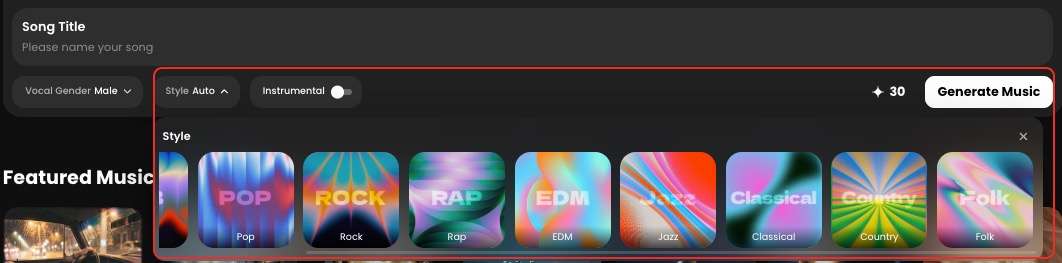
Step 2: Set the scare level with style and timbre
The settings steer intensity. Pick a style that matches the register you want, and choose the instruments in words — low strings and piano sit heavier than bright synths and bells. For ambience, choose the instrumental option: no vocals, nothing that sounds like a performance. Restraint lives here too: the same description at a slow tempo with sparse notes reads far more frightening than a busy arrangement.
Step 3: Generate, then check Projects for the finished track
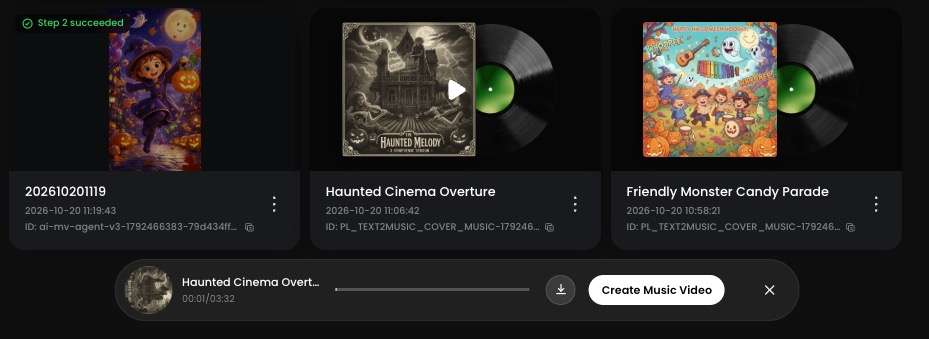
Hit Generate music and follow the job in Projects. When the track completes, Enkio attaches an album cover automatically — keep it; the MV section below starts from that cover.
Play the whole track at the volume your guests will hear. If the track passes, download it as an MP3.
Dial In the Scare: Three Levels to Generate
Most spooky halloween music fails by holding one intensity — an hour at the same pressure, until guests stop hearing it. The halloween music scary music searches point the other way: people want control over how scary, and when. What we found is that pressure works in layers. Generate at three levels, and halloween scary music becomes a set of tools: a bed, a hook, and a hit.
Level 1: Background Dread That Never Jumps
Level 1 is the floor of the night: scary halloween music halloween ambience in its purest form — low strings, distant wind, a room tone that feels watched. Nothing peaks and nothing resolves; the track's job is to make an ordinary room feel slightly wrong. Describe an even volume and slow movement, and ban events outright: no doors, no whispers, no hits.
Copy-ready description: "A very slow, quiet ambience bed: low strings and a distant organ holding long notes, faint wind, no melody, no sudden sounds, even volume from start to finish."
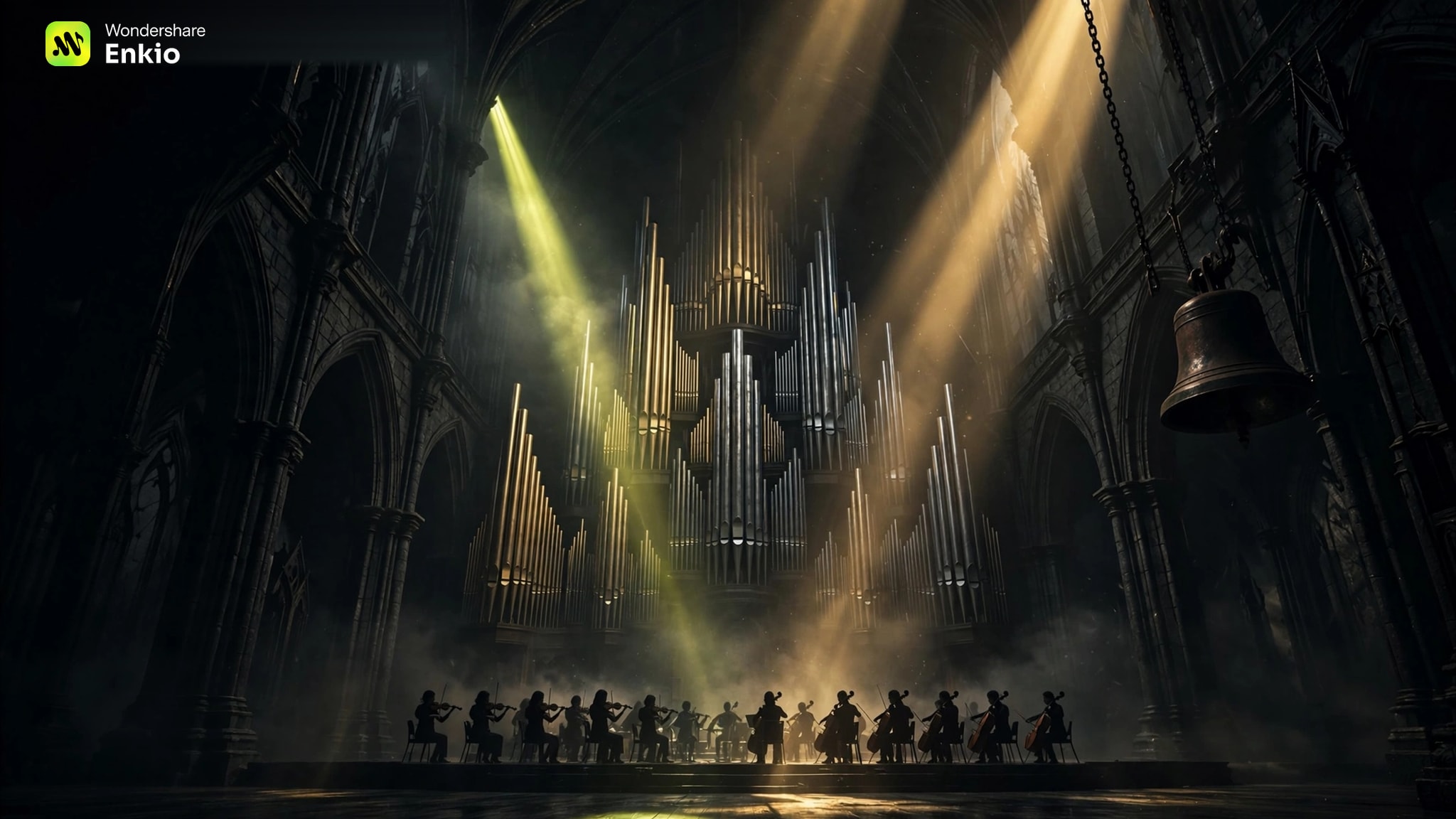
That organ-and-strings register is the oldest trick in the book — the creepy-music tradition of the classical masters runs on it. Our Classical Halloween Music guide turns those orchestral devices into recipes.
Level 2: Creepy Melodies People Remember
Level 2 adds the thing guests hum on the way home. Creepy halloween music works through a melody that is almost right: a music box playing a waltz slightly too slowly, a piano tune with one note detuned, a lullaby shape with the warmth removed. This is where halloween music creepy music lives, and where your haunt's signature halloween music scary halloween song comes from.
Copy-ready description: "A slow music-box waltz in a minor key, slightly detuned, lots of space between the notes, a low string drone underneath, no drums, no vocals."
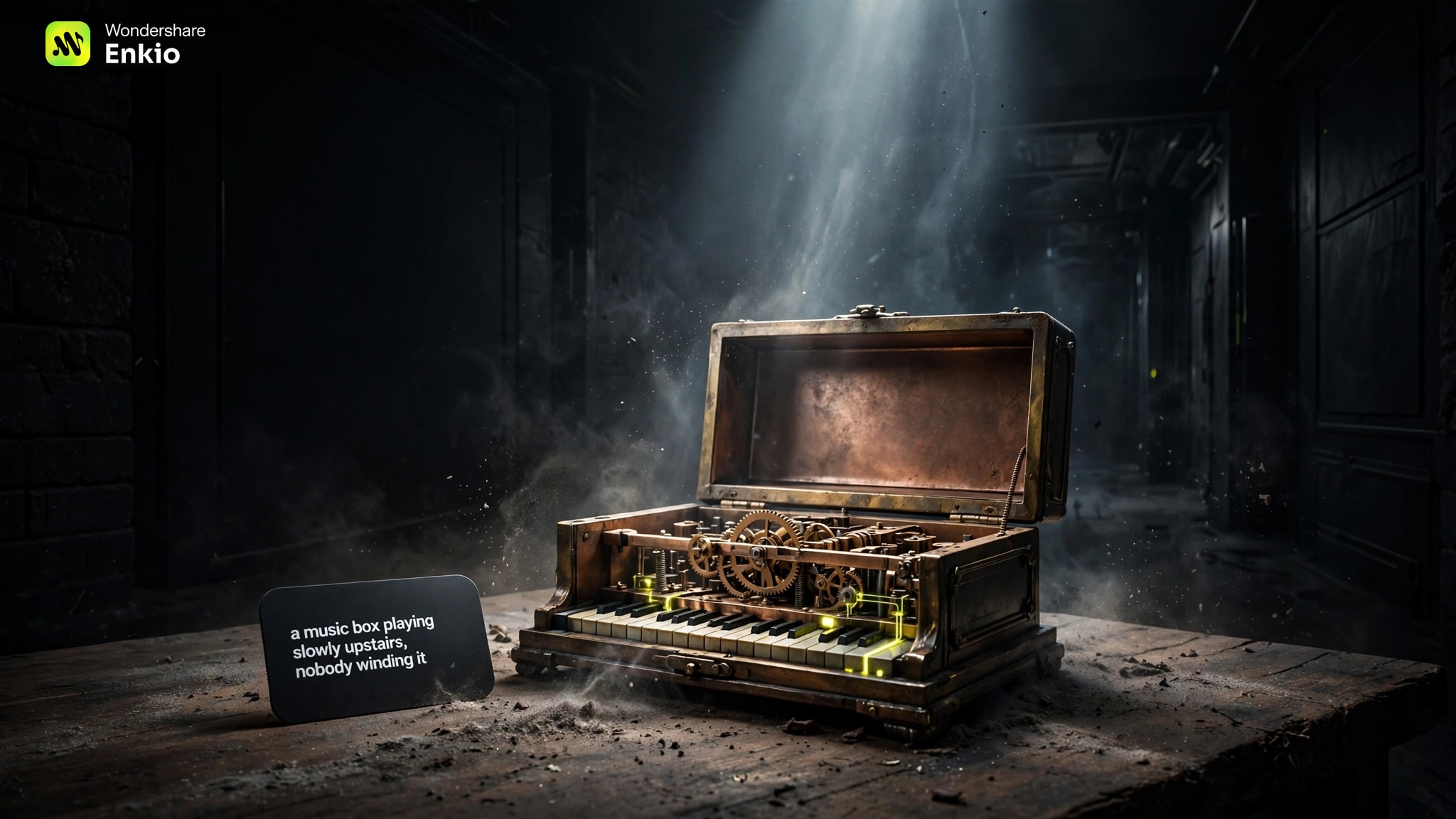
Keep the melody simple: stated once, then again with less around it. Recognition is what makes it creepy — by the third return, guests are listening for it.
Level 3: Stingers and Jump Moments
Level 3 is punctuation. A stinger is a few seconds of impact — a string cluster, a slammed chord, a shriek of bowed metal — built to land on a scare moment: a door opening, an actor's cue. Generate stingers as their own short tracks, described by the hit itself: "three seconds of near-silence, then one dissonant string cluster and a deep drum hit, then silence again."
Use them sparingly: a jump every few minutes is a haunt; a jump every thirty seconds is a nuisance guests armour against. The stingers we kept were those timed to a door or a cue — two or three across an evening do more than a track full of them.
Party-Spooky: Scary for Adults, Safe at the Door
A party crowd is two audiences. The adults inside want the scare real; the door is a public border where trick-or-treaters — other people's children — meet your sound. A spooky halloween music party playlist that ignores the second audience is how a great haunt earns a complaint.
Run the border at Level 1: background dread reads as atmosphere from the porch, and low strings say "haunted" without a single jump.
Bring Level 2 in once the crowd is yours — a detuned music box is a talking point, not a hazard. Reserve Level 3 for moments you control — a toast, a costume reveal, a midnight door-opening — never on a loop by the entrance, where the next knock might be a six-year-old.
If children are not just passing through but attending, the calculus changes — lyric safety joins sound safety. Our Halloween Music for Kids guide covers that version: words you write and approve first, and spookiness that stays in the dressing.
Turn Your Spookiest Track Into an MV
A haunt with a screen — a window projection, a TV in the parlour — gets a second life from the track you already made. The steps below are the condensed version; our Halloween Music Videos guide gives the full walkthrough.
Start from the cover — or from your haunt's face
Open the AI Music Video Generator, upload your finished track, and add a reference image: the album cover the track arrived with, a photo of your haunt's facade, or your door character. Add a prompt with the storyline — a figure crossing the porch, a face at the window. Then choose the MV mode (solo, duo, or Ultra), the resolution (720p or 1080p), and an aspect ratio, and confirm with Create.
Give your scariest track a face.
Your track already has a cover — turn it into a looping Halloween video.
Check the blueprint and the three-view before anything renders
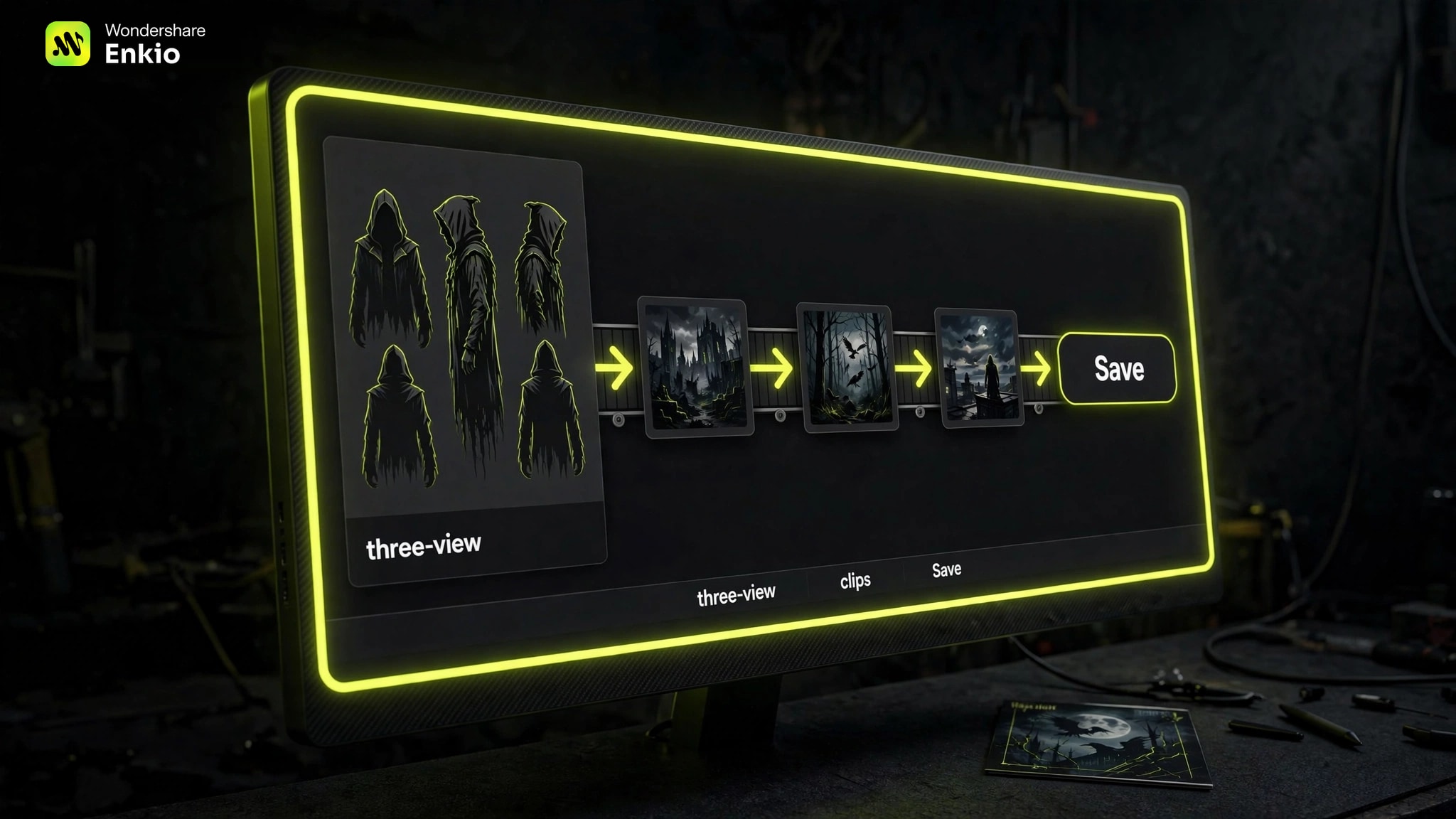
The workflow page lays the production out first: the blueprint, the timecode, the visual materials, the main character's three-view — front, side, and back — and every clip. Horror lives in single frames, so use the single-clip control: if one clip is too tame, restage it; if one crosses your line, soften that clip alone — the rest of the plan stays untouched. Confirm the three-view, and Enkio runs the full build from there.
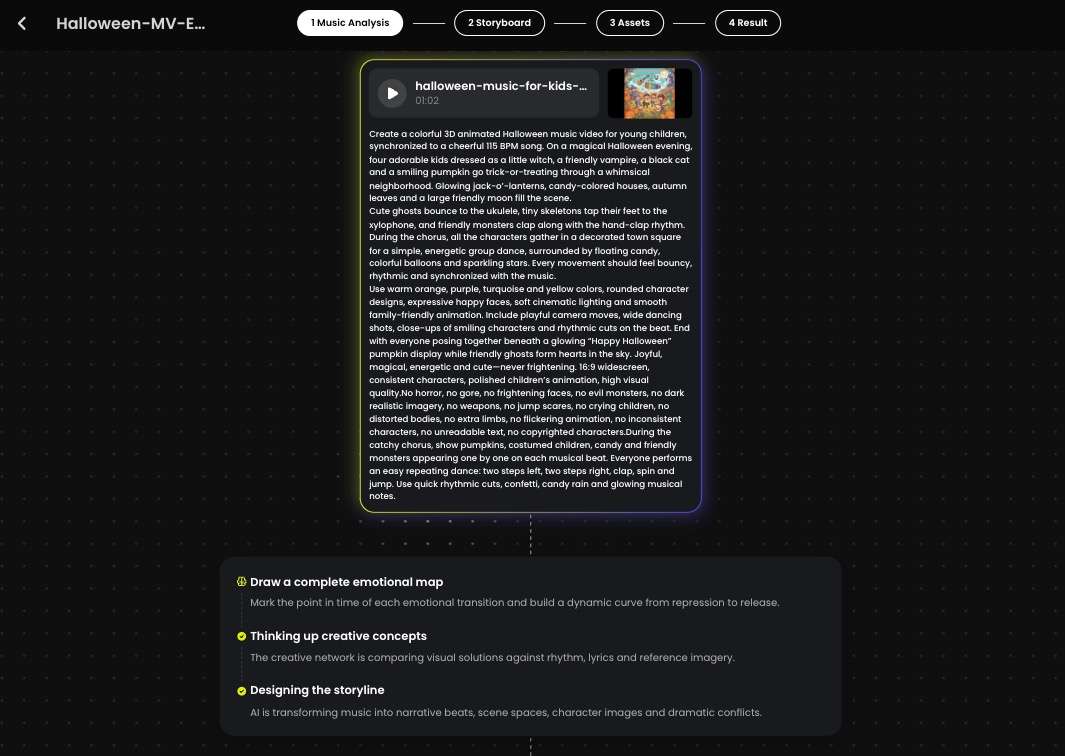
Preview it and Save
Fix any single scene that misses, re-render it, and hit Save to keep the video on your device.
Frequently asked questions
How long should an ambience track be for a haunted house?
Long enough that the loop point disappears. One track per room, set to loop, beats one long mixed file: what matters is that the track starts and ends at the same intensity, so the join is inaudible. Generate two or three beds and rotate them, and the join stays hidden for guests and crew alike.
Can I generate spooky music with whispers but no full lyrics?
Yes. Skip the lyric sheet entirely and describe the whispers as texture instead: "distant whispers under low strings, too faint to make out words, no singing." Described as a sound, whispers sit in the arrangement like wind or bells. If a take comes back with words you can understand, strengthen the wording — "unintelligible," "breathy," "far away" — and generate again.
What volume should haunted-house ambience play at?
Below conversation. Guests should feel the ambience before they can point at it: if guests have to raise their voices over it, the bed is too loud. Test from the guest's position, not beside the speaker — and judge by the track's loudest moment, not its average. Keep stingers on their own track and their own volume — the one element allowed to break the ceiling.
Can I use generated ambience in a haunted attraction that charges entry?
That is commercial use, so the answer sits in your plan's terms rather than here. As of October 2026, the plans and what they include are listed on the official pricing page; for commercial usage terms, see Enkio's Terms of Use. Our Free Halloween Music guide walks through the checks to run before generated music plays anywhere money changes hands.
My generated track came out funny instead of scary — what do I change in the description?
Read your description for playful words and delete them: bouncy, cheerful, bright, cartoon, and whimsical all pull toward comedy. Then push the other way — slow the tempo, name a minor key, ask for space between sounds, and swap the cute instruments for heavier ones, or detune the cute one: a music box reads sweet played straight and wrong played slowly with a drone under it. Regenerate and listen again in full; comedy usually dies in the first edit.
Conclusion
Ready-made ambience asks your haunt to fit someone else's night. Generated ambience starts from your corridor, your crowd, and your nerve — a bed that never jumps, a melody that follows guests home, a stinger that lands on your cue. Set the level, audition every second, and loop the result.
Start with the bed — the track your whole night stands on. It is one description away. If the night later needs a face as well as a sound, Enkio can build the video from the track and cover you already have.