



The short answer: choose a video generation MCP server by its required output. Raw clips, avatar videos, narrated posts, reusable graphs, and finished music videos are different deliverables; one overall score hides critical workflow differences.
Create an AI music video from a finished song in Codex.
Enkio MCP focuses on the song-and-reference-image workflow rather than generic raw video calls.
How We Tested These Tools
What Reddit Discussions Reveal About Video MCP Workflows
Reddit discussions do not support a universal ranking, but they reveal what matters after a connector is installed. Users describing Higgsfield valued requesting short, camera-directed shots and sending batch jobs without leaving the agent conversation. A Runway MCP user also reported a useful experience for longer videos, mainly in short-form work. These are individual reports, not controlled quality comparisons.
The handoffs are harder. One Codex user described the desired loop as letting the agent decide what asset is needed, call the service, save the result, and continue with the file. In a separate video-and-3D thread, creators said multi-tool chains lost camera and character state. Their workarounds included a persistent scene-state file, repeated identity blocks, and using one clip's final frame as the next clip's starting reference.
MCP is not automatically the right interface. Commenters also used APIs, command-line tools, and browser workflows; one warned that loading too many MCP tools increases the agent's selection burden.
A music-video case study illustrates the glue problem. A creator described using an agent, generated images, code, and FFmpeg to assemble a full-song video, then reported repeated imagery and mistimed text. The case does not prove a specialized service is better, but it explains why a purpose-built song-led workflow deserves its own category.
The Best Video MCP Server Depends on the Output
The useful comparison is the shape of the finished result. A Music Video MCP Server should understand a complete song-led task, while a raw generation server may correctly stop after delivering one clip and its job metadata.
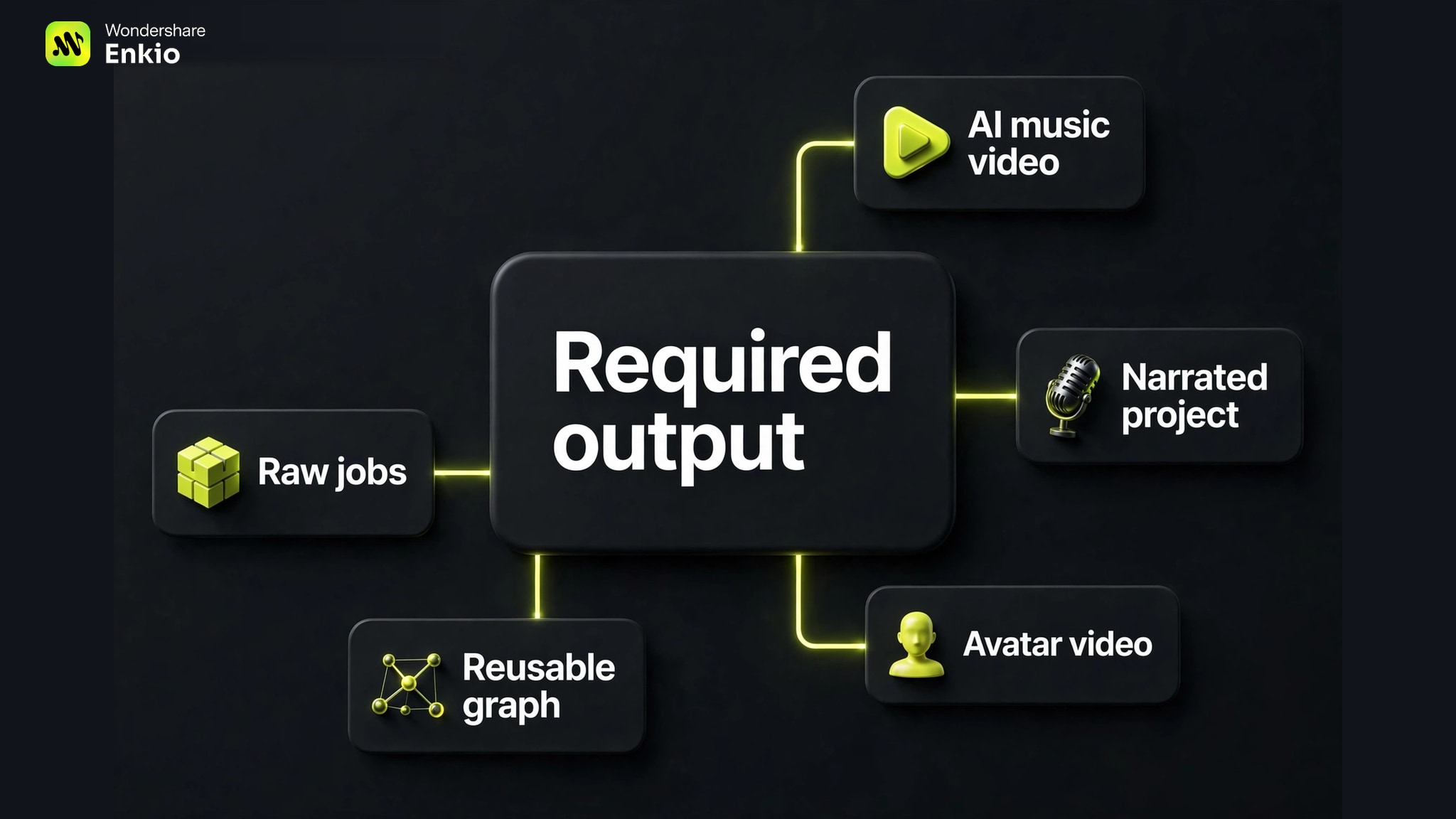
| Output category | What the agent should return | Candidate to consider first |
|---|---|---|
| AI music video | Song-led visual workflow and completed MV handoff | [FEATURED: AI MV pick] Enkio |
| Narrated/project video | Script, voice, media, project, remix, and export path | VideoGen |
| Avatar/localized video | Presenter, translated, or lip-synced output | HeyGen |
| Reusable custom pipeline | Result from a prebuilt graph | Wireflow |
| Broad creative studio | Image/video/character/ad-oriented generation | Higgsfield |
| Raw capability and job | Generated assets plus explicit job metadata | fal.ai |
| Narrated social publishing | Script, voice, visuals, captions, MP4, and publishing path | AITuber |
| Existing platform connector | Generation billed to an existing creative workspace | Runway |
Best Video Generation MCP Servers at a Glance
The table below compares documented workflow characteristics, not measured quality, speed, reliability, or cost efficiency.
| Server | Documented access | Output shape | Long-job pattern | Main limitation |
|---|---|---|---|---|
| EnkioAI MV pick | Codex plugin, account authorization | Agent-guided AI MV from song + images | Follow one task in conversation | Specialized AI MV scope |
| VideoGen | Remote OAuth/key or local API key | Narrated and project workflows with export | Wait or return execution ID and poll | Wide surface and different remote/local file rules |
| HeyGen | Plugin or remote OAuth | Avatar, translation, lip-sync, and batch video | Batch states include queued through failed | Not a dedicated song-led MV workflow |
| Wireflow | Hosted graph published as MCP/REST | Result from a reusable custom graph | Workflow-specific; controlled test needed | Upfront graph assembly |
| Higgsfield | Multiple client routes plus separate API/CLI | Broad studio and creative workflows | Controlled test needed | Broad scope may require more orchestration |
| fal.ai | Remote HTTP OAuth | Raw assets and explicit job metadata | Submit, status, result, cancel | Narrative and assembly remain external |
| AITuber | Hosted MCP | Narrated social video and MP4/publishing path | Controlled test needed | Not designed around a finished song |
| Runway | Remote endpoint, Runway account | Generation in an existing Runway workspace | Not documented on the reviewed help page | Every retry or regeneration may use credits |
1. Enkio — Best for AI Music Video Generation
This is the category fit when the inputs are a finished song and at least one reference image, and the desired result is an AI music video inside Codex. It is a specialized task recommendation, not a best-overall claim.
This guide is published by Enkio. The documented path uses account authorization, a preflight check for login, attachments, song length, and credits, then one agent-guided MV task. The result can be saved locally, and a specific shot can be reshot in the same conversation.
The 8.5 editorial score covers documented AI MV fit (40%), input clarity (20%), setup (15%), task visibility (15%), and limitation clarity (10%); it excludes performance.
Our verdict
Focused on finished-song AI MVs.
A documented song-and-images workflow with local handoff.
Pros
- Song-led task
- Local result
- Shot reshoots
Start an AI music video from your song and images.
AI Music Video GeneratorIts limitation is equally clear: this is not a broad model directory, avatar/localization platform, advertising system, or self-hosted server. Credits share the Web app balance. Check current rules before a paid job; a browser workflow is also available.
2. VideoGen — Best for End-to-End Narrated and Project Workflows
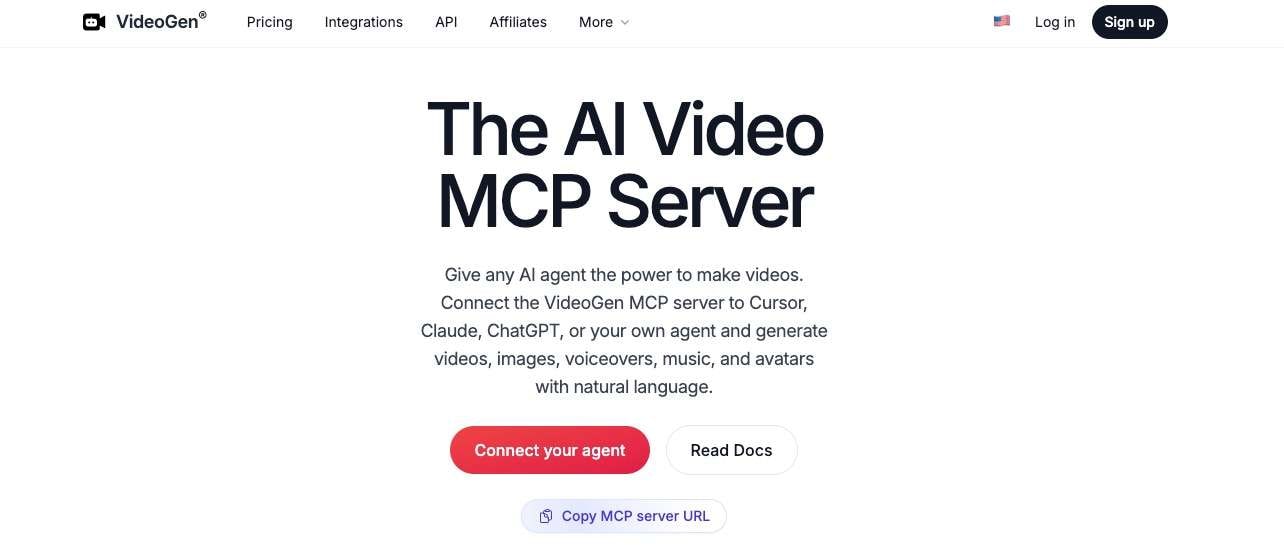
VideoGen documents a wide API-backed MCP surface for script-to-video, voiceover-to-video, slideshows, storyboards, clips, video-to-video work, project remix, media, and MP4 export. It offers hosted remote and local stdio transports.
Remote access can use OAuth or a bearer key but cannot read arbitrary local files; the local server uses an API key and adds local upload. Composite tools may wait for completion or return an execution ID for polling. The limitation is complexity: a wide tool surface and different file rules do not automatically produce a simpler or cheaper agent experience.
3. HeyGen — Best for Avatar, Localization, and Batch Video
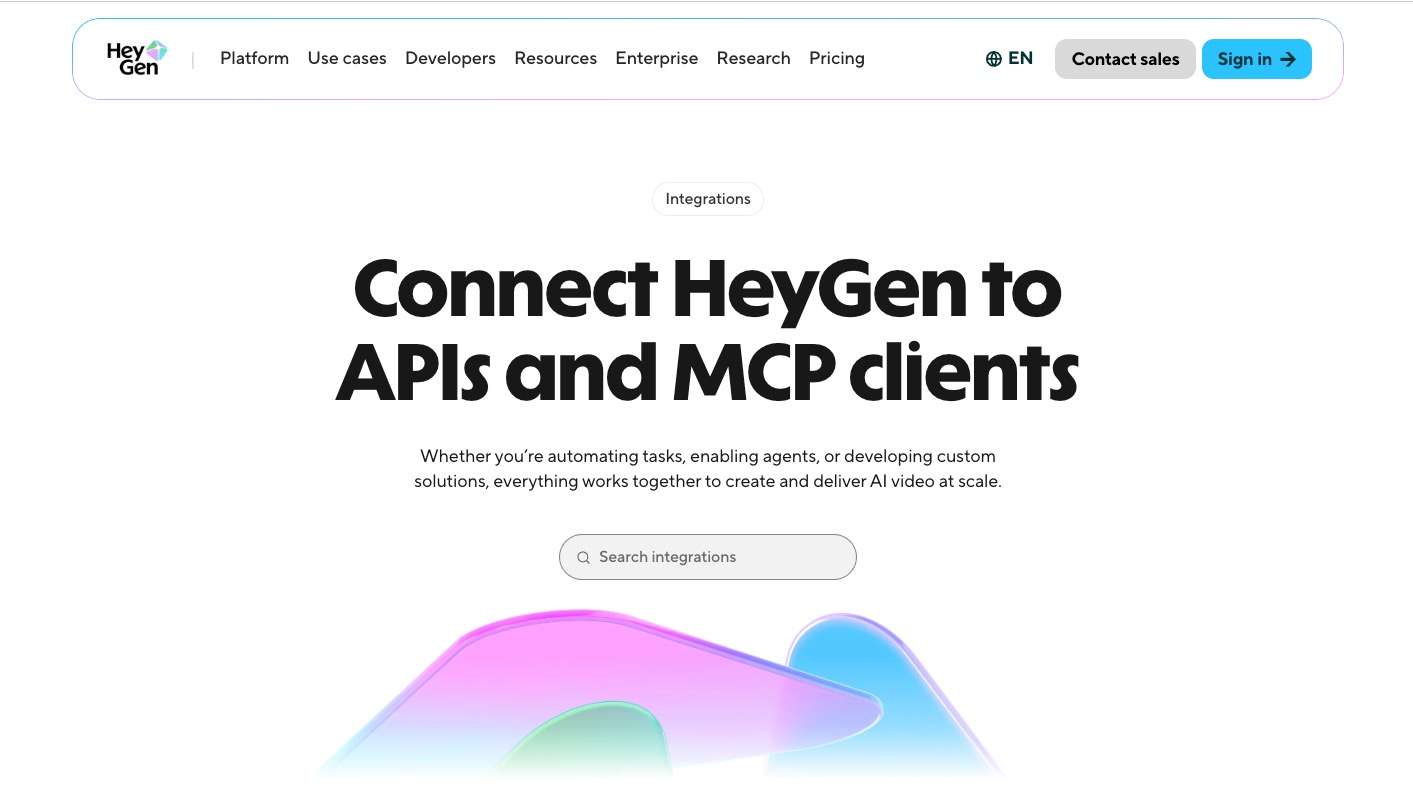
HeyGen is the category fit for presenters, avatars, voices, translation, lip-sync, templates, and batch work. The official path uses plugin or remote OAuth access and the credits on the existing HeyGen plan.
Batch tools document queued, processing, completed, and failed states, while an MCP model-video clip has a documented short-duration boundary and longer compatible requests may move to the HTTP API. The limitation is task fit: these strengths center on avatar and localized video, not a finished-song-led AI MV.
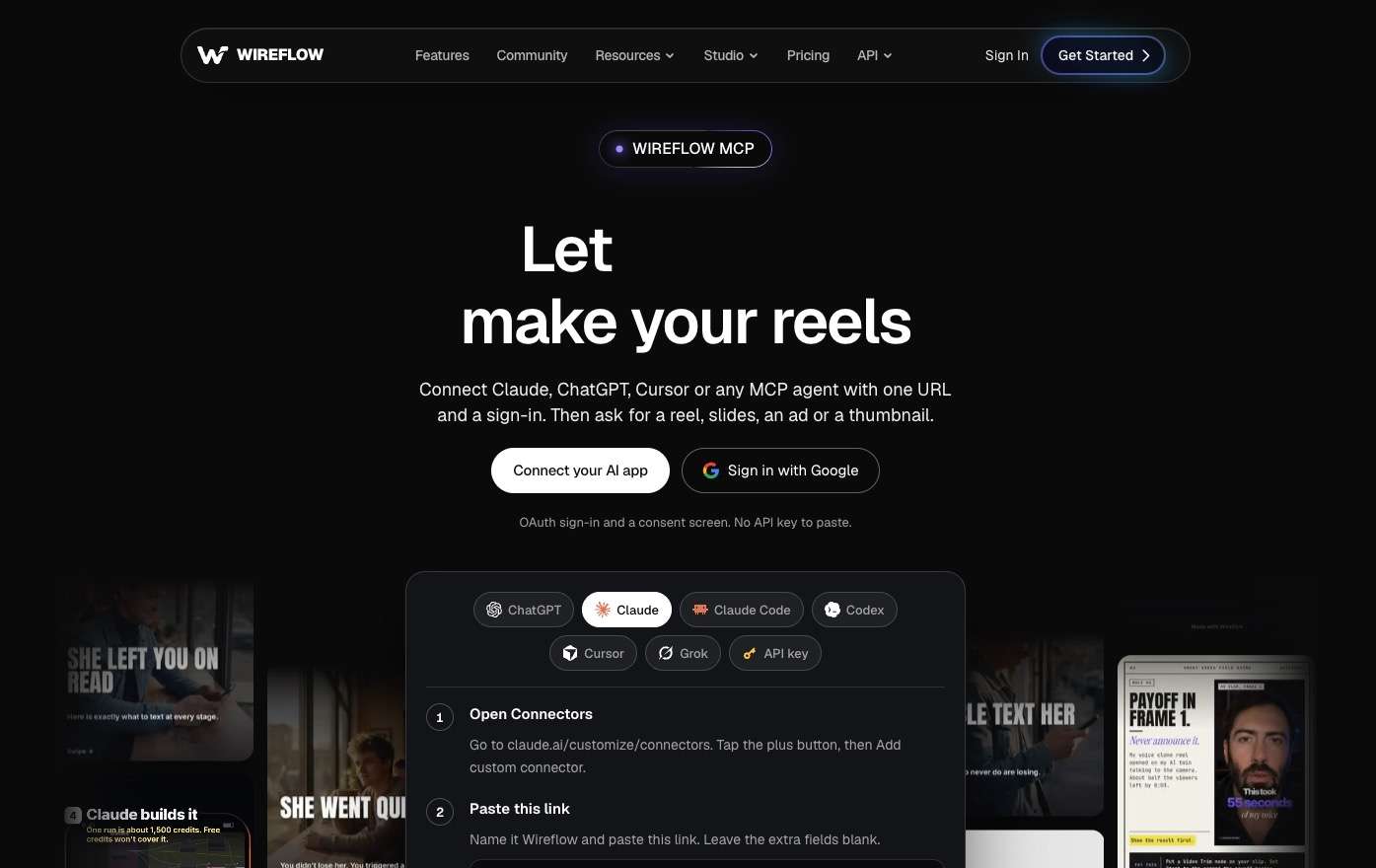
4. Wireflow — Best for Repeatable Custom Video Workflows
Wireflow takes a graph-first approach: build the multi-step video workflow, define typed inputs and hosted asset URLs, then publish it as a hosted MCP tool and REST endpoint. That makes it relevant when the same pipeline must run repeatedly.
The tradeoff is upfront setup. It is managed and hosted rather than offline, and its real status behavior, failure recovery, and credit use need a controlled run before making experience claims.
5. Higgsfield — Best for Broad Creative Studio Workflows
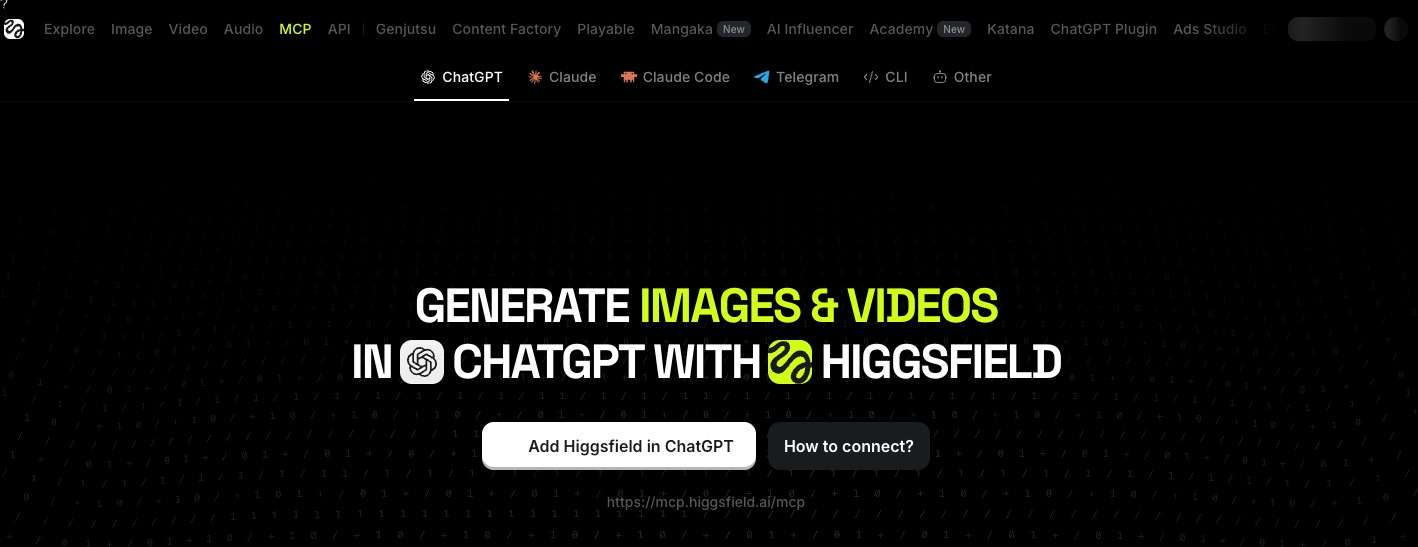
Higgsfield documents several client routes and broad image/video generation and editing workflows, including character, studio, advertising, hooks, motion graphics, and explainers. Separate API and CLI paths also exist.
This breadth is the reason to consider it, but it prevents a fair overall comparison with task-specific tools. Vendor model-count and quality claims are not treated as test results here. Readers evaluating a switch should use the Higgsfield MCP Alternatives guide and retain Higgsfield when its studio breadth is the requirement.
6. fal.ai — Best for Raw Capability Discovery and Job Control
fal.ai documents a remote OAuth MCP relay with capability search, schemas, pricing, recommendations, upload, run, submit, status, result, and cancellation tools. Its explicit async lifecycle suits users who want to own submission and retrieval.
The limitation is assembly. Hosted tools need asset bytes or reachable URLs rather than arbitrary local paths, and the user still owns scene state, narrative, clip selection, audio, and final editing. Cost approval is recommended in the prompt, but that does not make it a server-side spending cap.
7. AITuber — Best for Narrated Social Videos and Publishing
AITuber documents a hosted workflow that can combine script, voice, visuals, captions, and a finished MP4, then publish to major social platforms. It also exposes voice listing, clip generation, credit checks, and export.
That makes it a finished-output candidate for narrated or faceless social content. It is not centered on a finished song, and promotional credit allowances or supplier cost examples should not be treated as stable pricing facts.
8. Runway — Best for Existing Runway Users
Runway's official remote MCP uses a Runway account and its existing credits. Setup documentation covers several common AI clients, and the connector avoids introducing a separate billing balance for creators already using the platform.
The boundary is operational evidence. Each generation, retry, or regeneration may consume credits, while the reviewed help page does not document the long-job polling behavior in its visible instructions. That gap should be tested rather than guessed.
How Video MCP Servers Handle Long Renders and Credits
The main engineering risk is not whether an agent can start a video job, but whether it can follow that job beyond one tool-call window without submitting it twice.
A reliable Video Generation MCP Server should preserve a job or run ID, expose terminal states, retrieve one result, and distinguish retrying a failed step from creating a duplicate paid task. Local-path access also differs: a local server may read a file directly, while a hosted server often needs uploaded bytes, a reachable URL, or another upload tool.
Turn the Reddit concerns into a reproducible check: retain the task ID, record balances around successful and failed work, recover the same job after restarting the client, and verify the returned file. An “ask before spending” prompt is useful, but it is not necessarily a provider-enforced cap. This evidence separates operational reliability from general impressions.
Which Video Generation MCP Server Should You Choose?
Choose by the primary task, then confirm client support, authorization, file handoff, long-job states, credit behavior, and result retrieval.
| Main task | Start with |
|---|---|
| Finished song + references → AI MV | The dedicated MV option |
| Narrated/project workflow with remix/export | VideoGen |
| Avatar, localization, lip-sync, or batches | HeyGen |
| Reusable custom graph | Wireflow |
| Broad studio, character, or advertising workflow | Higgsfield |
| Raw capability discovery and async jobs | fal.ai |
| Narrated social video and publishing | AITuber |
| Existing Runway account and workspace | Runway |
If the primary caller is deterministic application code or a shell workflow, another MCP server may be the wrong answer. Use MCP vs API vs CLI to select the control surface before adding tools.
How to Use Enkio MCP for an AI Music Video
The path is intentionally focused: prepare the final song and visual references, authorize the plugin, start one task, and keep the local result.
-
Choose the completed audio and at least one reference image you own or may use. Add an aspect ratio, mood, visual style, or camera direction when needed.
Done whenThe inputs and creative brief are unambiguous.
-
Open Plugins, select the MV plugin, choose Try Now, and authorize the account that holds the current credit balance.
Done whenThe agent can access the documented MV skill.
-
Ask the agent to check login, attachments, song length, and available credits before submitting.
Done whenThe required inputs and account state are confirmed.
-
Start one MV job and request its current state instead of resubmitting to check progress.
Done whenOne task has a clear submitted, running, completed, or failed state.
-
Retain the local output as the durable copy. If one scene needs work, identify that shot and request a reshoot in the same conversation.
Done whenThe MV is stored and any revision request is specific.
If the song is not finished, create or select it upstream with the AI Music Generator. For a Suno track, the Suno MCP Music Video handoff explains how to continue from the selected audio without implying shared accounts, credits, or a native partnership.
Follow the documented Enkio MCP workflow in Codex.
Authorize the account, attach the finished song and reference images, and keep the locally saved MV result.
Frequently asked questions
What is a video generation MCP server?
It is an MCP server that exposes video-related tools to a compatible AI application. The server may wrap a provider API, local command, hosted workflow, or project system; MCP describes the agent-facing interface, not the underlying generator.
Which video MCP server works with Codex?
Several vendors document Codex, Codex CLI, a compatible remote endpoint, or a plugin path. Those routes are not identical. Confirm the current client instructions, transport, authorization method, and file-access rules instead of assuming every MCP works through the same setup.
Which MCP server is best for AI music videos?
For the narrow task of turning a finished song and reference images into an agent-guided AI MV inside Codex, Enkio has the clearest documented task fit in this list. Controlled tests are still required before comparing quality, speed, reliability, or cost.
Do video MCP servers require an API key?
Not always. Some use OAuth or account authorization, some use API keys, and some offer different remote and local methods. Follow the official path for the selected server and avoid placing secrets directly in a chat prompt.
How should an agent handle a long video render?
Submit once, retain the task or run ID, check the existing job, wait for a terminal state, and retrieve the associated result. Repeating the original generation call to check progress can create duplicate work and may consume additional credits.
Can an agent spend video-generation credits without asking first?
That depends on the client, server, account, and provider controls. A prompt-level approval rule is not automatically a hard spending cap. Review permissions, require confirmation for paid actions, and verify how retries, regenerations, and failed jobs are billed.
Conclusion
The best video generation MCP server is the one whose documented output shape matches the job. A dedicated MV workflow fits finished-song music videos; VideoGen fits narrated projects; HeyGen fits avatar and localization work; Wireflow fits reusable graphs; Higgsfield fits broad creative studios; fal.ai fits raw jobs; AITuber fits narrated social publishing; and Runway fits existing Runway users.
This is a research map, not a controlled performance ranking. If the track is finished and the missing deliverable is an AI MV built from that song and reference images inside Codex, Enkio is designed for that specific handoff.