



The short answer: use a CLI for explicit local commands, an API for deterministic program-to-program calls, and MCP when an AI application needs discoverable tools. They can expose the same underlying capability, so the choice is about the caller and control surface—not which acronym is newest.
Use an agent-facing path for AI music video creation.
Enkio MCP gives Codex a documented workflow for turning a finished song and reference images into an AI MV.
What MCP, API, and CLI Actually Mean
CLI, API, and MCP are all ways to reach software capabilities, but each is optimized for a different primary caller.
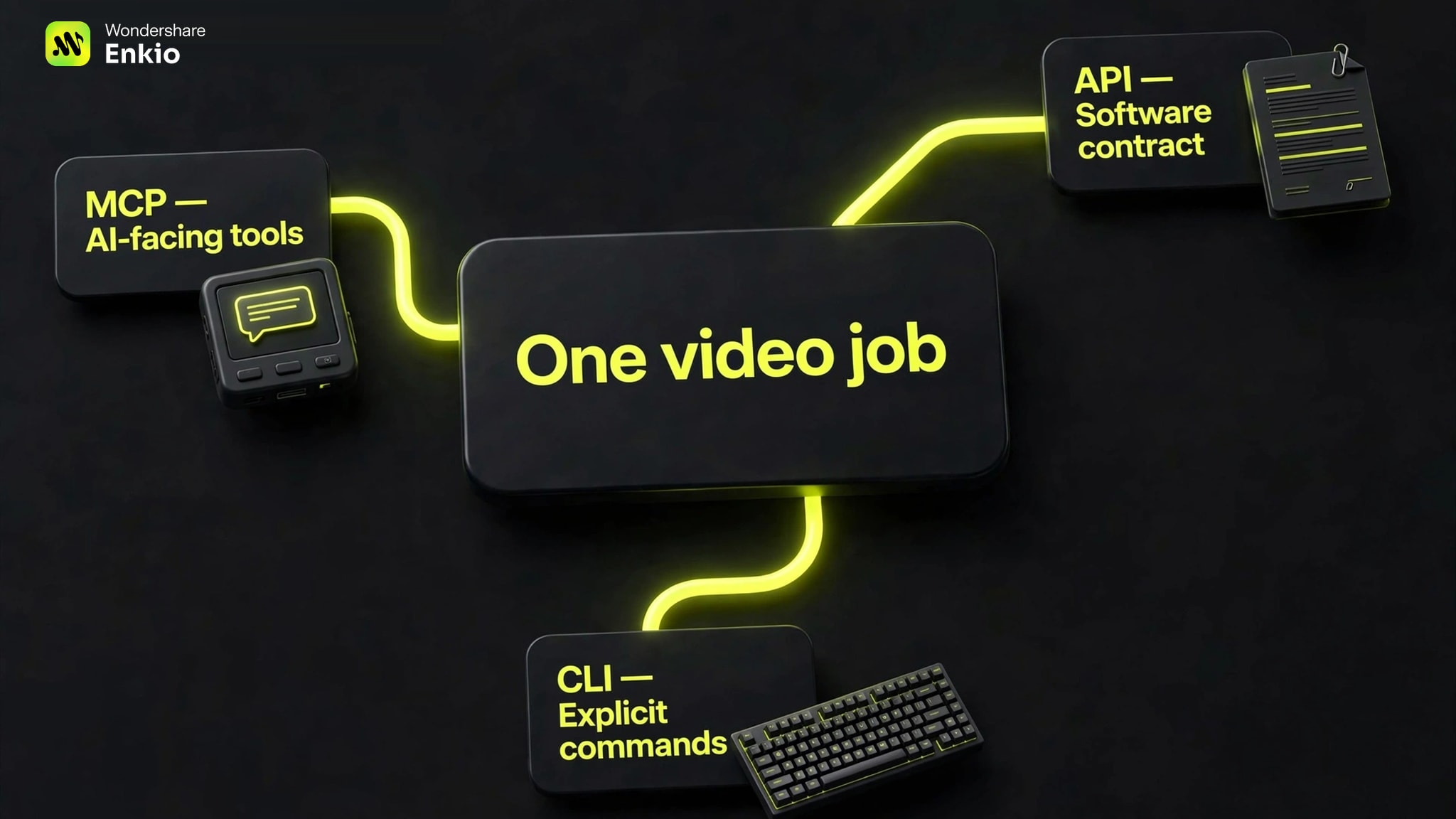
CLI: an explicit command interface
A command-line interface accepts a command and arguments, runs a program, and returns text, files, standard output, standard error, or an exit code. A person, script, or coding agent can call it. CLIs suit local files, media conversion, and debugging because the command can be rerun in a terminal.
A CLI is not necessarily offline; it may call a remote service and use a login, environment variable, or local configuration.
API: a software contract
An application programming interface defines how one system asks another to perform an operation or return data. This guide mainly discusses remote web APIs with structured requests and documented responses; the broader term also covers local libraries.
APIs fit repeatable backend logic because developers control the endpoint, payload, retry policy, authentication, and errors. The caller must know the intended operation.
MCP: an AI-facing tool protocol
Model Context Protocol standardizes how an AI application connects to tools, resources, and prompts. The client can discover names and schemas, then make structured calls.
MCP is not a model or execution engine. A server may call an API, run a command, query a database, or use a library. Official architecture supports local stdio and remote HTTP, so “server” does not automatically mean cloud service.
How We Compared the Three Interfaces
How MCP, API, and CLI Differ in Practice
The main difference is the caller and control surface, not whether an interface can ultimately trigger the same operation.
| Decision point | CLI | API | MCP |
|---|---|---|---|
| Primary caller | Person, script, or coding agent | Application code | MCP-compatible AI application |
| Discovery | Help text and manuals | Documentation or machine-readable spec | Tools, resources, and prompts exposed by the server |
| Invocation | Command plus arguments | Endpoint or function plus payload | Named tool plus schema-defined arguments |
| Typical location | Local process, sometimes remote-backed | Usually a remote service | Local stdio or remote HTTP server |
| Authentication | Login, config, environment, or none | Key, token, OAuth, or session | Depends on transport and server authorization |
| Output | Text, files, exit codes, or optional structured data | Response defined by the API contract | Structured tool content and results |
| Debugging | Rerun the exact command and inspect stderr | Inspect request, response, logs, and status | Inspect client, server, tool call, and underlying service |
| Long jobs | Process- or tool-specific | Often task ID plus status endpoint or webhook | Task behavior depends on server and client implementation |
| Best fit | Local feedback and media preparation | Deterministic remote integration | Discoverable tools for agent workflows |
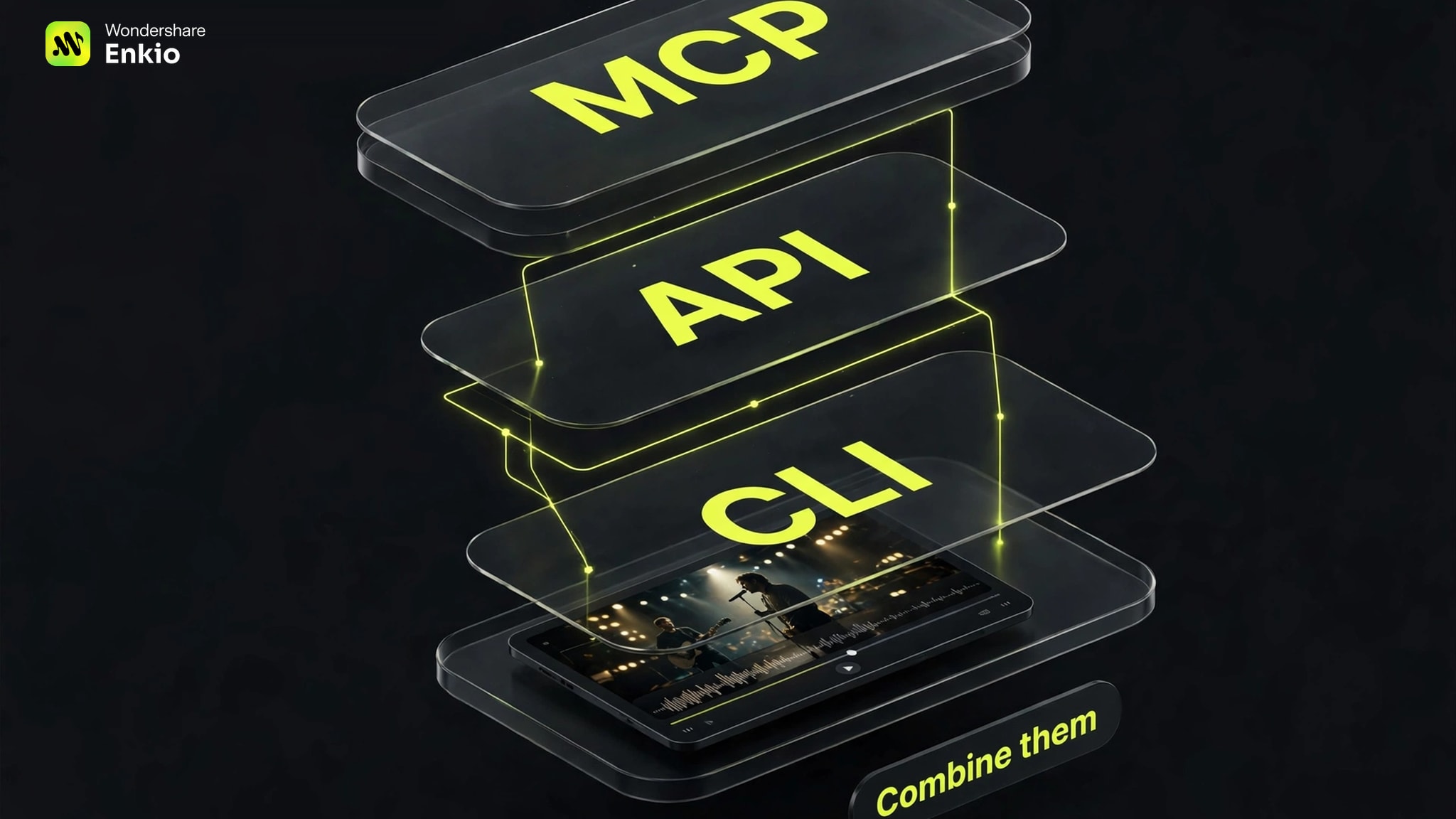 These are tendencies, not restrictions. A CLI can return JSON, an API can power an interactive agent, and an MCP tool can wrap either one. Authentication and long-job behavior still belong to the implementation.
Why MCP Does Not Replace APIs or CLIs
MCP standardizes what an AI client sees and calls, while APIs, commands, databases, or libraries may still perform the actual work.
An API often remains the service's core contract. An MCP server can translate a tool call into that API's request, then map the response into content the AI client can use. For a local tool, the server may launch a process instead. MCP adds discovery and shared tool semantics; it does not make the underlying capability unnecessary.
The same layering applies to video. A Video Generation MCP Server may expose a friendly generation tool while a provider API submits the job, stores the task ID, and returns status. Local commands may prepare the media before submission or save the result afterward.
When an API or CLI Makes More Sense
If the operation is already known and no AI client needs to discover or choose tools, an API or CLI is often the more direct interface.
Choose an API when the program owns the decisions
Use an API for a production backend, scheduled service, concurrent remote requests, or exact branching and retry rules. It also fits non-LLM software. The application must manage credentials, rate limits, versions, validation, and network failures.
Choose a CLI when the machine owns the files
Use a CLI for local media inspection, conversion, file organization, testing, or a tight debug loop. Commands are reproducible, composable, and checked through output and exit status. Installed versions, permissions, credentials, and shell access become part of the workflow.
For AI agents, unrestricted shell access is a serious boundary. Limit available commands, isolate sensitive files, and require approval for risky operations. MCP also needs authorization and trust controls; choosing it does not eliminate security review.
Interface choice is separate from provider choice. Our Higgsfield MCP Alternatives guide compares workflow fit, while this page only determines how a chosen capability should be called.
When MCP Makes More Sense
MCP becomes useful when an AI application needs to discover structured capabilities and decide which one to call during a conversation.
Look for five conditions: multiple AI clients, machine-readable operations, agent-composed steps, confirmation inside the interaction, or one reusable agent-facing layer instead of custom integrations.
The benefit is not unlimited autonomy. The host chooses connections, the client needs compatible support, and the server needs complete tools, clear schemas, useful errors, and authorization. An incomplete wrapper can still leave the agent at a dead end.
Enkio illustrates the narrower value: the goal is not generic software integration, but a creator asking an agent inside Codex to move a finished song and visual references through an AI music-video workflow.
Which Interface Fits an AI Video Workflow
Media preparation, product infrastructure, and the creator experience can use different interfaces instead of forcing one choice across the whole video pipeline.
- A CLI can inspect files, transcode audio, normalize names, or prepare folders on the local machine.
- An API can let a backend submit remote jobs, retain task identifiers, poll status, handle concurrency, and store results.
- MCP can let an AI client discover a video tool, gather the inputs, request confirmation, start the job, and report the result in the conversation.
A specialized Music Video MCP Server is useful when the deliverable is an MV tied to a complete song rather than an isolated clip.
-
Choose the completed audio, add at least one reference image you may use, and define the desired aspect ratio and visual direction.
Done whenThe audio, images, and brief are unambiguous.
-
In Codex, open Plugins, choose the installed connector, click Try Now, and authorize the account you intend to use.
Done whenThe agent can access the documented MV tools.
-
Ask the agent to verify the media, account state, available balance, and song length before submitting. Check the active task before retrying.
Done whenOne trackable job is running or completed.
-
Use the reported local path as the durable copy. If a scene needs work, identify the shot and request a targeted reshoot in the same conversation.
Done whenThe result is stored and the revision scope is specific.
This guide is published by Enkio. We scored the documented AI MV workflow on task fit 30%, interface-to-task alignment 20%, setup and authentication clarity 15%, input/output contract 15%, long-job and revision handoff 10%, and limitation clarity 10%. The 8.7 score excludes visual quality, generation speed, security, and long-term reliability because we did not run a controlled benchmark.
Our verdict
Choose the MCP path when the creator wants the agent to own the handoff.
For a finished song and reference images, Enkio MCP gives Codex a documented AI MV workflow without asking the creator to build an API integration or coordinate shell commands. The fit is task-specific rather than a verdict on every software interface.
Pros
- Agent-facing setup
- Song-and-image contract
- Local result and reshoots
Use a finished song and reference images to begin a focused AI MV workflow.
AI Music Video GeneratorThis recommendation does not imply a public Enkio API or CLI. The verified route is the account-authorized plugin workflow, and current usage rules or balances should be checked before a paid job.
Set up the documented MCP path in Codex.
Follow the installation steps, attach the final song and reference images, and keep the locally saved MV.
Can You Combine MCP, API, and CLI?
Yes. A mixed architecture is often clearer because each interface serves the caller it was designed for.
A local command can prepare media. A remote API can perform the core job and expose status. An MCP server can present a smaller, agent-friendly set of tools that validates inputs and translates results. The important part is assigning one owner for authentication, task IDs, retries, files, and final error messages.
The same separation works across the creative sequence. An AI Music Generator can produce the upstream song; the documented Suno MCP Music Video handoff then shows how a selected track can enter the downstream visual stage without implying a native partnership.
Hybrid architecture also makes debugging easier. First identify whether the failure is the local media, the service request, or the agent-facing tool contract. Retrying the entire pipeline hides the failed boundary and may create duplicate paid work.
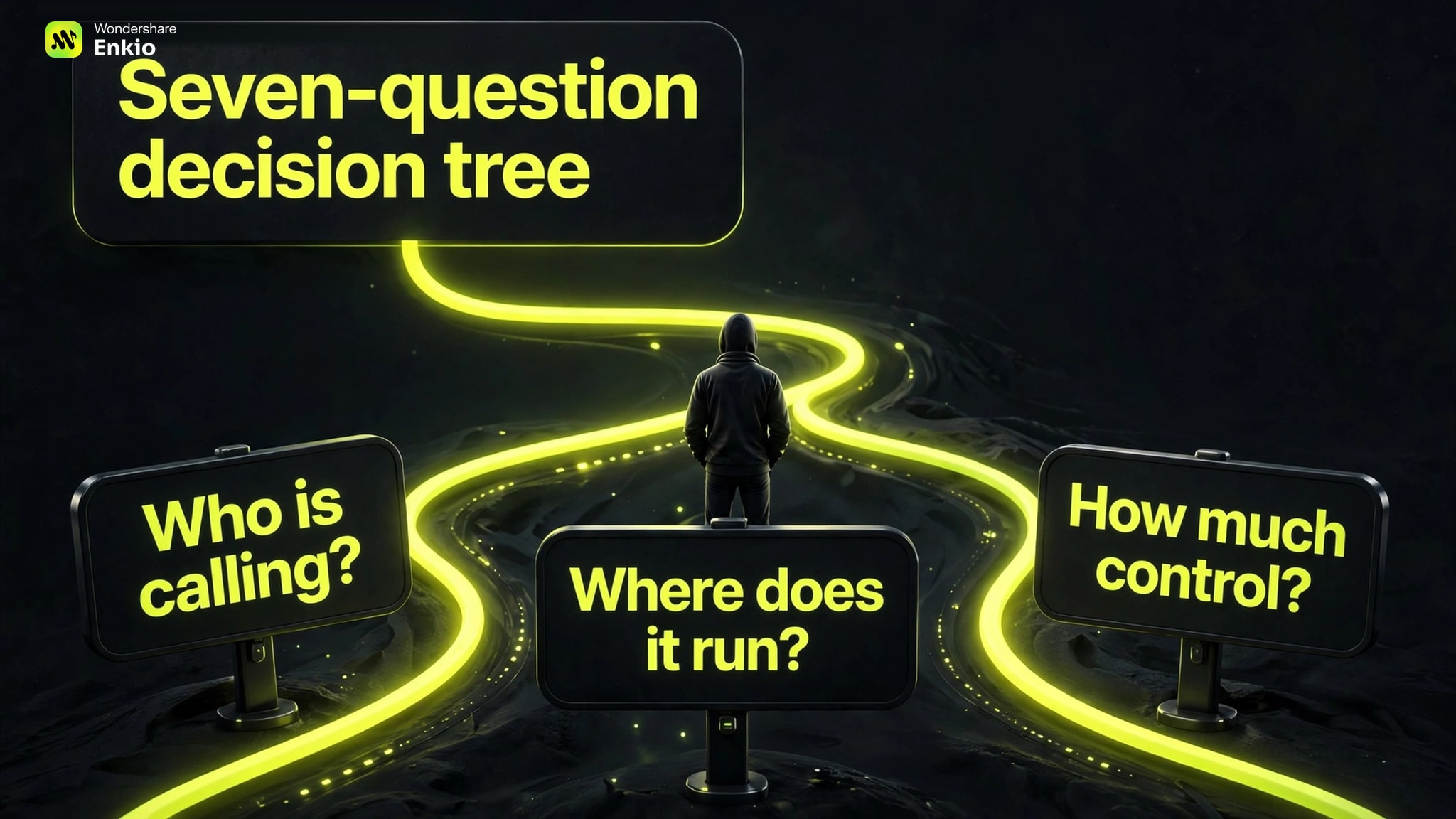
A Seven-Question Decision Tree
Start with the caller, then check location, discovery, control, and recovery before selecting the interface.
- Who is the primary caller? A person or shell-first agent leans CLI; application code leans API; an AI application choosing tools leans MCP.
- Is the work local or remote? Local files and installed tools lean CLI. Remote shared services lean API or remote MCP.
- Is the exact operation already known? If yes, direct API or CLI calls may be enough. If the agent must discover available operations, consider MCP.
- Who owns the decision logic? Application code favors API. Conversational tool selection favors MCP.
- Is the result immediate or long-running? For long jobs, require a task ID, explicit states, a safe retry rule, and a durable output regardless of interface.
- Where should authorization and approval live? Choose the layer that can keep credentials scoped and show the user what action will occur.
- What is the recovery path? Prefer the interface whose errors, logs, and files let you resume at the failed boundary.
If several answers point in different directions, use a hybrid. If MCP is the agent-facing choice, the Best Video Generation MCP Servers comparison applies these questions to specific video workflows.
Frequently asked questions
Is MCP basically an API?
No. Both define structured communication, but MCP adds a standard set of AI-facing concepts such as tool discovery, resources, prompts, and tool calls. An MCP server may use an API underneath, which is why the layers are related rather than interchangeable.
Does an MCP server always use HTTP?
No. Current MCP architecture supports local communication through standard input/output as well as remote communication through Streamable HTTP. The server name describes its protocol role, not necessarily a remote machine.
Does MCP remove the need for authentication?
No. A remote server still needs appropriate authorization, and a local server still runs with permissions that must be scoped. MCP can give the client a consistent tool layer, but it does not make credentials or approvals disappear.
Can an AI agent call CLI tools safely?
It can call them, but safety depends on the execution environment. Restrict the available commands, isolate sensitive paths and secrets, validate arguments, and require approval for destructive or external actions. Broad shell access should be treated as privileged access.
Can one product support an API, CLI, and MCP at the same time?
Yes. A product may use an API as its core contract, offer a CLI for people and scripts, and add MCP for compatible AI clients. For AI MV creation in this guide, the verified Enkio option is its MCP plugin path; no unverified public API or CLI is assumed.
Conclusion
Use a CLI for explicit commands and local feedback, an API for deterministic software integration, and MCP for discoverable tools inside an AI application. None is a universal winner, and a well-bounded workflow may use all three.
Do not replace a working API or CLI merely to adopt a newer interface. When the actual task is to give a finished song and reference images to an agent in Codex and receive an AI MV, Enkio MCP matches that creator-facing handoff while remaining bounded by current account rules, client support, and documented inputs.