




The short answer: lock the final Suno song first, then hand its audio URL or a saved file and at least one reference image to the visual workflow. This keeps song creation separate from AI music video generation.
Take a finished Suno song into the visual stage.
Enkio MCP uses your song and reference images to run an agent-guided AI MV workflow inside Codex.
We reviewed both providers' setup documentation on November 5, 2026. This is a documentation guide, not a test of visual quality, speed, or reliability. Client support and credit rules can change.
What Suno MCP Does Before the Video Stage
Suno MCP lets a compatible AI assistant create or revise music, but it does not by itself represent a complete music-video generator. Its role in this workflow is to produce the song that the visual stage will use.
Suno's current beta documentation uses account authorization rather than a separate API key. Users can describe a song, work with uploaded audio, or request supported operations such as remixing and extending. Created tracks are saved to the Suno library, and creation uses that account's credits.
A prompt may lead to several songs or variations. Note the title and duration, play the whole track, and mark one result as final before preparing visuals.
MCP is the interface through which the assistant calls the music tools. It does not merge two providers, grant media rights, or combine their balances. Our MCP vs API vs CLI guide explains the interface layers without treating MCP as the creative model itself.
How the Suno-to-Music-Video Handoff Works
A reliable handoff consists of one final song, a readable audio URL or local file, and visual references—not an assumed one-click integration between the tools.
| Decision point | Suno MCP | Generic video MCP | Enkio MCP |
|---|---|---|---|
| Primary job | Create or revise a song | Generate a clip or visual asset | Turn a finished song and images into an AI MV |
| Starting input | Music brief or source audio | Prompt, image, or provider-specific media | Suno audio URL or song file plus reference images |
| Result | Track saved to the Suno library | Varies by server | MV result with local handoff in Codex |
| Authentication | Suno sign-in; no separate API key | Varies | Account sign-in; no separate API key |
| Credits | Suno balance | Varies | Video-service balance |
| Role in sequence | Upstream music stage | Optional visual-asset stage | Downstream music-video stage |
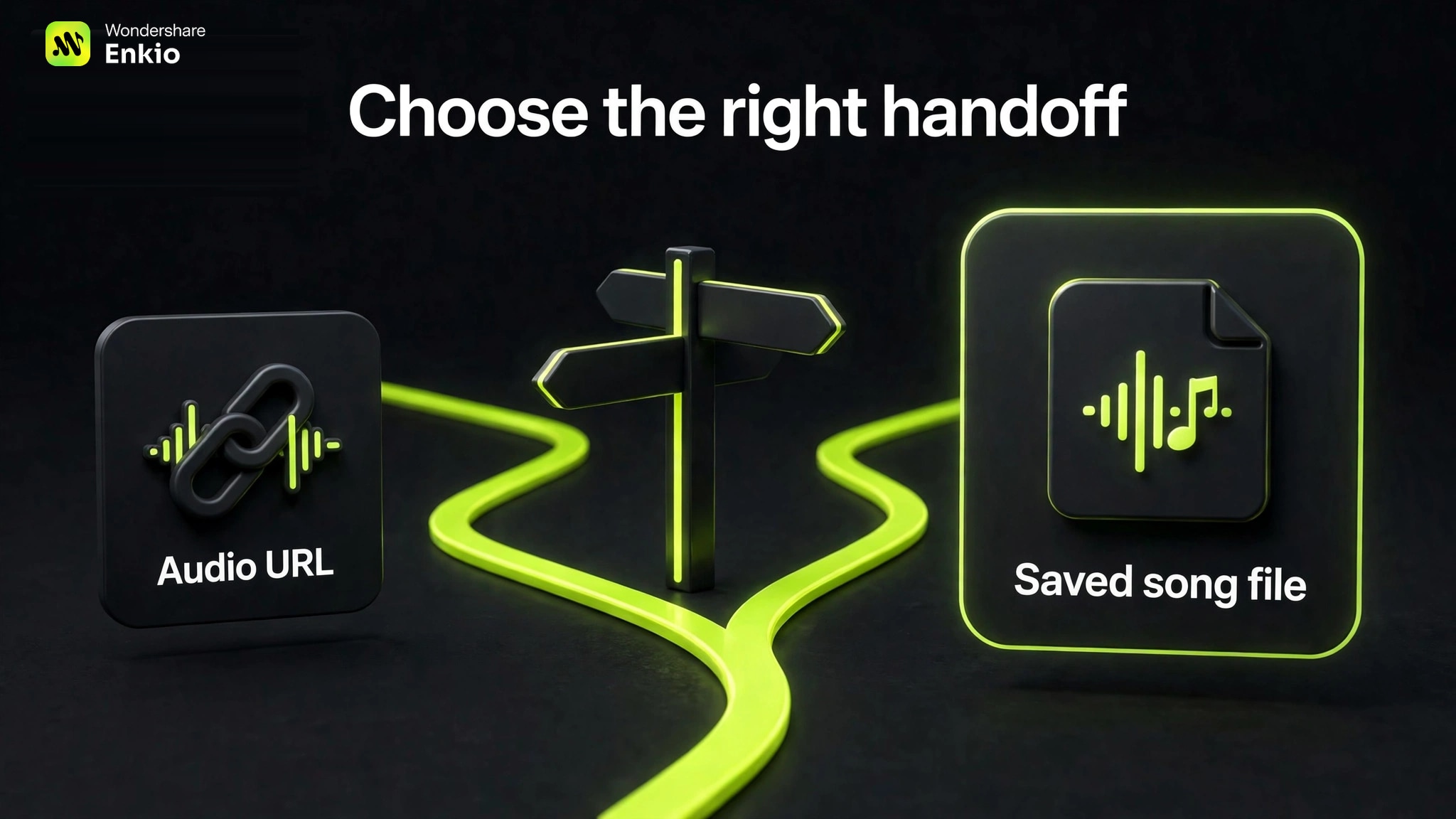
If the workflow can read the Suno audio URL, that is the shortest handoff. If access fails, use a saved song file you may use. This prevents an unreadable link from being mistaken for a generation failure.
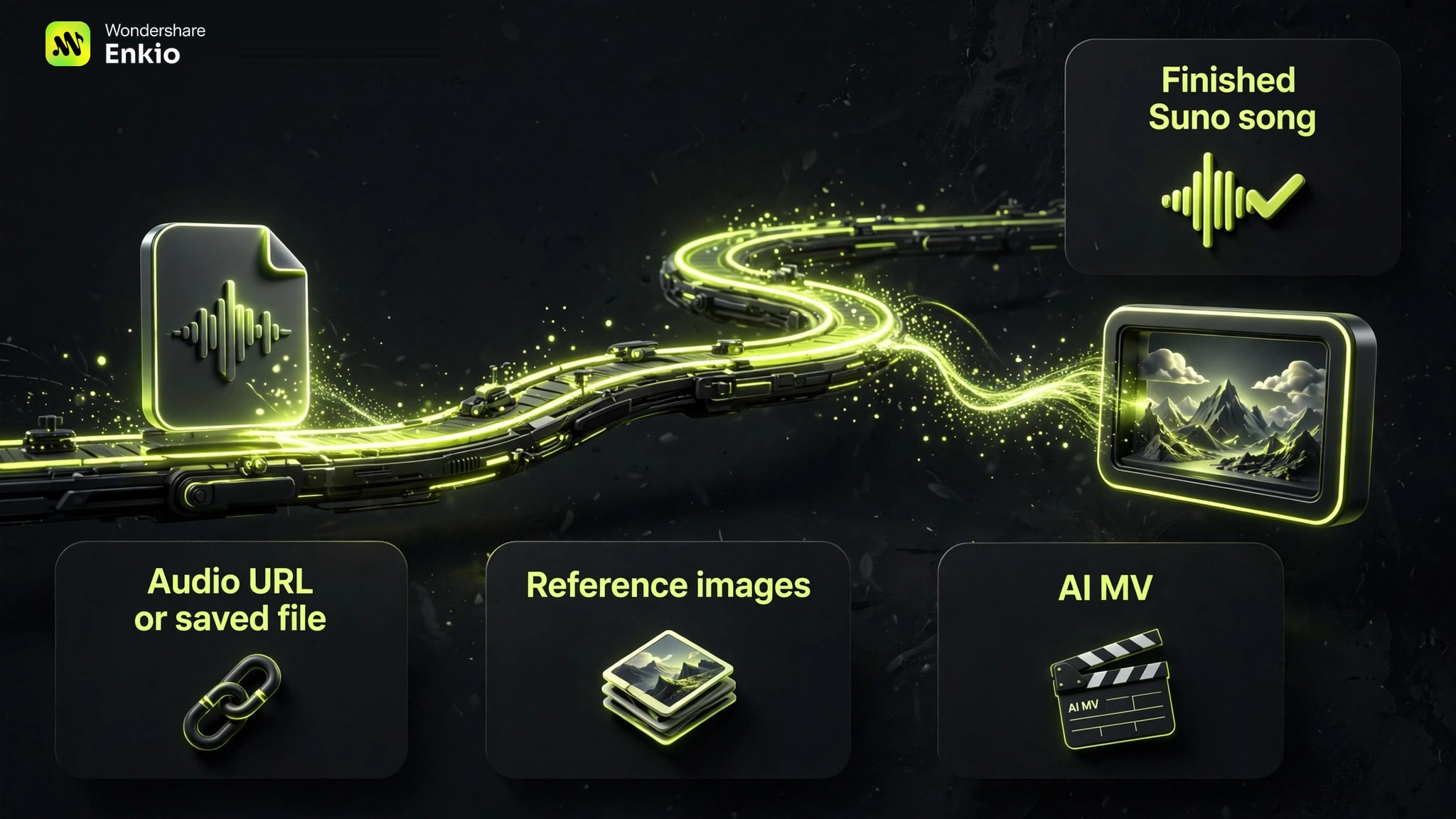
A general Video Generation MCP Server may expose prompts, images, clips, editing, or provider routing. A dedicated Music Video MCP Server should instead accept the song as a time-based input and carry the job through to a music-video result.
Enkio's main fit here is agent-guided AI MV generation, not a generic catalogue of raw video models. Recognizing a Suno audio URL does not imply a partnership, shared login, shared credits, or automatic data exchange between the companies.
What You Need Before You Start
Prepare the exact song, a dependable handoff, at least one usable image, and a short visual direction before you start the MV job.
- Choose one final Suno version rather than a draft, remix, or similarly named variation.
- Copy a readable Suno audio URL or save the song file you are allowed to use.
- Confirm the song title and duration so the agent can detect a mismatched attachment.
- Add at least one reference image you have the right to use. Identify whether it represents a performer, character, setting, or overall look.
- Write a compact brief with the mood, aspect ratio, visual style, and any essential scene direction.
- Check both connected accounts and their separate credit balances.
- Review current terms for the song, images, and intended distribution channel.
If the song is not final, stay in the music stage. You can use an AI Music Generator to develop the track, but do not begin a costly visual workflow while the arrangement or duration is still changing.
For images, consistency matters more than quantity. A small, coherent set gives the agent a clearer target than unrelated references.
How to Use Enkio MCP With a Suno Song
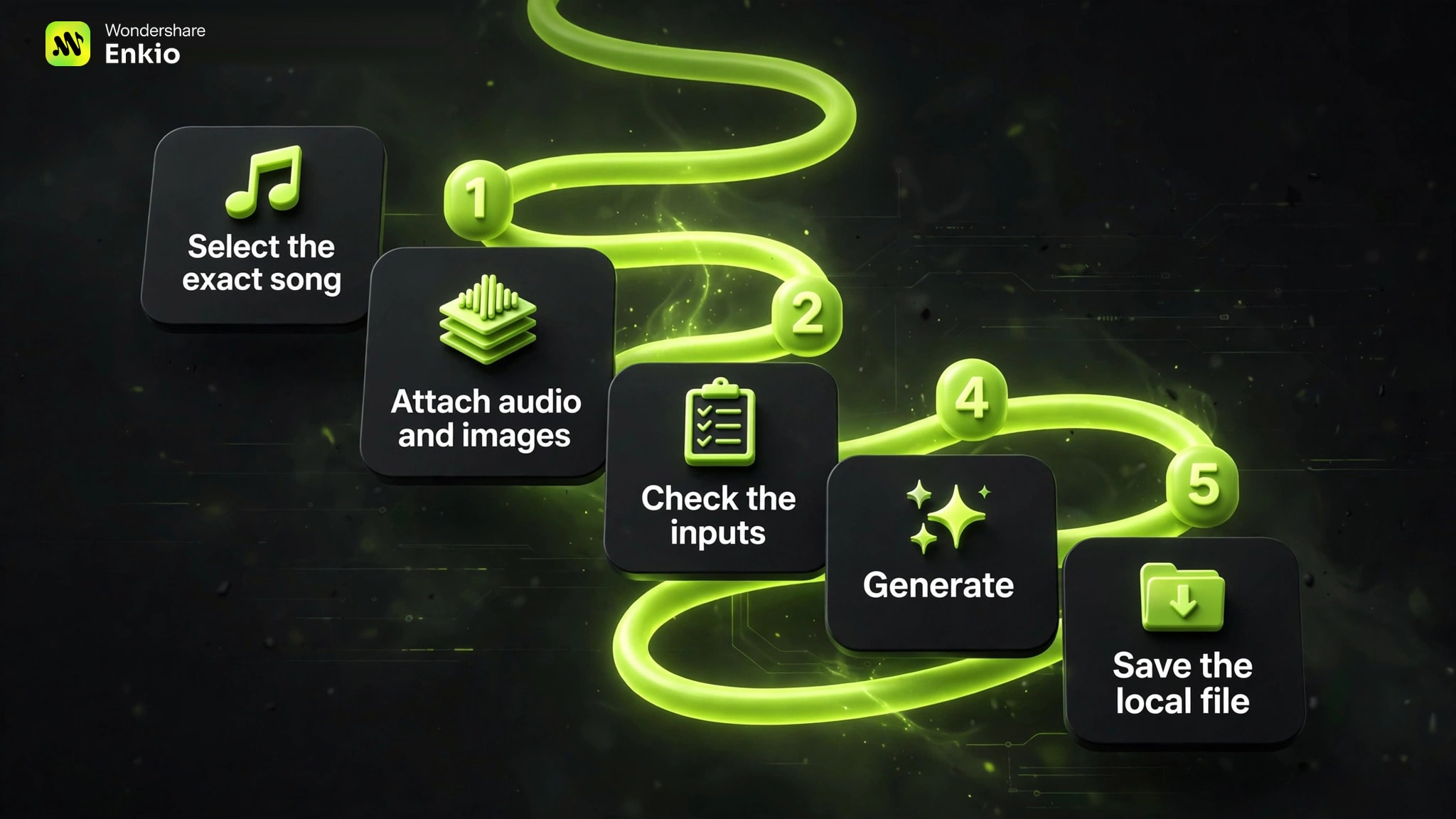
Start by locking the Suno result, then move to the installed plugin in Codex for the visual stage.
-
Use a currently supported assistant to make the song, extend it, or revise it. Continue until the music itself is ready for the final video.
Done whenThe finished track appears in your Suno library.
-
Play the full song and record its title and duration. Avoid selecting a draft or similarly named variation by mistake.
Done whenOne version is explicitly marked as the video source.
-
Copy the Suno audio URL. If the downstream tool cannot read it, save and attach a song file that you are entitled to use.
Done whenThe URL or local file is readable in the active conversation.
-
Run the official installer if needed, then open Plugins, choose Enkio, click Try Now, and authorize the account whose credits you intend to use.
Done whenThe connector is active without a separate API key.
-
Attach the URL or song file and at least one reference image. State what each image represents so the visual role is unambiguous.
Done whenThe required audio and image inputs are both visible.
-
Specify the desired aspect ratio, mood, style, and essential scene direction. Keep optional details subordinate to the song and references.
Done whenThe agent can summarize the intended MV in a few sentences.
-
Ask the agent to confirm media access, login, credits, and song length before generation. Submit once and check the active task before retrying.
Done whenOne trackable MV task is running.
-
When the job completes, keep the reported local file as the durable copy. Name a specific shot and requested change when a scene needs a reshoot.
Done whenThe MV is stored locally and revisions remain targeted.
This music-video path is designed around a completed song and reference images rather than disconnected raw clips.
Set up the MCP and check the inputs before generating.
Follow the Codex setup path, attach the final song and reference images, and keep the locally saved result.
How to Choose the Right Handoff for Your Project
Choose the handoff by the deliverable: use a music-video workflow for a finished MV, and compare broader video servers when you primarily need raw clips, model routing, or editing operations.
Before committing credits, check the accepted song format, URL and local-file support, image requirements, charged account, task tracking, local output, and shot-level revision.
Enkio is the focused option because its input contract matches the task: finished song plus reference images to AI MV inside Codex. The Best Video Generation MCP Servers guide uses a broader framework. If raw-model breadth drives the decision, compare Higgsfield MCP Alternatives instead of treating unlike workflows as substitutes.
This guide is published by Enkio. We scored only the documented Suno-to-MV workflow fit: task fit 30%, handoff clarity 20%, setup and authentication 15%, input requirements 15%, output and revision handoff 10%, and limitation clarity 10%. The 8.8 score excludes visual quality, generation speed, and long-term reliability because we did not run a controlled output test.
Our verdict
A clear downstream visual workflow for a finished Suno song.
Enkio MCP fits creators who have selected the final track and want to turn it and reference images into an AI MV inside Codex. The URL-or-file fallback, local output handoff, and targeted reshoots make the boundary understandable.
Pros
- Song-led task fit
- URL-or-file handoff
- Local result and reshoots
Bring a finished song and reference images into a focused AI music-video workflow.
AI Music Video GeneratorThe recommendation remains conditional. The workflow is specialized, uses the connected account's credits, and has changeable client support. Check current setup and pricing pages before relying on a plan benefit.
Common Problems in the Suno-to-MV Workflow
The most common failures occur at the version, media, account, and task boundaries—not because the letters MCP are present.
The wrong Suno variation reaches the video stage
Return to the Suno library and compare the title, duration, and full playback. Replace the input before generating.
The Suno URL is not readable
Confirm the link points to the intended audio. If it remains unreadable, attach a saved song file you may use rather than resubmitting the same URL.
The reference image is missing or conflicts with the brief
Attach at least one image and explain its role. Remove conflicting references or state which one has priority.
One account has credits but the other does not
Check both services separately. Song creation and MV generation draw from different balances. Review current official pricing pages because plan benefits and charges can change.
Check the balance before the MV job.
The plugin uses the connected account's credits. Confirm current plans and benefits before submitting a long generation task.
A long-running MV job is submitted twice
A quiet conversation does not prove that a task failed. Ask the agent to check the active task and preserve its identifier before retrying. This reduces duplicate work and unintended credit use.
A temporary URL is treated as permanent storage
Keep the local output path reported in Codex. A temporary remote URL may help transfer the result, but it should not be the only copy you retain.
Frequently asked questions
Does Suno MCP automatically start the video workflow?
No. The user supplies the selected song's readable audio URL or a saved file to the downstream workflow. This does not imply partnership, shared authentication, or data sharing.
Can I use a local song file without connecting Suno MCP?
Yes. The visual workflow accepts suitable reference audio and at least one image; the song can be a local file you may use. Suno MCP is not required for every MV.
Do the two services need separate API keys?
The current setup for each uses account sign-in and authorization rather than a separate API key. They remain separate accounts, so authorize the correct user on each service.
Does MCP change the usage rights of a song or reference image?
No. MCP provides a tool interface; it does not grant copyright, commercial-use permission, likeness rights, or distribution rights. Check the current terms of the music service, video service, source assets, and destination platform.
Which aspect ratio should I choose for the finished Suno music video?
Choose the ratio for the primary destination before rendering: vertical for many short-form placements, square for selected feeds, or widescreen for conventional video pages and presentations. Platform specifications change, so confirm the current requirements and keep important subjects away from crop-sensitive edges.
Conclusion
The dependable Suno-to-MV sequence is simple: lock one song version, hand off a readable URL or local file with reference images, start one visual job, and keep the local result. That separation makes account charges, media access, and failure recovery easier to understand.
When the song is final and the next deliverable is a complete visual piece, this MCP covers the AI MV stage inside Codex. For raw clips, self-hosted routing, or a broad model catalogue, compare general video MCP options instead.