



Enkio was among the first to get hands-on beta access to Vidu Q4 — the latest generation of Vidu's AI video models — ahead of its public preview launch on October 7, 2026. The capabilities described below come from our hands-on testing during that beta period, checked against officially published product information as of October 2026. The AI music video agent from Enkio now runs on this latest generation: the same three-step workflow produces sharper 4K-quality output, more consistent characters from reference images, and camera movement that behaves more like a real shoot.
Vidu is in Enkio's supported model library, and the commitment runs forward: the pipeline picks up each new generation of video models as it officially launches — no waiting for a later update. In short, the upgrade raises the ceiling on what comes out of the pipeline without changing how a video gets put together. Below: what changed, how each improvement shows up in a finished video, pricing, the real limitations from our testing, and who this update matters most for.
What Changed in This Update
Enkio is an AI music generation platform whose music video agent turns a song and a set of visuals into a finished music video. The change in this update sits one layer below the interface: the generation pipeline behind the agent now runs on the latest generation of video models — Vidu Q4, which is part of Enkio's supported model library — and every new project is routed through those capabilities automatically. There is no model picker to configure and no settings change to make; the upgrade arrives as part of the standard workflow.
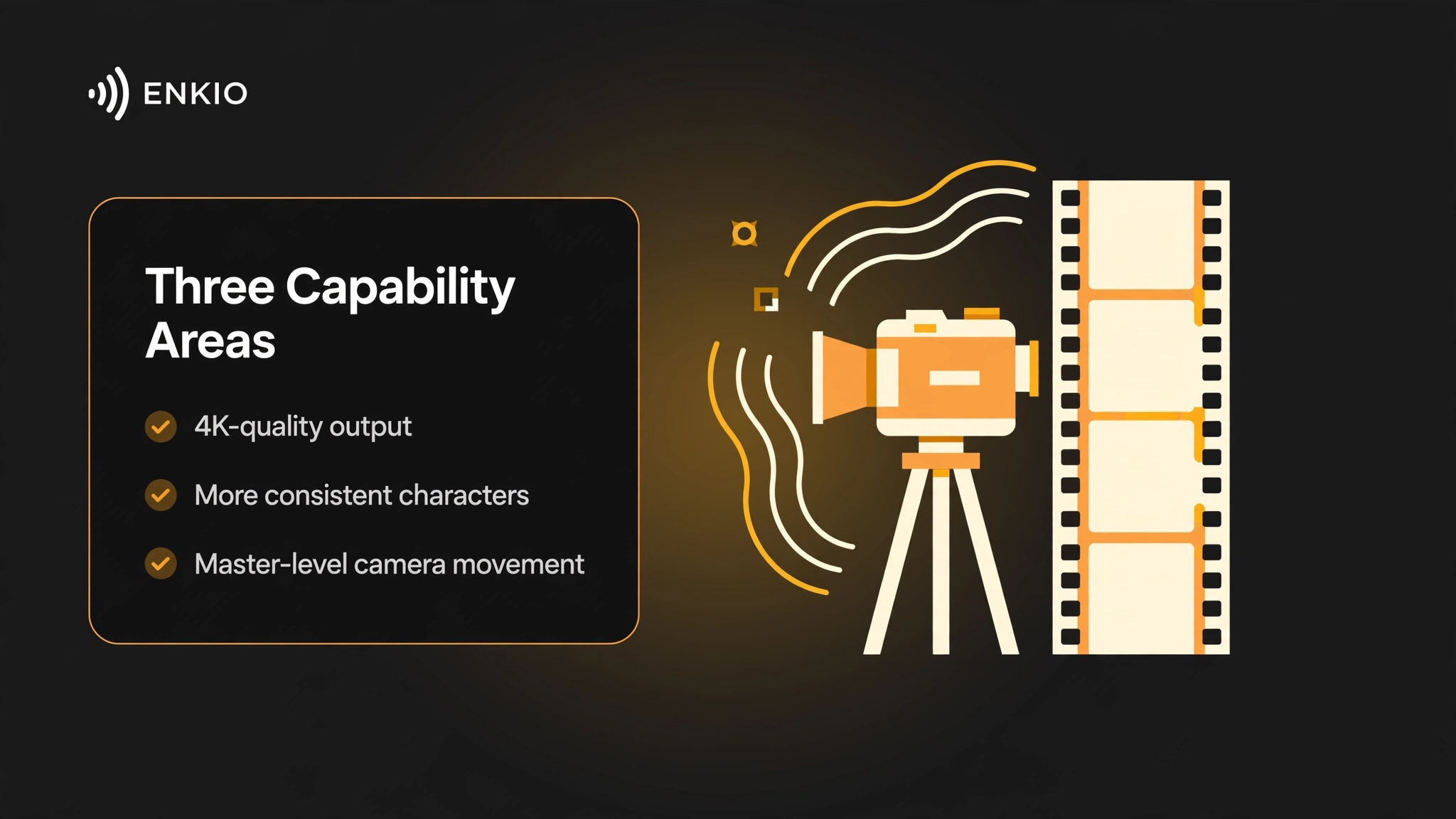
Three capability areas stood out in our beta testing:
- 4K ultra-high-definition output quality. Frames render with finer detail, which shows most in close-ups and wide establishing shots.
- Character consistency from multiple reference images. Upload reference images of the same character — the model supports up to 15 — and it holds face, hairstyle, and outfit steadier across scenes.
- Master-level camera movement. Slow push-ins, lateral tracking shots, and gentle crane-like rises that read as directed rather than generated.
For the category, this is a meaningful step: most music-video tools still generate short clips on older model generations and leave assembly to the user. Moving the whole agent pipeline — not just an export preset — onto newer models means the quality gain applies to every scene, not only to the final render setting.
We treat this as a pipeline upgrade rather than a feature launch: nothing new to click, but everything generated comes out of newer models. What did not change is the workflow itself: upload a song (or pick from the official track library) plus an image, add an optional prompt, generate, and keep editing until the final cut. Existing users do not need to migrate anything — projects started before the update keep their settings, and new generations simply come out of the newer pipeline. For the full platform walkthrough, see our Enkio Review.
How the Upgrade Shows Up in Your Videos
Capability lists are abstract until they land in a finished video. Here is what each of the three improvements changed in our beta testing — and where its limits still are.
Sharper output: 4K ultra-HD quality
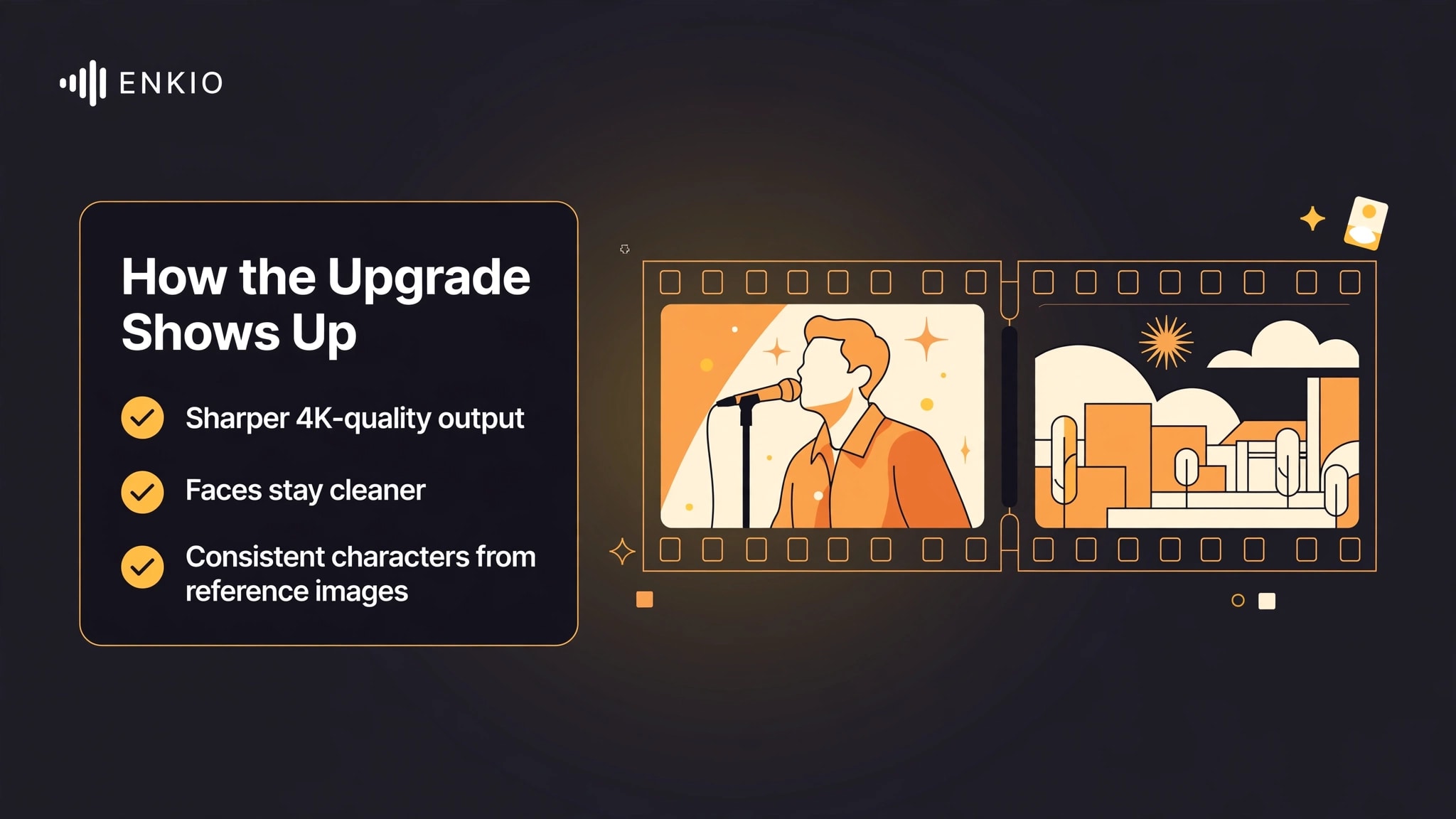
The most visible difference is detail density. Skin texture in performance close-ups, fabric and set dressing in wide shots, and small background elements hold up better when a frame is viewed full-screen. For lyric videos and performance cuts, that means text overlays and faces stay cleaner at larger display sizes. The company has not published plan-level availability for the new pipeline, so check the official pricing page for what your plan includes before planning a release around it.
More consistent characters from reference images
Character drift — the same performer looking slightly different from shot to shot — has been one of the most common complaints about AI-generated video. The multi-reference approach addresses it directly: give the model several reference images of one character and it anchors face, hairstyle, and wardrobe across the sequence.
That matters most for narrative videos where one protagonist carries multiple scenes, and for series-style releases where the same character returns in the next single. Consistency still varies with shot complexity, so expect to review the timeline and regenerate the occasional scene rather than trusting the first pass blindly.
Camera movement that behaves like a real shoot
The third improvement is about motion grammar. Instead of static frames with subtle zoom, the new pipeline reaches for moves a director would actually call: a slow push-in as the chorus lands, a lateral track across a performance, a gentle rise over an establishing shot. The result tends to read less like a slideshow of generated stills and more like directed footage, which matters most for narrative-driven videos. Used sparingly, these moves also give editors more to work with — a tracking shot can be cut on the beat, while a static frame mostly just sits there.
One thing the update does not change is where the music comes from. You can upload your own song, pick from the official library, or generate the track first with the platform's AI Music Generator and move straight into the video step. If your track starts outside the platform, our guide on How to Use Suno AI Music Generator covers one common starting point for getting a finished song ready.
What It Gets Right
The upgrade lands on a workflow that already had clear strengths for musicians who are not video editors.
One place from song to video. The agent takes a track and a set of stills and returns a complete music video. There is no separate editing timeline to learn, which is the main reason the tool fits independent releases: the person who made the song can also ship the video. The loop stays inside one project as well — when a scene misses, you regenerate that scene rather than round-tripping files between apps. In our experience, that edit-and-regenerate cycle is where most of the time saving actually lives, more than in the first generation.
Templates lower the starting bar. The official site lists more than 50 templates, and the prompt field is optional. A creator can start from a template that matches the track's mood and only write a prompt when the default needs steering. We read this as the practical on-ramp: the first video takes minutes to start, not an afternoon of prompt engineering. Templates also pair well with the upgrade — a consistent visual base plus steadier characters means the template look survives across more scenes than before.
Five aspect ratios cover the delivery map. Output spans 9:16, 1:1, 3:4, 4:3, and 16:9, so the same project can serve a vertical short, a square feed post, and a widescreen upload without rebuilding the edit. For artists who release a single across platforms on day one, that removes the usual re-export scramble — the framing decisions are made once, at project setup, rather than redone per platform.
Other music-video tools take different routes to the same goal; our Revid AI Music Video Generator Review documents a reference-image-first workflow for context on where the category is heading.
Real Limitations
No tool update is only upside. These are the constraints that showed up in our beta testing, cross-checked against the company's published information.
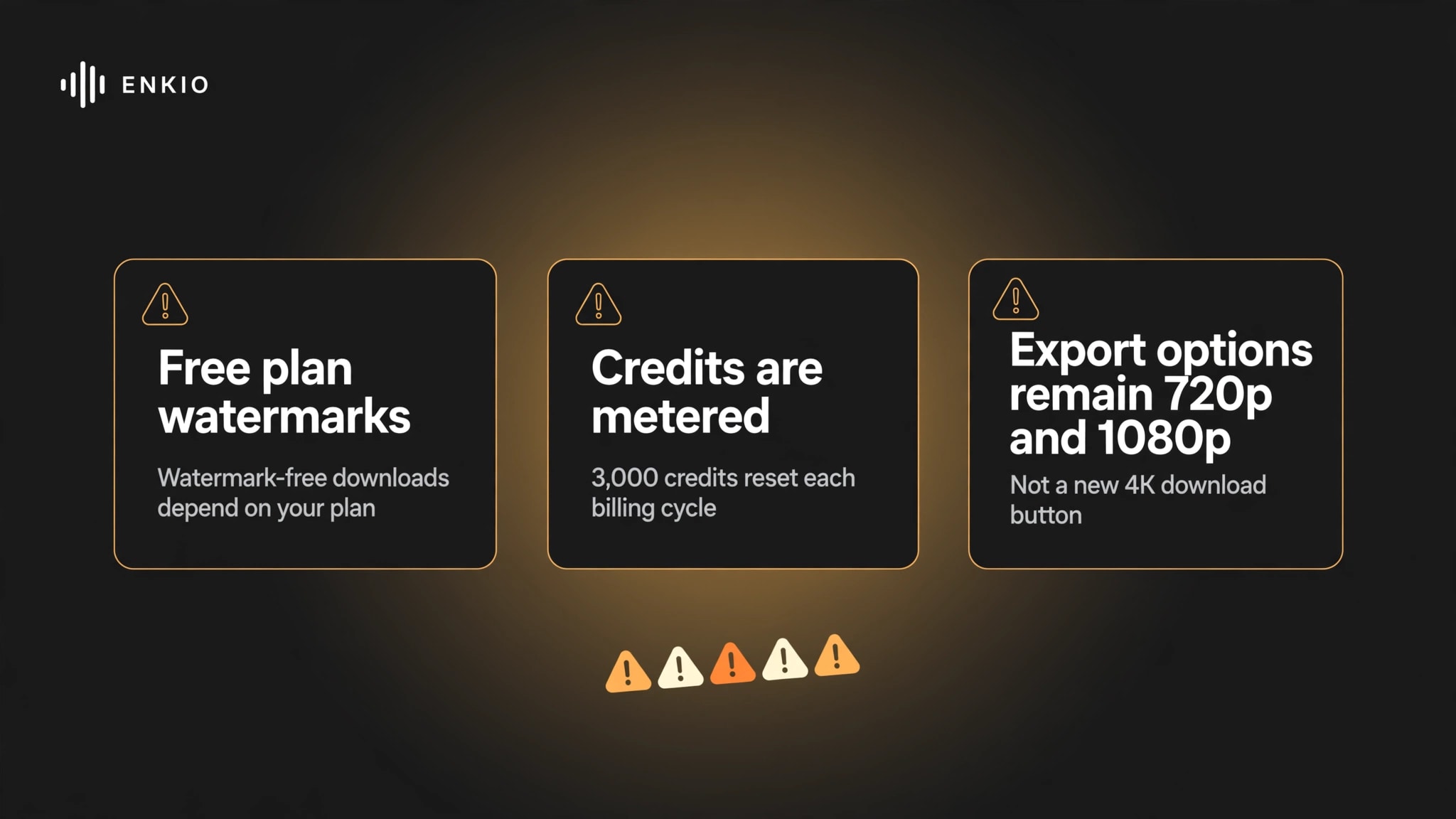
The free plan watermarks output. Videos generated on the free plan carry a watermark, and watermark-free downloads depend on your plan. That ceiling matters most when the video is headed for a public release rather than a private draft. If watermark-free output is the requirement, paid plans include watermark-free downloads — see what the AI Music Video Generator covers on the current plan lineup before rendering the final cut.
Credits are metered and refresh monthly. As of September 2026, the monthly plan's 3,000 credits reset each billing cycle, and one-time packs do not roll into a subscription — check the pricing page for current plan terms. A creator shipping one video a month will rarely think about this; a creator posting weekly should do the arithmetic on scenes per video before committing to a cadence.
Commercial terms live in the Terms of Use. The company does not publish a blanket commercial-rights statement on its product pages, so anything headed for monetized release — a single on streaming platforms, a sponsored post — should be checked against the current Terms of Use first. Platform policies on AI-generated content also differ across YouTube, TikTok, and Spotify, so check each platform's current guidelines before publishing.
New model capabilities are not the same as new export specs. The 4K-quality output we saw in beta testing reflects what Vidu Q4 brings to the pipeline. The currently published export options remain 720p and 1080p. Treat the upgrade as a quality improvement to the generation step, not as a new 4K download button, until the official specs say otherwise.
Pricing and Credits
As of September 2026, the monthly plan is $19.99 and includes 3,000 credits that refresh each billing cycle. The yearly plan is 10 percent off — about $5.00 per month — with a one-time grant of 10,000 credits. One-time credit packs are also listed, up to $99.99 for 50,000 credits. Watermark-free downloads depend on your plan, and plan details can change, so check the official pricing page for current plans and limits.
No separate pricing has been published for the upgraded video pipeline. The new capabilities arrive inside the existing plans rather than as a paid add-on, but plan-level availability for the new pipeline has not been spelled out either. If the upgrade is the reason you are considering a plan, confirm the current terms on the pricing page before paying.
Check the latest plans and pricing.
Plans and credit amounts can change — see the current lineup before you choose.
Who Should Care About This Update
Independent musicians releasing singles. The core loop — finished track in, finished video out, no crew — is a natural fit for a solo release. The upgrade raises the visual bar for that loop without adding steps.
Cover and reinterpretation creators. Starting from an official library track plus your own visuals is a supported path, and character consistency from reference images helps when the same performer needs to appear across a series of covers.
Social-first creators posting weekly. Vertical ratios plus template starts make a repeatable format cheap to produce, and the sharper output holds up better on large phone screens. The character-consistency gain matters here too: a recurring on-screen persona across weekly drops starts to function like a channel identity, which is hard to build when the face drifts every episode.
Who should not rush. If your delivery spec is locked at 1080p and the current workflow already produces what your audience expects, the upgrade changes little for you right now — the visible gains concentrate in detail and motion quality that a 1080p delivery may not fully show. The same applies if you only need a still cover image rather than a video — the music video agent is the wrong tool for that job regardless of how good the new models are. And if your next release is months out, there is no penalty for waiting: the pipeline is already the default for new projects whenever you start. For the wider category, our Best AI Music Generators maps the music-generation side, and our Kaiber AI Music Video Generator Review documents a more stylized, artistic approach to AI video for comparison.
Frequently asked questions
The questions below mix what creators generally ask about AI music video tools with what is specific to this update.
What is the best AI music video generator in 2026?
There is no single answer; the right tool depends on the brief. Clip-based generators suit filmmakers assembling footage by hand, audio-reactive tools suit abstract visualizers, and agent-style tools suit musicians who want a complete video from a finished track. Review sites that tested the category in 2026 tend to split their recommendations along exactly these lines. If your brief is a finished song that needs a complete video without learning a separate editing timeline, Enkio is built for that case.
Can AI generate a full-length music video, not just clips?
Most general video models output clips of a few seconds that someone must assemble. The music video agent is built around full songs instead: one project runs from the track through scenes to a final cut, with editing and regeneration inside the same workflow.
Do AI music videos have copyright issues?
It depends on the music, not the video tool. Use tracks you own or have licensed, and read the Terms of Use before any commercial release. Covers add another layer: the composition and the recording can have different rights owners, so a cover of someone else's song needs its own licensing homework. Platforms also apply their own rules to AI-generated content, and those policies change — check the current guidelines of wherever you plan to publish.
What exactly is new in this update?
The generation pipeline behind the music video agent now runs on Vidu Q4, the latest generation of Vidu's video models — Vidu is in Enkio's supported model library. Enkio was among the first to test this generation during its pre-launch beta period (public preview launched October 7, 2026), and the three results below come from that hands-on testing rather than spec sheets. The three visible results are 4K-quality output detail, steadier character consistency from multiple reference images, and camera movement that behaves more like a real shoot. The three-step workflow is unchanged, and there is no model setting to switch — new projects pick up the upgraded pipeline automatically.
Do I need to change my workflow to get the new quality?
No. Upload the song and image, add an optional prompt, and generate as before — new projects pick up the upgraded pipeline automatically. There is no model setting to switch and no new steps to learn. Existing drafts and in-progress projects are unaffected; the newer pipeline applies to new generations.
Which plan includes the new capabilities?
No plan-level availability has been published for the upgraded pipeline. The capabilities arrive inside the existing plans rather than as a separate add-on, but confirm the current terms on the official pricing page before choosing a plan for this reason.
Conclusion
We see this update as straightforward: the same three-step music video workflow, now running on Vidu Q4 — a generation we tested hands-on during Enkio's pre-launch beta access — with visibly sharper output, steadier characters, and more directed camera movement. The honest caveats travel with it — watermarked free output, metered credits, commercial terms in the Terms of Use, and export specs that still read 720p and 1080p.
It is not a reason to switch tools if your delivery spec is fixed at 1080p and your current process already works, or if what you need is a still image rather than a video. We would not recommend changing an already-working release workflow for this update alone — the gains are real, but they are incremental, not a new product. Looking ahead, the commitment runs forward too: with Vidu in Enkio's supported model library, the pipeline picks up each new generation of video models as it officially launches — no waiting for a later update. If the track is finished and the visual is the next item on the release checklist, Enkio takes that step from the audio you already have, without a separate editing timeline to learn.
Turn your track into a music video.
Upload a song and stills — the agent handles scenes, consistency, and camera moves.