



The short answer: For creators who need the song and something people can watch — the lyric video, the premiere clip, the social cut — Enkio is the best overall pick: it generates vocal music from your lyrics or a prompt, then turns the finished track into a music video in the same workflow.
Our picks are based on what each tool outputs, what it costs as of October 2026, and whether you can release the result commercially. Price figures below are snapshots — they change often, so check the vendor's pricing page before you subscribe.
How We Evaluated (and Who Wrote This)
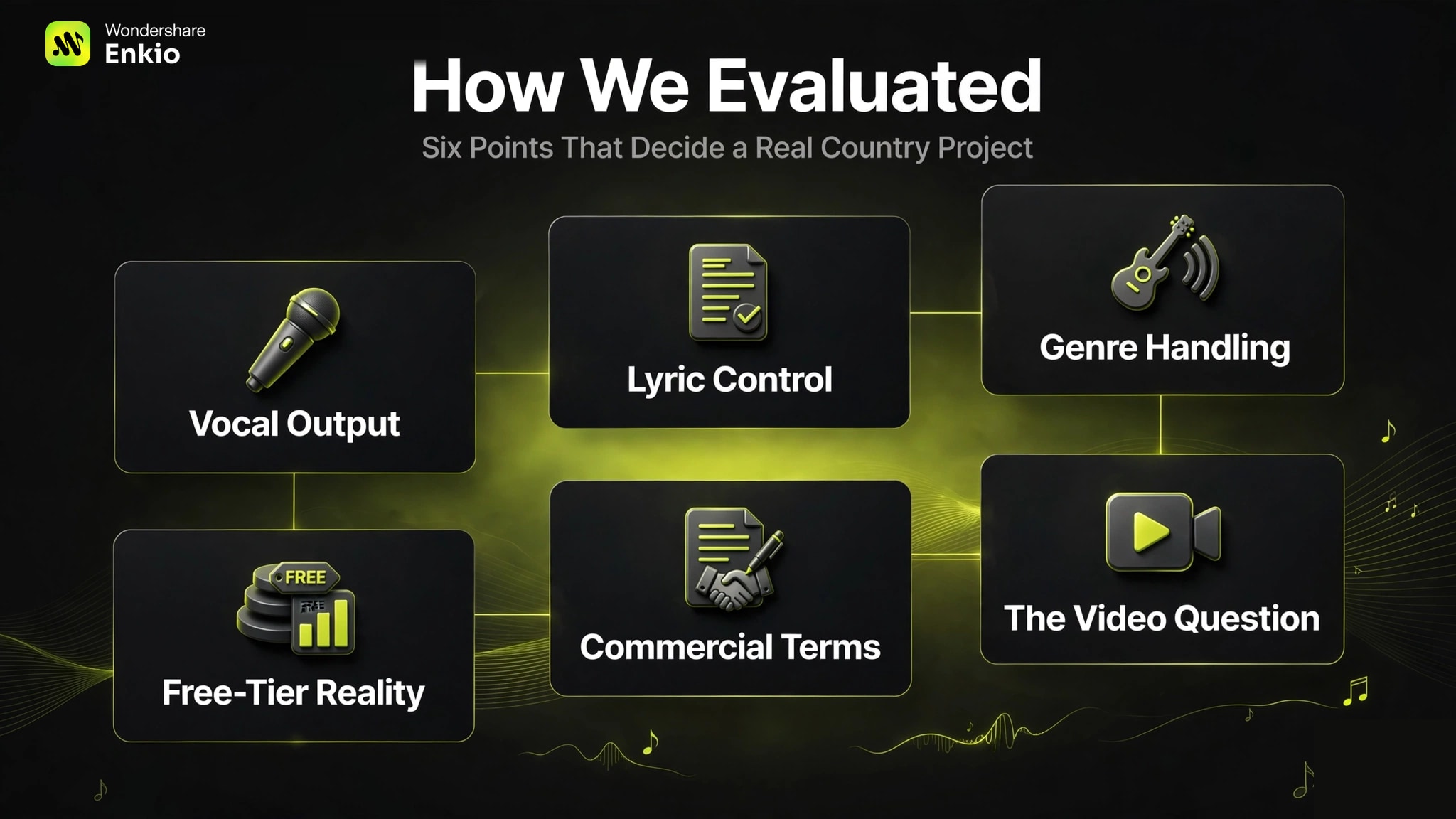
This comparison is published by Enkio, the maker of one of the tools on this list. Every tool — including our own — was judged on the same six points that decide a real country project:
- Vocal output. Country is a singer's genre. A generator that cannot sing cannot make a country song.
- Lyric control. Country lives in storytelling lyrics, so custom-lyric support matters more here than in most genres.
- Honest genre handling. We checked vendor docs across all eight tools: none publishes a country-specific model. So we judged how well each tool takes country direction through prompts, styles, and lyrics instead — and we call out the limits where they appear.
- Free-tier reality and pricing transparency. Every figure below is an October 2026 snapshot, re-verified against vendor pages and independent reviews.
- Commercial terms. Whether you can actually release the song.
- The video question. Whether the tool also covers the visual, because a country release is a song plus something people can watch.
Method note: this is desk research. We read current vendor plan pages, terms, and independent reviews re-verified on October 14, 2026.
Create Your Contry Song with a MV
Upload the track and an image, and Enkio builds the contry music and MV around your music.
What Actually Makes a Generator Good for Country Music?
Most listicles rank general music tools and stamp "country" on the cover. Country has specific demands that generic rankings ignore, so here is the checklist we used — and the one you should run before paying for anything.
1. Vocal character, not just "vocals." Almost every tool here claims vocal output. What separates them for country is whether you can steer the character of the voice: register, phrasing, a natural conversational delivery instead of a polished pop sheen. Tools with voice blending, voice control, or plain-language vocal editing (Udio, Mureka, Suno v6) give you more leverage here than one-shot generators.
2. A lyric-first workflow. Country is storytelling music — the words carry the song. Generators that accept and respect your own lyrics (Suno's custom mode, Udio's editable sessions, Mureka's lyrics-first flow) produce better country than generators whose default is "the AI writes the song for you." If you have written lines, bring them; writers who bring their own lyrics get far better results than writers who let the tool invent the story.
3. Instrumentation steerability. Steel guitar, fiddle, banjo, a warm acoustic bed — these are prompt directions, not buttons. Because no vendor publishes a country-specific model, what matters is how well the tool follows country direction: style presets, reference-audio uploads, and the ability to regenerate sections that come out sounding like generic country-pop.
4. Licensing clarity. Who owns the song, when commercial rights attach, and what the free tier allows. Get this wrong and your release is built on sand.
5. The video deliverable. A finished audio file is not a release. Lyric videos, premiere clips, and social cuts are part of every country rollout — plan for who makes them before you pick your audio tool.
Create Your Contry Song Now
Upload the track and an image, and Enkio builds the music video around your music.
How They Compare: AI Country Music Generator at a Glance
The table below lines up the four vocal tools on the dimensions that decide a country project. All figures are October 2026 snapshots; pricing moves often enough that the price row will age first.
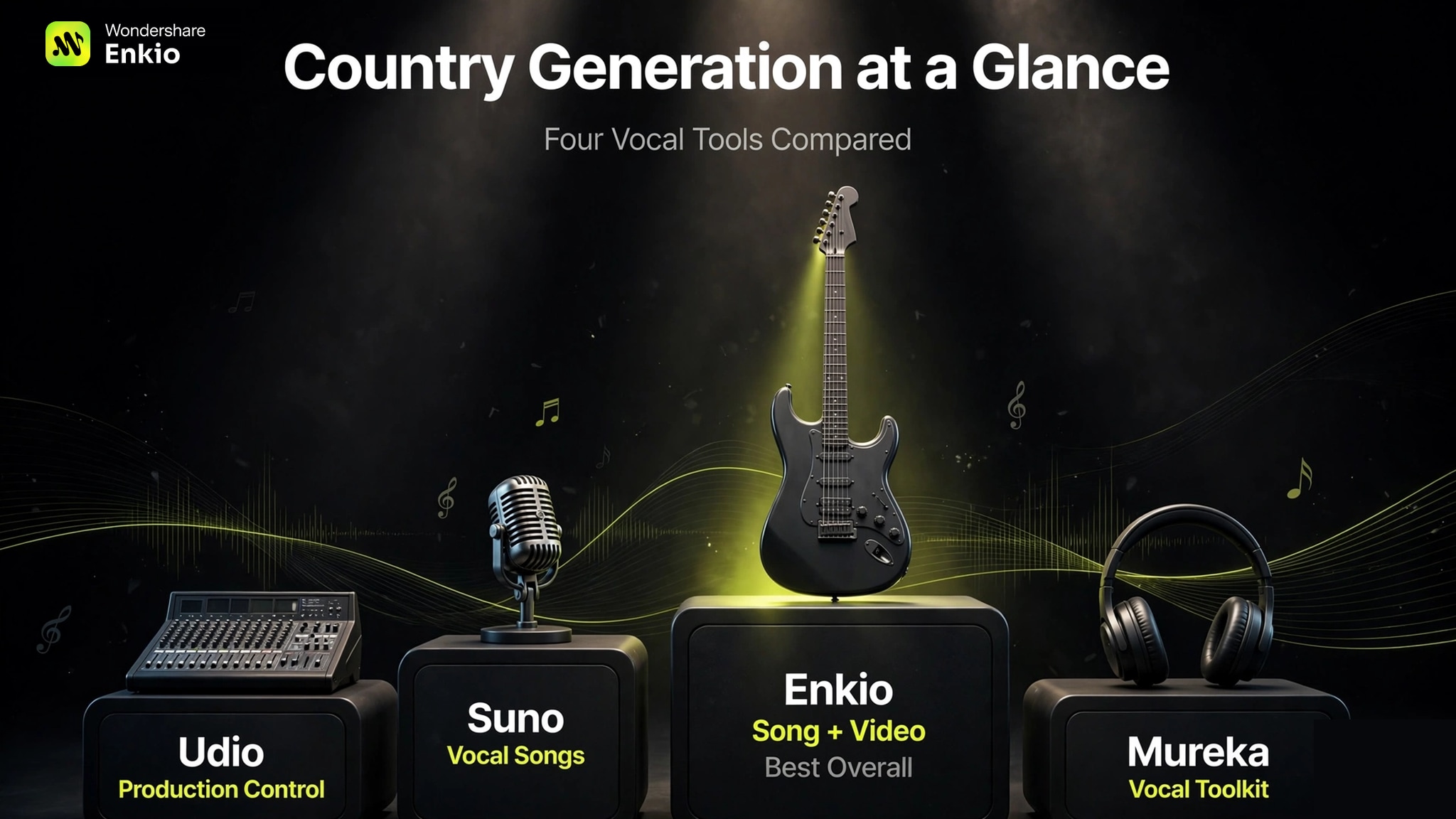
| Dimension | Enkio | Suno | Udio | Mureka |
|---|---|---|---|---|
| Vocal country songs | Text-to-music with vocals | Full vocal songs with lyrics | Vocal songs with lyric editing | Vocals plus voice cloning |
| Custom lyrics | Supported | Supported | Editable and extendable | Lyrics-first workflow |
| Country direction | Prompt and lyric-driven; no published genre preset list | Text style prompts | Style blending, voice control | Style presets, reference audio |
| Free tier | Free plan; watermark-free downloads depend on plan | 50 credits/day; non-commercial, effectively no downloads for release | 10 credits/day + 100/month reserve; non-commercial | A few generations a day; no commercial use |
| Entry price (Oct 2026) | $19.99/mo, 3,000 credits | $10/mo Pro, 2,500 credits | $10/mo Standard, 2,400 credits | $8/mo Basic, billed annually |
| Commercial terms | See the Terms of Use | Paid plans; rights attach at generation | Paid plans; verify export availability first | All paid tiers |
| Video output | 720p/1080p MV, five aspect ratios | Audio only | Audio only | Audio only |
Disclosure: this comparison is published by Enkio. The table applies the same rows and the same snapshot date to our own tool as to the others.
Best 8 Contry Music Generator Reviewd and Tested 2026
1. Enkio — Best overall for the complete country release
Verdict first: Enkio earns the top spot for the deliverable is the song plus its video.
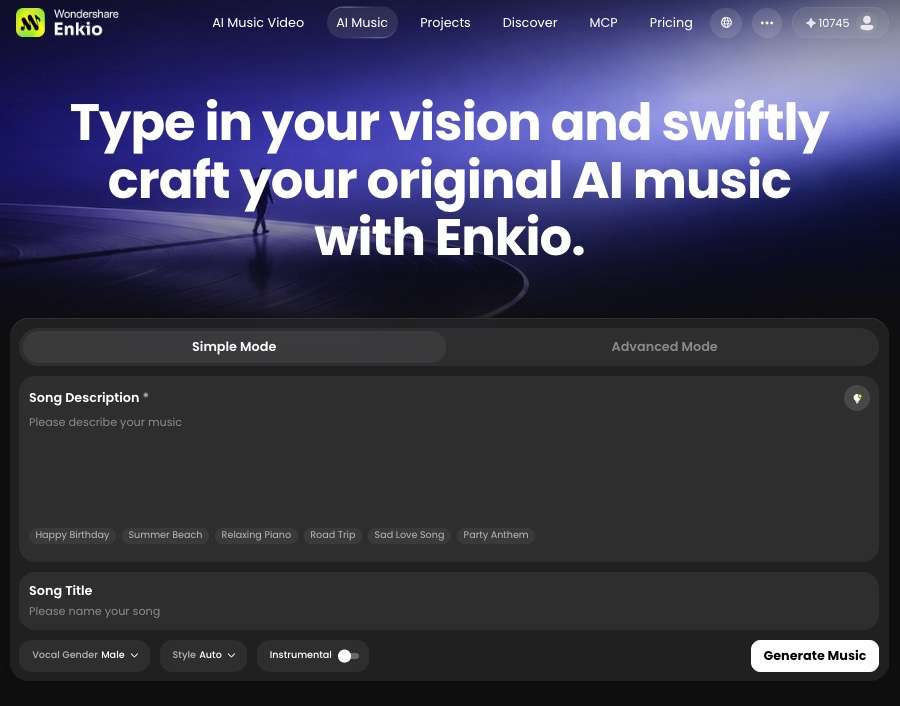
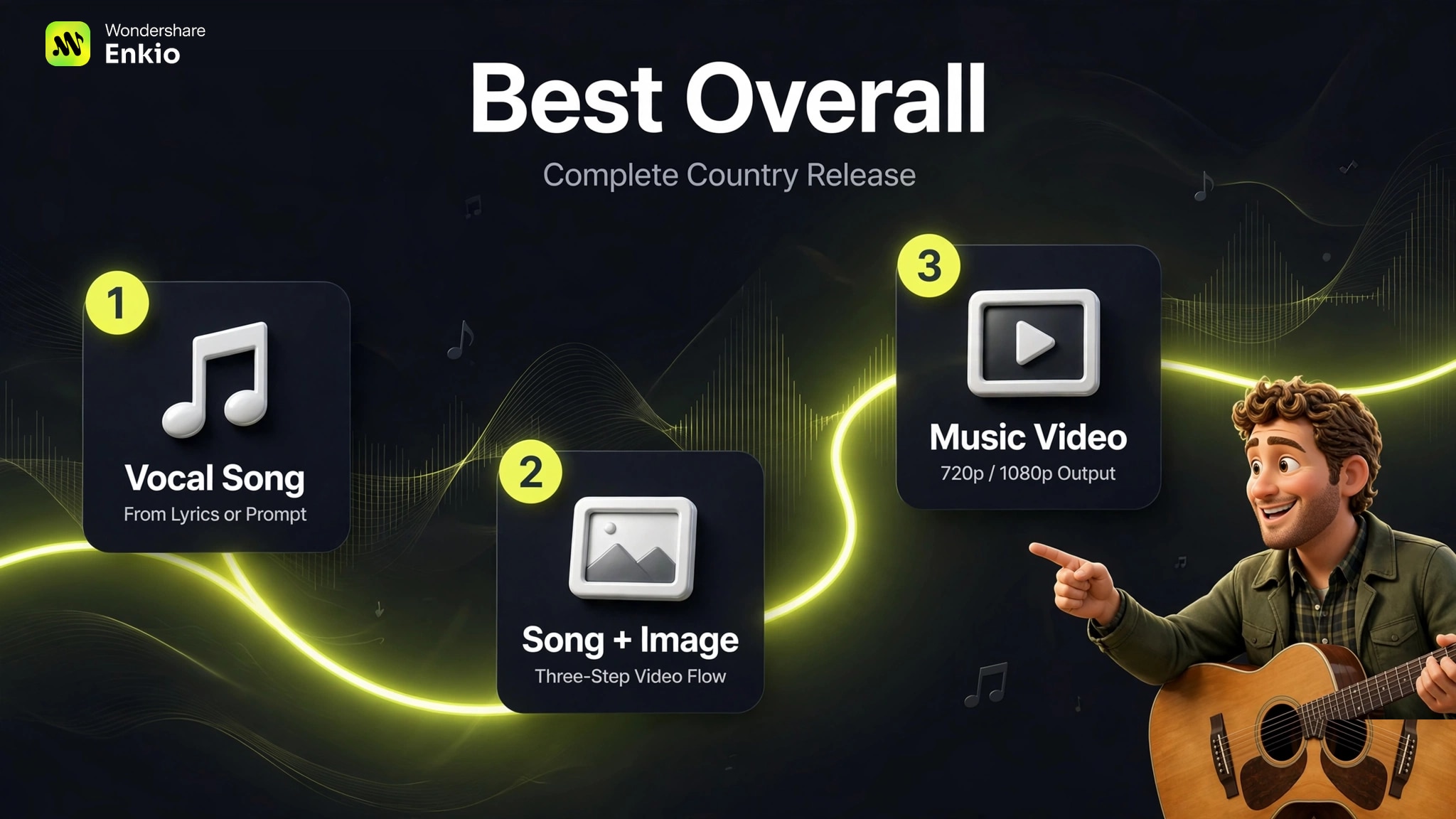
Enkio is an AI Music Generator that also builds the video around the music. It generates vocal music from a text prompt or your own lyrics — the country lever here is the story you write, since there is no published genre preset list — then turns a finished song plus an image into a music video through a three-step flow: upload the song and image, add an optional prompt, and generate. Templates can set the visual direction without a prompt, in Solo, Two-Person, or Ultra MV modes. Output covers 720p and 1080p across five aspect ratios.
As of October 2026, the monthly plan is $19.99 with 3,000 credits. Check the official pricing page for current plans. Enkio fits country creators whose deliverable is a releasable song and its visual, not just an audio file.
Detailed reviews: Enkio Reviews
2. Suno — Best for full vocal country songs
Suno turns a text prompt or your lyrics into a complete song with vocals and structure — and for country, that completeness matters: verse, chorus, and vocal phrasing come out of one pass. Its v6 family, launched September 9, 2026, splits into three tiers: Suno v6 for controlled generation, v6-wild for experimental ideation, and v6-mini for fast free drafts, with plain-language editing of sections for beginners. Suno says v6 was trained on licensed catalogs from Warner Music Group, BMG, and Believe.
As of October 2026, the free tier gives 50 credits a day on v6-mini for non-commercial use — effectively no download allowance for release purposes (one review cites 7 lifetime personal-use downloads). Pro is $10 a month ($8 billed annually) with 2,500 credits, 20 song downloads a month, and commercial rights; Premier is $30 a month ($24 billed annually) with 10,000 credits and 60 downloads. Check Suno's pricing page for current figures. But there are two things most summaries miss: credits do not roll over, and the download caps (introduced with v6) are the real binding limit now, not credits.

The weak points are cost structure and legal overhang. Commercial rights attach at the moment of generation — a later upgrade does not retroactively clear free-tier tracks, per Suno's own help documentation. And the legal backdrop: on July 31, 2026, the Munich Regional Court ruled against Suno in a case brought by Germany's GEMA, finding its models infringed six well-known songs — a first-instance judgment that is not yet final, with an appeal expected. Lawsuits from UMG and Sony over older training data are also still ongoing. This history does not make the tool unusable, but anyone planning commercial releases should read Suno's terms first. Our Suno Music Generator Review covers the line in detail.
Pick Suno when the brief is a finished vocal country song and the video will be handled elsewhere.
3. Udio — Best for hands-on production control
Udio generates vocal or instrumental songs from text prompts and lyrics, then lets you edit lyrics, blend voice references, shape styles, and extend or transform sections in Sessions. It suits writers who want to iterate on a country arrangement — regrabbing a weak chorus, reshaping the vocal character — rather than accept the first take.
As of October 2026, the free tier gives 10 credits a day plus a monthly reserve of 100 for non-commercial use. Standard is $10 a month with 2,400 credits; Pro is $30 a month with 6,000 credits. Check Udio's pricing page for current figures. Two catches: free credits reset at the billing date instead of rolling over, and voice control, audio uploads, and advanced editing sit behind the paid tiers.

Our Udio AI Music Generator Review walks through the workflow. Choose Udio when you want to sculpt the track section by section and can live with in-platform use.
4. Mureka — Best all-in-one vocal toolkit
Mureka builds structured songs from text, lyrics, style presets, or reference audio, and adds voice cloning, stem separation, multitrack editing, and audio or MIDI export in one workspace. Its lyrics-first workflow is the most country-friendly input model on this list: you bring the story, and the tool builds the arrangement around it rather than inventing lyrics for you.
As of October 2026, the free tier allows a small number of generations a day for personal use only — no commercial rights. Basic is $8 a month billed annually ($96/year) with up to 400 songs or 200 minutes of speech a month; Pro is $24 a month billed annually ($288/year) with 1,600 songs or 800 minutes and the full toolkit including voice cloning.
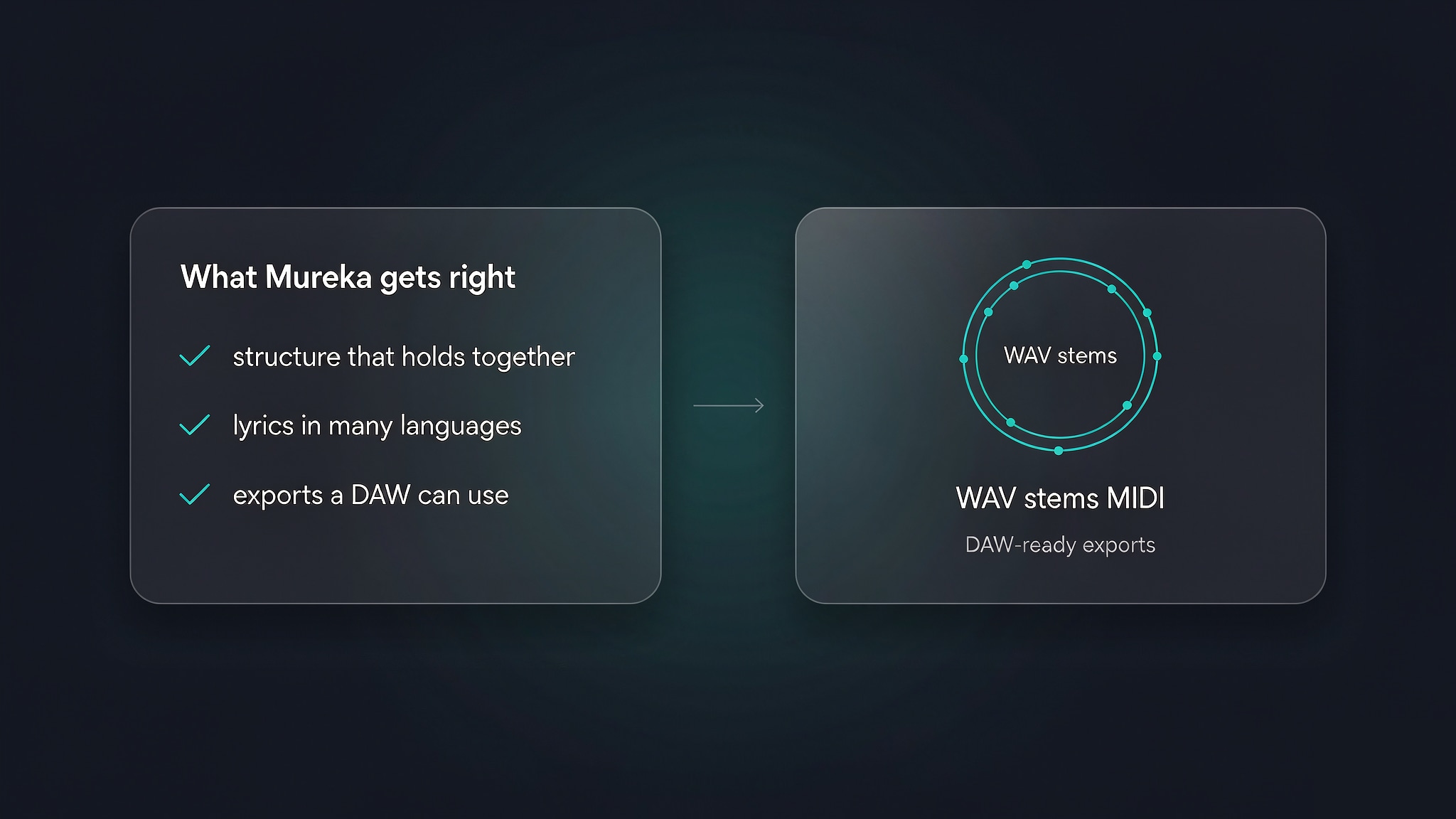
Its limits are metering and community: credit pricing varies by model and does not roll over, the user base is smaller than Suno's, and some users report billing or credit issues. See the Mureka AI Music Generator Review for the full picture. Mureka is the pick when you want generation, cloning, and stem work without juggling separate apps.
5. MelodyCraft — Best for quick vocal drafts from lyrics
MelodyCraft turns text or lyrics into songs with vocals through a genre, mood, and instrument selector, with an instrumental-only switch and AI lyric help. Its own country guide frames acoustic country songs, Nashville-style tracks, and ballads as prompt directions, which matches how the tool actually works: country is a setting you describe, not a separate engine. That framing is refreshingly honest — it confirms the prompt is the country lever here, not a hidden genre model.
Pricing needs care. MelodyCraft operates across multiple domains that list conflicting prices, and the figures have changed: as of October 2026, melodycraft.app (the official pricing page we checked) lists Weekly at $4.99 (30 credits, about 30 songs), Monthly at $15.99 billed monthly (200 credits, about 200 songs — though the page also displays a $19.99 figure, so read the checkout line before paying), and Yearly at $99.99 (1,200 credits, about 1,200 songs). Song generation requires paid credits; the free tier is effectively a trial that cannot produce a downloadable file. Credits do not roll over, and there is no public API.
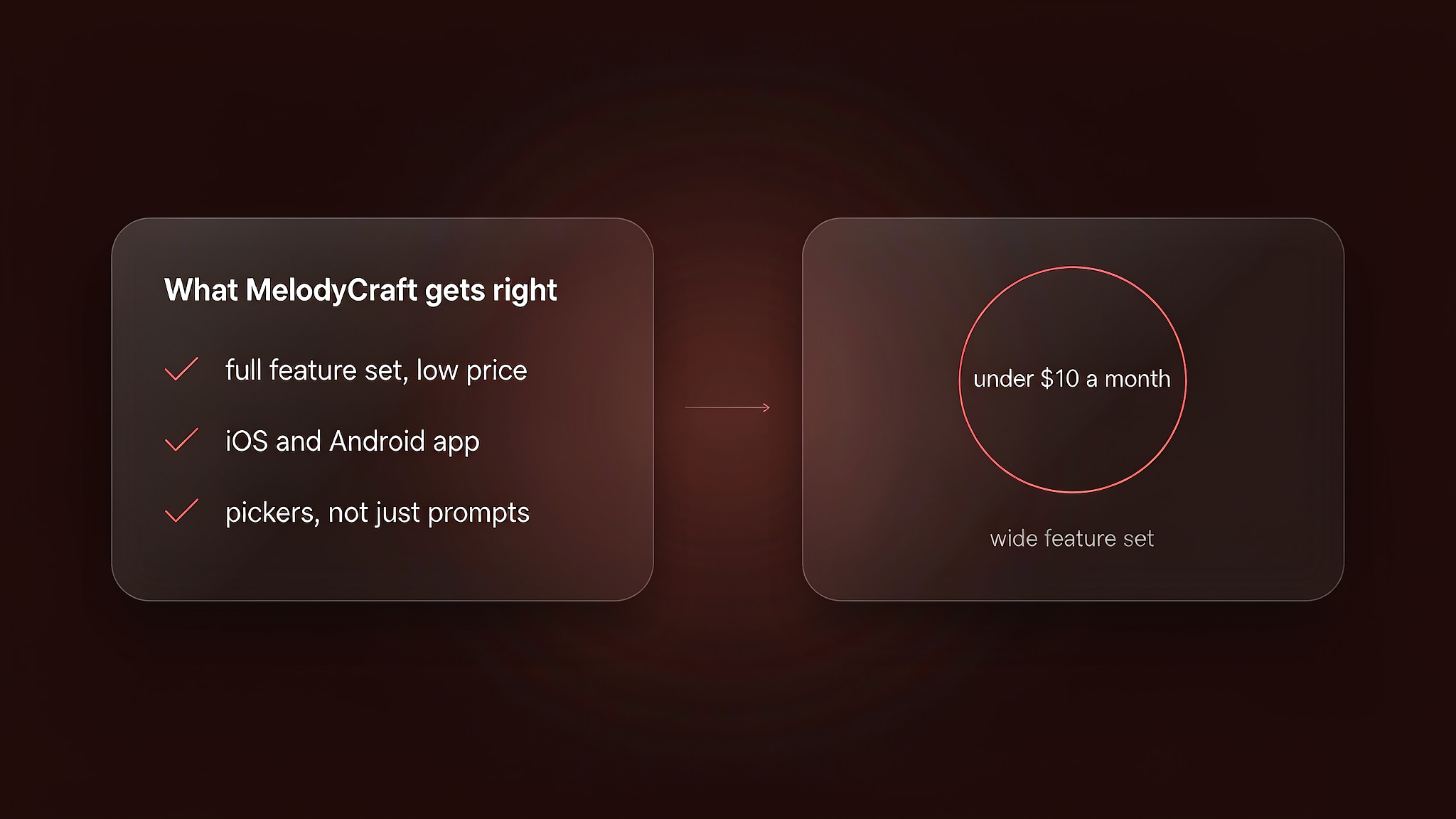
Pick MelodyCraft when you want to hear a lyric as a country demo fast — and confirm the price on the exact page you sign up through.
6. Soundraw — Best for royalty-free country instrumentals
Soundraw makes customizable instrumental tracks through sliders for genre, mood, and length — there is no text prompt. Its genre filtering includes country directions, and you can generate and preview unlimited tracks on the free tier, which makes it a fast way to sketch a country-flavored bed.
As of October 2026, the free tier allows unlimited generation and preview but no downloads. Paid plans add downloads and a commercial license: the Creator plan is $16.99 a month or $11.04 a month on annual billing; Artist tiers run roughly $29.99 to $49.99 a month on annual billing.
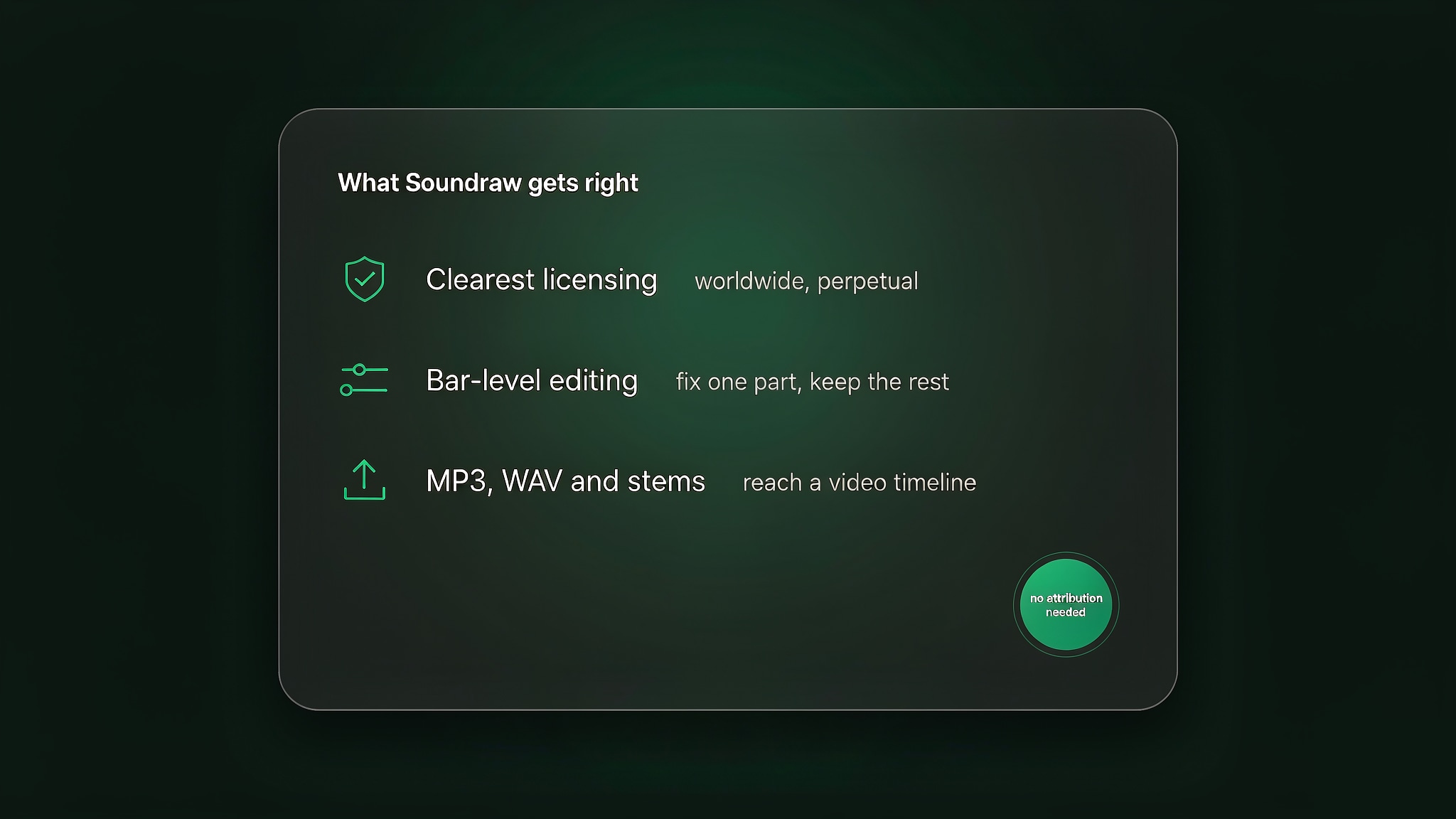
The clear weak point is vocals: Soundraw produces no sung vocals, so it is a background-music tool, not a song tool — and the slider interface is less expressive than prompt-based generators for lyric-driven briefs. If your country track needs a sung vocal telling the story rather than a bed underneath it, Enkio also generates vocal music from a prompt or your own lyrics. Our Soundraw AI Music Generator Review explains the trade-offs. Pick Soundraw for video-friendly country instrumentals you can license at volume.
7. AIVA — Best for country-inspired instrumental scoring
AIVA is an instrumental composer with 250-plus styles and a browser piano-roll editor for note-level changes, plus influence uploads that let a reference shape the generation. It fits writers who want to compose a country-tinged score and edit the notes themselves.
As of October 2026, the free tier allows 3 downloads a month for non-commercial use, with copyright held by AIVA. Standard is €15 a month or €11 a month billed annually, with 15 downloads and commercial use limited to YouTube, Twitch, TikTok, and Instagram. Pro is €49 a month or €33 a month billed annually, with 300 downloads and full copyright transfer. Prices are in euros and exclude VAT.
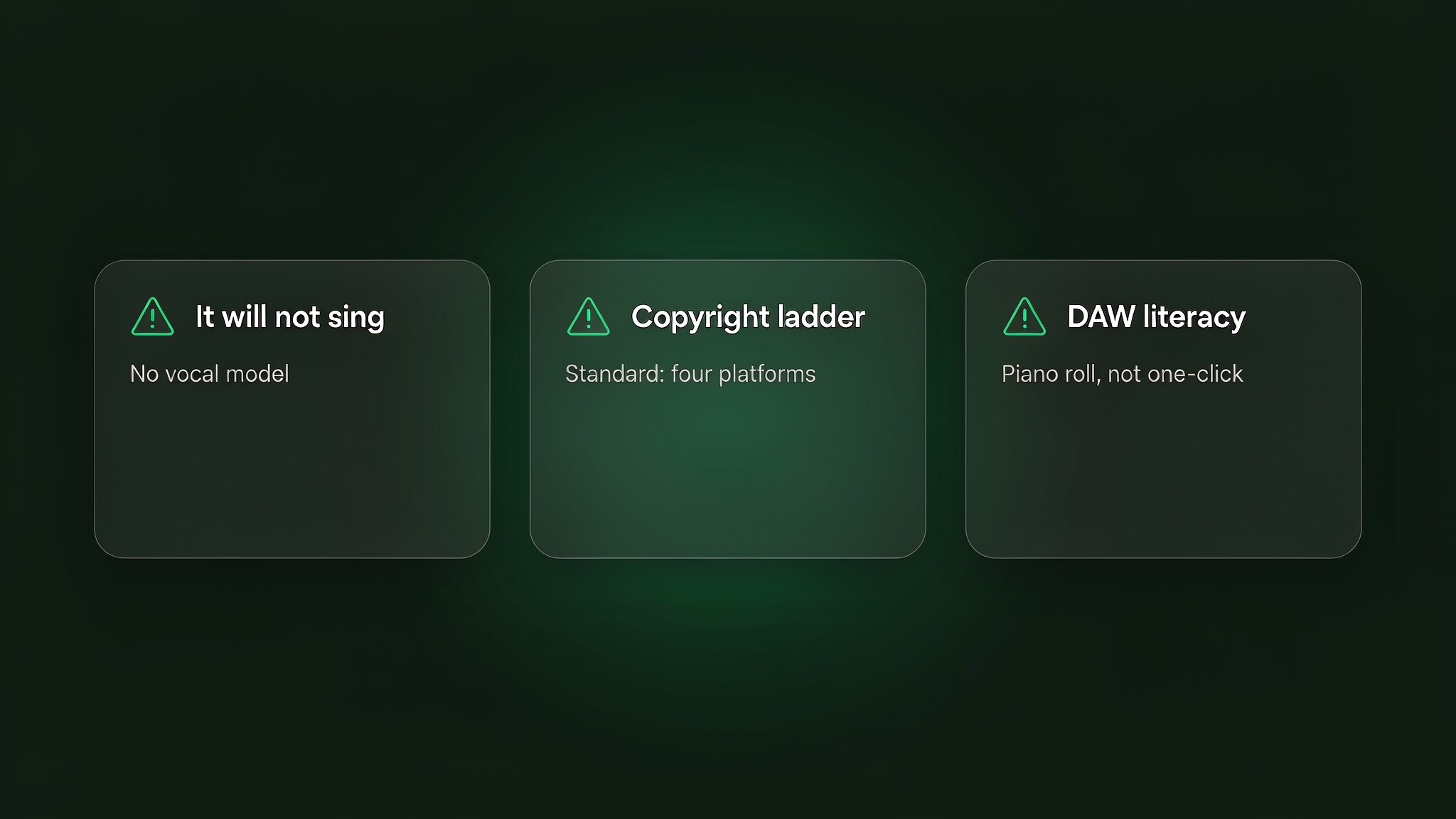
The detail that matters most is copyright, not price: on the Free and Standard plans, AIVA itself retains copyright over generated tracks, which is why monetization is restricted. Only Pro subscribers own what they generate. Other limits: download caps do not roll over, the output is instrumental only with no vocals, and the piano roll expects some music comfort.
AIVA is the pick for a country-inspired score you will arrange yourself — and for commercial release, Pro is effectively the only tier.
8. Beatoven — Best for mood-matched background scoring
Beatoven generates instrumental background music from duration, mood, and genre, then lets you regenerate it per section to fit a video or podcast. It holds a Fairly Trained certification, meaning its training data came from consenting artists — a genuine differentiator if sourcing matters to you.
Pricing is the weak point, not the product: Beatoven publishes no standing price page, and third-party listings vary widely — around $2.50 to $20 a month depending on the source and plan. The free tier allows only a small number of non-downloadable generations.
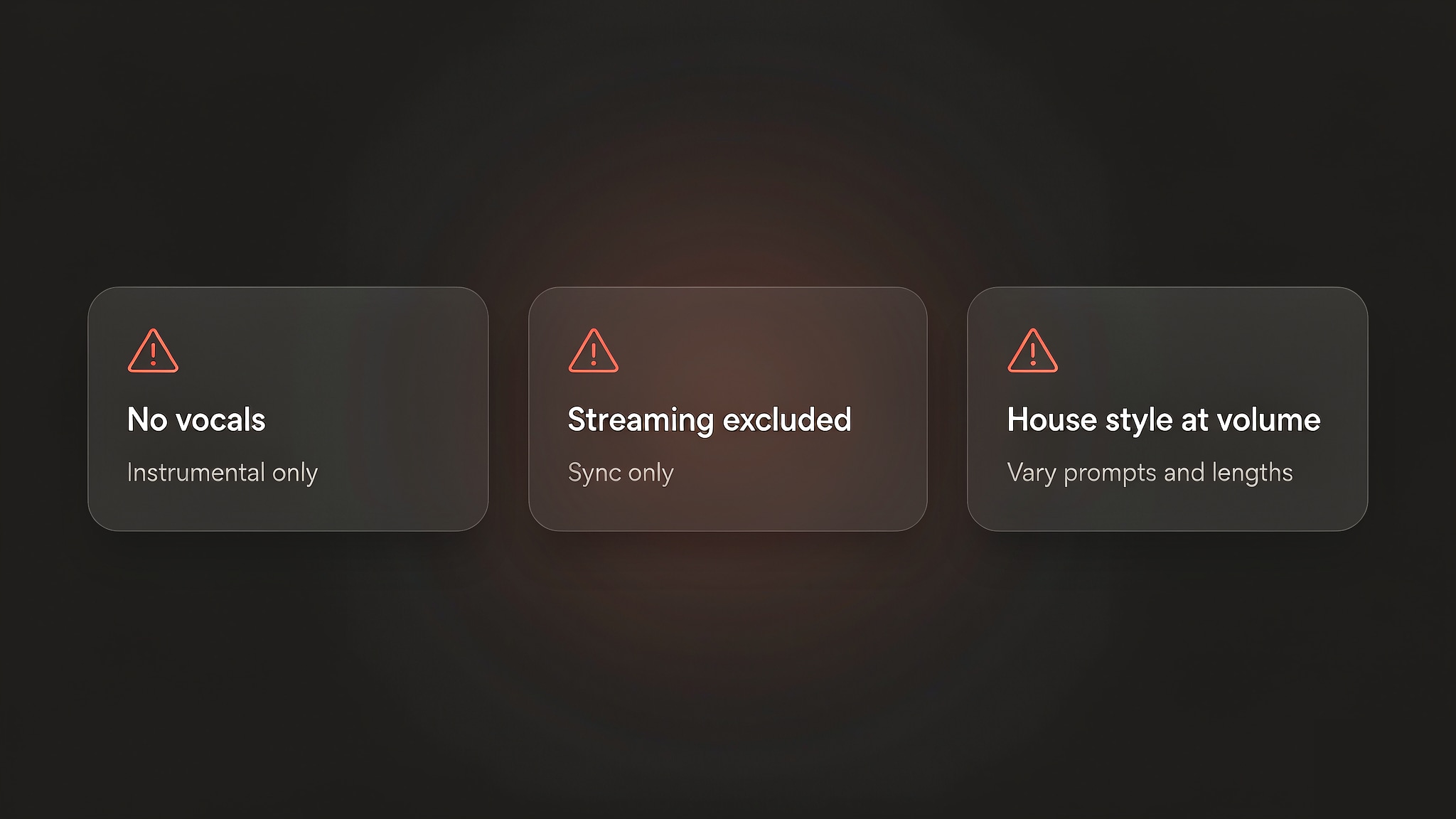
Beatoven makes no sung vocals, the free tier cannot produce a usable file, and long pieces can drift toward a similar house style. Choose Beatoven when you need mood-matched scoring and care about ethical sourcing — after confirming the current price.
How to Choose the Right Country Generator
Start from the deliverable, not the headline feature — the same split runs through the whole list. If the brief is a finished vocal track, Suno or Udio gets you there fastest; Mureka adds cloning and stems when the production needs them. If you need production music for video use, Soundraw or Beatoven fits; if you will edit the score note by note, AIVA gives the deepest control.
For quick lyric-to-demo tests, MelodyCraft is the lightest path. For the wider field beyond country, our Best AI Music Generators roundup compares the same tools on general-purpose songwriting.
The gap most lists miss is the video. Every audio-only tool above hands you a finished song and leaves the visual to a second tool — a lyric video, a premiere clip, a social cut. If you want the track and the footage from one brief, an AI Music Video Generator covers both: vocal music from a prompt or your own lyrics, then a music video built around the finished track, without a separate video app to learn.
FAQ
Can I release an AI-generated country song commercially?
Usually only on a paid tier — and the details differ enough that "paid = safe" is not quite true. On Suno, commercial rights attach at the moment of generation, so tracks made on the free tier stay non-commercial even after you upgrade. On AIVA, only the Pro tier transfers copyright to you; Standard keeps ownership with AIVA and restricts monetization to social platforms. Mureka grants commercial licensing on all paid tiers. In every case, read the vendor's current terms before you distribute, and check the platform's own AI-content guidelines where you plan to publish — those rules differ and change.
Which tool is cheapest for country instrumentals for video?
For a royalty-free country bed at volume, Soundraw's Creator plan (about $11 a month on annual billing) is the most predictable option with a published price page. Beatoven's third-party listings start lower, but the company publishes no standing price page, so there is nothing to hold them to. If the "instrumental" needs a sung vocal telling the story, neither works — that is a vocal-song job, and the per-song cost flips toward Suno, Mureka, or Enkio depending on volume.
I already wrote my own lyrics — which tool follows them best?
Mureka's lyrics-first workflow is built for exactly this: you bring the words, it builds the arrangement around them. Suno's custom mode also accepts full lyrics with strong results, and Udio lets you edit and extend lyric-driven sections after generation. This matters more in country than in most genres: the story in the lyrics is the song, so start from the tool that treats your words as the lead.
Conclusion
Match the tool to the deliverable. For a finished vocal track, Suno gets you there fastest and Udio gives you the most section-by-section control; for a royalty-free bed, Soundraw fits; for a score you will edit note by note, AIVA is the deeper tool; for a quick lyric test, MelodyCraft is the lightest path. If the song is finished and the next step is something people can watch — a lyric moment for a short clip, a full video for the premiere — Enkio turns that finished audio into a music video from the song and image you supply.
This page is published by Enkio and reviews competitors alongside our own product, on the same criteria and the same October 2026 snapshot. Where the evidence favored another tool — Suno for pure vocal songs, Soundraw for instrumentals — we said so.
Create Your Contry Song with a MV
Upload the track and an image, and Enkio builds the music video around your music.